

/analytics/budgets) shows the spending limits that exist, as a tree by tier, with spend and burn rate against each limit, and lets an operator with cost:manage change a limit. Every Convex-native dispatch passes the budget gate, which compares the projected spend against the active envelope.
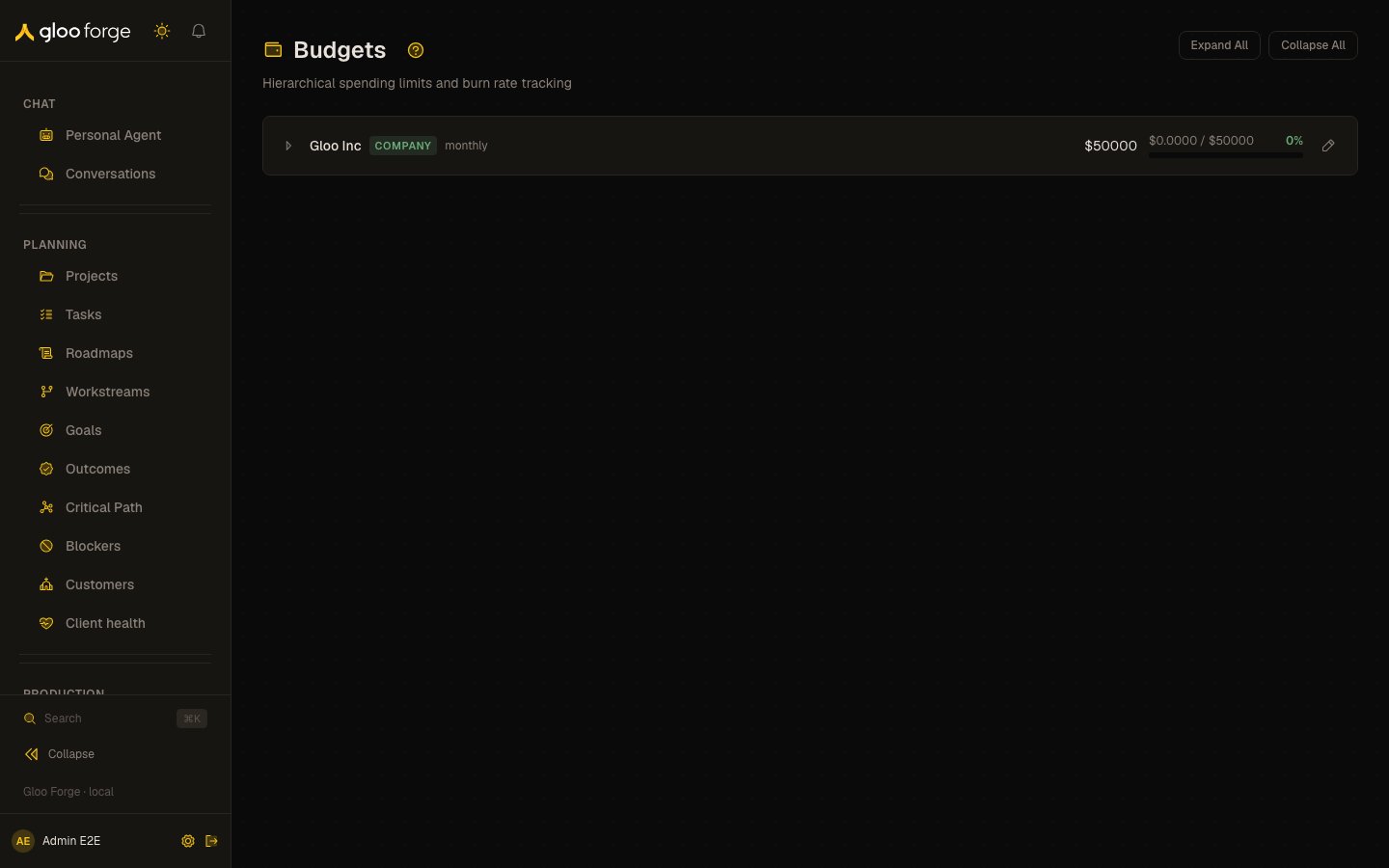
Budgets — Forge Console at /analytics/budgets
What you can do
- See every budget envelope that exists, as a tree by tier (org, factory, project, agent), with its period, its limit, its spend and its projected days remaining. Expand or collapse one envelope, or use Expand All and Collapse All.
- Change an existing envelope’s limit, if you hold
cost:manage: choose the pencil on its row (Edit budget limit), read its Current spend, set the Limit (USD), and choose Save changes. - With no envelopes, the page says No budgets configured. The Console has no control to create an envelope, so there is nothing to set up here.
Each envelope row
Key state to watch
- Utilization % — spend against the limit for the period. The figure turns amber above 80% and red above 95%.
- Alerts — a bell with a count marks an envelope whose alerts have triggered.
- Days remaining — the projection turns amber below 30 days and red below 7.
Related surfaces
- Emergency stops — freeze or unfreeze an envelope.
- Cost — where the spend comes from.
- Budgets and cost — how envelopes and the budget gate work.