

/knowledge/synchronized-sources) to connect an external source, inspect its synchronization history, and review incoming changes. Reading requires knowledge:read. Managing a source requires knowledge:manage; connecting one also requires credentials:use where the source writes.
Synced sources currently add Gloo knowledge. A source cannot yet target an organization (a customer
or capital partner); add an organization’s knowledge as an artifact with that organization as its
Owner instead.
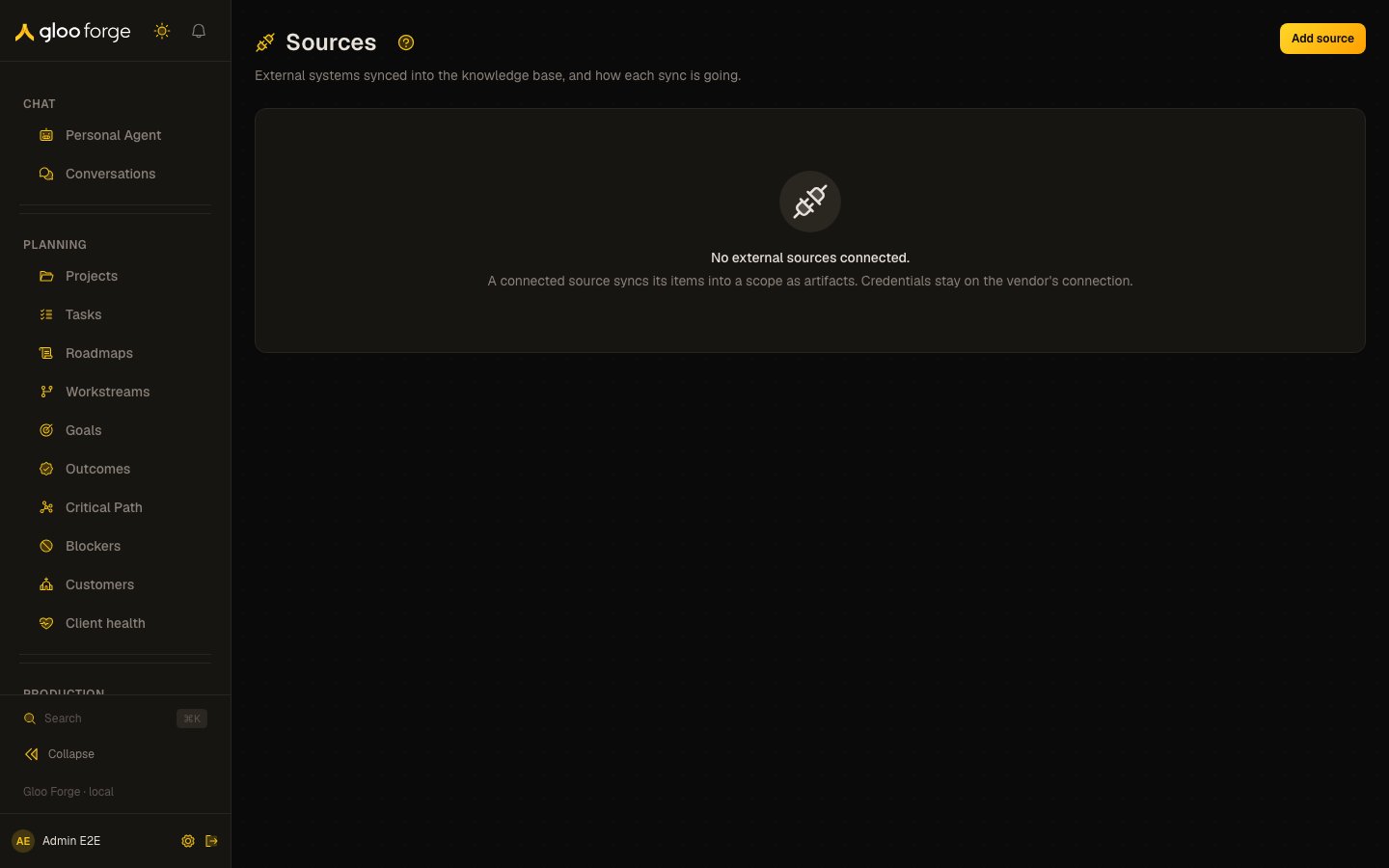
Knowledge sources — Forge Console at /knowledge/synchronized-sources
What you can do
- Connect a source. Add a registered provider’s container to a target scope, with a sync interval and curation choice.
- Watch synchronization. See each source’s status, last and next sync, last error and recent runs.
- Sync, pause, resume or edit a source, with
knowledge:manage. - Review source changes before they apply, when the source’s change review policy asks for it.
- Remove a source, which deletes every artifact synced from it.
Connect a source
- Confirm the vendor connection and credential are available for the intended target scope. Do not paste a secret into source settings.
- Choose Add source and select a registered provider. Read What this source provides before choosing the container.
- Select the target scope, then choose the container from the provider’s picker or enter its identifier when that provider uses a text field.
- Complete the provider-declared settings and curation choice where offered. Under Advanced, check the source name and synchronization interval.
- Save and inspect the opened source drawer. Confirm the intended provider, container, and target before waiting for the first run.
- Follow the first run to completion. Check counts and errors; a saved source row alone does not prove its content is searchable.
Inspect and maintain synchronization
Sources (/knowledge/synchronized-sources) answers “where did this artifact come from, and is its source
healthy?” It lists the external sources synced into the scopes you can read: each source’s name,
provider, target scope, status (Active, Paused, Error or Removing), when it last
synced, when it next syncs, and its last error on one line. A source that has never synced says
Not synced yet. A new source’s first sync starts as it is created: the table reads
First sync started until its first run finishes, and the drawer reads First sync queued
until that run begins. Viewing requires knowledge:read; Add source, Sync now,
Pause/Resume, Edit and Remove require knowledge:manage.
A sync source whose target factory or project is archived, or whose team or department is
deactivated, pauses itself at its next sync. Its artifacts are kept, and a manager can resume it once
the scope is live again. An archived factory’s artifacts are hidden from its
members, as an archived project’s are.
Open a source to see its settings, its last error in full, and its newest 20 runs. Each run shows
its status, when it started and finished, and how many items it upserted, left unchanged, deleted,
skipped as restricted and failed on, with the run’s error in full. A run a pause closed shows as
Paused, not as a failure. The drawer reads the sync interval as Daily, Hourly or
Every N hours. For a manager who can use the vendor credential it names the workspace as the
provider does; otherwise it shows Workspace and its id. It explains the Identity claim type, and each Completeness row’s
record count opens that kind in Records. The table and the drawer show a source’s failed runs in a row, the
count that stops a source at Error. A run still marked running after its lease expired shows as
Stalled; the next run closes it as a failure. The table lists the newest 100 sources and says so
when it reaches that bound. The open source lives in the URL (?source=) and is read by its id,
so a synced artifact’s overview links straight to it with
Synced from source, even when it is older than the newest 100. The overview also opens the
artifact’s item in the source system with Open in source (only for an http: or https: URL).
Add source takes a registered provider, a name, the container in the source system, a target
scope you can read (company, department, team, factory or project, never global or personal), the
sync interval (at least 15 minutes), whether the source is curated (its items enter as proven, and
outcomes can still contest them), and optional settings. A source never stores a credential: the
form blocks a setting named like a secret and points you to the vendor page, and the server refuses
one too. The provider picker needs
knowledge:read. Add source appears only when you hold both knowledge:manage and
credentials:use, because a source syncs with the vendor credential that resolves along its target
scope. Remove asks for a reason
and deletes every artifact synced from the source; it cannot be undone. The dialog names how many
artifacts it deletes and, on an active source, offers Pause instead. See
External knowledge sources for how a sync works.
Creating a source is authorized where its artifacts will be written, independently of the Organization used to open the form: company sources require knowledge:manage and credentials:use at the deployment root; team and department sources at that Organization; factory and project sources at their home Organization. A readable target is not enough, and a refusal names the first permission missing. A refused create writes no source and no audit event. Removing a sync source writes knowledge_source_removal_requested in the same transaction that pauses it, before the asynchronous purge; repeating the request does not duplicate that event.
The provider declares its available modes and configuration fields. A single available mode is selected automatically. Historical retired source rows may remain visible; their presence does not make that mode available for a new source.
Edit changes a synchronized source’s name, interval and curation, and the settings its provider
declares. Freshservice declares Excluded categories: one prefix per line, such as (OLD). A
category whose top-level name starts with one is no longer synced, nor anything under it, and one
already synced is deleted on the next sync (held for review when change review is on). Saving a new
prefix is refused while a live triage policy permits a category it would exclude. Its Source access section sets how a restricted item’s external users map to
people here: the Identity claim type (for example email or okta), and Group mappings
from an external group to a team or department you can read. Changing either re-checks every synced
item’s access on the next sync. The mode, provider, container and target scope never change.
Review source changes
In a source drawer, Change review policy starts Off: changes apply automatically while the independent shrink guard remains active. Choose Review every pass, or Review when any condition matches. Conditional review uses OR across an explicit deletion count, selected provider-declared kinds and synchronized cases. Deletions must be strictly greater than the count; 0 means any deletion, while an empty count adds no deletion condition. Save checks the current policy revision. A conflicting save preserves your draft and offers Reload policy. Choose a run’s Review changes button to inspect its caller-safe review. Continue review reads another bounded page; Counts shown so far are partial and cannot enable approval. Proposed and applied add/update/delete counts and up to three samples per operation include only changes currently readable to you. Restricted work has a notice without a hidden count. A complete current review and permission to manage and read every remaining change are required for approval or Resume. Readers may inspect without write controls. Approve changes schedules work. The drawer shows Applying approved changes until the server reports further progress. Shrink deletion approval authorizes shrink separately from Diff approval, including the optional run-only integer threshold override (0–79, no higher than the current threshold). If application stops, Resume application retries the prepared remainder only when the server permits it. Rejecting remaining changes requires confirmation and leaves already applied changes in place. Conflicts need a new sync; they do not silently replace the frozen baseline. Record history and Forge annotations remain reachable while a review is open. A review lasts at most 48 hours from run start and can be superseded sooner by a newer sync or source change. Expired, stale and replaced reviews disable decisions and offer Refresh. Review mode refuses changes over 256 KiB or more than 64 source access descriptors, without truncation. See the source review contract and limits.Key state to watch
- Error. The source failed enough runs in a row to stop; read the full last error before resuming.
- Paused. Paused by a manager, or by itself when its target scope was archived or deactivated.
- Stalled. A run still marked running after its lease expired; the next run closes it as a failure.
- Not synced yet or First sync started. The source has not finished a run, so its content is not searchable yet.
- An expiring review. A change review lasts at most 48 hours from run start.
Recovery and removal
Remove purges the source’s synced artifacts and cannot be undone through the dialog. Read its affected-artifact count and reason prompt. Use Pause instead when you want to stop future synchronization while retaining the content.
See External knowledge sources for source behavior and review limits.
Related surfaces
- Knowledge: the artifacts a source synced.
- Health: pending embeddings for synced content.
- Vendors: the vendor credential a source syncs with.
- External knowledge sources: how a sync works.