

/planning/tasks) to assign and advance work across projects. Reading requires projects:read; assignments and status changes require the applicable project-management authority. The board is a planning view, distinct from the personal attention queue in My Work.
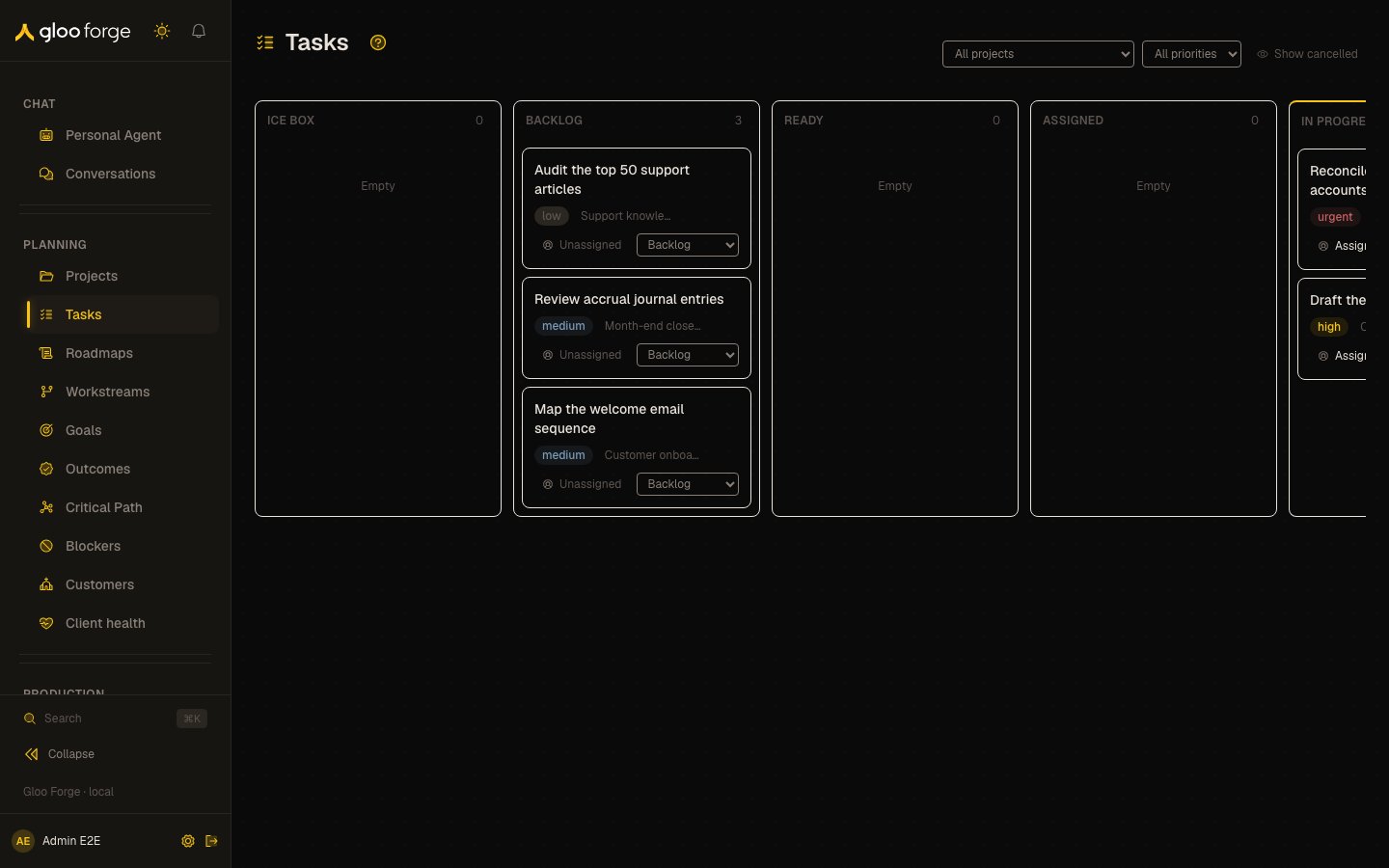
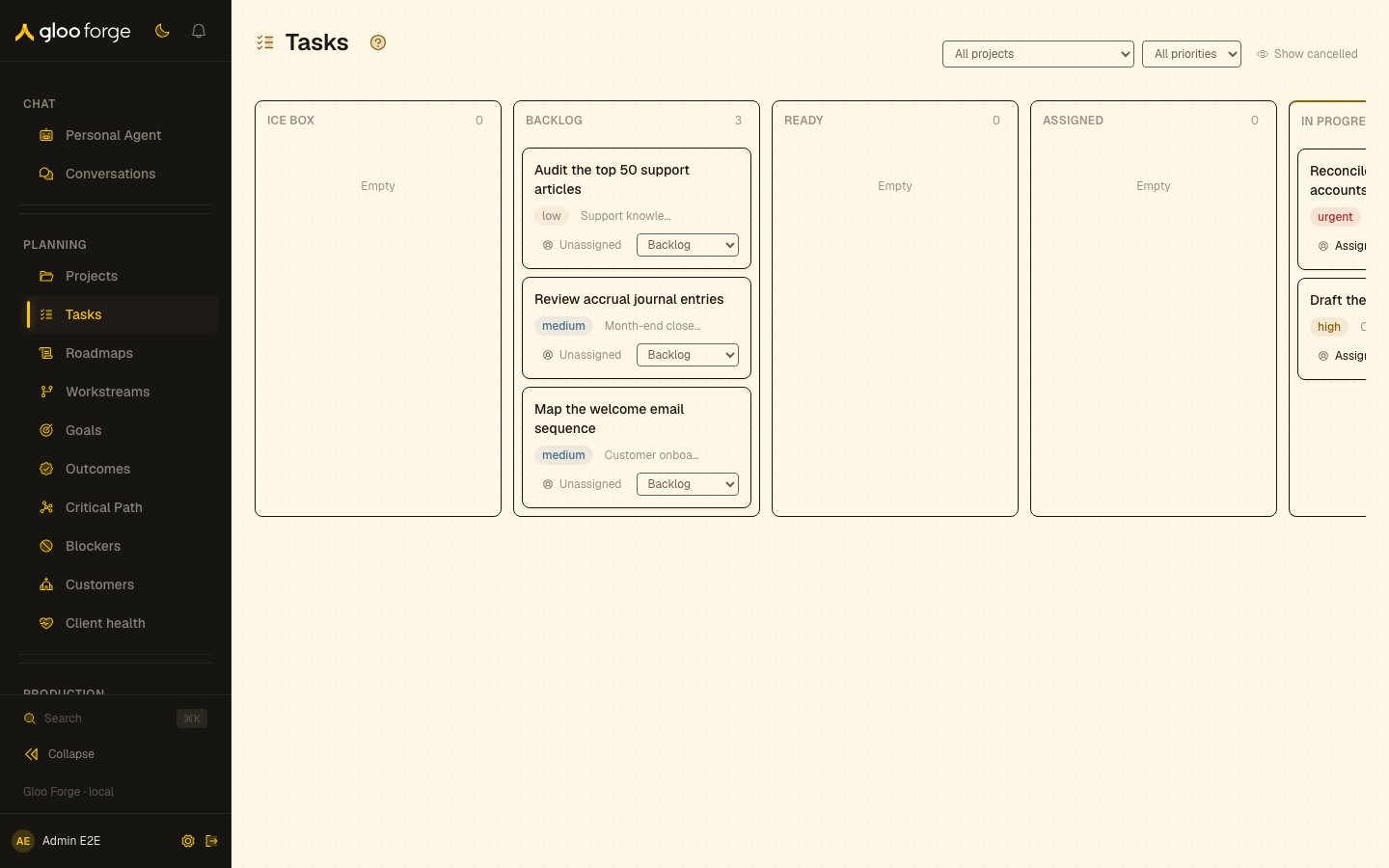
Tasks — Forge Console at /planning/tasks
What you can do
- Narrow the board by project and priority, and show or hide cancelled work. See Find the work to act on.
- Assign a task to a person or an agent. See Assign a person or agent.
- Move a task through the transitions its current state allows. See Change status.
Find the work to act on
- Choose a project from All projects or leave the whole visible project set selected.
- Choose Urgent, High, Medium, or Low from All priorities if you need to narrow urgency.
- Review the board’s Ice Box, Backlog, Ready, Assigned, In Progress, Blocked, In Review, and Complete columns.
- Use Show cancelled to include the Cancelled column. Hide cancelled removes it again.
- Choose Clear filters to reset the project and priority filters.
Assign a person or agent
Open a card’s assignee control, search workers, then choose from People or Agents. Directory search requiresworkforce:read separately from project access. Assignment still checks authority over the task; seeing a worker in the directory does not authorize a change.
Verify that the card reflects the intended assignment. Use the project chip to open its project context. The page does not provide a separate task-detail destination for every card.
Change status
Use the card’s status selector. It shows the current state and only the transitions supported from that state; the full board is not a menu of arbitrary moves. After saving, confirm the card appears in its new column. If a transition is refused, read the error banner and refresh the current task state before repeating it. Another operator may have moved the task since you opened the selector.Key state to watch
- The bounded set — the board reads up to 200 tasks and 100 projects, so a missing card may be outside it.
- A refused transition — another operator may have moved the task; refresh before repeating it.
Empty and error states
See Projects, Factories, and My Work.