

/settings/connections) to manage the external identities your
Personal Agent may use. The current page exposes the Google Workspace connection; additional
workspace vendors do not appear here automatically.
Use the Google card to connect the account and grant scopes, or revoke the connection to withdraw
those scopes. Google still enforces access on its side. Removing the connection can interrupt
Personal Agent skills that depend on Gmail or Drive, so confirm the affected work first. If OAuth
fails, preserve the provider error and retry the same connection instead of creating a duplicate.
Workspace-managed vendors and credentials live under Platform, not Personal settings.
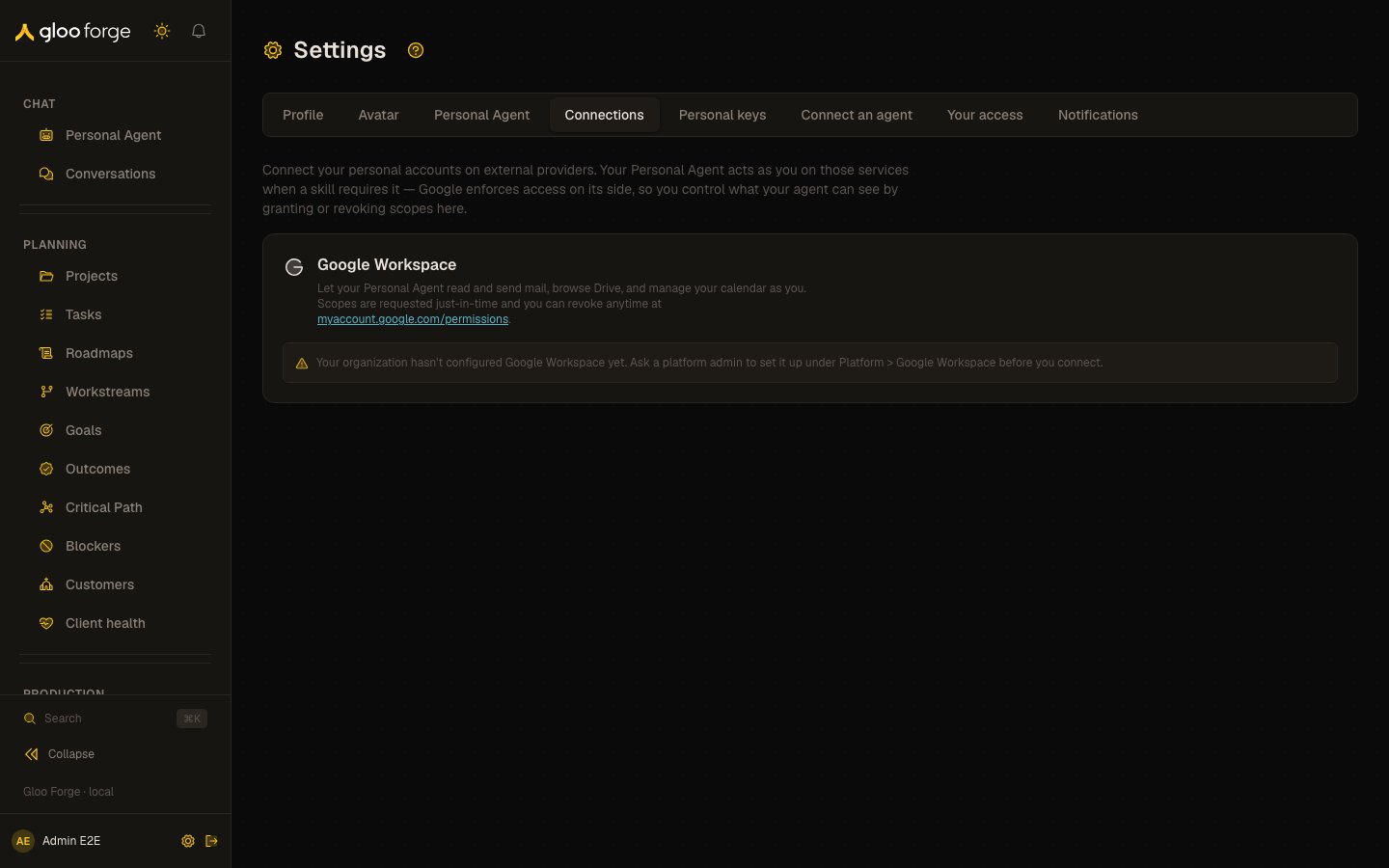
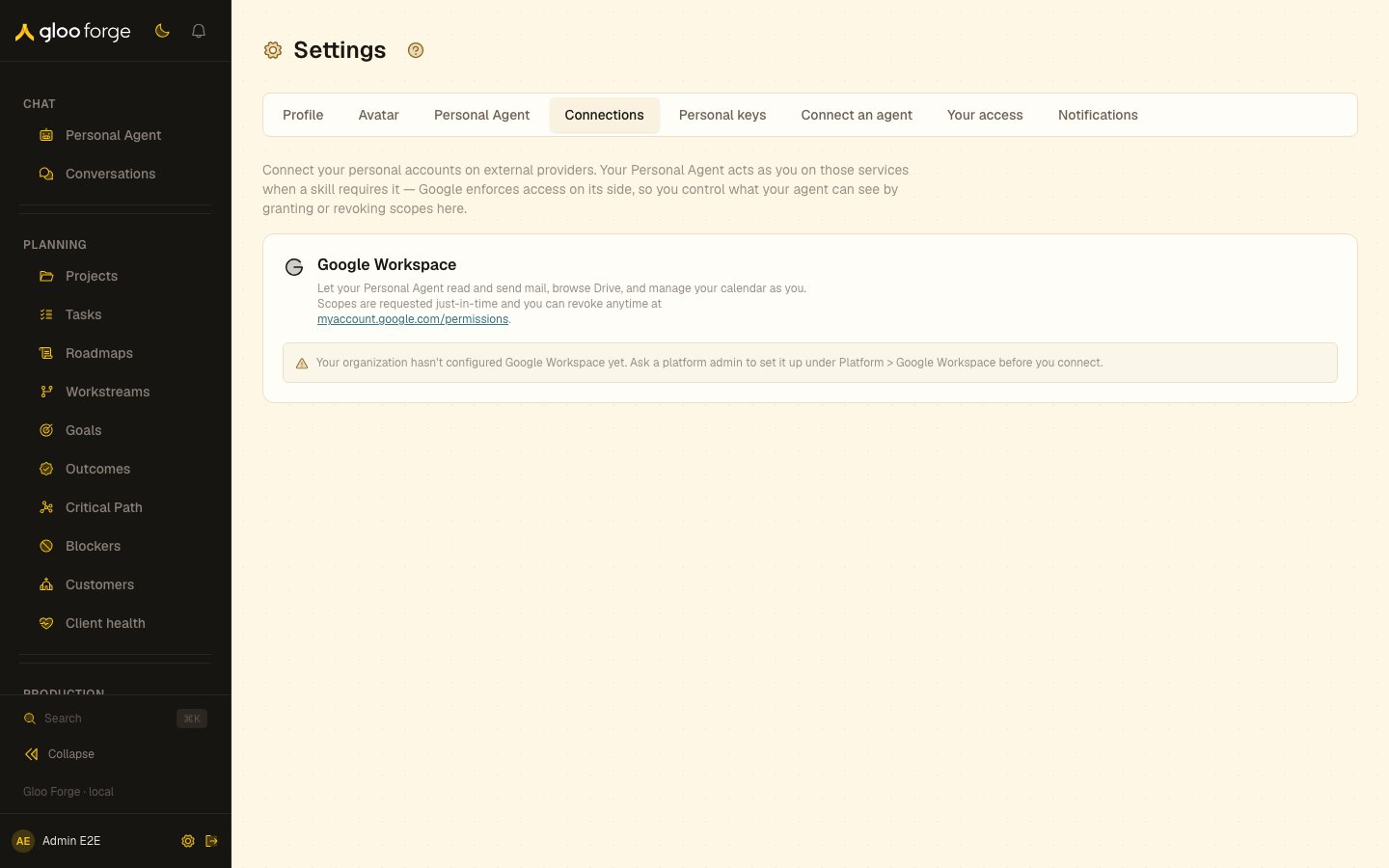
Connections — Forge Console at /settings/connections
What you can do
- Connect your Google Workspace account and grant its scopes from the Google card.
- Revoke the connection to withdraw those scopes.
Key state to watch
- Dependent Personal Agent skills — removing the connection can interrupt skills that use Gmail or Drive.
- An OAuth failure — keep the provider’s error and retry the same connection instead of creating a duplicate.
Related surfaces
- Personal Agent settings: what your Personal Agent may do with a connection.
- Credentials: workspace-managed credentials, under Platform.