

/analytics/reliability) is the run-outcome health surface. It summarizes completed
and failed runs for the selected organization scope and time window, then keeps the underlying failed
runs available for investigation.
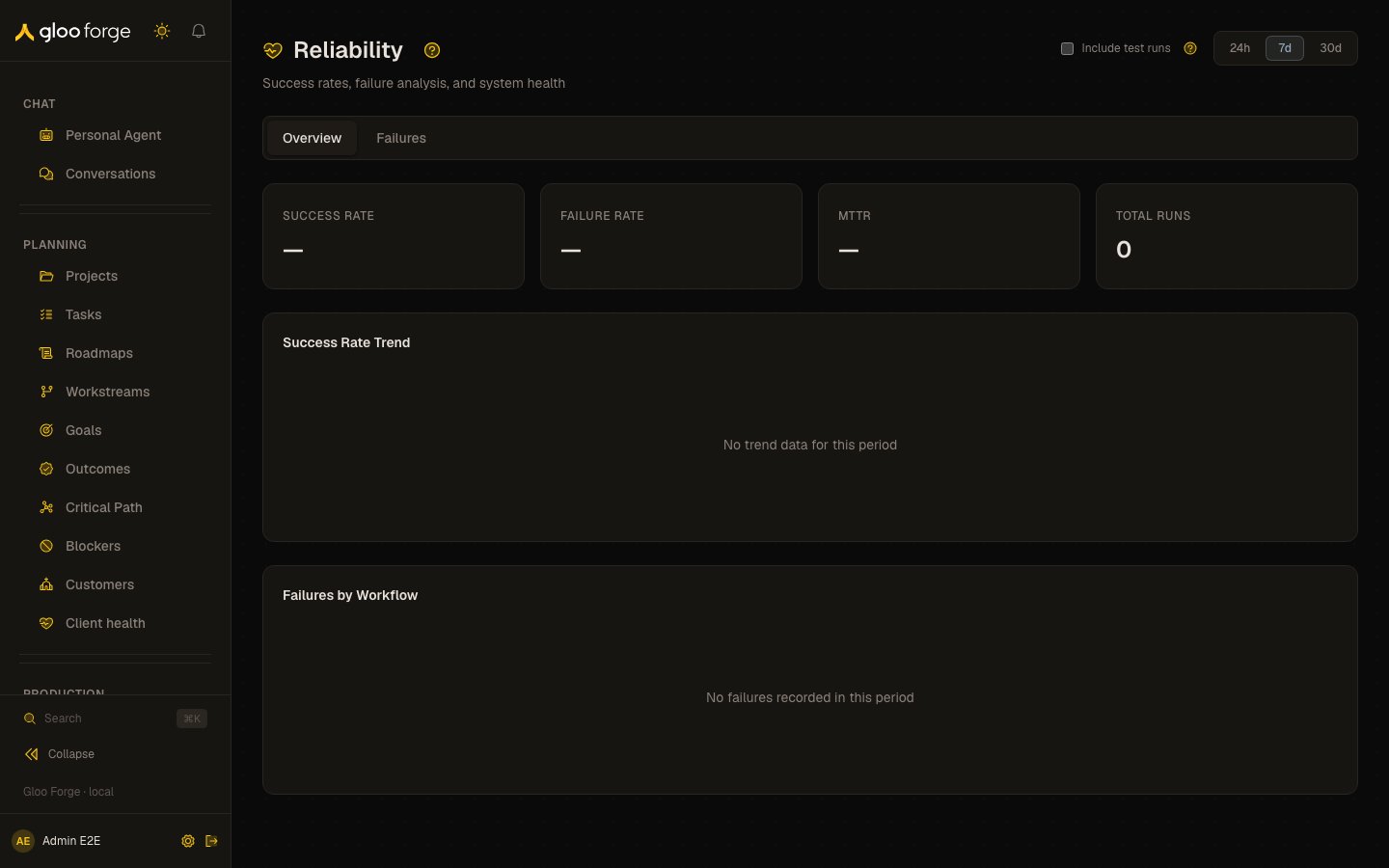
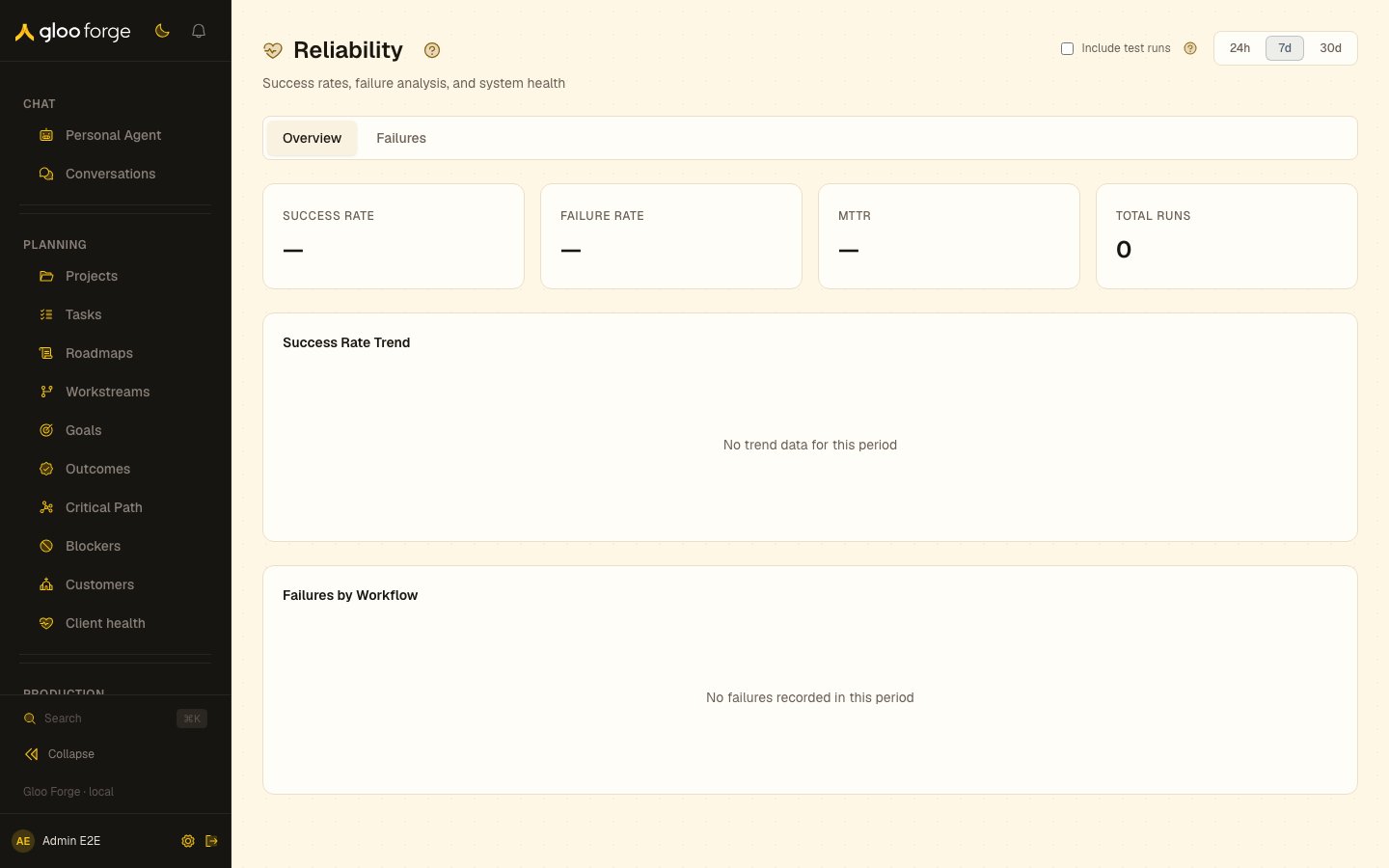
Reliability — Forge Console at /analytics/reliability
What you can do
- Choose 24h, 7d, or 30d and compare the current window with the immediately preceding window of the same length.
- Keep test runs excluded for production reliability, or turn on Include test runs while investigating development executions.
- On Overview, read success rate, failure rate, mean time to recovery (MTTR), total runs, the success-rate trend, and failures grouped by workflow.
- On Failures, inspect individual failed runs, their error text, duration, and completed-step count. Choose the workflow or run link for detail, and use Load more failures when available.
Key state to watch
- Unrecovered failures — MTTR is shown only when recovery evidence exists; the card separately names failures still unrecovered.
- Failures by workflow — concentration is a triage signal, not an SLO or error-budget setting.
- No data — an empty window is reported explicitly. Widen the time range or include test runs before concluding that the platform has no failures.
Related surfaces
- Throughput: run volume, duration and slow steps for the same window.
- Traces: the step-level evidence for a failed run.
- Runs: investigate or retry an individual run.