

/workforce/pods) are optional workforce groupings for engineering delivery. A Pod has
a name, description, managing organization, and dated lead/member memberships. Workers may belong
to zero, one, or multiple Pods.
Pod memberships and Customer assignments model dated allocation and capacity without changing the
org chart or access.
Pods do not change the formal org chart, a Worker’s organization membership, Project staffing,
capacity, or access. The managing organization is display and organization metadata; it is not an
authorization scope.
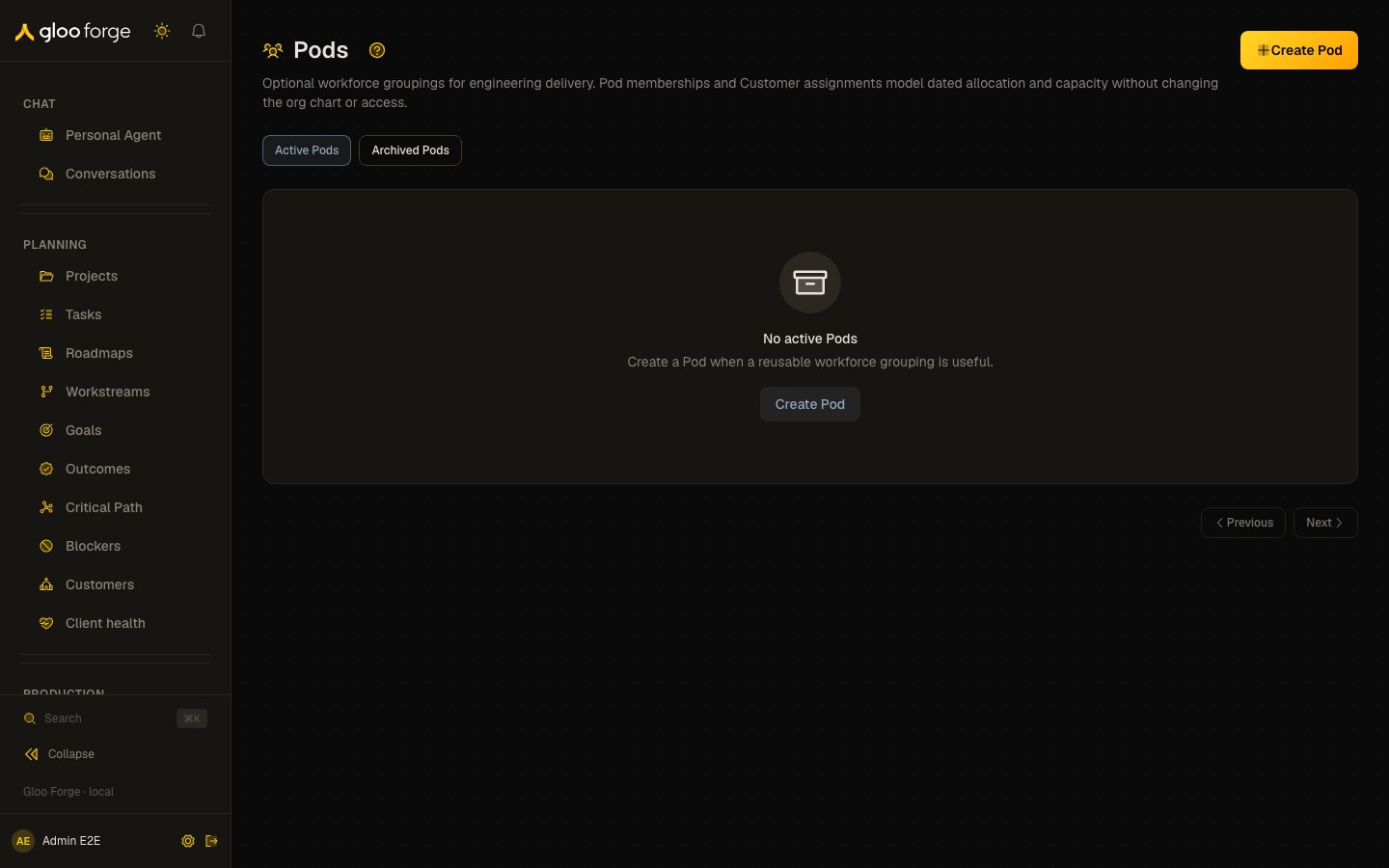
Pods — Forge Console at /workforce/pods
What you can do
- Browse Pods, active or archived, with each one’s managing organization and lead and member counts.
- Create and edit a Pod, with
workforce:manage. - Manage the roster: dated lead and member memberships.
- Assign Organization Customers and maintain ownership and delivery context.
- Archive a Pod, which ends its memberships.
Browse and manage Pods
Use Active Pods and Archived Pods to switch directory views. Each row shows its managing organization plus effective lead and member counts. The directory loads at most 25 Pods per page; use Next and Previous to follow the available cursor pages. Managers withworkforce:manage can create Pods and edit their name, description, or managing
organization. Moving a Pod to another managing organization requires a reason. Readers without
manage permission can still inspect the directory and Pod details. workforce:read includes the
roster and existing Customer assignment history. Browsing Customer choices separately requires
customers:read; missing that directory permission does not prevent reading the Pod.
Manage the roster
Open a Pod to see its effective roster at the selected UTC date and paged membership history. A membership has a Lead or Member role, a start date, and an optional end date. End dates are exclusive: the membership is inactive on the end date. Use Add member, Change, and End to manage memberships. Future rows that have never taken effect can also be edited or deleted. The picker offers only active employees and contractors; agents, inactive Workers, and suspended Workers are excluded. The service repeats eligibility and overlap validation when the change is submitted. Every add, dated change, or end begins with a server preview. Review the proposed allocation, remaining Person capacity, and conflicts before confirming. The confirm step uses the revision from that preview; Forge never invents a client-side revision. When an existing membership opens, Checking the latest membership… means Forge is still checking its saved source. Preview and Confirm remain unavailable during that check, and unsaved fields stay intact. The check itself does not mean another person changed the membership. If the source actually changed or was removed, Forge explains the conflict and preserves the draft for review; it does not automatically reload or submit it. If the source check fails, an error replaces “Checking…” and explains why Preview and Confirm are blocked. The draft stays intact while the source is unavailable and the editor updates when the check succeeds. Membership and Customer allocation dialogs move keyboard focus into the form when opened. Tab and Shift+Tab stay within the active dialog. Escape cancels the dialog and returns focus to its opener; it does not dismiss a save in progress. A confirmation opened above the form receives Escape first. Loading and source recovery preserve the unsaved form and its captured revisions. If the roster changed after the page loaded, Forge refreshes the roster and asks you to review it and retry. It never replays the mutation automatically. Overlapping membership dates, a Worker who became inactive, an archived Pod, and insufficient permission are shown as explicit errors.Assign Organization Customers
Pod detail is also the owner of Customer allocation. Assign an active Organization Customer with a 1–100 percent allocation and dated interval, then preview and confirm it using the same revision-safe flow as membership changes. Current, future, and historical Customer assignments are separated; future rows can be edited or deleted, and stale rows can be confirmed as accurate. Individual, inactive, and archived Customers cannot receive a new assignment. Customer detail shows the same canonical relationships and serving Pods. Allocation changes remain on the owning Pod; managers can edit delivery classifications through the existing detail controls.Maintain ownership and delivery context
Managers can set a dated product owner without adding that Person to the Pod roster. Ownership and membership are separate: an owner without a membership contributes no staffing headcount or FTE. Customer planning shows serving-Pod links because product ownership belongs to Pods. A Customer with several serving Pods does not imply one missing Customer owner. Pod detail links show current owner, owner state, and lead context; they do not inherit the Planning date. Use Planning’s Pods perspective for ownership at the selected date. Customer assignments can carry delivery slices with a delivery type, reporting category, and commercial stage. Slice percentages classify the parent assignment and cannot exceed its allocation. The remainder stays explicitly unclassified. Changes to classification do not consume extra staffing capacity. Category labels are saved with the dated classification, so renaming a category does not rewrite earlier history. Managers can create, update, or retire reporting categories through the delivery editor. For an interval without a Customer assignment, use the dated internal delivery profile. End an existing internal profile before adding overlapping Customer delivery. Owner and internal-profile editors have independent start and optional exclusive-end dates; past corrections require a reason. Workforce Planning combines these records into dated Engineering, Pod, and Customer views with a shared time axis. Customer-unattributed percentages describe the Pod’s Customer assignments; they do not release Engineer capacity. Staffing-affiliation coverage keeps proven employer evidence separate from counted staffing with unproven affiliation.Navigate scheduled sources and history
Pod detail starts with a 28-day UTC management window. Set As of date (UTC), Window start, and the exclusive Window end, then Apply window. The owner/profile window is limited to 366 days; jump to a distant window to inspect other dates. The chosen dates stay in the URL and minute clock refreshes do not overwrite them. Display grouping follows the evaluation date; correction authority follows actual UTC today. Select Owner source or Profile source for a scheduled interval to populate its original dates, Person or classification, and exact source revision. Ended sources remain read-only. Changed-source errors preserve the unsaved draft until you choose Reload source, then review and reapply it. Forge does not retry a write automatically. Customer allocation history has no one-year cutoff. It loads 20 intervals at a time and displays its loaded count, completeness, and Load more Customer history. An empty loaded group is not a claim about unloaded history. Membership history resolves canonical Person names for future and ended rows independently of search. Unresolvable identity fails explicitly with retry guidance. Delivery context distinguishes saved classification from live draft classified, unclassified, and over-budget percentages. Save is blocked if the draft total exceeds the Customer percentage. A future correction must start after UTC today. Use the current allocation workflow for a current-date assignment; future correction never bypasses the lifecycle guard.Archive a Pod
Archiving is terminal. Current memberships end on the archive day, and memberships that start that day or later are removed, so the Pod no longer counts toward anyone’s capacity from that day. The Pod remains available under Archived Pods, and its membership history remains readable. Project staffing and access remain unchanged.Key state to watch
- Archived. Archiving is terminal; an archived Pod’s records are read-only, even for managers.
- Over-budget delivery context. Save is blocked while the draft total exceeds the Customer percentage.
- Dated corrections. A future correction must start after UTC today.
Related
- Organization — the formal organization hierarchy, which Pods do not modify.
- People — the human Worker directory.
workforce:manage and does not indicate that their permission was removed.