

/planning/workstreams) for the strategic initiatives that appear as swim lanes on roadmap Gantt views. A workstream groups milestones; a project organizes a specific body of delivery work.
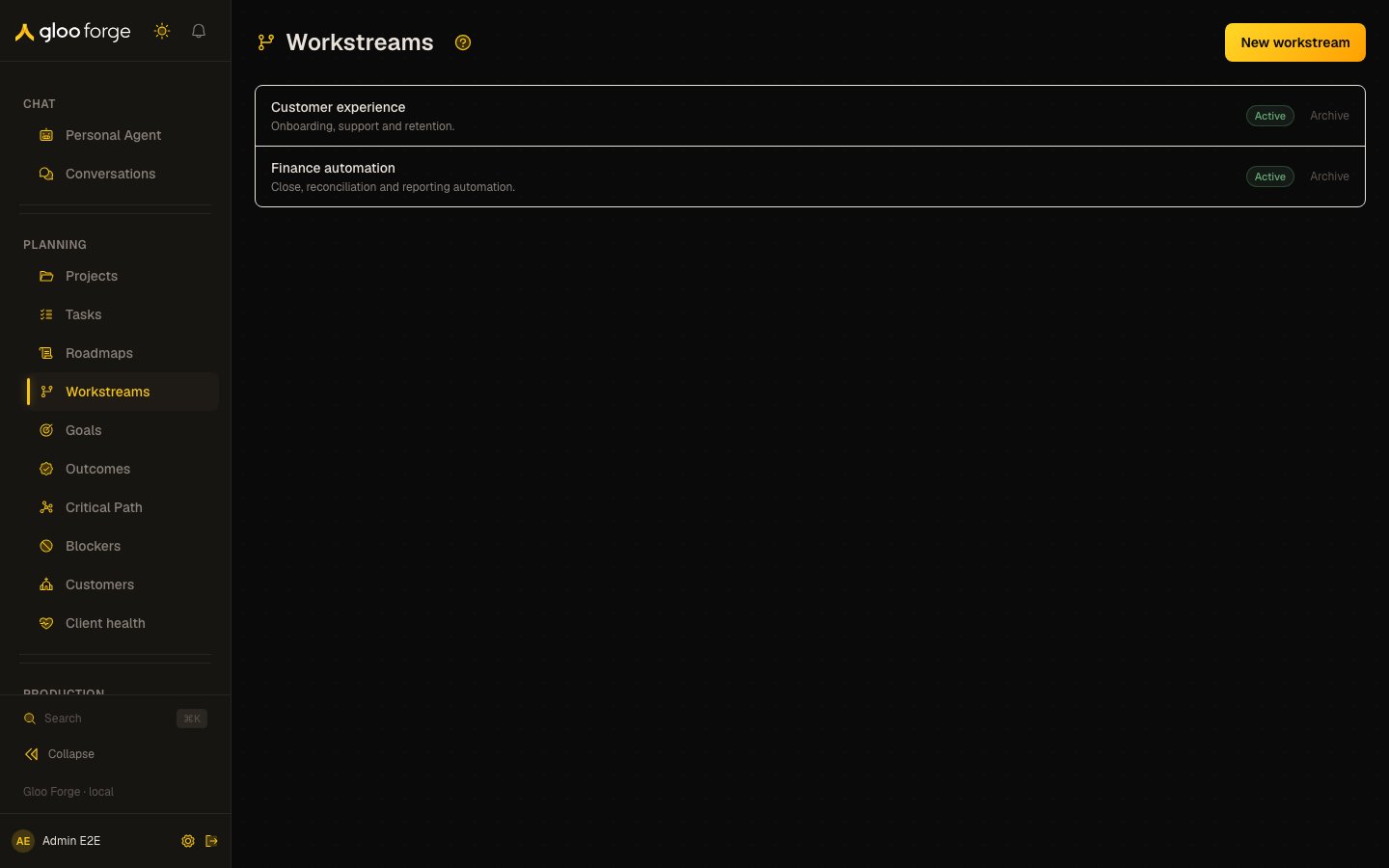
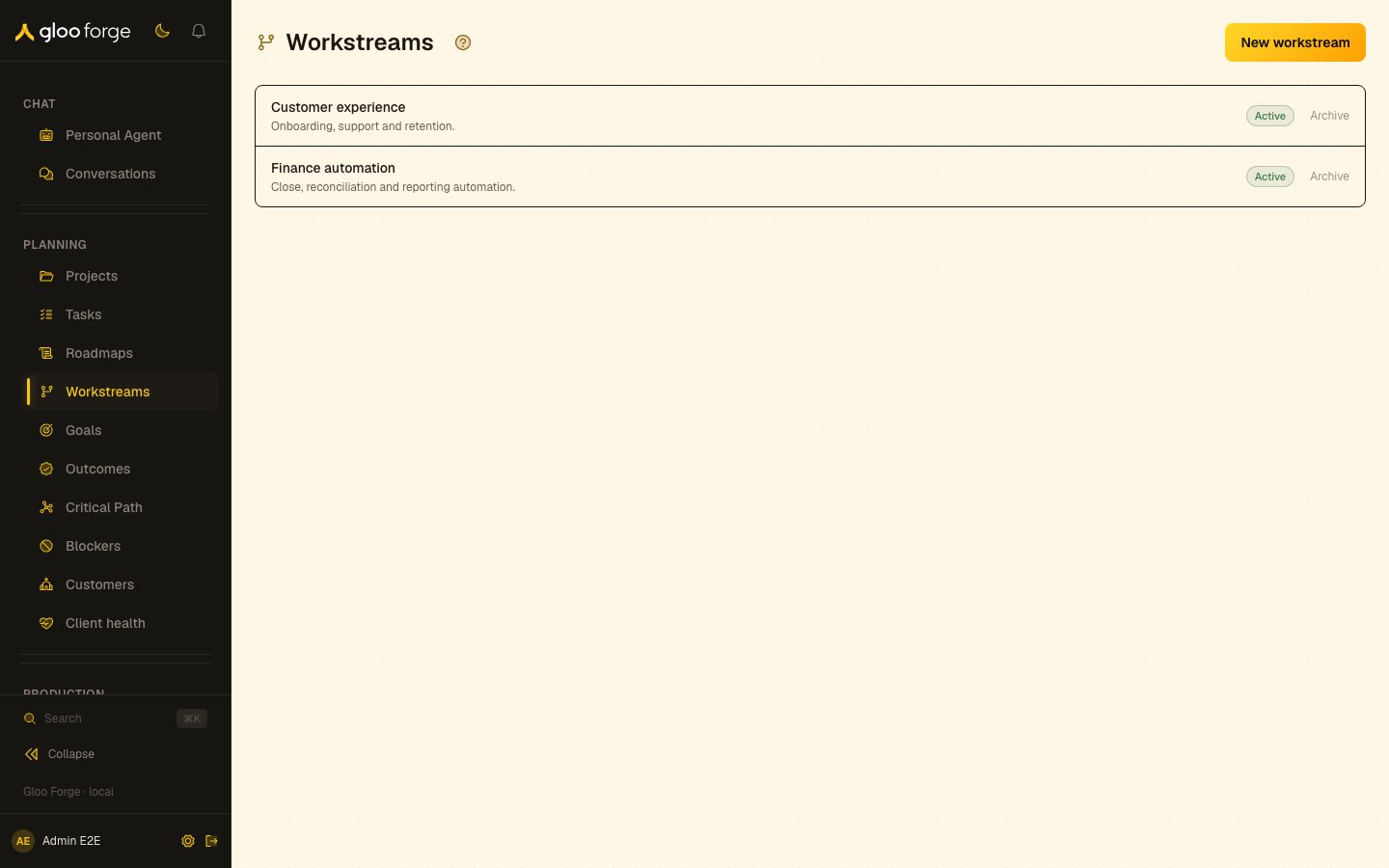
Workstreams — Forge Console at /planning/workstreams
What you can do
- Create a workstream for a strategic initiative. See Create a workstream.
- Archive a workstream that is no longer active, and restore it later. See Archive and restore.
Create a workstream
- Choose New workstream.
- Enter a distinct name and an optional description that explains its scope.
- Choose Create. A blank or whitespace-only name keeps creation disabled.
- Confirm the new row appears with Active status before using it for roadmap milestones.
Archive and restore
Choose Archive on an active row when the initiative should no longer be active. Confirm that it moves into the Archived group. Use Restore there to return it to active use. Archiving is a lifecycle change to the workstream. It does not mean every related milestone or project has been completed; inspect the roadmap and delivery work separately.Key state to watch
- Active or Archived — confirm a new workstream shows Active before using it for roadmap milestones.
- Archiving is not completion — check the roadmap and delivery work separately.
Troubleshoot
See Roadmaps and Critical Path.
Related surfaces
- Projects: a specific body of delivery work.
- Roadmaps: the Gantt views that show workstreams as swim lanes.
- Critical Path: milestone tasks in a roadmap, least time remaining first.