

/production/sandboxes) is the cross-run view of sandbox sessions and snapshots observed by the platform. Factory Workers, workflow agents, detached turns, and procedure validation may use this substrate. An agent reaches it through the dispatch-bound sandbox_action; the active sandbox capability chooses the provider, while the dispatch binding fixes the permitted operations, network posture, and execution subject.
The page has two tabs: Fleet (default) and Lineages. Viewing requires factories:read; reclaiming orphan snapshots has a separate administrator gate.
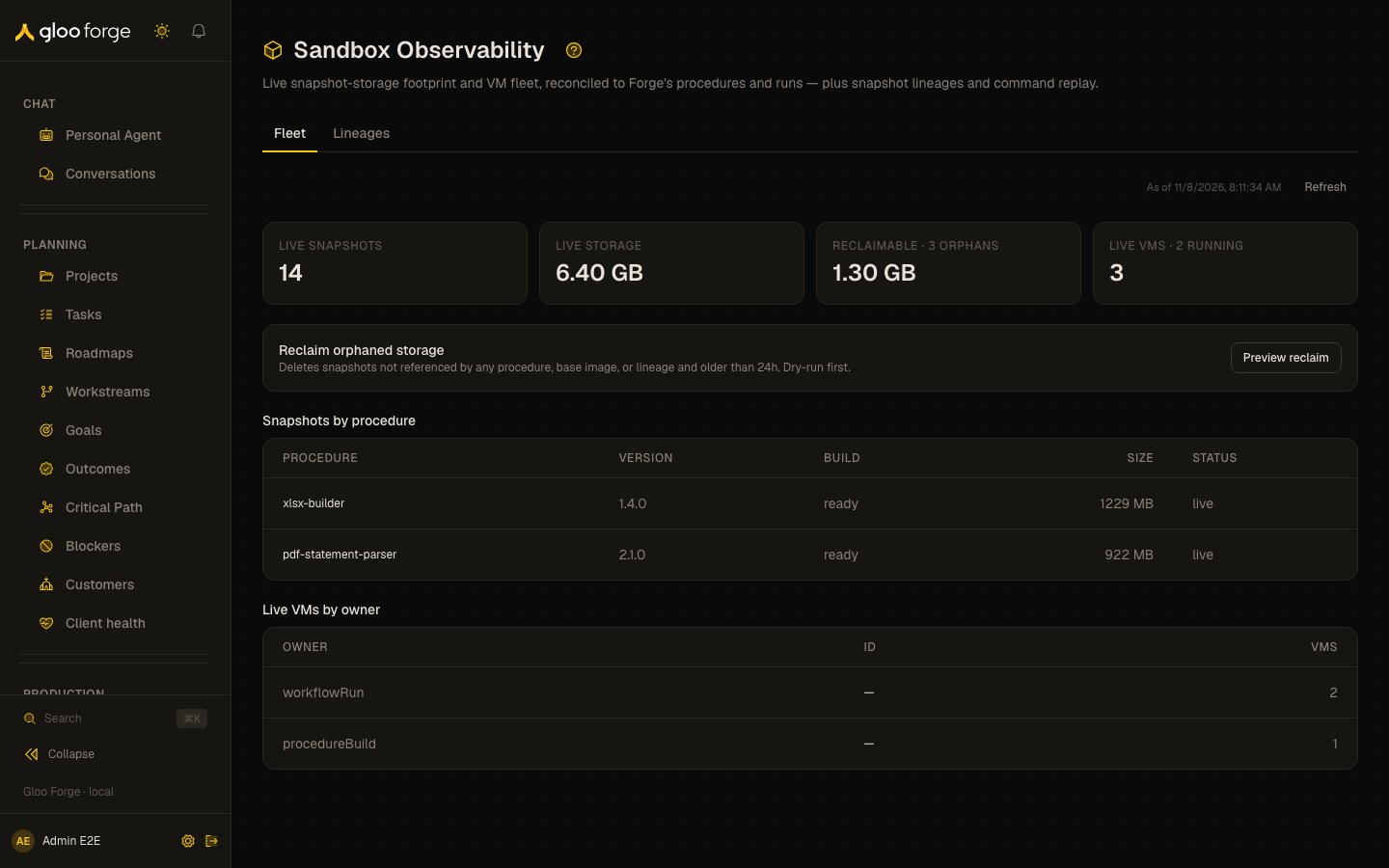
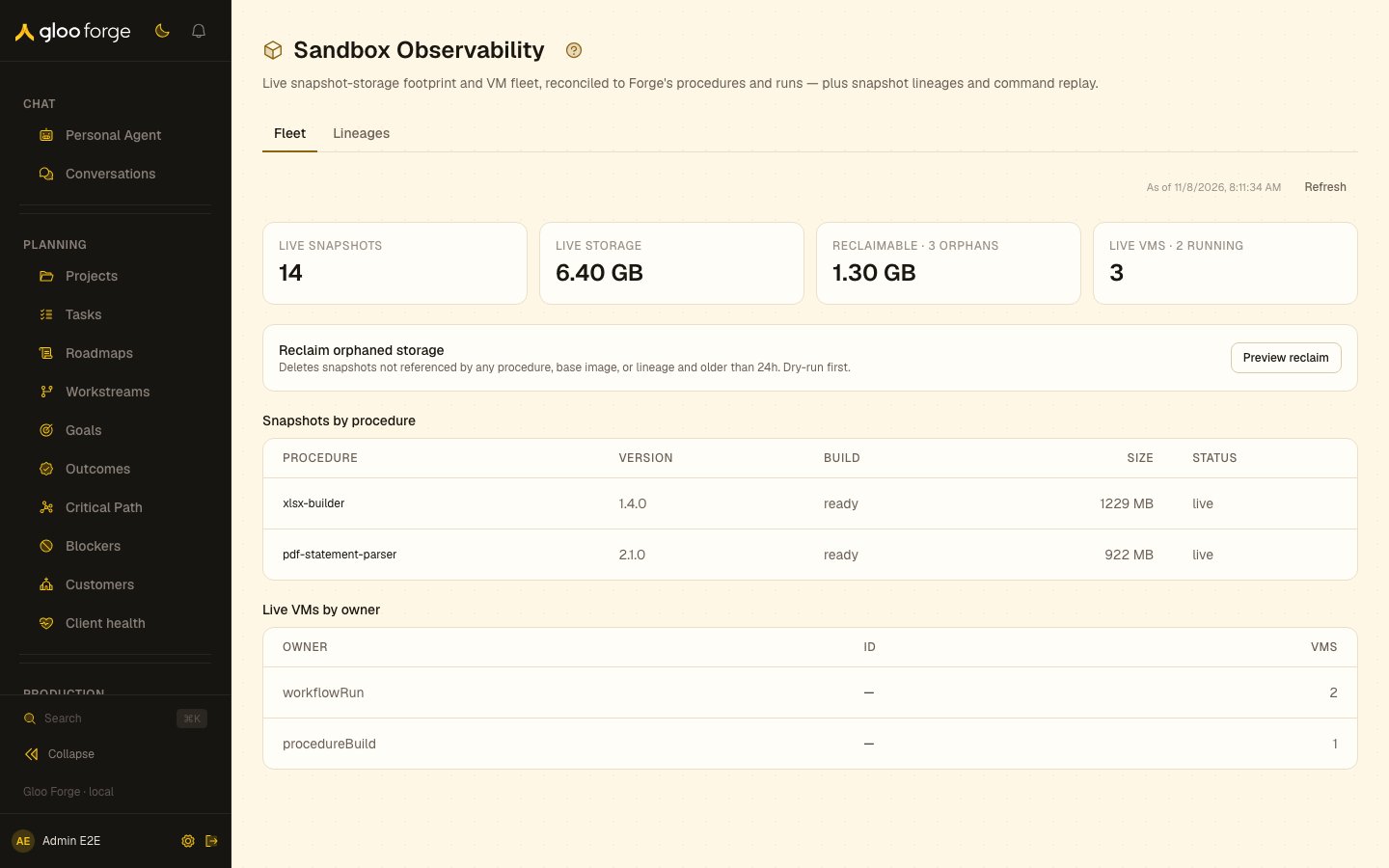
Sandboxes — Forge Console at /production/sandboxes
What you can do
- Read storage cost and live VMs across the fleet on Fleet, and refresh the cached provider reconciliation.
- Find a procedure whose snapshot the provider has expired (missing) before a run fails to restore it.
- Preview, then reclaim, snapshots nothing references (administrators only). See Investigate before reclaiming.
- Watch, replay and diff one run’s sandboxes, and trace their snapshot chain, on Lineages.
Fleet
The Fleet tab reconciles the provider’s actual snapshots and VMs (read through the Sandbox Capability) against Forge’s domain, so you can see storage cost in Forge terms and reclaim waste.- Storage KPIs — live snapshot count, live storage (GB), reclaimable orphan storage (GB), and live VM count.
- Snapshots by procedure — per-procedure snapshot size and build status. A procedure whose snapshot the provider has already expired (30-day TTL) shows a
missingbadge — it will fail to restore until rebuilt. - Live VMs by owner — running VMs attributed to their owning workflow run or factory.
- Reclaim orphaned storage — deletes snapshots that are not referenced by any procedure, base image, or lineage and are older than a 24-hour safety window. Always preview first (dry-run), then confirm. Requires admin.
Snapshot storage is billed per GB until a snapshot is deleted or hits its provider TTL. Procedure rebuilds supersede the previous snapshot; the platform frees the old one automatically, and the Fleet view + reclaim are the operator’s backstop for anything that slips through.
Lineages
The Lineages tab is the per-run snapshot-lineage browser. Pick a run to drill into its sandboxes:- Watch live sandboxes — for an active VM, the Live view shows the tail of stdout/stderr and the file tree.
- Replay a completed sandbox — every command and its output is captured for audit.
- Diff a sandbox against its base snapshot to see exactly which files changed.
- Trace lineage — sandboxes that snapshot from a parent sandbox show the chain.
Investigate before reclaiming
- Choose Refresh if you need a new provider reconciliation and inspect its result before acting.
- Compare the procedure reference and provider presence. A missing snapshot needs the procedure’s rebuild path, not deletion of the procedure record.
- Preview orphan reclaim and read the eligible count and sample.
- Confirm only the intended reclaim, then inspect deleted and failed counts. Reconcile failed deletions before repeating the action.
- Use Lineages for run-specific execution evidence; Fleet is a storage/fleet inventory rather than proof a workflow succeeded.
Key state to watch
- VM state —
running/stopped/failed. State transitions are durable. - Network policy — egress is declared per command. Out-of-policy egress attempts are blocked and logged.
- Snapshot lineage — when a node snapshots its sandbox for a downstream node, the parent → child relationship is recorded.
Related
- Vercel Sandbox capability — the foundation provider and operator override path.