

/knowledge/review) to decide whether knowledge should be verified, promoted, retained, merged, or retired. The page requires knowledge:read; resolving an item requires knowledge:manage, and you must still be able to read the artifacts the decision changes.
Queue contains steward work. Activity shows learning and completed changes. Start in Queue when a decision is pending; use Activity to understand what changed afterward.
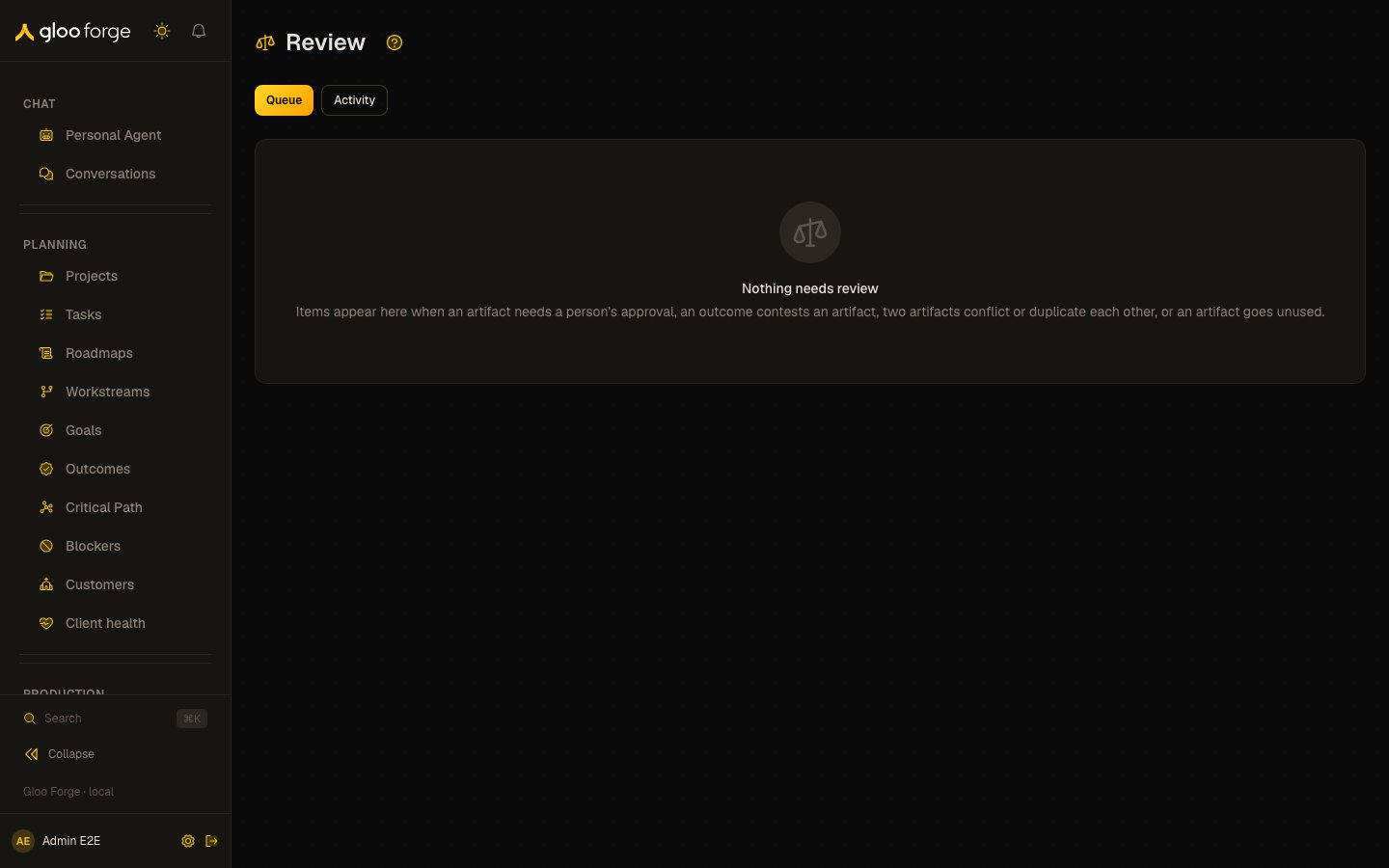
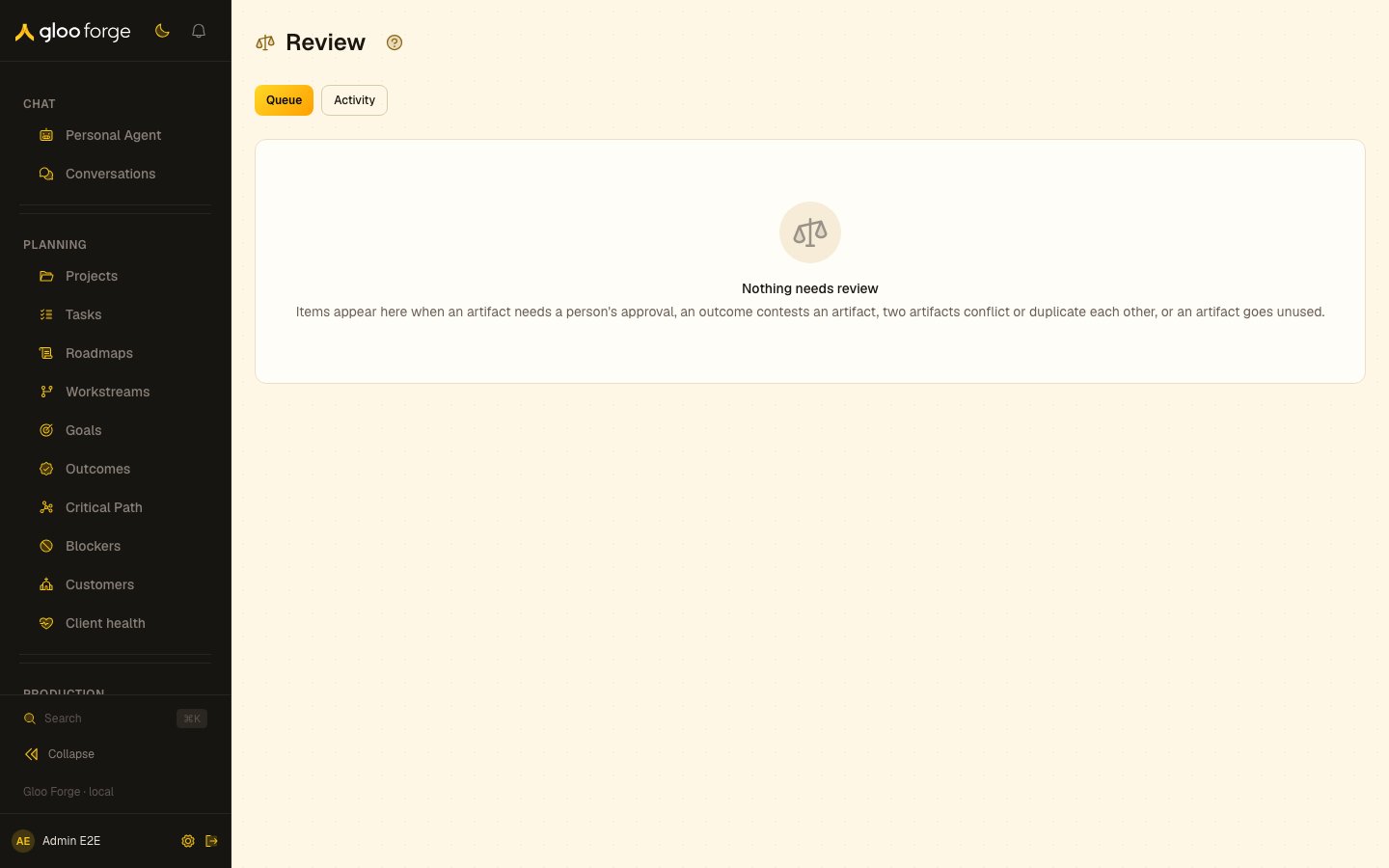
Review knowledge — Forge Console at /knowledge/review
What you can do
- Decide one review item with a note. See Review one item.
- Check what a decision changes before you confirm it. See Understand what a decision changes.
- Approve or decline pending approval items in bulk. See Decide approval items in bulk.
- Recover from a refused decision. See Recover from a refusal.
Review one item
- Narrow the queue by scope, kind, status, or search. The default queue reads pending items and groups them by kind.
- Open an item. Inspect its artifact, source, evidence, current grade, and any related artifact before choosing a result.
- Read the offered action and its confirmation text. Actions depend on the item’s kind and current artifact state.
- Enter a Note of 1–500 characters explaining the decision, then choose Confirm. Use Back to the item to return without deciding.
- Check that the item leaves the pending queue and inspect Activity when you need the recorded outcome.
item, so you can share its Console URL with another authorized reviewer. The link does not grant access to the underlying knowledge.
Understand what a decision changes
“Verified” and “proven” answer different questions. Verification records a review of the current text; the grade determines how retrieval weights it. Read the confirmation text rather than assuming every approval promotes an artifact.
Decide approval items in bulk
With management access, select pending approval rows and enter one note for every decision. Choose Approve N as proven or Decline N. Bulk approval makes these provisional artifacts proven; it differs from the Approve action on a newneeds_review item.
Each item is decided independently. The result reports how many were decided and lists refused artifacts with reasons. Accepted items leave the selection; retryable failures stay selected. Review those failures before retrying. Items already resolved elsewhere or no longer available cannot be decided again. Clear selection closes the selection; Dismiss closes a completed result when nothing remains selected.
Changing search, scope, or filters prunes selected rows outside the new view. During a bulk decision, selection controls are disabled.
Recover from a refusal
Key state to watch
- The read-only notice — you lack
knowledge:managefor the scope. - Item already resolved — read its current outcome rather than repeating the decision.
- Refused artifacts in a bulk result — retryable failures stay selected; review them before retrying.