

/trust-fabric/emergency-stops) holds every switch that stops work across the
deployment. Use it during an incident. It replaces the former Kill Switches and doors pages and the
Gates → Configuration tab; their old URLs redirect here.
The page needs the switches:use permission. Every switch asks for a written reason of at least
eight characters and a confirmation, and every change is recorded in the audit log with the operator
and the reason. The state shown is the server’s: a switch changes on the page only after the server
confirms it.
To stop one agent, open it in Workforce → Agents. To stop one factory, open it in Production →
Factories. Use the narrowest switch that contains the problem.
Every switch on this page is platform-wide. A switch that reads Open · admitting is admitting new
work: open means admission is enabled, not that anything is safe. At rest the page is calm: an open
switch’s state is steel and its button is neutral (Review global stop…, Review stop…). Red is
kept for an engaged stop, a frozen budget and the confirmation step.
The page opens with the global stop, then a strip of four cards: the People, API keys and Agents
doors, and Budget freezes.
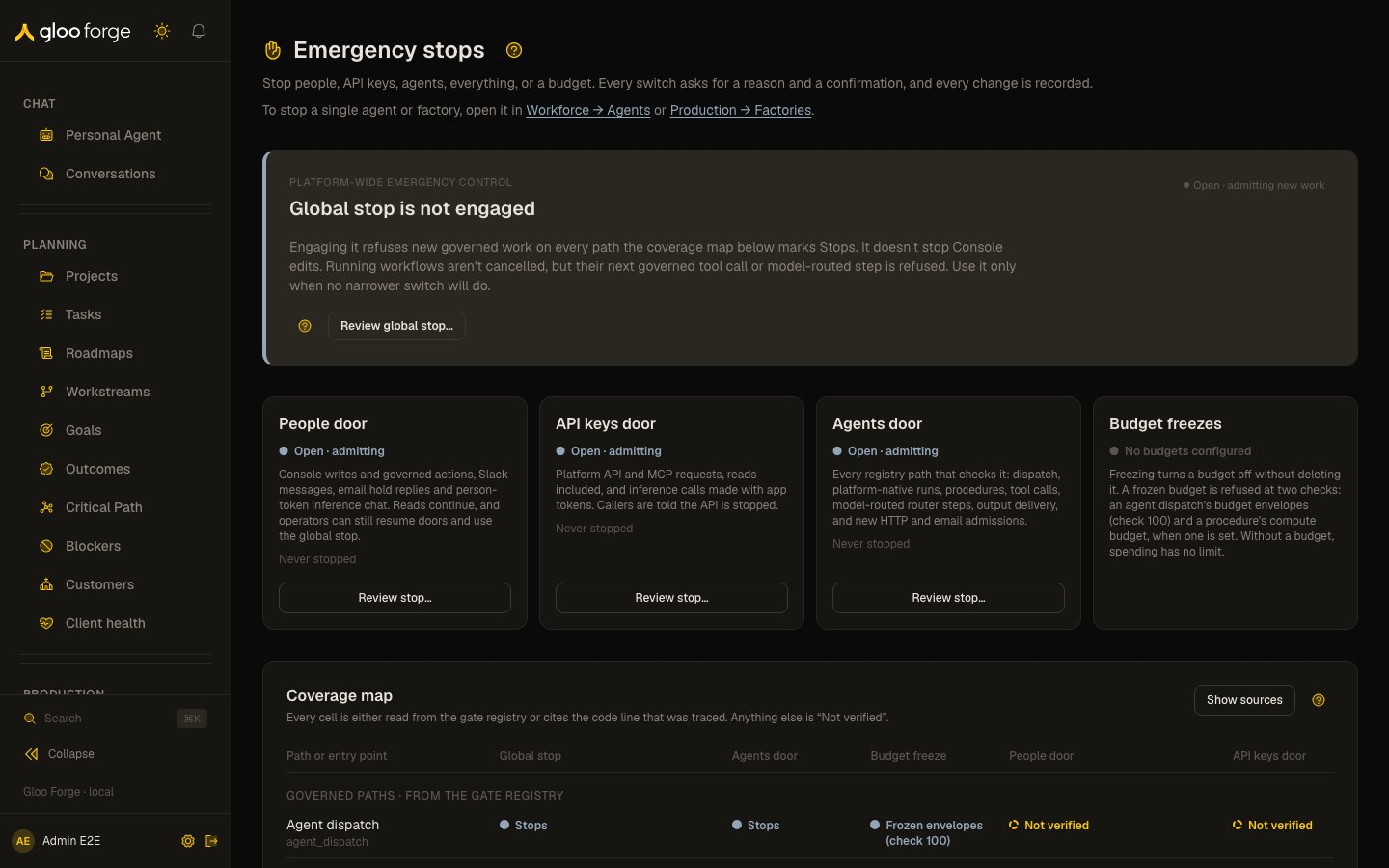
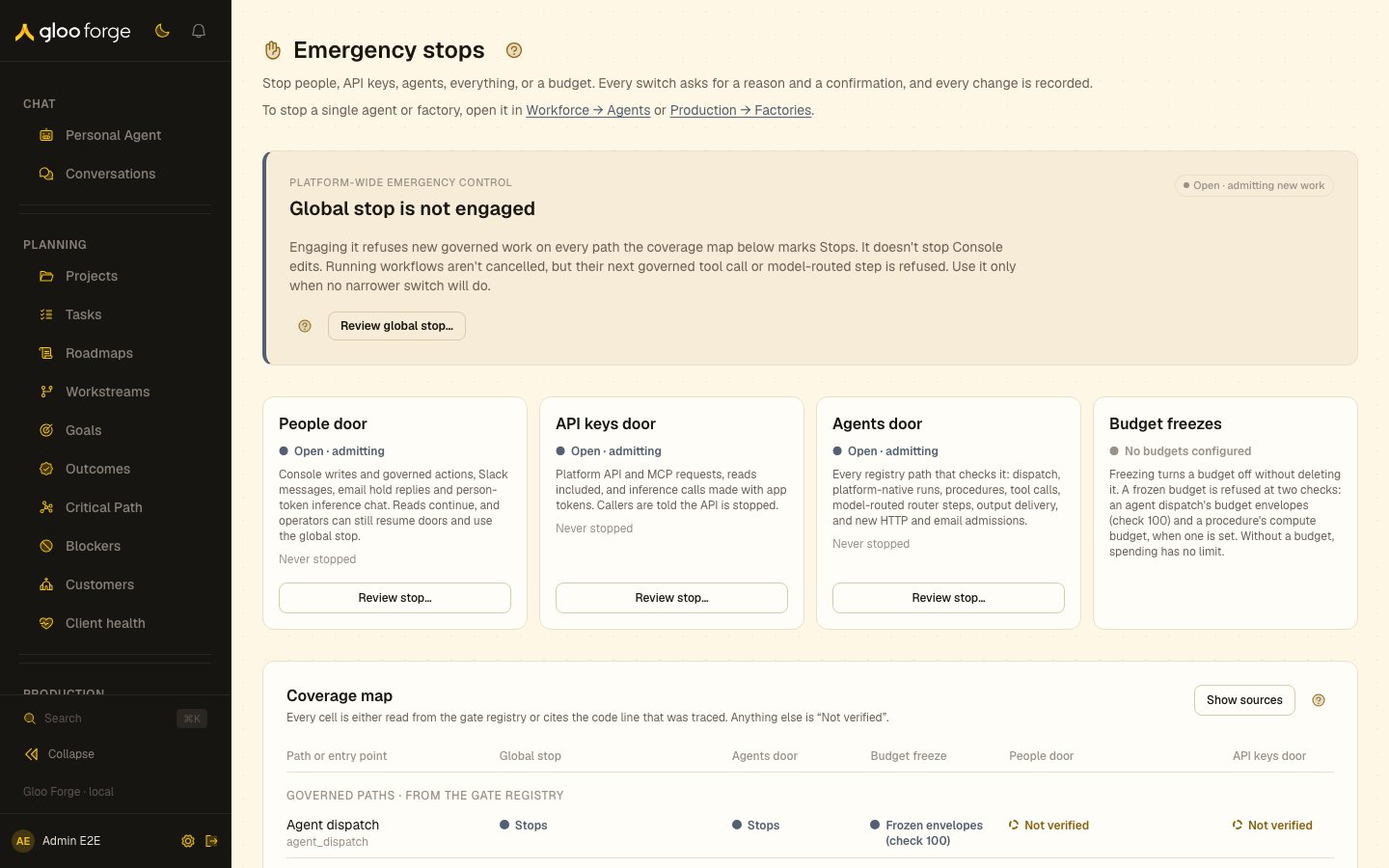
Emergency stops — Forge Console at /trust-fabric/emergency-stops
What you can do
- Stop everything: engage the global stop, which refuses new governed work on every path the coverage map marks Stops.
- Close a door: stop people, API keys or agents across the deployment.
- Freeze a budget envelope that is overspending.
- Set the publish check: enforce, warn or off.
- Check coverage before you act, and review the stops of the last 7 days.
The switches
Work already running finishes its current step. No switch refunds spend, deletes outputs or undoes
external effects.
Stop everything
Stop everything engages the platform kill switch (the global stop). While it is engaged, new governed work is refused on every path the coverage map marks Stops (globalKillSwitch), whatever
any other switch says. It doesn’t stop Console edits: the governed Console wrapper reads only the
People door. Running workflows aren’t cancelled; a step already running finishes, and the next
governed tool call or model-routed step is refused. At rest the card reads Global stop is not
engaged with the badge Open · admitting new work, and its button is Review global stop….
The confirmation asks “Stop everything?” and its button is Stop everything. When engaged the card
reads Global stop is engaged, turns red, and shows who stopped it, when and why.
Doors
The three doors each stop one kind of actor across the whole deployment, at the next request.
A change refused by a stopped people door carries the sentence “An operator has stopped people
access to Forge.” Console screens that show a refusal’s message, such as approvals and human tasks,
display that sentence. The API keys and Agents doors use the same form (”…API key access…”, “…agent
access…”). Stop everything is named in fixed copy too: decisions say “The platform global stop is
engaged.”, and machine callers such as API keys get the fixed stopped-platform answer.
The reason you type stays on this page: refused callers, organization members and the decisions they
can read see only the fixed sentence, because a reason can name another customer or an incident.
Decisions recorded before 2026-10-21 keep the text they were recorded with.
A door with no stored setting is open and reads “Never stopped”. A door the platform set when the
switches were installed says so, with the date; the text stored with it is under Technical details.
Any other door shows the last reason, who changed it and when. The confirmation lists every path the
coverage map gives for that door.
If another operator changes the same door while your confirmation is open, the confirmation says so
and won’t send. If Forge can’t confirm whether your change landed, it says so and offers no retry:
check the door’s state on the page first. A refusal the server explains leaves the door as it was.
The people door never locks out an operator. Resuming a door and Stop everything stay available
while the people door is stopped.
Budget freezes
Budget freezes is the fourth card in the strip. Its state reads None frozen, the number frozen (for example 1 frozen, in red), or No budgets configured. Choose Budget controls to list the envelopes in the card, each with its Freeze and Unfreeze switches. Listing budgets needs the Read cost data permission; without it, the card says so and offers no switch. Each budget envelope shows its limit and period and whether it is Active or Frozen. Freezing turns the envelope off without deleting it. A frozen budget is refused withbudget_frozen
at two checks: an agent dispatch’s budget envelopes (check 100) and a procedure’s compute budget,
when one is set. Other spending is not checked against a freeze. Freeze the one envelope that is
overspending and leave the rest of the platform running.
Publish check
The publish judge setting decides what happens when a publish fails its judge check:- enforce refuses a version publish only on a fresh, authoritative failing verdict; a publish with a reasoned override still goes through, and a missing or stale verdict only warns;
- warn records the failing verdict and lets the publish continue;
- off skips the judge.
Coverage map
The coverage map shows what each control stops before you use it. It has one row for every governed path in the gate registry and one for each traced entry point: the Console, the Platform API, inbound MCP, the inference API (/v1), the coding-agent gateway, and
version publishing over the API or MCP and in the Console. Columns are the global stop, the Agents
door, budget freeze, the People door and the API keys door. A cell is a mark and its words: a filled
circle for Stops, a half-filled one for Partly (with what it covers), a hollow one for
Doesn’t and a dashed one for Not verified. A legend under the map names the four.
A governed path’s global stop and Agents door cells come from the gate registry: a check that always
runs reads Stops, a conditional one reads its condition (for example Admission), and a path
without the check reads Not verified. Every other claimed cell cites the code line it was traced
from; Show sources shows each citation. Not verified means nobody traced that cell; it is not
a promise either way.
MCP
No MCP-specific stop exists. Inbound MCP goes through the Platform API: the API keys door stops it, reads included, and the global stop stops its writes. Outbound MCP tool calls are tool calls: the global stop and the Agents door both stop them.Beyond Forge
Forge has no hardware control. These switches stop work inside Forge. To stop effects in an external system, shut it down at its provider or revoke the credential at its source.Recent stops
Stop everything, budget, agent and factory changes from the last 7 days (audit categoryops_kill_switch), newest
first, with the action, the resource, the operator, the reason and the time. Choose Load more for
older changes. Door and publish-check changes are not in this list: each card shows its own last
change, reason and author.
Recovery
1
Resolve the incident
Fix or contain the cause before you resume anything.
2
Resume only what you stopped
Resume or unfreeze each switch with a reason that names the incident.
3
Verify
Check the switch’s state, reason and author on its card. Stop everything and budget changes
also appear in Recent stops. Then open
Decisions and check that new requests pass.
4
Restart refused work
Resuming does not replay requests or dispatches that were refused while the switch was set.
Key state to watch
- Global stop is engaged. The card turns red and shows who stopped it, when and why.
- Open · admitting. A switch is admitting new work; open means admission is enabled, not that anything is safe.
- Frozen budgets. The Budget freezes card counts them in red.
- Publish check mode. With no stored setting the judge enforces.
Related
- Decisions — the decision recorded for each blocked request
- Gate explorer — where
globalKillSwitchanddoorSwitchsit in the gate sequence - Forge Platform → Trust Fabric