

/planning/roadmaps) to manage the roadmap directory. The page lists
up to 50 roadmap records with their name, optional description, and Draft, Active, or
Archived status.
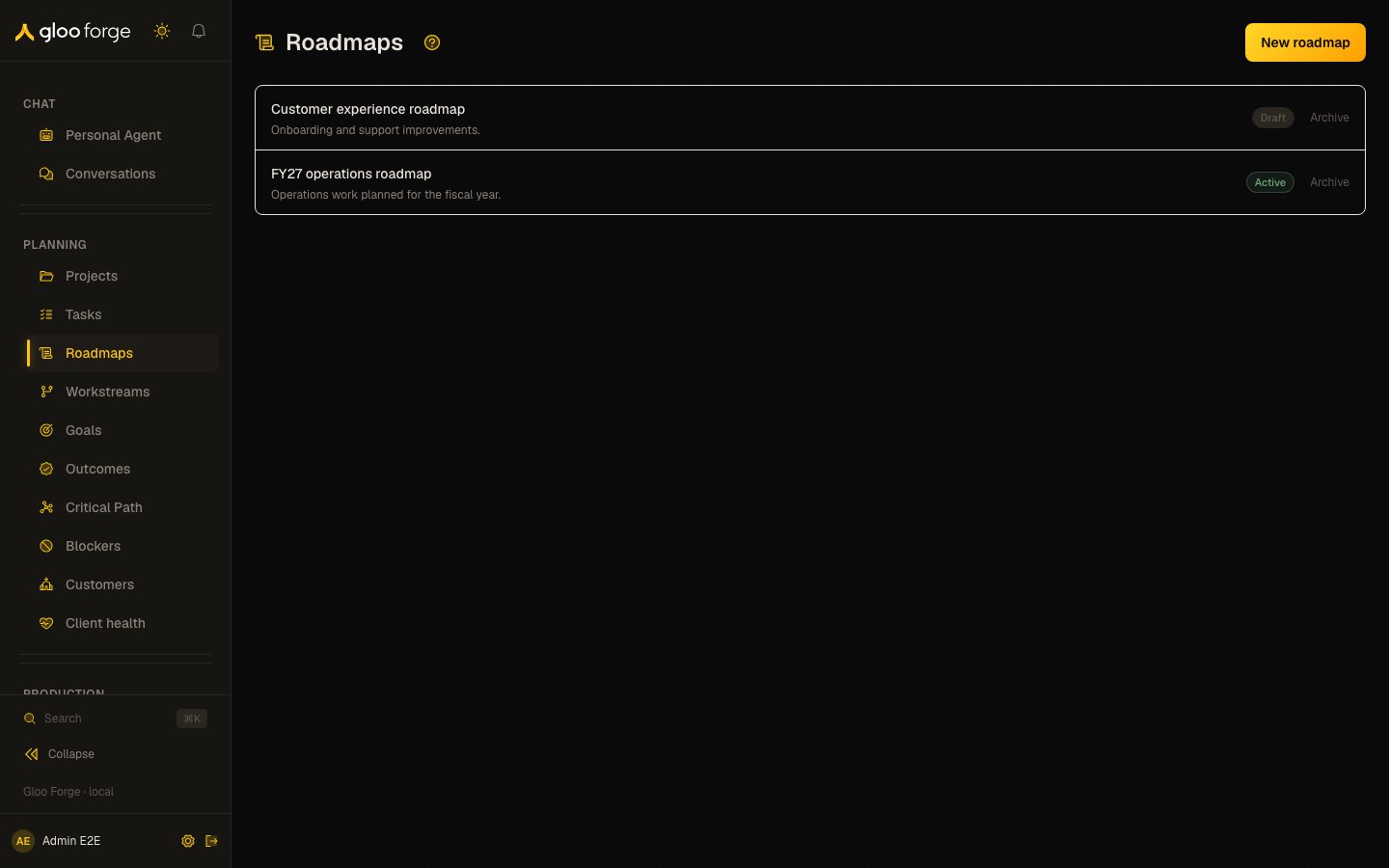
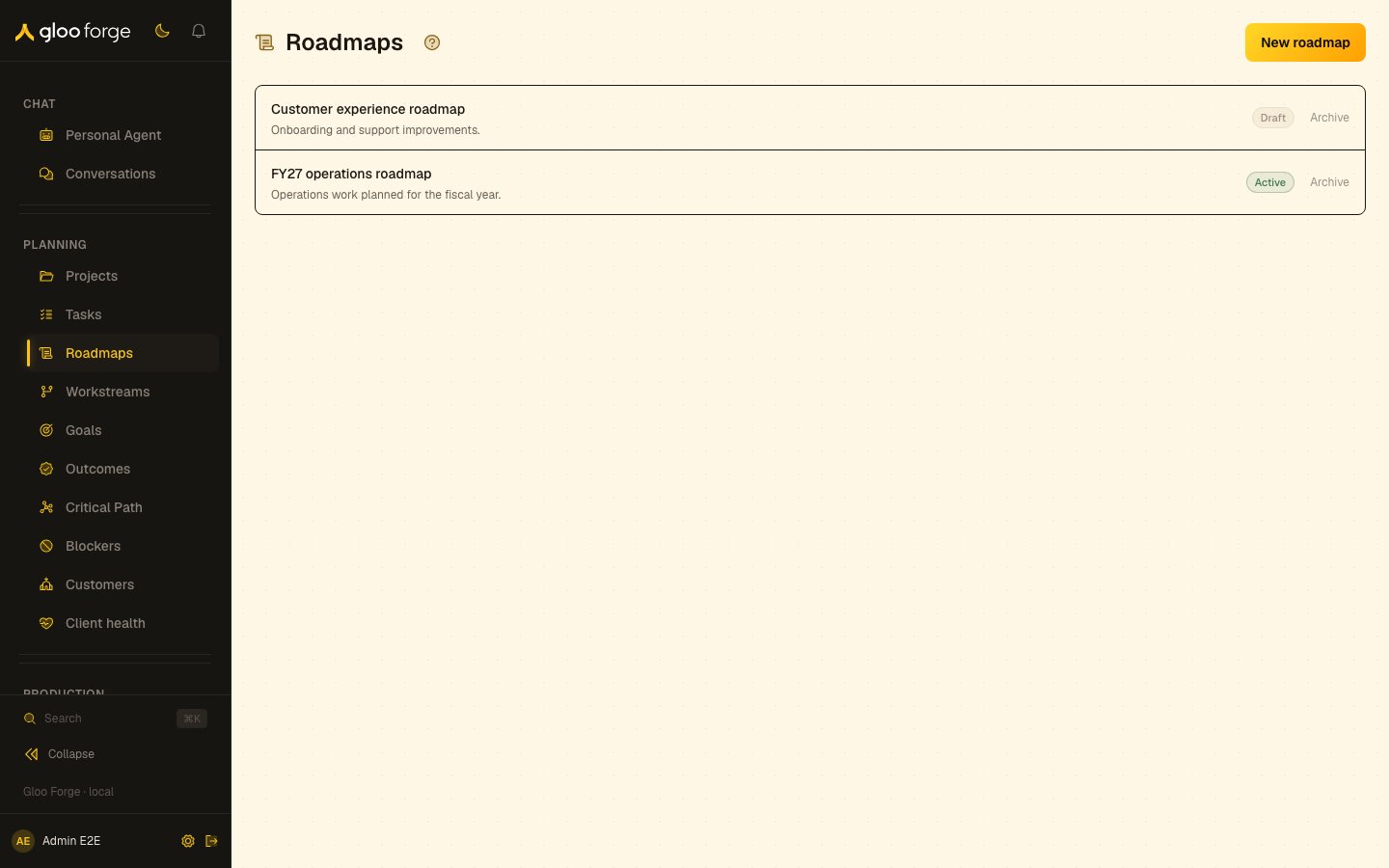
Roadmaps — Forge Console at /planning/roadmaps
What you can do
- Create a roadmap; it starts as a company-owned Draft. See Create a roadmap.
- Open a roadmap from its name to keep working with it.
- Archive a Draft or Active roadmap. See Archive a roadmap.
Create a roadmap
- Choose New roadmap.
- Enter a name and, optionally, a description.
- Choose Create.
Archive a roadmap
Choose Archive on a Draft or Active row. The row remains in the directory with the Archived status, and the directory does not offer an unarchive control. The directory itself does not provide a Gantt editor, drag-and-drop milestone scheduling, zoom, or workstream filters. Use Tasks, Workstreams, and Critical Path for their respective planning views. After creating or archiving a roadmap, confirm the updated status in the directory before relying on it elsewhere.Key state to watch
- Status — Draft, Active or Archived. Confirm the status in the directory after a change, before relying on it elsewhere.
- No unarchive — an archived roadmap stays in the directory, and the directory offers no unarchive control.
- The 50-record list — the directory lists up to 50 roadmaps.
Related surfaces
- Critical Path: milestone tasks in a roadmap, least time remaining first.
- Workstreams: the swim lanes on a roadmap’s Gantt view.
- Goals: goal records, kept separate from roadmaps.