

/planning/critical-path) to compare the time remaining on tasks
assigned to milestones in one active roadmap. The page is a read-only urgency list, not a
workspace-wide dependency graph or a replanning tool.

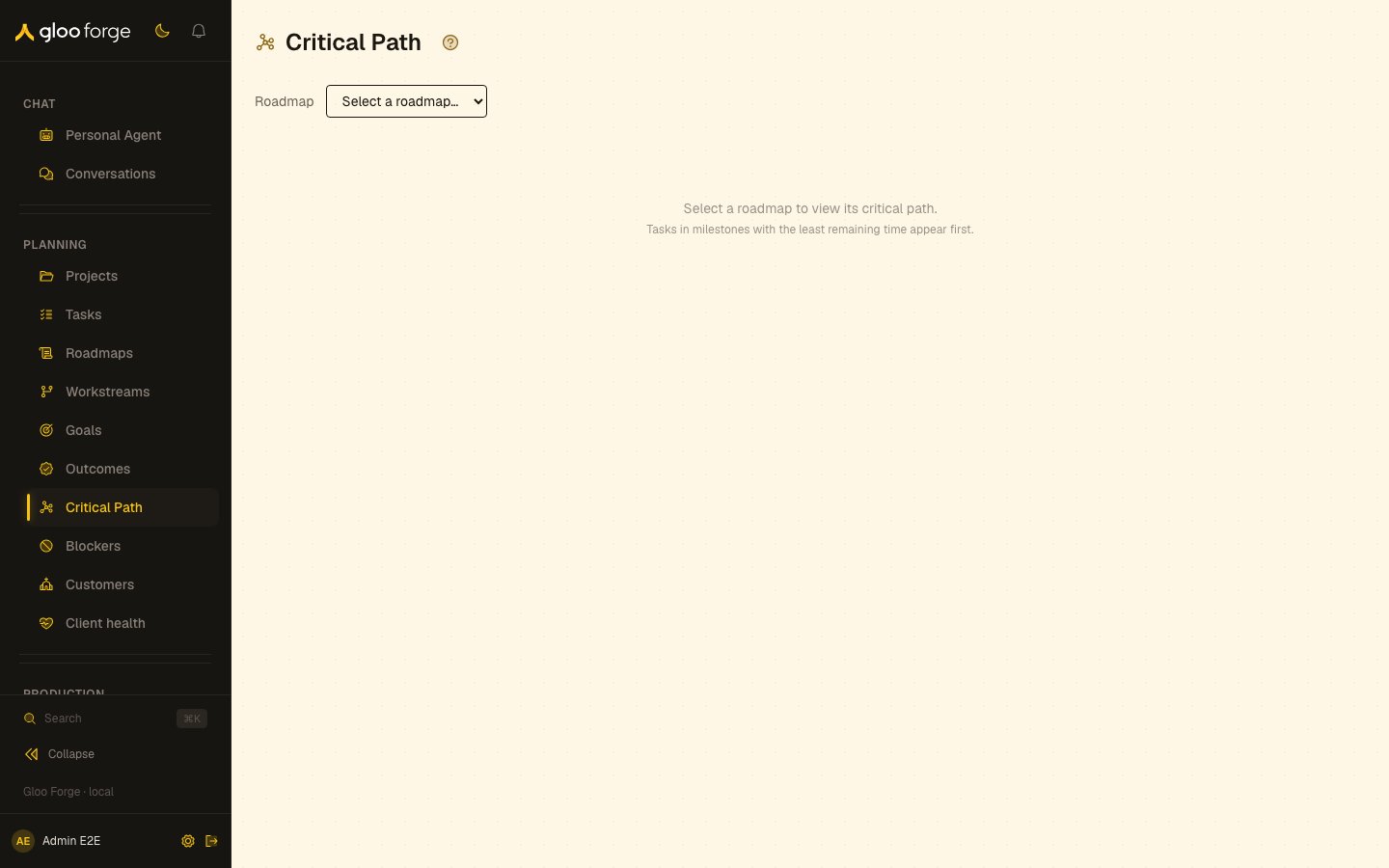
Critical Path — Forge Console at /planning/critical-path
What you can do
- Choose one active roadmap and list its milestone-assigned tasks, least remaining time first. See Review a roadmap.
- Follow a task to Tasks, or its milestone to Roadmaps, to change what the Console allows.
Review a roadmap
- Choose a roadmap from the Roadmap selector. The selector shows up to 20 active roadmaps.
- Review the returned milestone-assigned tasks. The page reads up to 200 tasks and places those with the least remaining time first.
- Use the status marker to distinguish Overdue, 7 days or less, and On track work.
- Read each row’s task title, milestone and quarter, remaining-time label, and task status.
- Open Tasks to change a task’s assignee or move it through an allowed status transition.
- Open Roadmaps, choose the roadmap, and select a milestone to change the milestone’s status, category, or linked goals.
Key state to watch
- Overdue and 7 days or less — the status markers that flag the most urgent work.
- Caps — the selector shows up to 20 active roadmaps, and the page reads up to 200 tasks.
- An empty list — no tasks came back within the page’s read limits: it reads at most 200 of the roadmap’s milestones and skips cancelled tasks. A task without a milestone assignment is not included.