

Checkpoint 1: identify the worker
In Console Workforce, inspect an agent’s organizational home, owner, status, skills, tools, and current access. Confirm you can explain which identity will act.Checkpoint 2: inspect a published workflow
Open Production → Workflows. Choose a workflow with a small input schema and at least one agent or procedure node. Compare its draft with its published version. You should be able to name the published version, each worker, and the expected terminal output.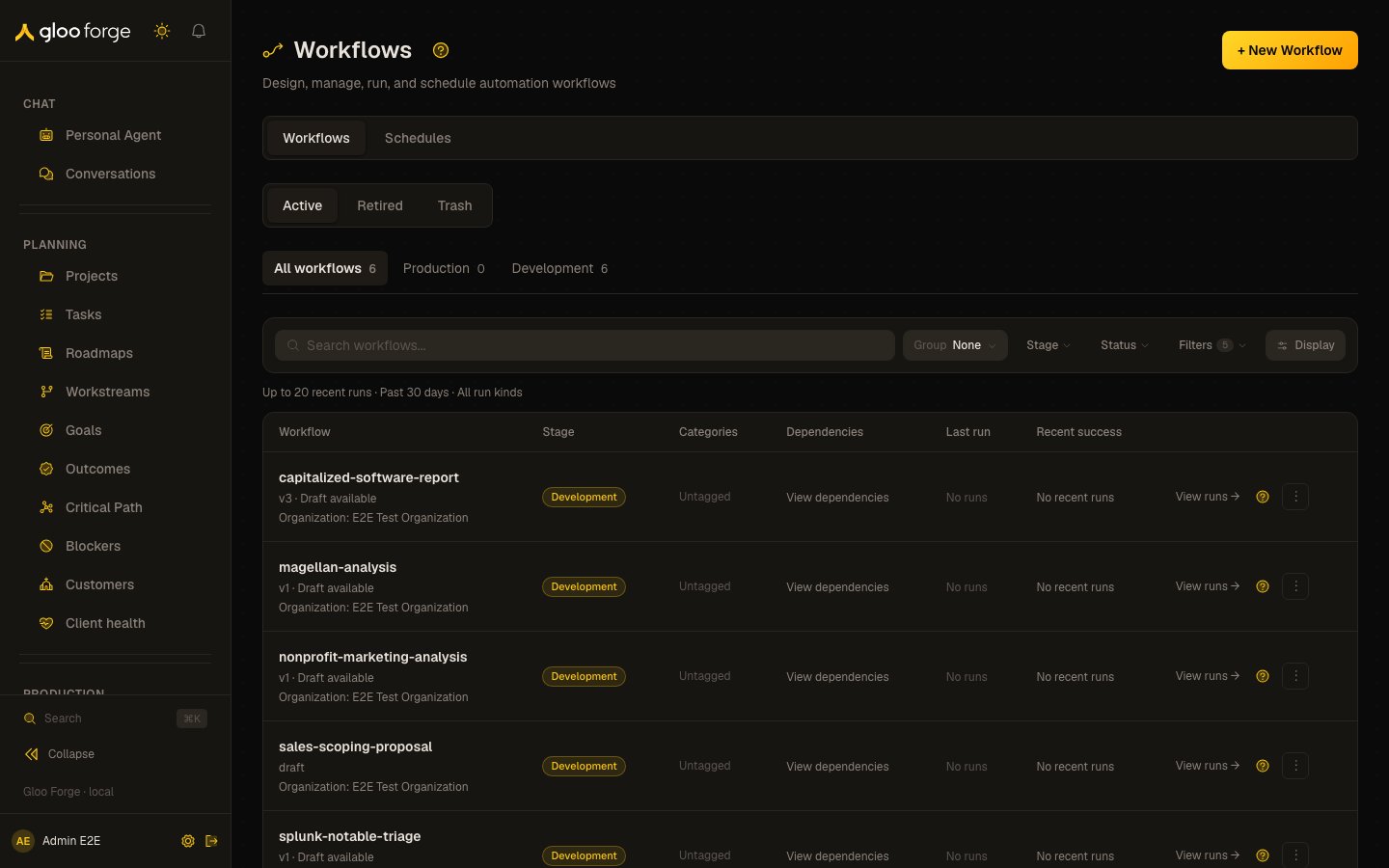
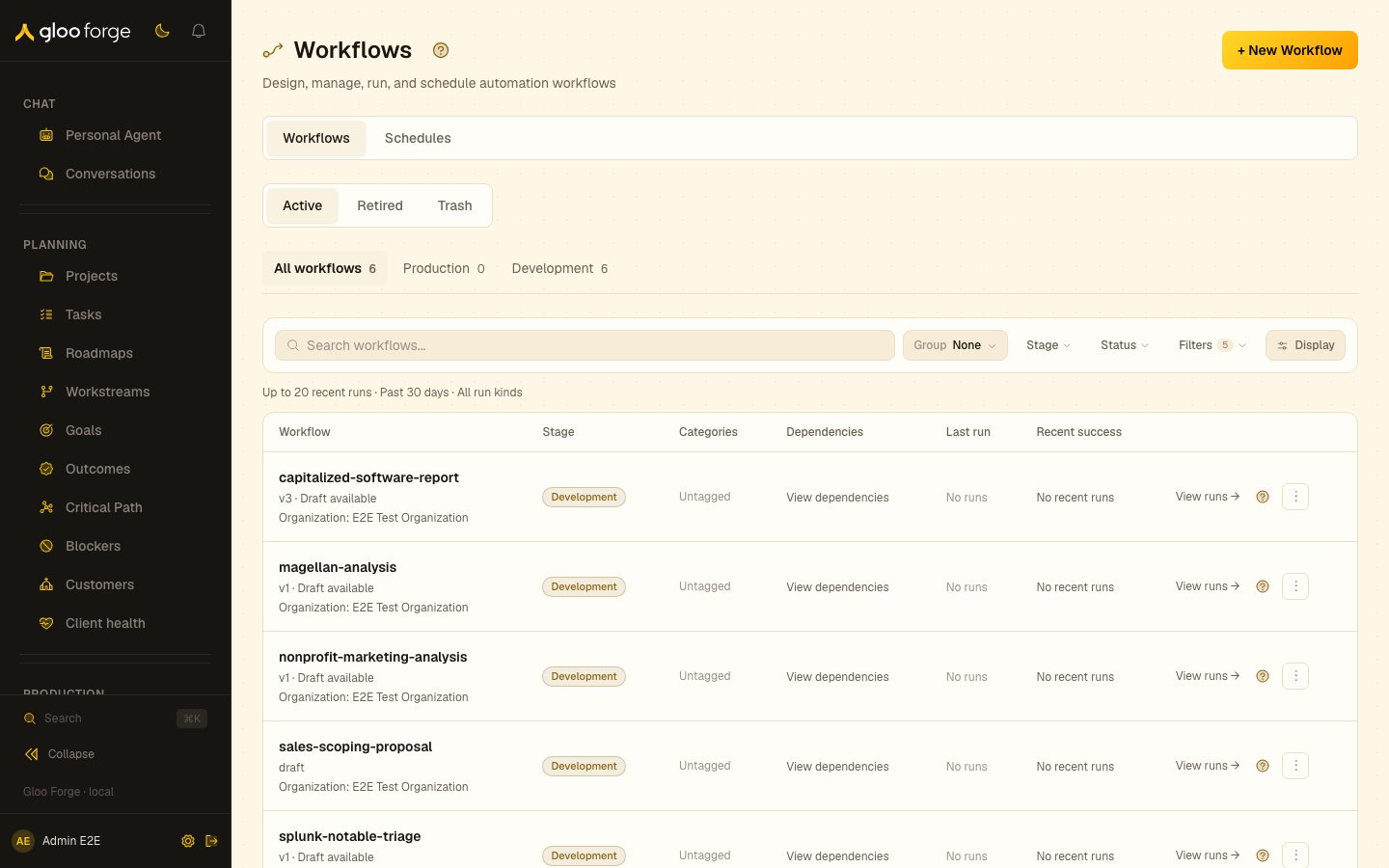
Workflows — Forge Console at /production/workflows/convex
Checkpoint 3: inspect authority before running
Review the worker’s roles and the workflow’s credential/capability requirements. If the workflow has a human decision, identify who can respond. Do not broaden a grant for the tour.Checkpoint 4: start one controlled run
Dispatch from Console or follow the quickstart with a stable idempotency key. Record the run id. Watch the run stayrunning while steps execute, then reach completed, failed or cancelled.
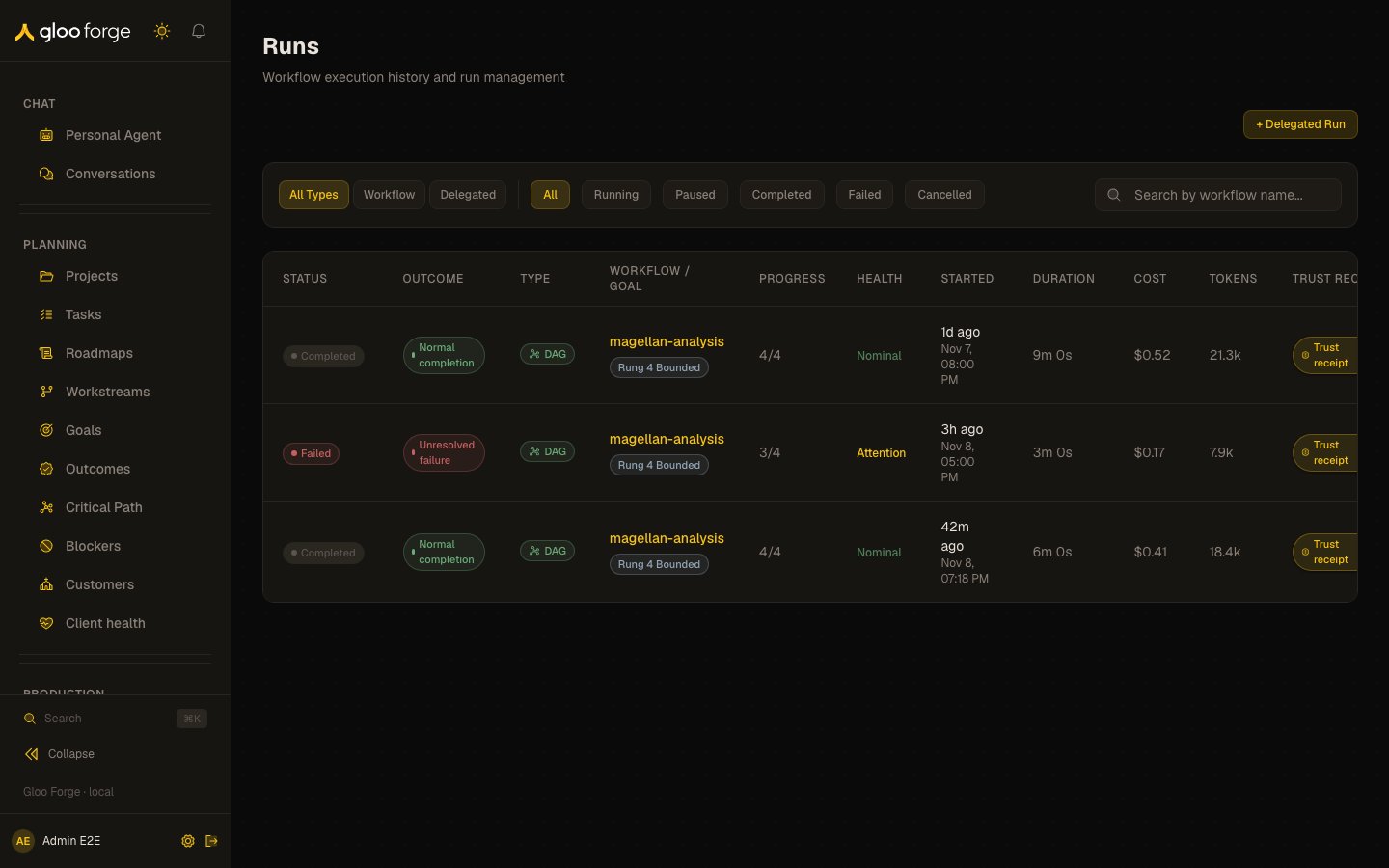
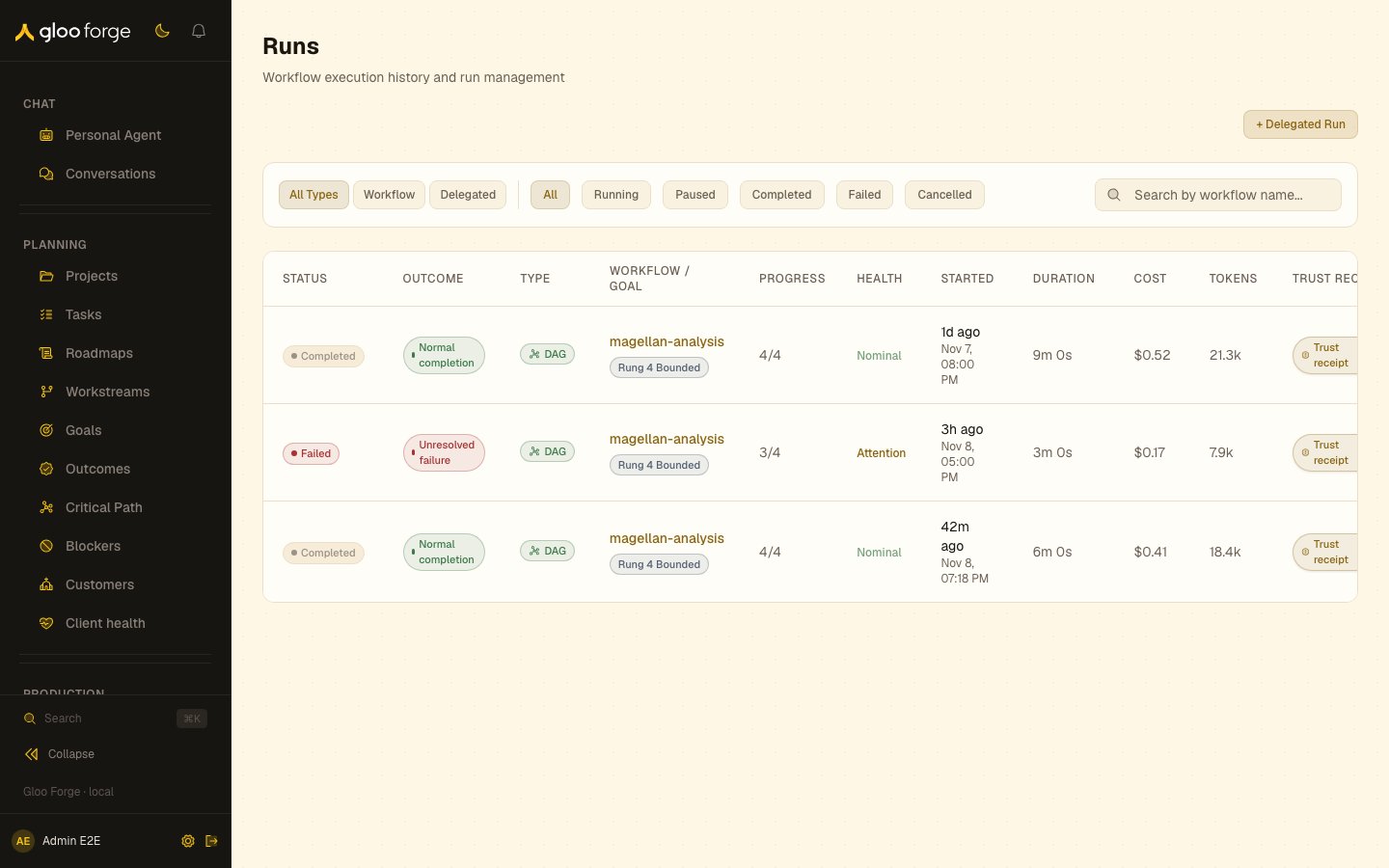
Runs — Forge Console at /production/runs
Checkpoint 5: handle a pause
If the workflow requests a person, open the human task and review its context before deciding. Note the difference between approving an action and granting the agent new authority.Checkpoint 6: inspect evidence
At terminal state, inspect node results, files, decisions, usage, cost, and outcome evidence that your access permits. Capture a request id from an API call or audit entry.Checkpoint 7: practice the failure path
Without affecting production, identify the control you would use to cancel a run, pause future dispatch, or stop a broader surface. Write down the owner and recovery criteria.Continue by role
- Builder: Compose a workflow
- Operator: Operate Trust Fabric
- Integrator: Integration reference
- Console user: Console documentation