

/settings/access) shows what Forge lets you do. Any signed-in person can open it:
it needs no permission and shows only your own access.
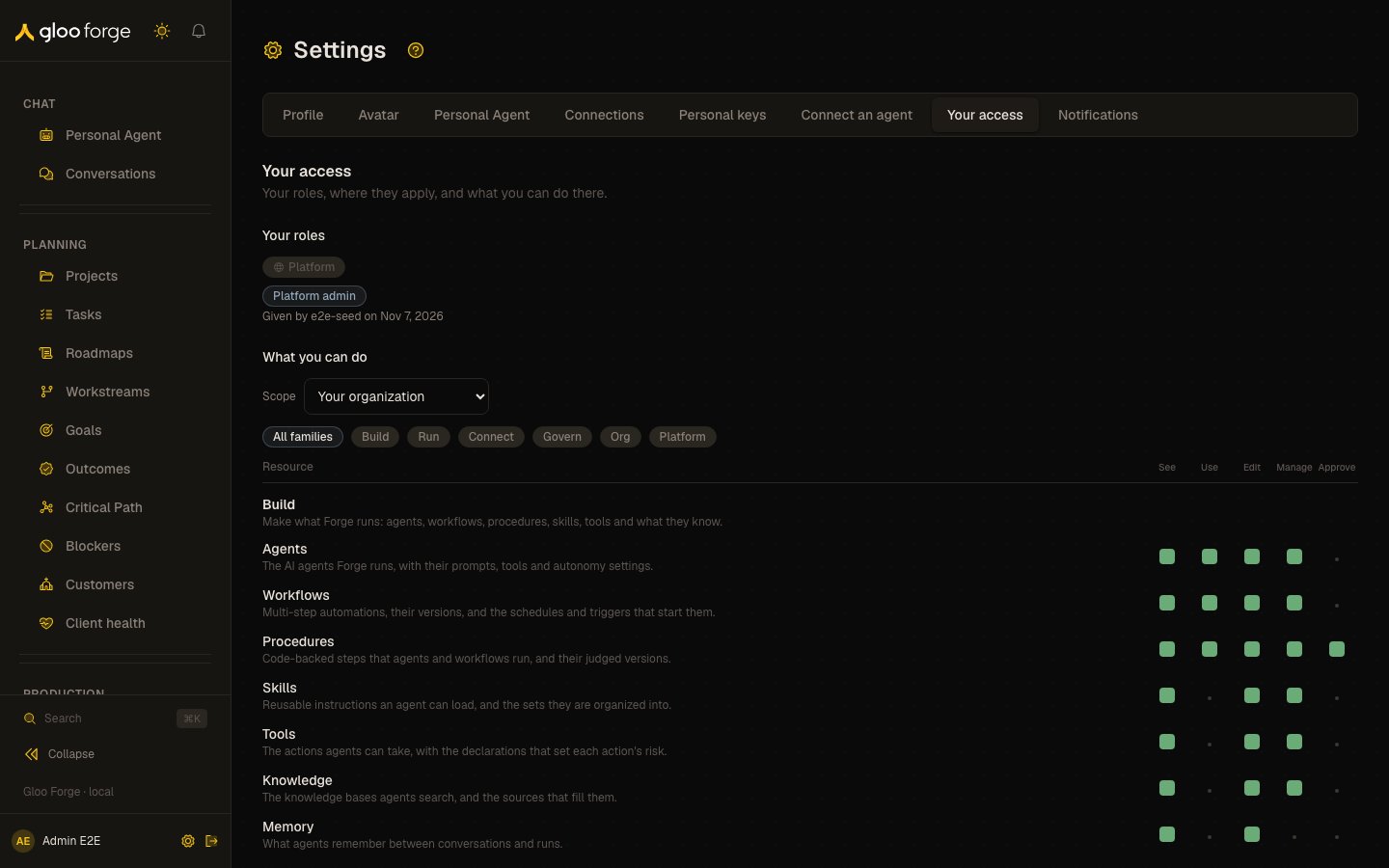
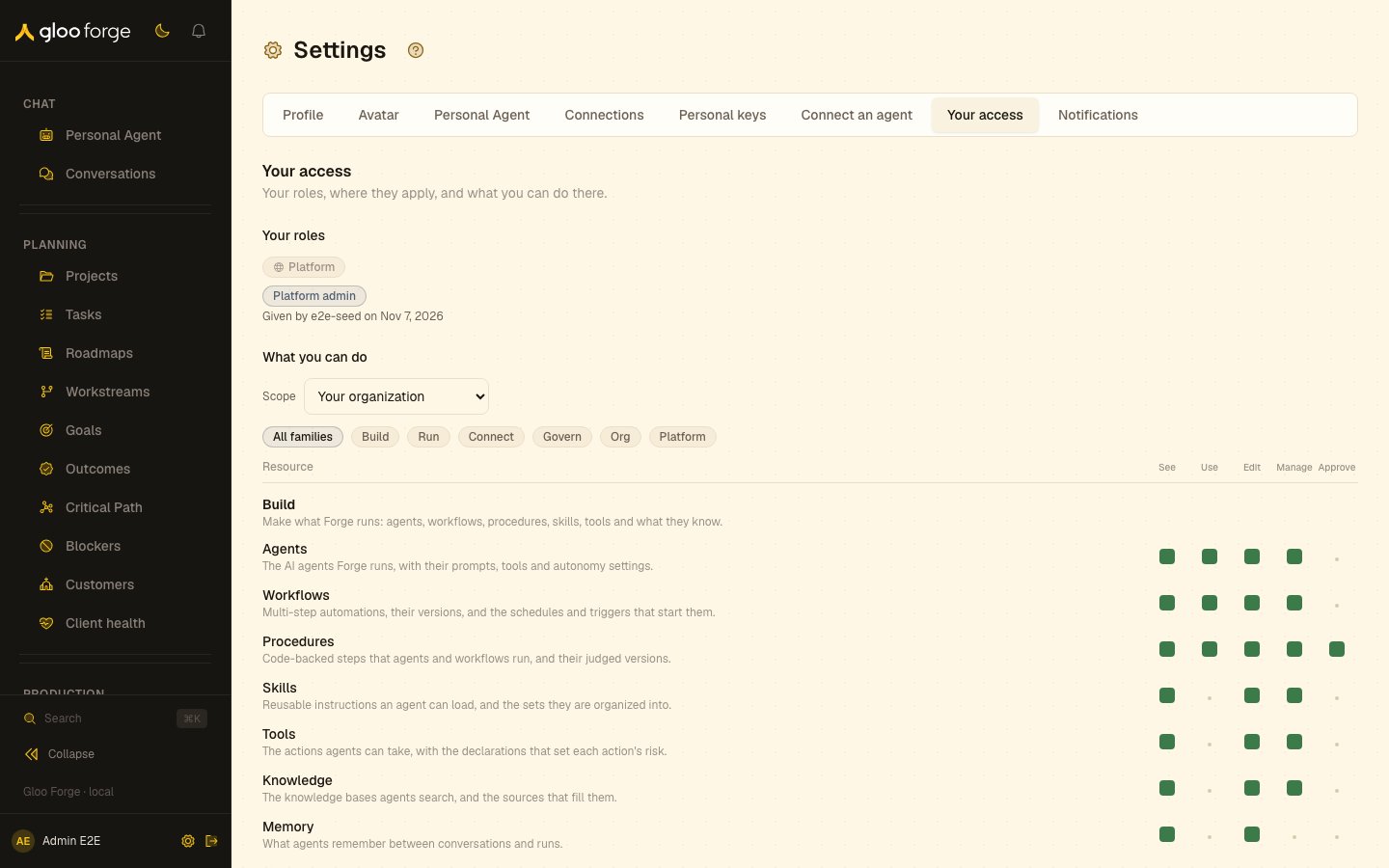
Your access — Forge Console at /settings/access
Your roles
Your roles are grouped by where they apply: the platform, or an organization. A role given at an organization applies there and in every organization under it. A role that expires shows when, for example “Expires Nov 1”. Every role you hold is listed, at any organization. Each says who gave it and when, and why when they gave a reason, for example “Given by Grace Hopper on Sep 1, 2026, because Covers the month-end close”. If you hold more grants than can be listed at once, the page says the list is incomplete.What you can do
Pick a scope to see your access there as a grid of permissions. Each reads can do or can’t do. The scope list offers the platform, your organization, and every organization where you hold a role. Choose a permission to see which roles include it, for example “Manage runs. Operator and Platform admin include it.” To get a permission you don’t hold, ask an administrator for one of those roles. The page doesn’t say who can give a role; administrators give roles from Access. The grid needs See roles (roles:read), which the Base role includes. Without it, the page lists
your roles and says the grid isn’t available. A retiring compatibility role is marked
Compatibility either way.
If Forge can’t work out your access, for example when your sign-in isn’t linked to an active person,
the page says why instead of showing an empty grid.
Personal keys
A Personal key acts with your access, narrowed to the scopes you pick for it. Each key on Personal keys that can act (active, unexpired, with at least one scope) links here.Refusal reports
When a Console page refuses access, it can record a report of what your Console observed. A Reference appears only after that report is confirmed. It is labeled Client report (unverified): the report does not prove that an authorization check ran or verified a denial. Why? opens your own report from Your access. It shows only the Reference, reporting time, requested permission and reported page. Another person’s report, a server decision or an unknown Reference is unavailable through this report view. Server decision links continue to open Decisions. If recording cannot be confirmed or is rate limited, no Reference is shown. You can try recording again a limited number of times or continue to an accessible page. Reporting never grants access to the refused resource, and client reports stay out of enforcement metrics and compliance evidence.Key state to watch
- An expiry on a role — for example “Expires Nov 1”; the access it gives ends on that date.
- An incomplete list — you hold more grants than the page can list at once, and it says so.
- No permission grid — you lack See roles (
roles:read); the page still lists your roles. - Compatibility — a retiring compatibility role.
- Client report (unverified) — a refusal report your Console recorded; it does not prove an authorization check ran.
Related
- Access: every permission and role, and who holds them.
- Permission reference: every permission, generated from the catalog.