

/settings/personal-agents) to personalize your own agent. This page manages the single Personal Agent associated with your account; it is separate from the shared managed-agent catalog in Workforce.
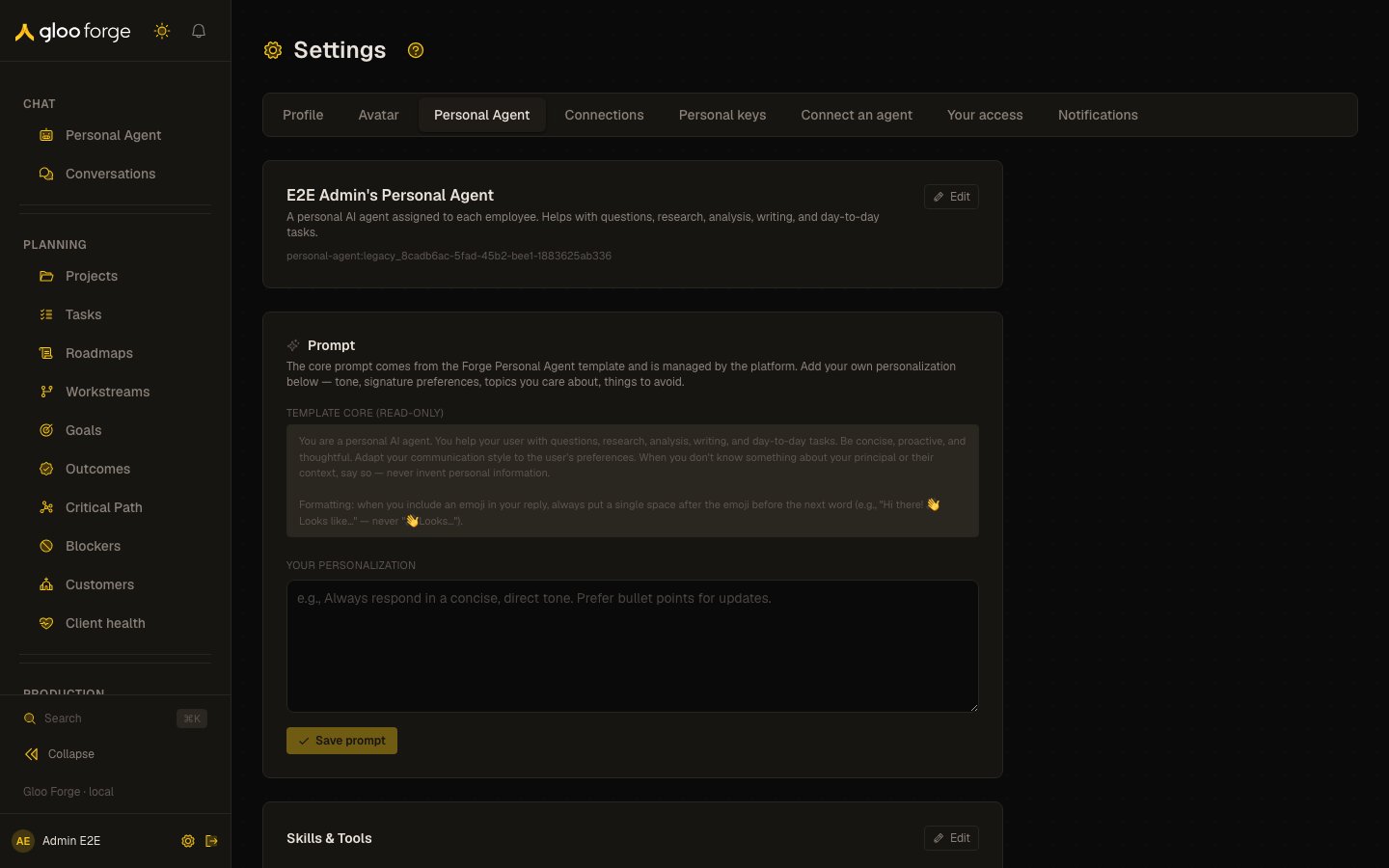
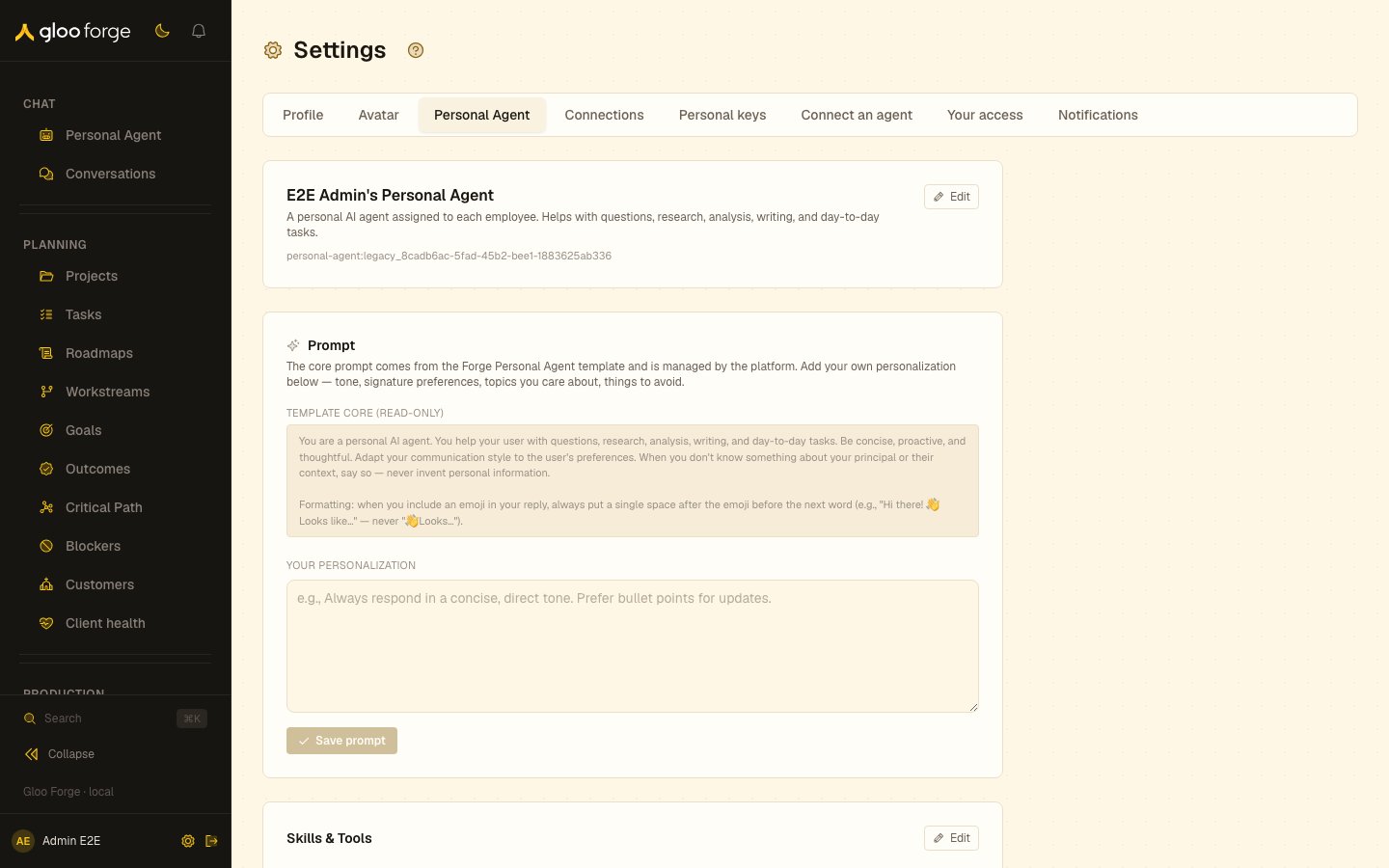
Personal Agent settings — Forge Console at /settings/personal-agents
What you can do
- Create your Personal Agent from the platform template. See Create your Personal Agent.
- Change its name, description, prompt extension, skills and tools, model and memory. See Customize the supported fields.
- Archive older duplicate Personal Agents left from an earlier version. See Handle older duplicate agents.
Create your Personal Agent
If the page shows Create your Personal Agent, choose Create my Personal Agent. Forge creates it from the platform template, then shows its configuration cards. If creation fails, read the error and retry after correcting the cause; repeatedly creating different agents is not the recovery path.Customize the supported fields
Change one concern at a time and save in that card. For prompt edits, choose Save prompt and wait for Saved. before testing a new interaction in Personal Agent chat. Selecting a skill or tool does not bypass its credential, permission, or governance checks.
Some administrator contexts also show external inference controls. Their presence depends on the viewer and subject; they are not a general way to grant your agent more platform authority.
Handle older duplicate agents
If the page reports other active Personal Agents from an earlier version, it identifies the current canonical agent and offers an archive action for the siblings. Read the count and affected agents before choosing that action. Customizing the current agent does not require creating another Personal Agent.Recover from a failed change
- Save is refused: retain the error and verify the field value or access before retrying.
- Core prompt cannot be edited: use your prompt extension; the core belongs to the platform template.
- A selected tool cannot perform an action: inspect the required connection, your access, and the agent’s governance state separately from its selection.
- Behavior does not match the saved change: confirm the persisted card values and test a new interaction before changing several settings at once.
Key state to watch
- Saved. — wait for it after Save prompt before testing a new interaction.
- Template core (read-only) — the platform manages it; change your prompt extension instead.
- Other active Personal Agents — the page reports them and names the current canonical agent.
Related surfaces
- Personal Agent: chat with your Personal Agent.
- Connections: the accounts your Personal Agent may use.
- Your access: the roles it acts within.