

/chat/pa) is your private session with the agent that knows your goals, your roadmap, and your recent activity. Every operator gets one Personal Agent that persists across sessions, remembers facts from earlier conversations, and can be invoked from anywhere in the console via the command palette.
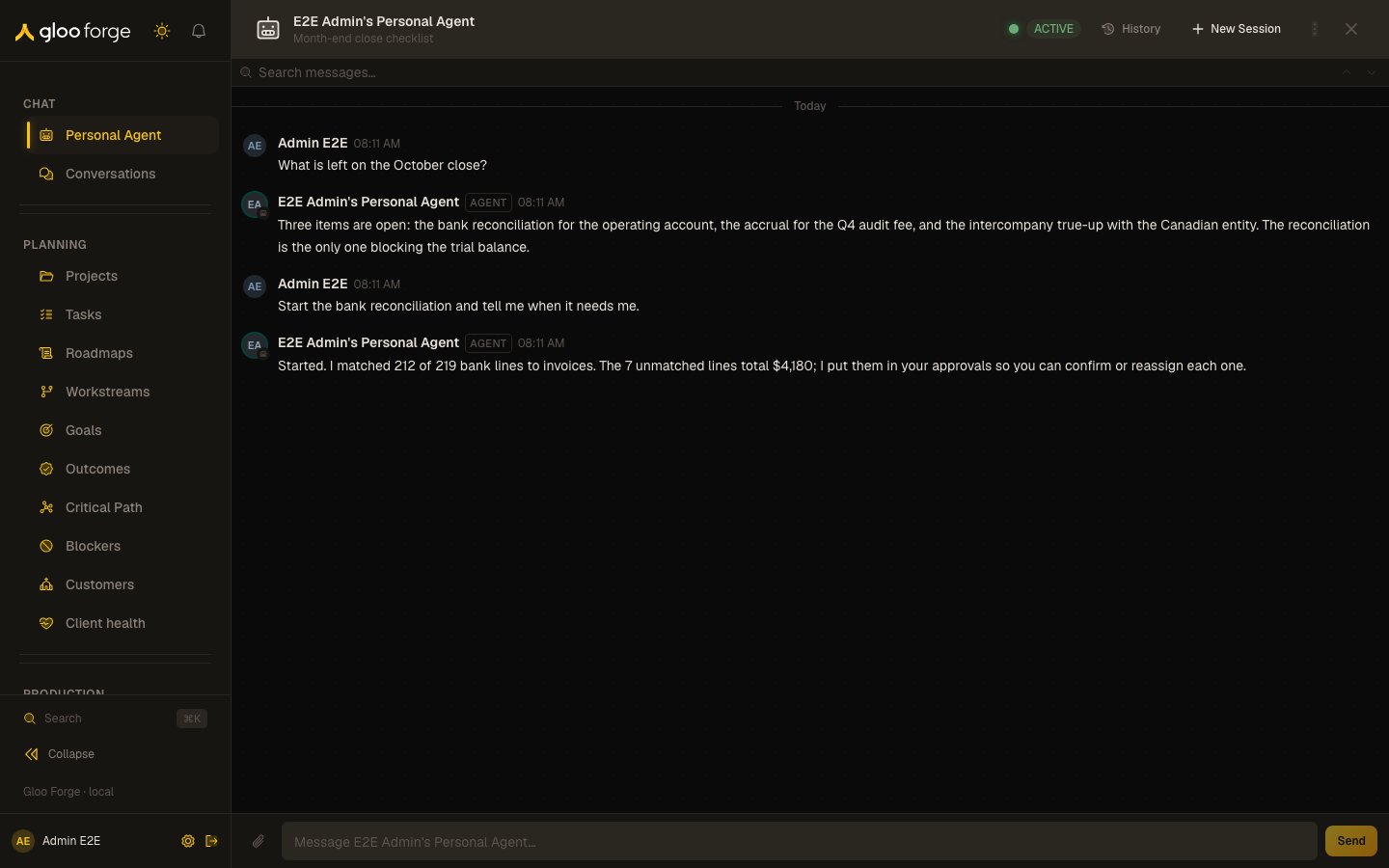
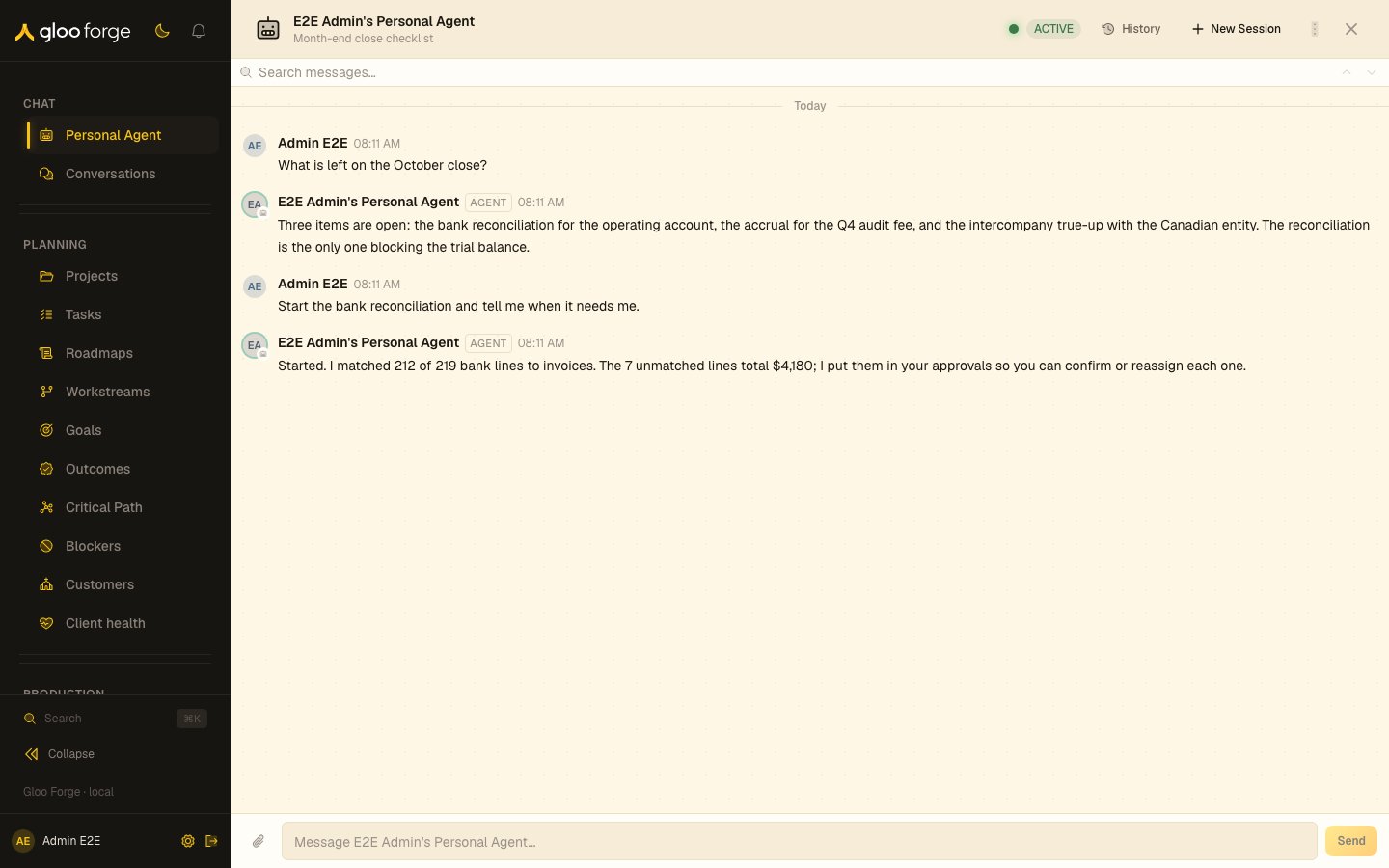
Personal Agent — Forge Console at /chat/pa
What you can do
- Ask for a status briefing on your active workflows, open approvals, or budget posture.
- Delegate work — the PA can dispatch into Factories, draft workflow graphs, and queue review tasks for you.
- Pin context — files, links, or workflow runs you reference often.
- Review your morning briefing (the same payload the home dashboard surfaces).
- Hand the conversation off to a specialist agent when the task outgrows the PA’s surface.
Key state to watch
- Active session status — every message goes through Trust Fabric governance;
holddecisions surface inline with the override path. - What the PA remembers — each turn’s prompt includes the memory recalled for your message: channel and session summaries when they exist, pinned and highly reacted messages, relevant long-term memories, and facts extracted from earlier turns. Recalled memory is not cited in the message footer. To manage the session, channel, and long-term memory, open Settings → Personal Agent → Memory: you can edit or clear the session summary, clear the channel summary, and forget, promote, or clear long-term memories. Promote copies a long-term memory into the PA’s home knowledge scope: your personal scope when your account has a linked worker, otherwise the PA’s own agent scope. A memory promoted to the agent scope does not appear in your personal knowledge. A memory already promoted shows Promoted in place of Promote. Facts extracted from earlier turns are stored separately: the Memory card does not list them and cannot forget them, so clearing memory there does not stop a fact from being recalled.
- Budget posture — daily spend cap on the PA agent is visible in the header; the chat refuses to dispatch when the cap is exhausted.
Stopping a running turn
Your Personal Agent shows an Interrupt button beside the live status line while a turn is running. It stops the turn at its next step boundary, keeps whatever the agent had already written, and marks any tool that was mid-flight as interrupted with its effects unknown — so the next turn verifies the current state before redoing the work rather than blindly repeating it. Messages you send while a turn is running are never dropped and never interrupt it: they appear in the conversation immediately and run as soon as the current turn finishes. See Conversations for the full behaviour and the scope rules.Related surfaces
- Conversations: shared channels and how a turn runs.
- Personal Agent settings: configure what your Personal Agent may do.
- My Work: the tasks waiting on you.