

/planning/goals) to create objectives and track their key results. The
directory groups current goals into Business Goals, Team & Department Goals, and
Individual Goals according to their owner. Archived goals appear separately.

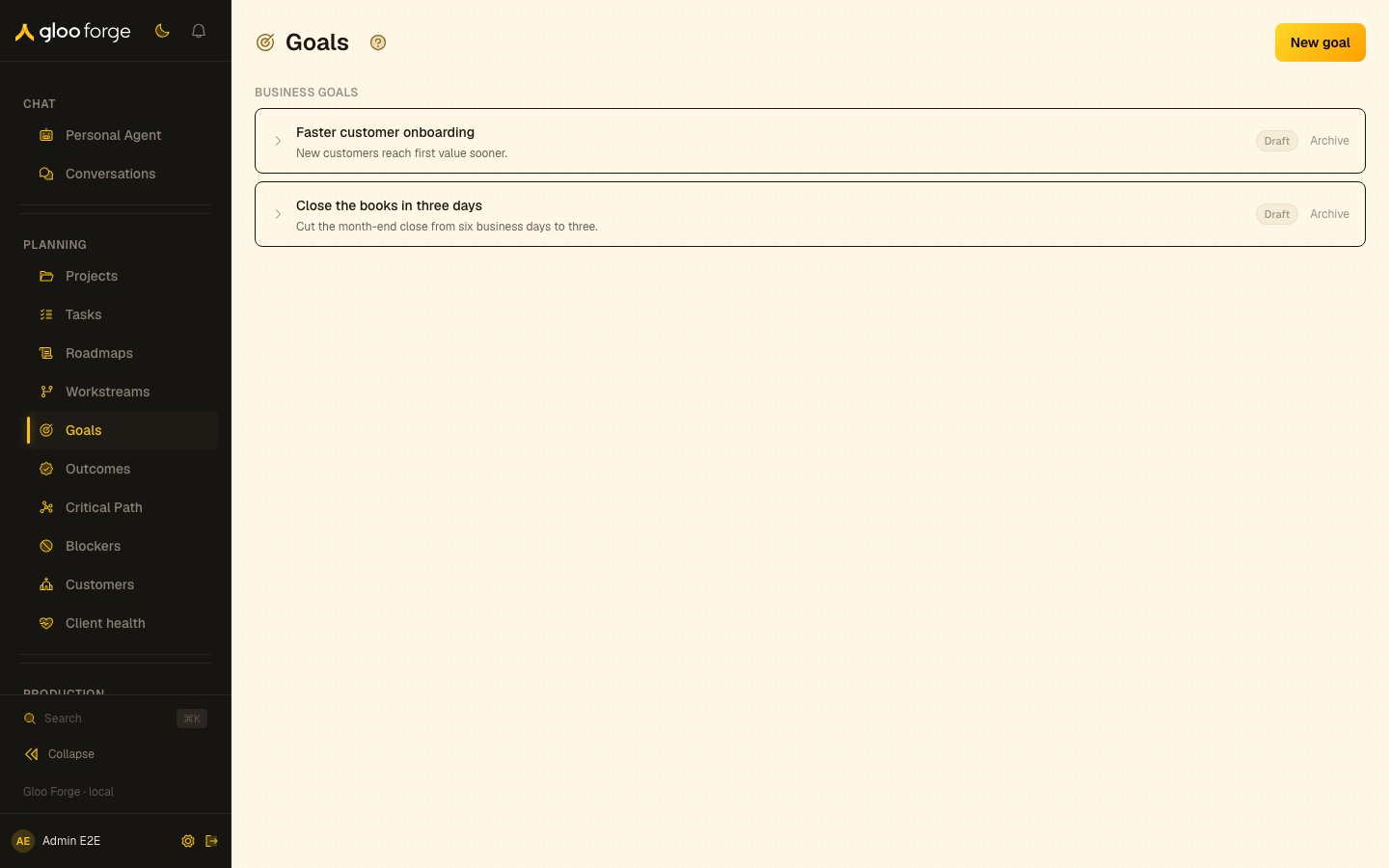
Goals — Forge Console at /planning/goals
What you can do
- Create a goal owned by a company, an organization unit or a worker. See Create a goal.
- Add key results with a numeric target and an optional unit.
- Open a goal’s detail page from its title.
- Archive a current goal you no longer pursue.
Create a goal
- Choose New goal.
- Enter a title and, optionally, a description.
- Choose the company, organization unit, or worker that owns it.
- Choose Create.
Key state to watch
- Archived — an archived goal moves to its own section. The directory offers no restore or delete control.
- Key-result status — each key-result row shows its current value, its target and its status.
- Group — a goal appears under Business Goals, Team & Department Goals or Individual Goals according to its owner.
Related surfaces
- Outcomes: recorded delivery results.
- Roadmaps: roadmap planning.
- Plan and track work: how the planning surfaces fit together.