

/settings/notifications) to configure:
- Channels — In-app, Email, and Slack.
- Categories — mentions, approval requests, run failures, budget alerts, and system announcements.
- Digest — Instant, Hourly digest, Daily digest, or Off for non-urgent notifications.
- Quiet hours — an optional start and end time evaluated in the timezone saved on your Profile.
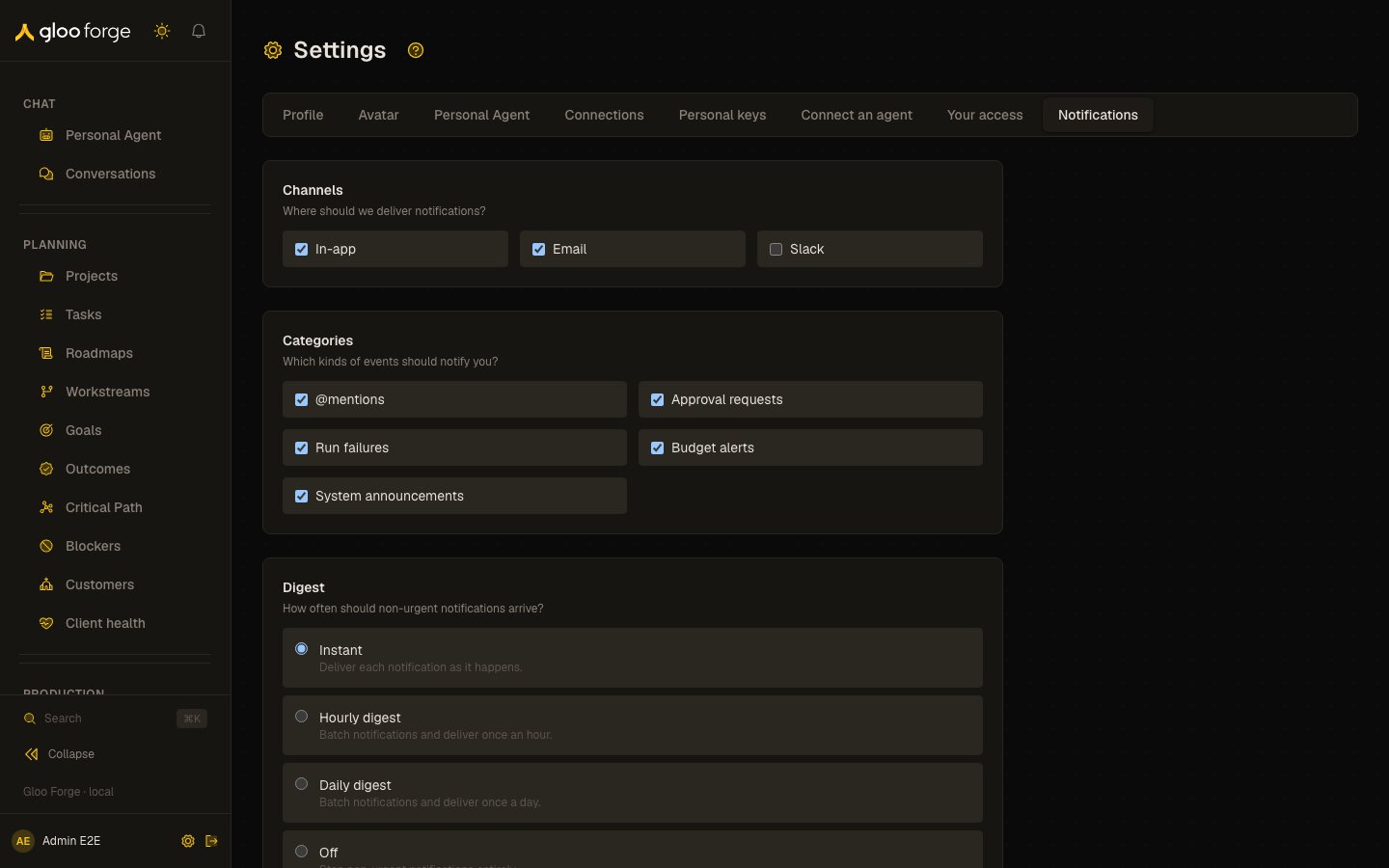
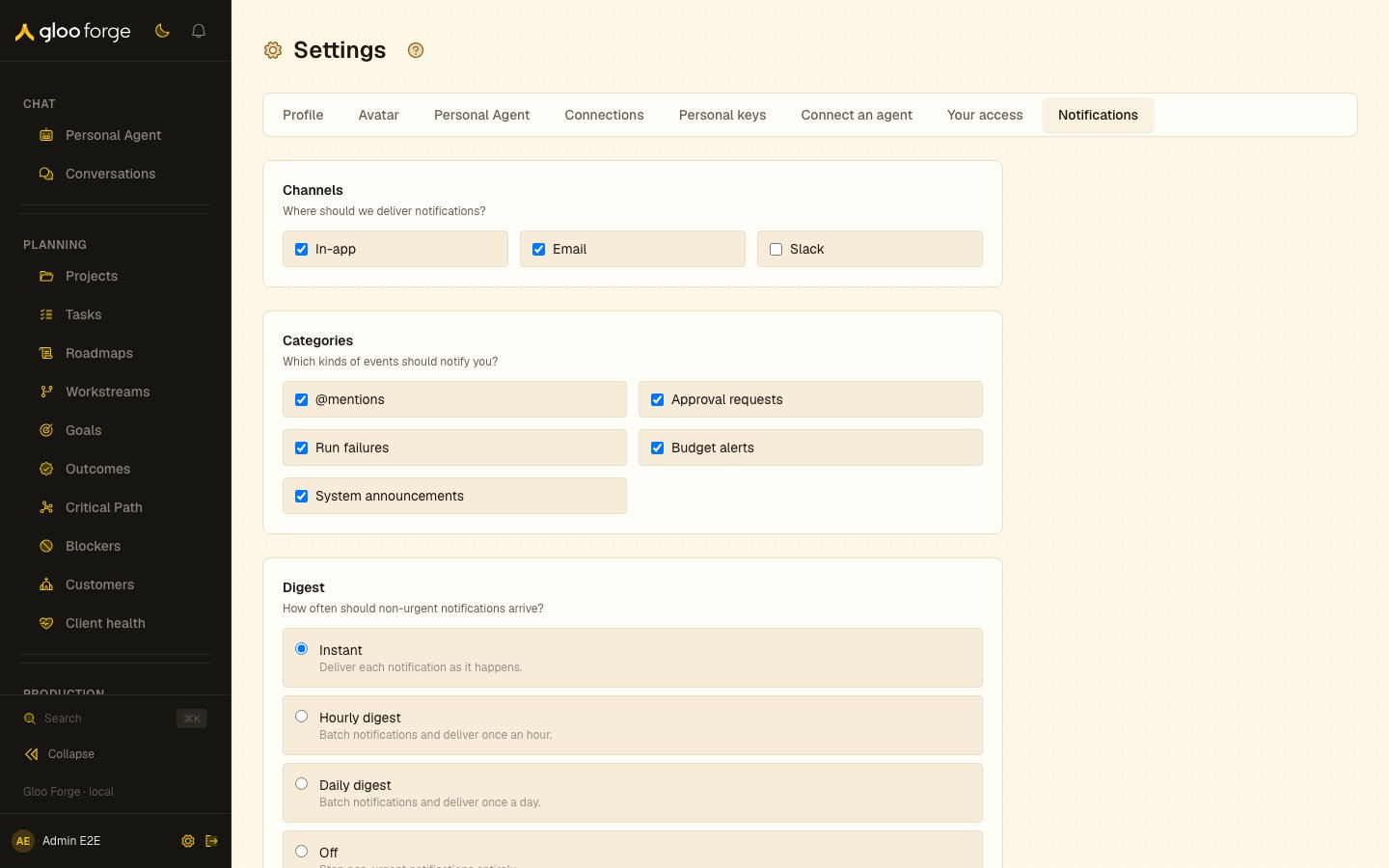
Notifications — Forge Console at /settings/notifications
What you can do
- Choose delivery channels and the categories you hear about.
- Choose a digest for non-urgent notifications, and set quiet hours.
- Save the preference set with Save preferences.
Key state to watch
- Saved. — confirms the current preference set was stored.
- Quiet hours and timezone — quiet hours use the timezone saved on your Profile.
- A missing notification — confirm the event exists, then check its category, channel, quiet hours, profile timezone and the relevant connection.
Related surfaces
- My Work: the work notifications point to.
- Observe alerts: rules that notify the bell or a Slack channel.