

/workforce/planning) offers Engineers, Pods, and Customers
perspectives over a UTC window of up to 366 days. Choose an As of date inside that window to
inspect effective staffing. The window end is exclusive. Dates and filters stay in the URL so you
can share the same view and restore it with browser Back.
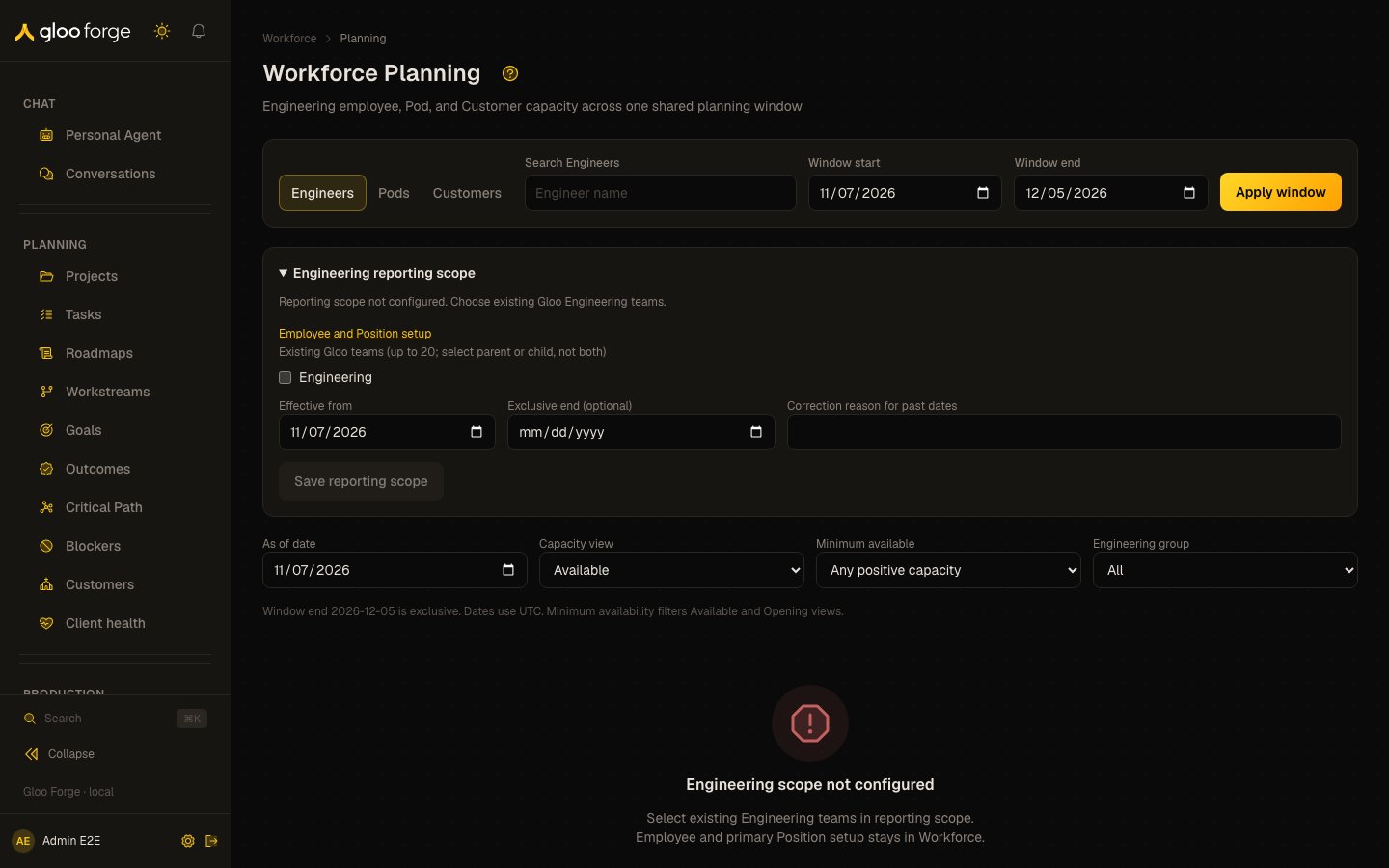
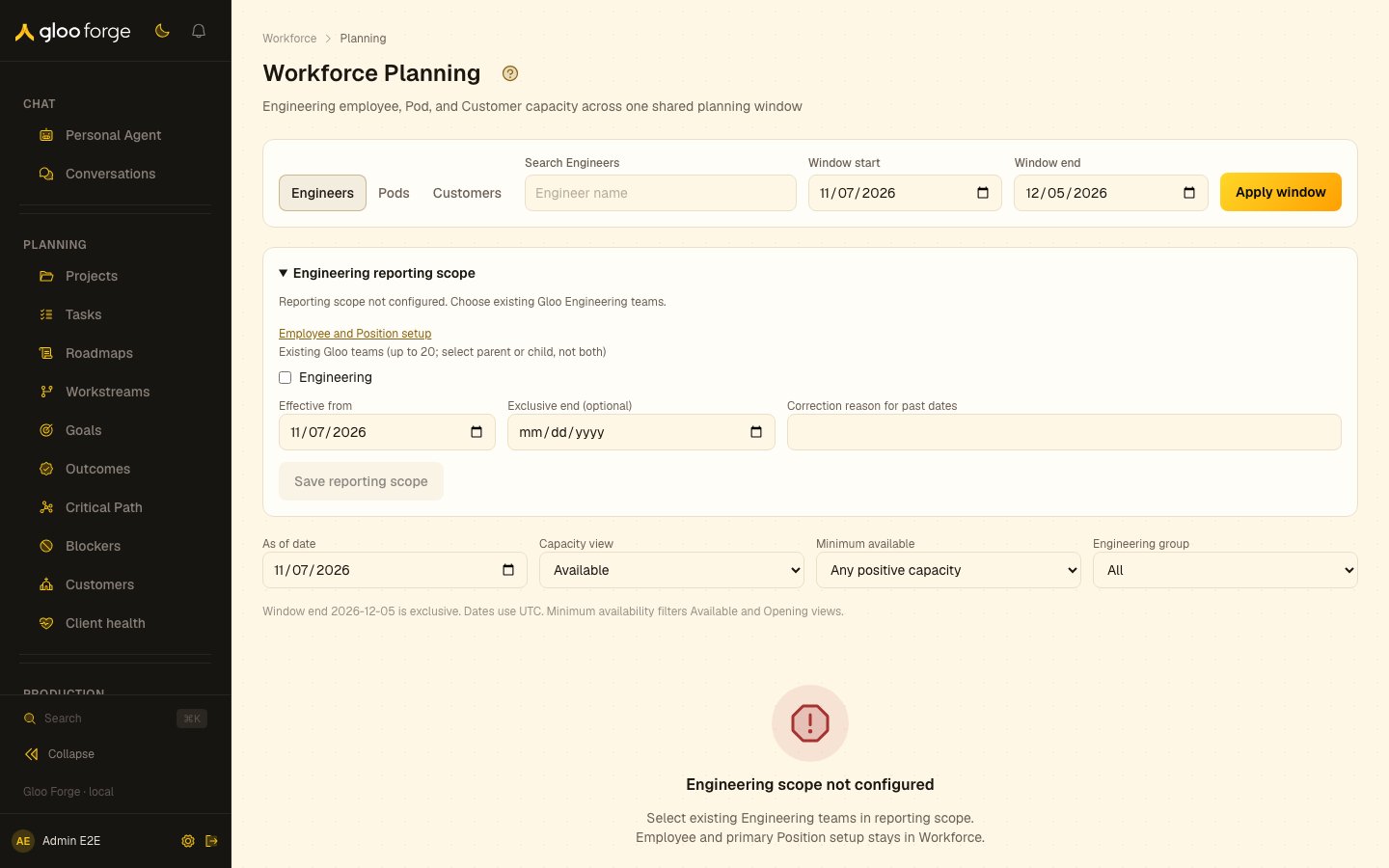
Workforce Planning — Forge Console at /workforce/planning
What you can do
- See engineer capacity across a window, and staffing as of a date.
- Inspect Pod and Customer delivery: allocation and delivery context by Pod and by Customer.
- Configure Engineering scope, with
workforce:manage. - Follow a change to its owning record: membership and Customer allocation are edited on the Pod.
Configure Engineering scope
A manager withworkforce:manage selects existing Engineering organization units in the reporting
scope editor, with an effective start and optional exclusive end. A correction to past dates needs
a reason. Employee, primary Position, and team setup stays in the existing Workforce records.
The editor names parent/child conflicts and blocks Save until one selection is removed. Unavailable
selected teams remain removable; invalid ancestry cannot be saved.
Missing scope displays a setup message rather than a zero-capacity report. Engineering capacity
comes from Gloo employee seats with primary Position assignments in the configured scope; it does
not require separate enrollment in an Engineering directory. Multiple seats for the same Person
share one capacity denominator.
Find engineer capacity
The summary leads with Available FTE and Engineers with capacity, followed by eligible engineers, overallocated engineers, and engineers requiring review across the selected Engineering pool. Search, capacity view, and row pagination do not change these pool totals. Selecting another Engineering group changes the pool itself. Use Capacity view to find:- Available — positive capacity as of the selected date, ordered by available percentage.
- Opening — the next increase in availability that reaches the selected minimum.
- Full — exactly 100 percent allocated.
- Over — more than 100 percent allocated.
- Review — staffing evidence requiring attention, independently of its capacity.
Inspect Pod and Customer delivery
Switch perspectives to inspect canonical Pod headcount, staffing FTE, ownership, and Customer delivery. Filter by Pod, Customer, delivery type, reporting category, commercial stage, or staffing organization. More Pods and More Customers page through bounded filter choices; their Previous controls return to earlier choices. Applied scope chips name the selected group, Pod, Customer, category, or staffing organization even when it is outside the current option page. Missing selections remain removable; a Customer you cannot read says Customer unavailable with current permissions. Use arrow keys, Home, and End to move among the perspective tabs; expansion and paging also support keyboard operation. Customer delivery multiplies Person-to-Pod allocation by Pod-to-Customer allocation once. A Person at 50 percent in a Pod with a 60 percent Customer assignment contributes 0.30 FTE to that Customer. Delivery slices classify that assignment without consuming additional staffing capacity. Pre-Deal and Engaged classifications consume the same capacity. Unassigned, Unclassified, Unspecified, and Not applicable represent different missing or inapplicable context. Customers do not have a planning product owner. Ownership belongs to each serving Pod; expand a Customer and follow its Pod links to inspect current owners and leads. These detail links do not carry the selected planning date; use Planning’s Pods perspective for ownership at that date. An unassigned Pod owner stays explicitly Unassigned. Customer-unattributed Pod capacity is not available Engineer capacity: existing Pod memberships still consume allocation. Staffing organization follows dated primary Position assignments, so a future transfer changes the matching FTE on its effective day. Gloo and partner staffing remain separate. Staffing-affiliation coverage distinguishes proven, incomplete, and historically unproven evidence, and identifies the counted FTE with unproven affiliation. Legacy responses without coverage show unavailable evidence; a zero-FTE report does not establish historical employer affiliation. A product owner who has no Pod membership does not add headcount. Internal delivery profiles apply only to intervals without a Customer assignment.Understand coverage and limits
Current lifecycle and organization ancestry cannot prove historical employment. Historical coverage is explicitly incomplete, and historical staffing-organization filters display an unsupported-history message with recovery controls. They never imply verified zero staffing. Forge computes summaries and dated projections on the server. A request that exceeds a source or transaction limit displays an explicit limit error without partial totals. Narrow the date window or selected scope and retry.Key state to watch
- A setup message instead of a report. Engineering scope is not configured; Planning does not show zero capacity in its place.
- Incomplete history. Historical coverage is explicitly incomplete and never implies verified zero staffing.
- A limit error. The request exceeded a source or transaction limit; narrow the window or scope and retry.
Make changes on the owning record
Readers needworkforce:read. Managers with workforce:manage can configure Engineering scope in
Planning and edit dated Pod ownership, internal delivery profiles, Customer delivery context, and
reporting categories in existing detail flows. Membership and Customer allocation changes remain
on the owning Pod, with server previews and revision checks. See Pods.
The Planning navigation item is controlled by nav.workforce.planning. Disabling it hides the entry
without deleting Workforce or allocation data.