

/settings/avatar) and choose Upload new photo. Forge accepts PNG,
JPEG, WebP, or GIF images up to 5 MB. The preview and saved avatar update after the upload completes;
there is no separate Save button. Use Remove photo to return to the generated initials avatar.
If upload fails, read the inline reason, confirm the type and size, and choose the file again. The
picker deliberately permits selecting the same file after a failed attempt. Removing a photo clears
the profile reference but does not promise immediate deletion of the underlying stored object.
See Profile.
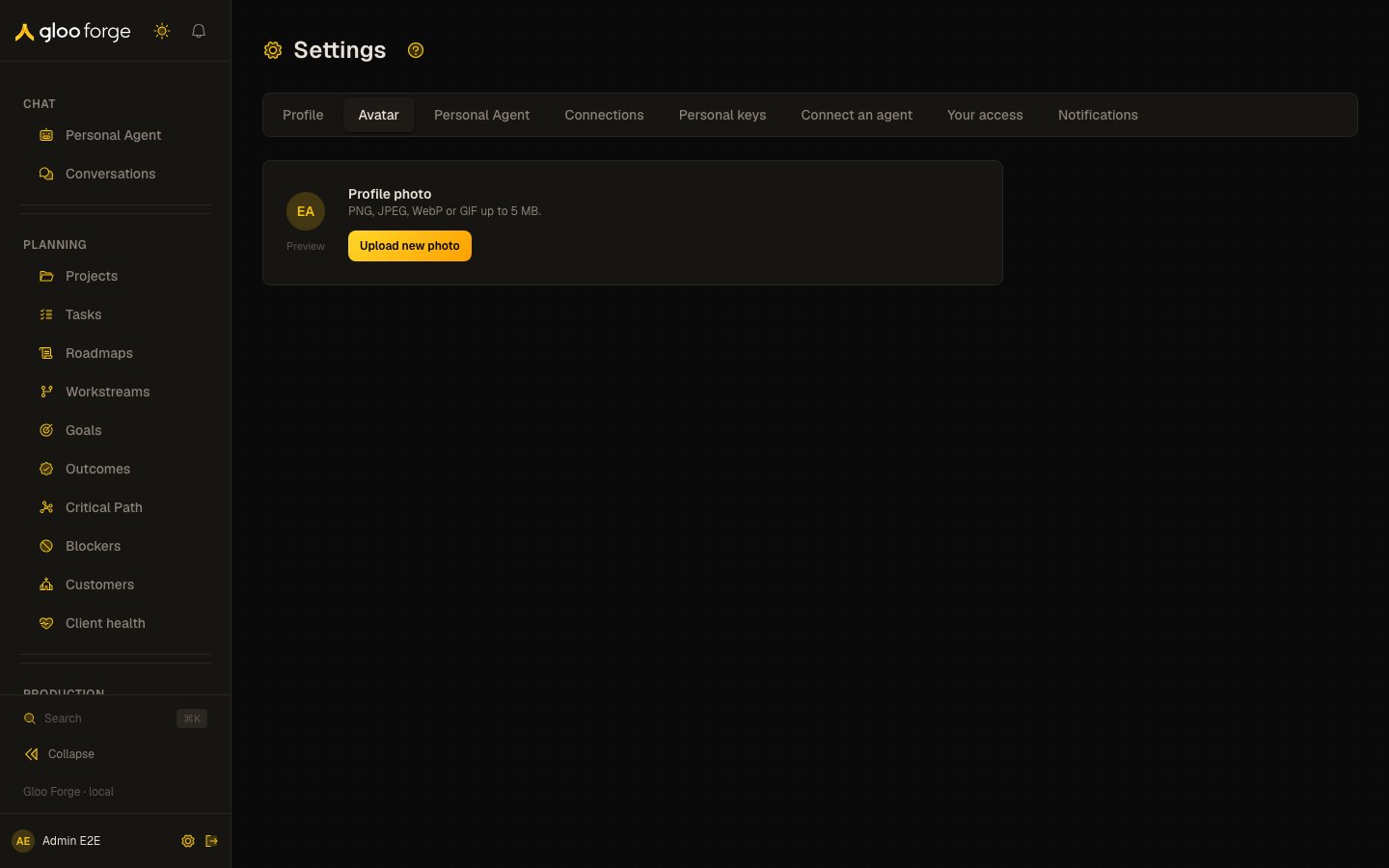
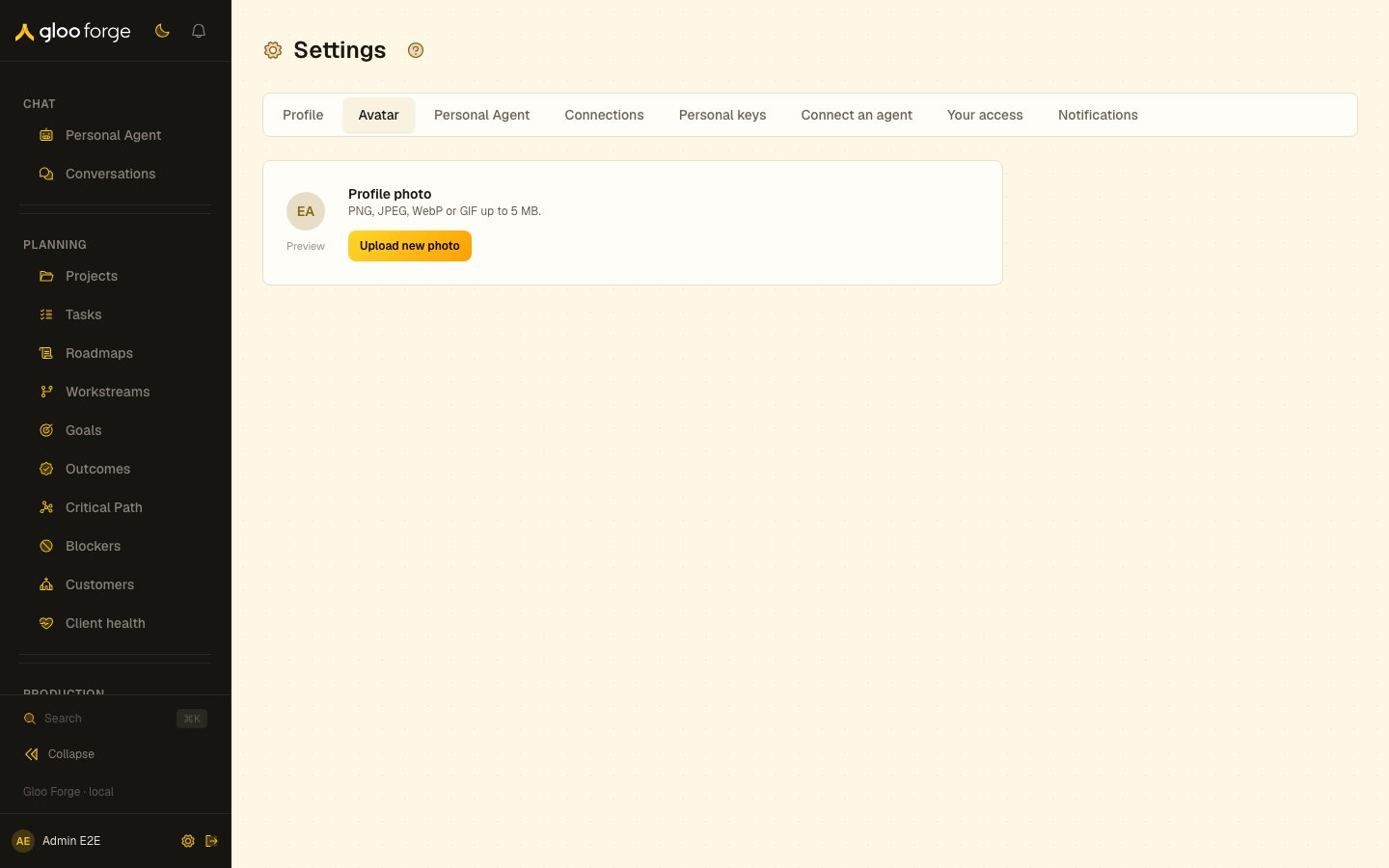
Avatar — Forge Console at /settings/avatar
What you can do
- Upload a PNG, JPEG, WebP or GIF image up to 5 MB with Upload new photo.
- Return to the generated initials avatar with Remove photo.
Key state to watch
- The inline upload reason — a failed upload says why; confirm the file type and size, then choose the file again.
- No Save button — the preview and saved avatar update when the upload completes.
Related surfaces
- Profile: your name and contact details.