

/planning/customers) to search and maintain canonical customer records. Customer reads require customers:read.
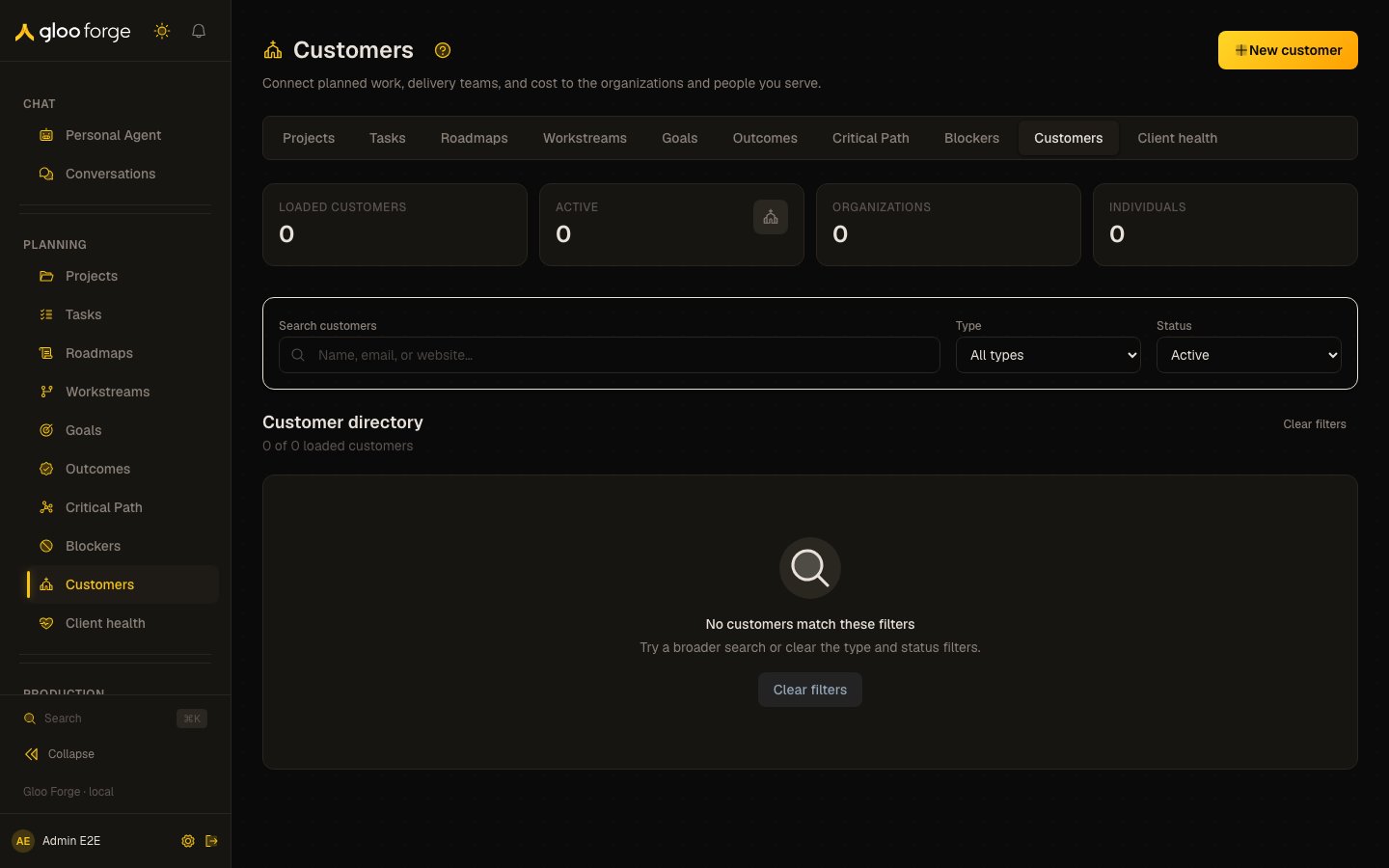
Customers — Forge Console at /planning/customers
What you can do
- Search the customer directory and open a customer’s details, projects and identifiers. See Find or update a customer.
- Create, edit, archive or restore a customer when your role permits it.
- Read an Organization Customer’s knowledge from its overview card.
Find or update a customer
- Search the directory and load more results when offered.
- Open the customer to inspect its details, projects, identifiers, and planning context.
- Use the page actions to create, edit, archive, or restore when your role permits them.
See an organization’s knowledge
The overview of a customer with an active Forge Organization shows an Organization knowledge card: how many active entries the organization’s knowledge holds (it stops counting at 200 and shows “200+”), its top cases, and Browse all, which opens the Knowledge Base filtered to that organization. The card needsknowledge:read, and the organization’s knowledge reads only for
someone who may act for that organization; otherwise the card says you can’t read it. Opening a
case or Browse all acts for the organization, as choosing it under Acting for does: the
selection is recorded first, and a refused one says why and shows nothing. A customer without an
active Forge Organization shows no card.
Key state to watch
- “200+” — the knowledge card stops counting at 200 active entries.
- “You can’t read it” — you lack
knowledge:readat that organization’s own unit or at platform scope. - A closed editor — losing access closes the form; regain access before editing again.
Troubleshoot
- Directory access is denied: request
customers:readat the intended scope. - A form closes after access changes: access loss intentionally closes the editor; regain access before editing again.
- Customer knowledge is absent: that link separately requires
knowledge:readat the governing root organization. - Organization knowledge says you can’t read it: acting for an organization needs
knowledge:readat that organization’s own unit or at platform scope; a grant at Gloo’s root does not reach it.
Related surfaces
- Client health: each client’s open tickets, most urgent first.
- Projects: the projects linked to a customer.
- Customer support knowledge: the knowledge scoped to one customer.