

/trust-fabric/policies) is the workspace catalog of declarative policies. Each policy is a condition evaluated by the policyRules gate inside the Trust Fabric pipeline.
A policy does not carry a disposition of its own. It carries an action (block, require_approval, warn, log) and an enforcement level (hard, soft, audit). A matching block + hard policy turns the decision into a block, while matching require_approval + hard holds the work. Soft and audit enforcement are advisory. Evaluation is fail-closed: a condition that throws or is malformed blocks or holds under hard enforcement instead of being skipped.
The page has two tabs: Policies (this catalog) and Approval Policies. /trust-fabric/policies?tab=approval-policies opens the Approval Policies tab; a tool’s Governance tab links there from its bound approval policy. What each role allows is shown on Access (/trust-fabric/access), and who holds a role is on Members.
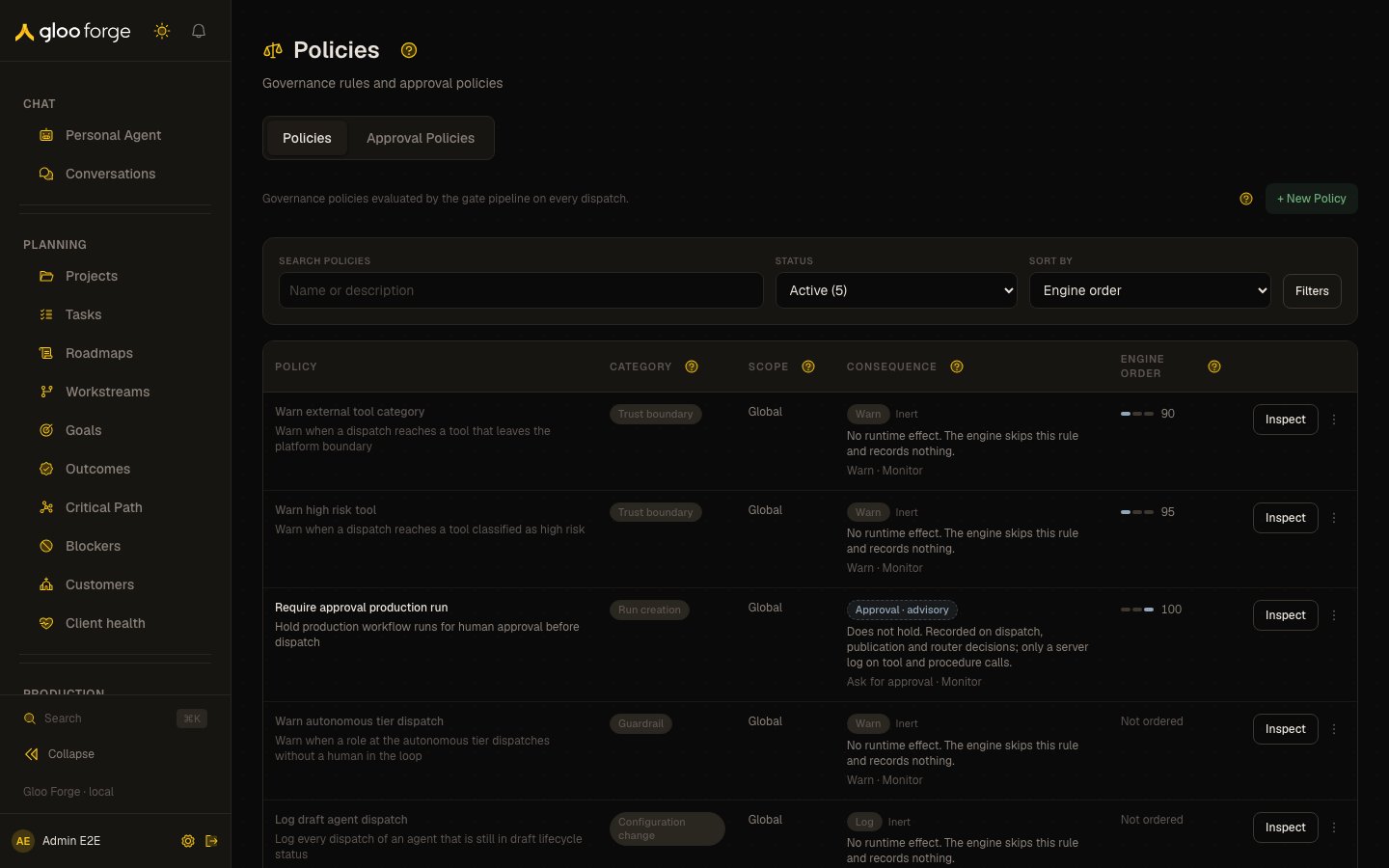
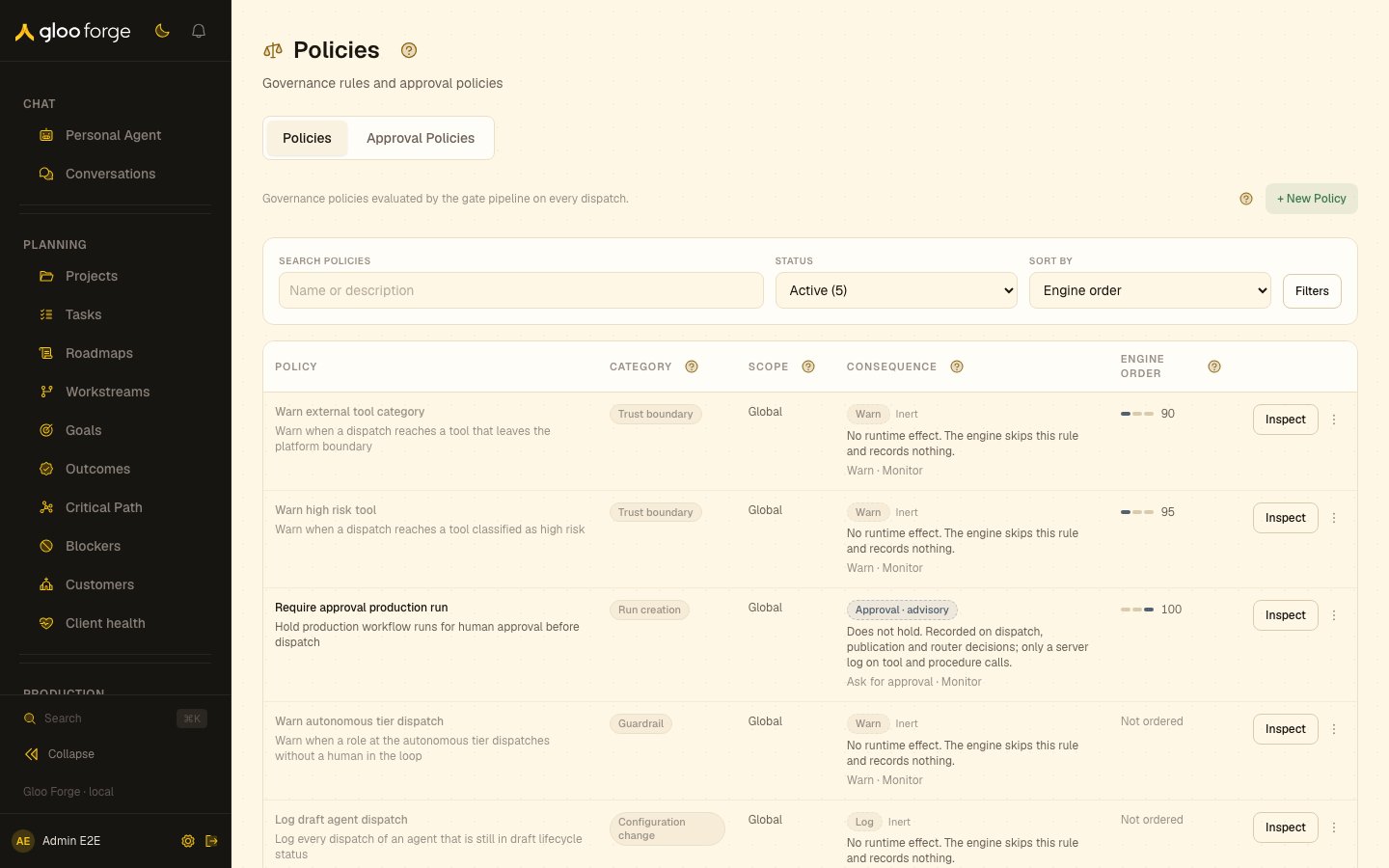
Policies — Forge Console at /trust-fabric/policies
Reading the table
The page opens on Active rules (enabled, not retired). The Status select switches to Inactive (disabled rules) or Retired history (the legacy fixtures that seeding retired). Each row shows:- Policy — the name and a two-to-three-line description. The condition and the full text are in Inspect.
- Category — a badge. Dispatch evaluates only Trust boundary, Budget and Run creation. A rule in another category (marked ◇) runs only when a customer links it, on agent dispatch and platform-native runs.
- Scope — the exact target, in words.
- Consequence — the action and enforcement read together as what actually happens: Blocks, Holds for approval, Approval · advisory, Block · soft/audit, Warn, Log, or
<action>· only if linked. Under the pill, one sentence says what that does at runtime, then the action and enforcement, for example “Block · Enforce”. Rules with no runtime effect are marked Inert and recede. - Engine order — three marks for the three evaluated categories, with this rule’s category filled, then its priority. Rules outside the evaluated categories read Not ordered.
Condition warnings
The table and the editor’s Runtime effect preview show two static warnings:- An enforced rule that reads an
agent.field but isn’t aimed at agents fails closed on steps with no agent: output delivery, model-routed router steps, and procedure calls without an agent worker. - A not-equal (
!=) comparison matches when a step doesn’t supply the field.
What you can do
- Author or edit a policy in the drawer: name, description, category, scope, condition, action, enforcement, and priority. The friendly controls submit the canonical wire values shown beside them. An edit is versioned — it inserts a new revision and deactivates the prior one. The new revision keeps the policy’s enabled state: editing a disabled policy leaves it disabled.
- Simulate a condition before it enforces, from either the table row or the editor. Simulation is a bounded replay against authorized, recorded organization evidence; it does not rerun today’s gates or prove deployment safety. Client-reported rows are excluded, missing recorded fields produce an unknown result, and unresolved ownership makes the replay unavailable rather than silently omitting evidence.
- Open a policy’s History drawer for its revision trail. The table shows each policy once, at its newest revision; earlier revisions appear only in History. Operators with
policies:managecan disable an active earlier revision from this drawer to repair a history with more than one live revision. - Enable / disable a policy. Disabling is reversible; deletion is not.
- Only a policy’s newest revision can be enabled, edited, or deleted. An earlier revision can still be disabled, which repairs a policy that has more than one live revision.
- Deleting the newest revision of an edited policy removes that revision only. Its earlier revisions stay, disabled, and the previous one becomes the policy shown in the table. Deleting a whole revision history at once is not available yet.
- Authoring, editing, enabling/disabling, and deleting require the
policies:managepermission. Simulate and viewing History are available to any operator who can see the page; the historical Disable repair remains permission-gated. - The authoring catalog supports up to 1,000 stored policy rows, including revision history. If the catalog exceeds that bound, the page reports that the policy catalog limit was exceeded and asks you to contact a platform administrator; it does not show a partial catalog.
Key state to watch
- Enforcement level —
hardapplies the selected action.softandauditare advisory, which is easy to misread as protection. - Status — Active, Inactive or Retired history. Dispatch skips a disabled policy, but a customer link still runs it (see above).
- Engine order — dispatch evaluates Trust boundary, then Budget, then Run creation; within a category, lower priority numbers first, with a fixed tie-break. The first matching block decides. It is not a risk score.
- Scope target — a global policy has no target and applies to all matching work. The other targets are Execution deployment, Agent, Environment and Workflow version. A Workflow version target names one published version: pick the workflow, then its version. The version picker needs workflow read access.
Approval Policies tab
Approval policies use the same dense table with their own columns: trigger, scope, Approver limits and activity. Each row’s primary action is Inspect, a read-only view of every stored fact, including its technical name; Edit, Enable or Disable, and Delete are in the row’s menu for people who can manage policies. Only Run creation and External delivery triggers are evaluated; any other trigger reads Trigger not evaluated and the rule is marked Inert. Approver must be a person and Approver must not be the requester are optional limits shown only when set, otherwise No limits set. A refused Enable, Disable or Delete is reported above the table, and a rejected save keeps the form open with your values.There is no per-policy decision counter, draft state, or shadow-mode promotion flow on this page. Forge has no shadow mode: enforcement gates always enforce, and the audited off-switches for people, API keys and agents live on Emergency stops, not on an individual policy. To see how a policy actually landed, use Traceability → Decisions and filter by disposition.
Related surfaces
- Access: roles and permissions.
- Decisions: each decision a policy produced.
- Emergency stops: halt work immediately.
- Approvals: requests an approval policy routes.