

/settings/profile) to change Display name and Timezone. Email is
read-only because WorkOS owns it. Timezone accepts an IANA zone such as America/Chicago; choose a
recognized suggestion before Save profile becomes available.
The display name is used in Chat and the Forge header. Timezone controls how quiet hours are
evaluated. A successful mutation shows Saved. in the sticky action bar. If saving fails, the form
stays open with the server message; correct the value and retry rather than refreshing away the draft.
See Avatar and Your access.
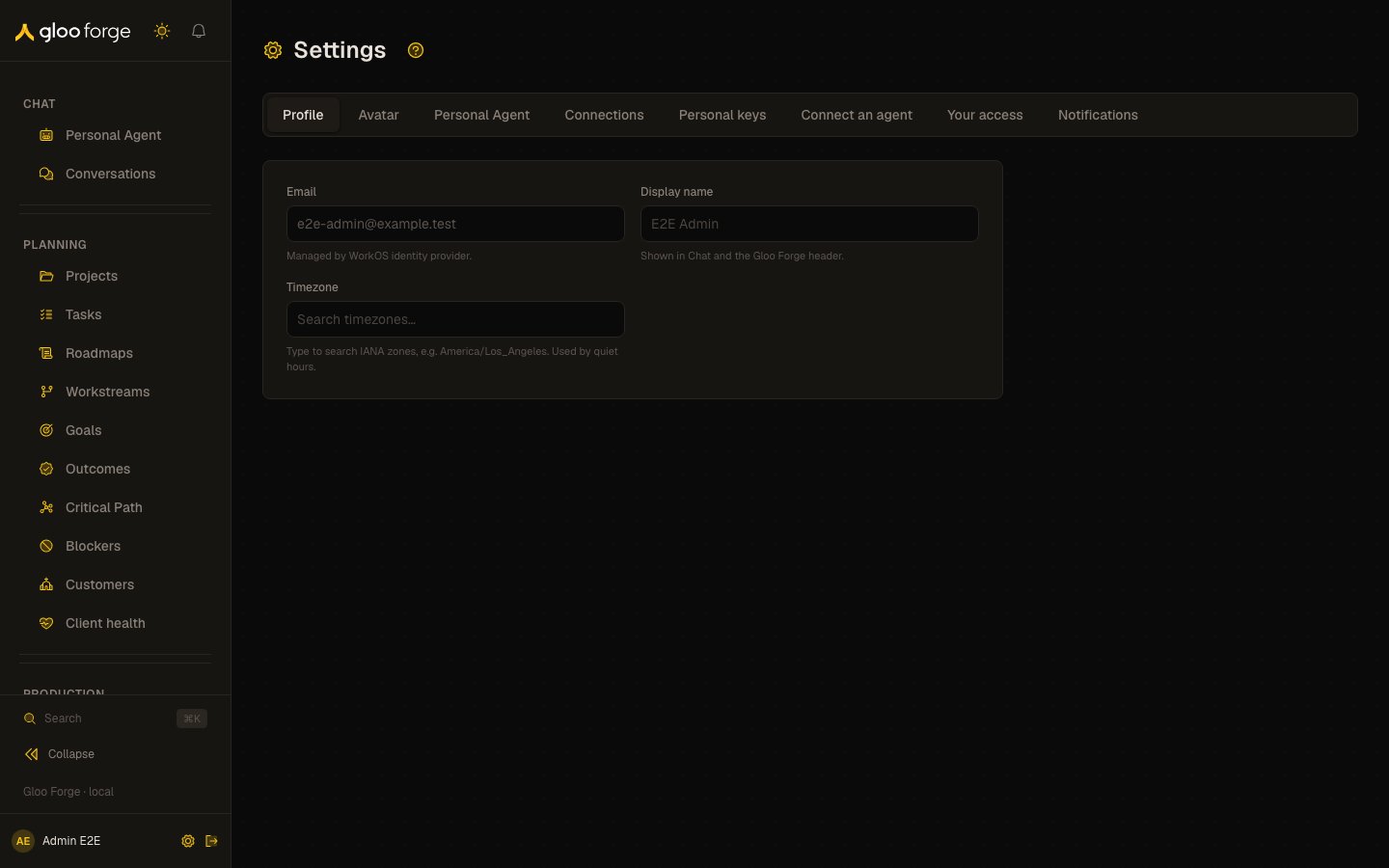
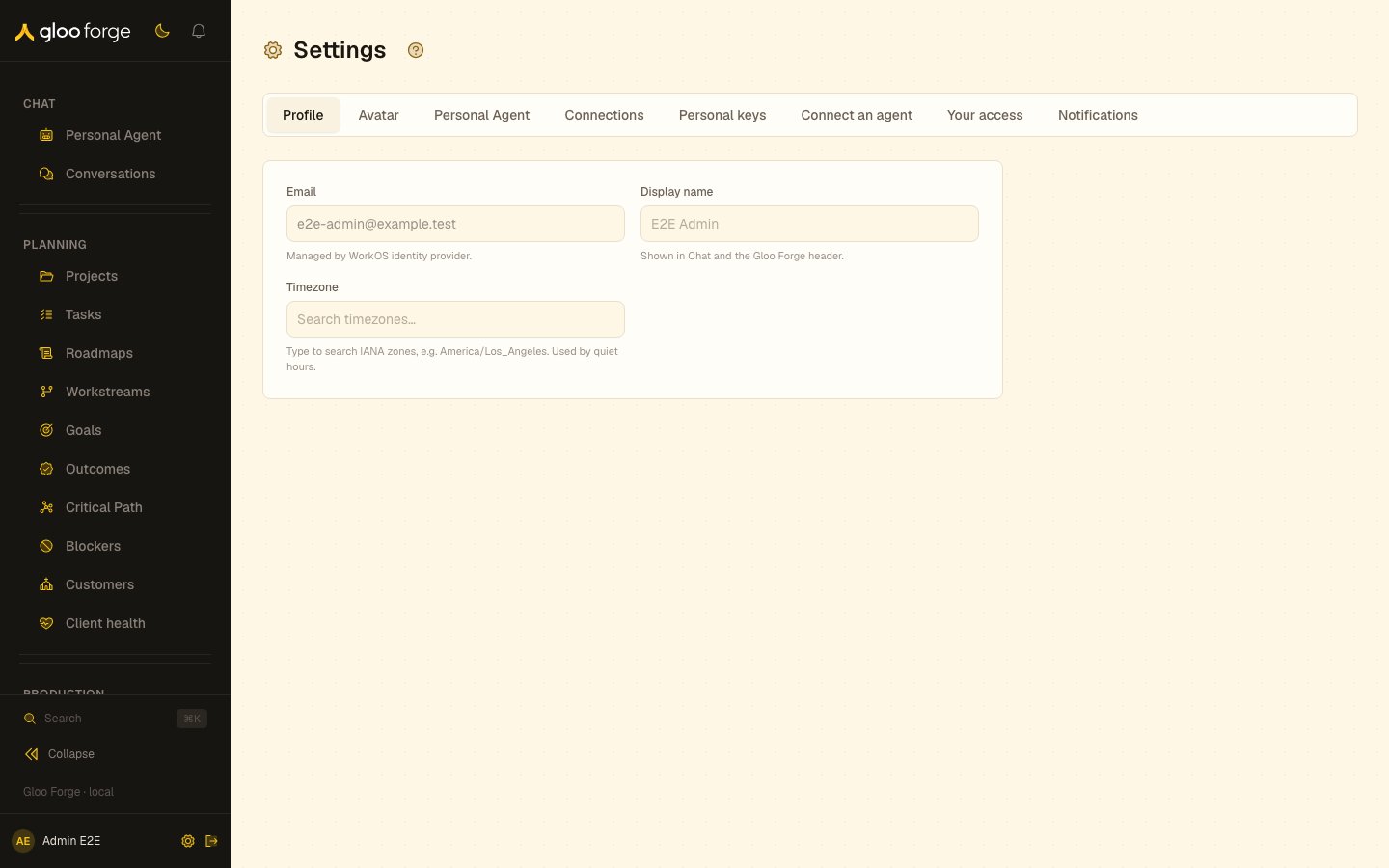
Profile — Forge Console at /settings/profile
What you can do
- Change your Display name, used in Chat and the Forge header.
- Set your Timezone, used to evaluate quiet hours.
Key state to watch
- Saved. — shown in the sticky action bar when the change is stored.
- A save error — the form stays open with the server message; correct the value and retry rather than refreshing away the draft.
- Email — read-only; your sign-in provider owns it.
Related surfaces
- Avatar: your profile photo.
- Your access: your roles and where they apply.