

/analytics/alerts) is the workspace alert configuration. Where the Observe surface gives passive read-only telemetry, alert rules turn those metrics into active page-me predicates.
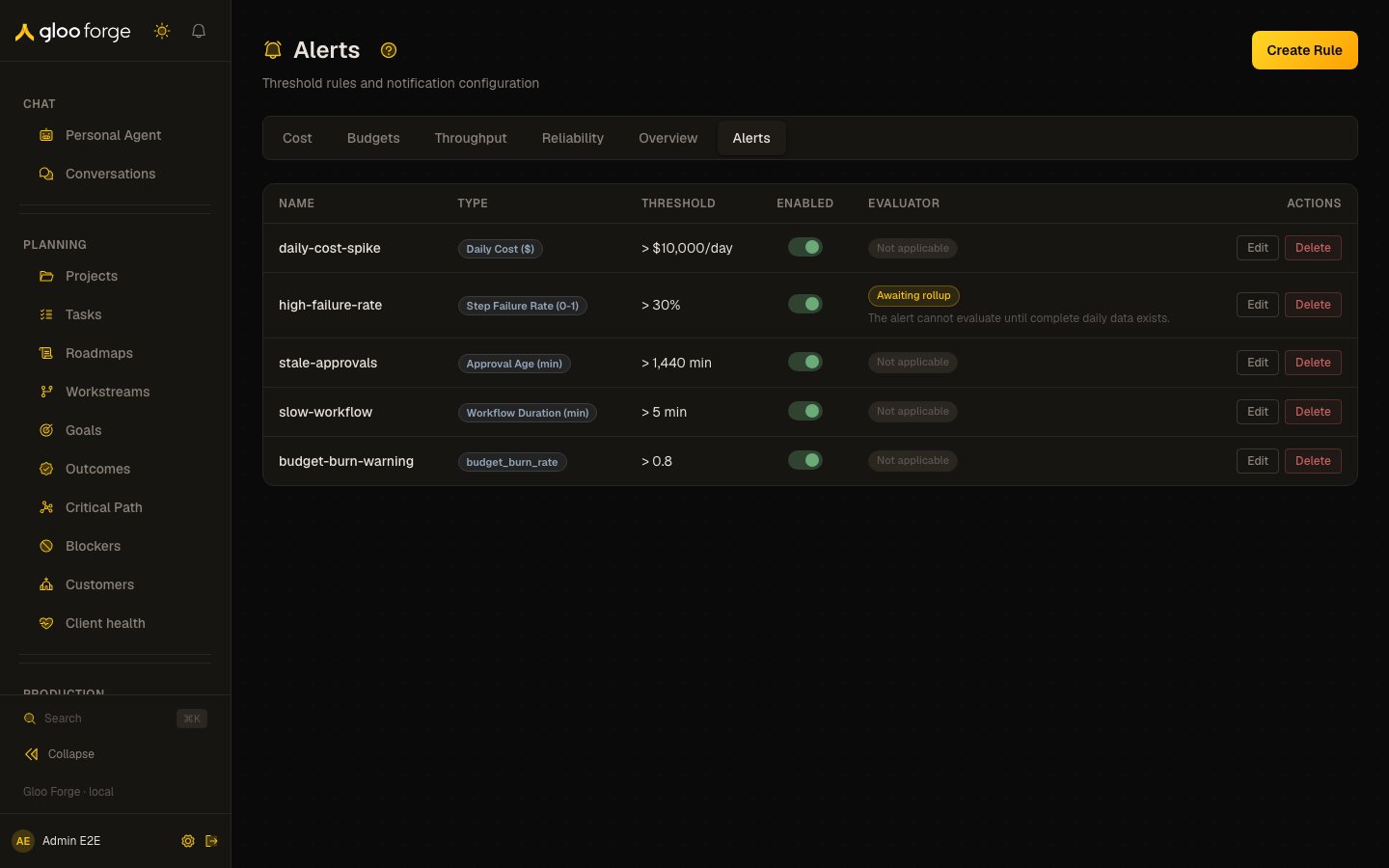
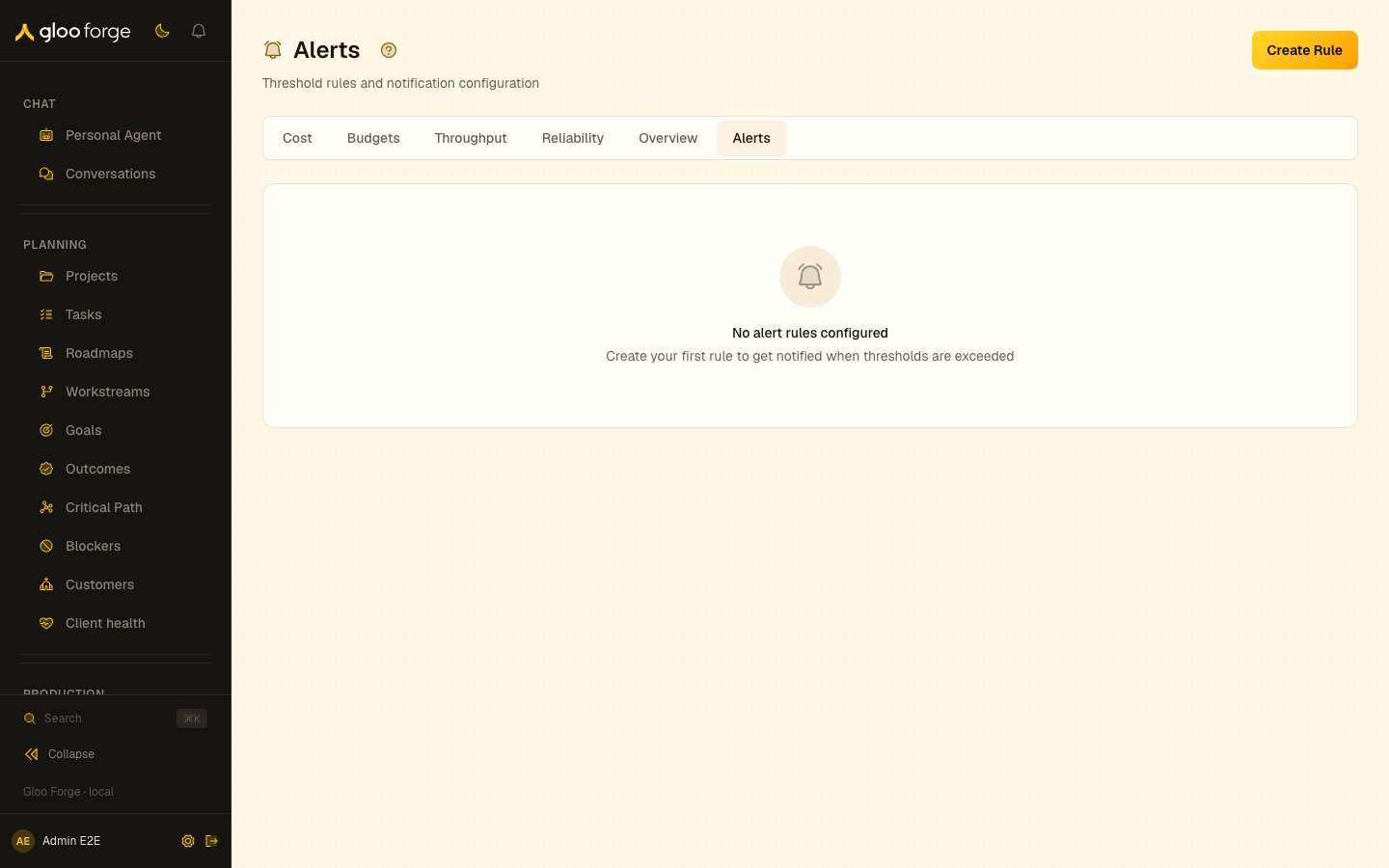
Alerts — Forge Console at /analytics/alerts
What you can do
- Author an alert rule of one of five types:
cost_daily,cost_per_run,step_failure_rate,approval_ageandworkflow_duration. The evaluator also runs three trend types (budget_burn_rate,cost_anomaly,failure_rate_trend), eight types in all, but this page cannot create the trend types. - Set the threshold, the comparison (
gt,gte,lt,lte,eq) and an optional dimension. - Edit, enable, disable or delete a rule.
Key state to watch
- Last triggered — when the rule last fired.
- Data status — for
step_failure_rate, whether the daily rollup it reads is ready; the rule does not fire on incomplete data.
Related surfaces
- Observe alerts: event-count rules that notify the bell or a Slack channel.
- Notifications: which channels deliver a fired alert to you.
- Cost: the spend that the cost rule types measure.