

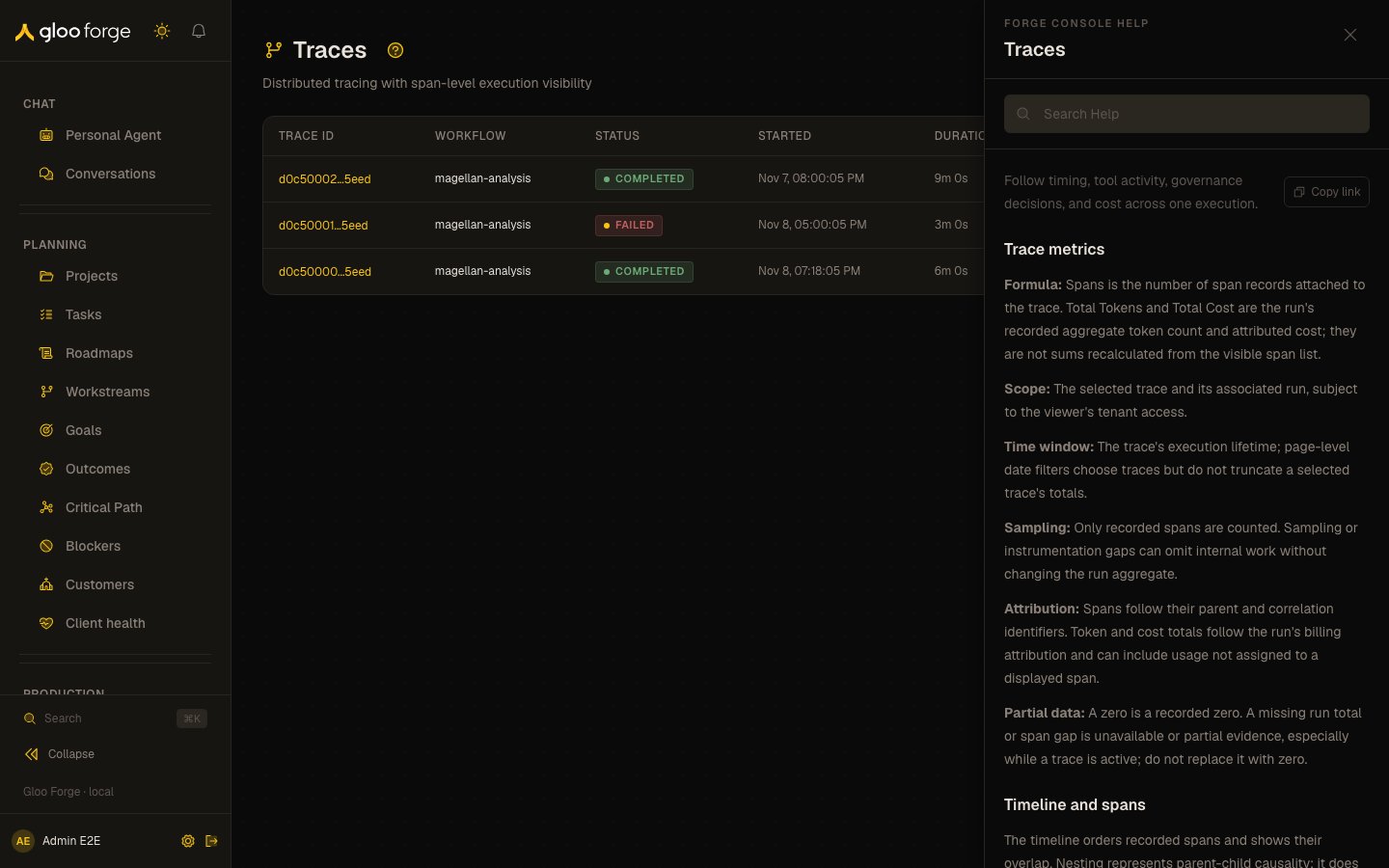
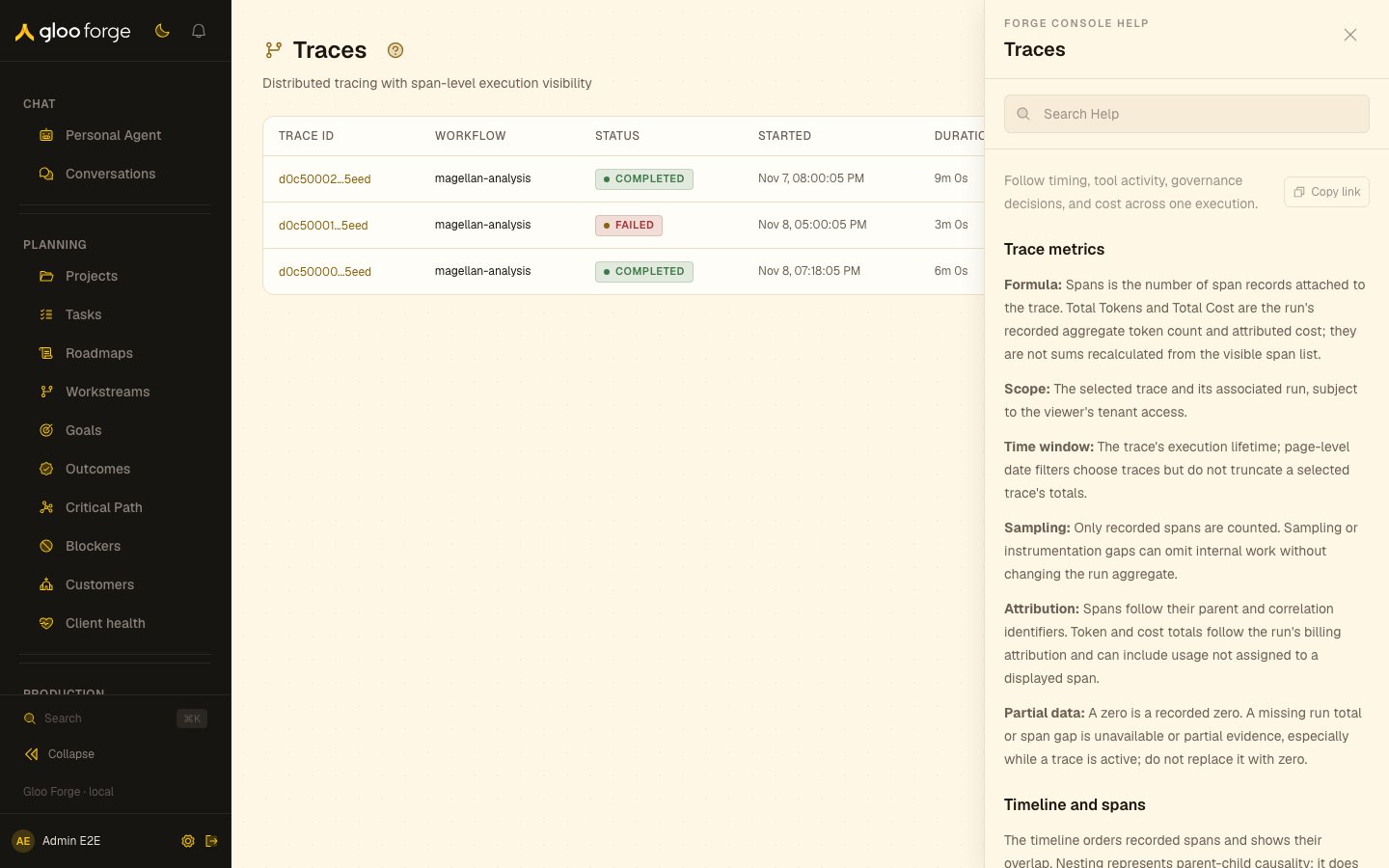
Help open beside Traces — Forge Console at /observe/traces
What you can do
- Open Help for the current page, for one field or action, or from the command palette. See Open the right guidance.
- Search Help, follow related topics, copy a deep link or open the full documentation. See Work inside the Help surface.
- Tell maintainers whether a topic helped with Was this helpful?
Open the right guidance
You can enter Help at three levels:
Hovering or focusing a question-mark button shows its subject. Activating it opens Help; hover
alone never interrupts your work.
Work inside the Help surface
Every Help topic provides a compact set of tools:- Search Help searches only guidance you are allowed to see in the current Console session.
- Related Help follows the authored next steps without losing the page underneath.
- Copy link creates a deep link to the current topic and, when applicable, its exact subsection.
- Open full documentation moves to the longer operational or conceptual reference when the current task needs more depth.
- Was this helpful? records a simple Yes or No signal so maintainers can improve weak guidance.
Keep control of focus and Escape
Help follows the Console’s normal keyboard rules:- On desktop, Help is a sidecar and does not trap focus away from the page.
- On smaller screens, Help is a modal sheet and keeps focus inside it until closed.
- If the Help search contains text, Escape clears the search first. Press Escape again to close Help.
- Closing Help restores focus to the control that opened it when that control still exists.
- Reduced-motion preferences disable nonessential Help transitions.
Example: workflow Inputs
In the workflow builder, open the Inputs tab and use the question mark beside the input contract or an individual input kind.
When launching a workflow, Help remains available beside the run form. It explains why derived
values are read-only, whether an asset is bound, and when a manager may replace that binding before
dispatch.
If guidance cannot load
Help fails locally and safely:- An invalid, removed, or unauthorized deep link falls back to Help home instead of revealing the hidden topic.
- A content-load failure leaves the current Console page usable and offers a retry.
- Search can return No results without changing the current topic.
- Full documentation remains a separate link when the embedded article is intentionally concise.
Key state to watch
- Help home instead of the linked topic — the link was invalid or removed, or you lack the permission or feature it needs.
- Escape with search text — the first Escape clears the search; the second closes Help.
- Search results — they cover only guidance you may see in the current session.