

/analytics/architect-health) is the administrator-only telemetry surface for
the Workflow Architect. It reports a rolling 30-day window and compares relevant counts with the
prior window.
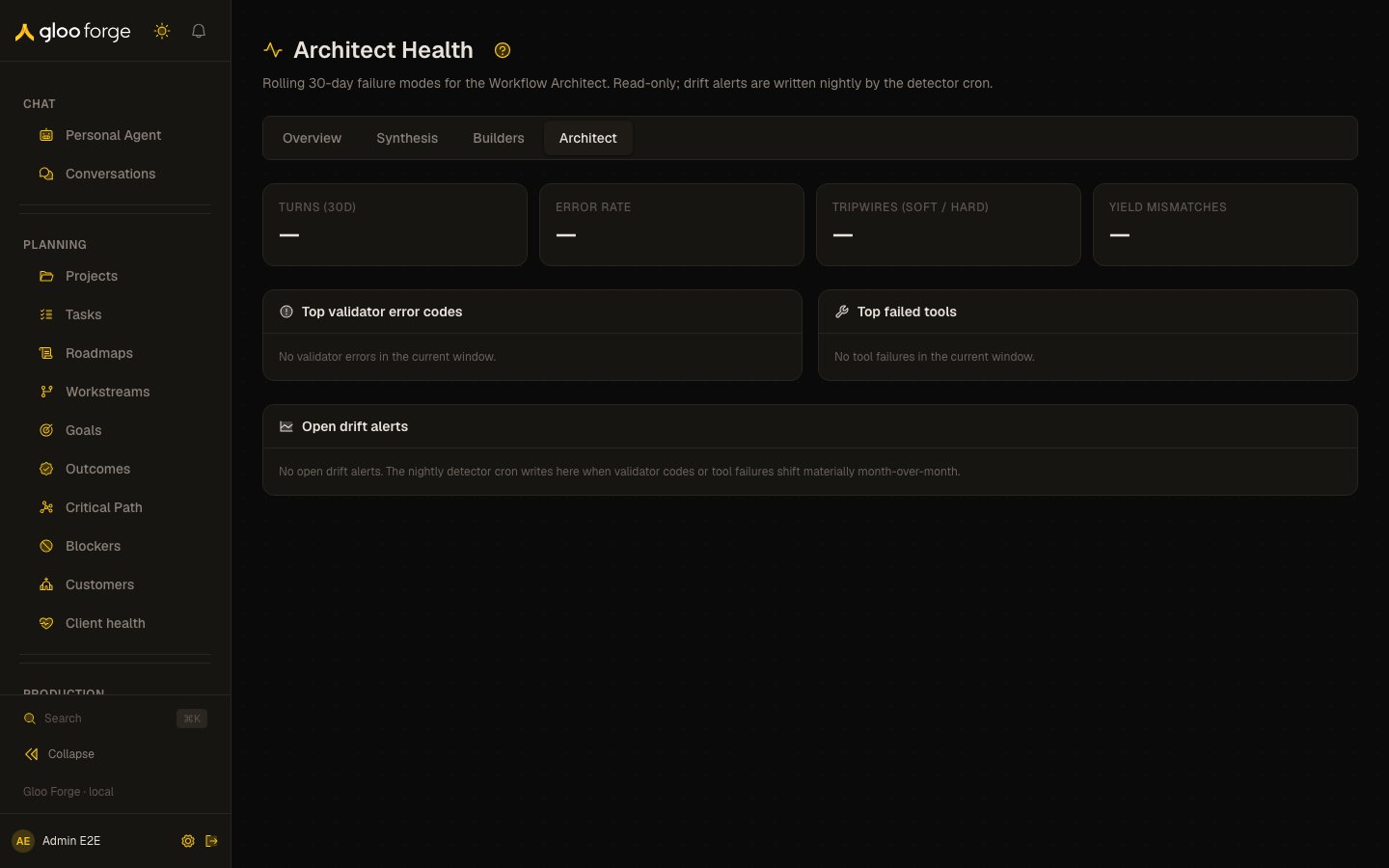
Architect Health — Forge Console at /analytics/architect-health
What you can do
- Review the 30-day window: Architect turns, error rate, tripwires and yield-mismatch incidents against the prior window.
- Find the most frequent failures: validator error codes and failed tools, with current and prior counts.
- Acknowledge a drift alert once you have recorded or begun the follow-up.
Review the current window
The summary shows:- Architect turns and error rate.
- Soft and hard tripwire counts.
- Yield-mismatch incidents.
Handle a drift alert
A nightly detector adds an open alert when validator-code, failed-tool, tripwire, or yield-mismatch counts shift materially. Read the alert’s kind, subject, current and prior counts, and detection date. Choose Acknowledge after you have recorded or begun the appropriate follow-up. Acknowledging the alert removes it from the open list; it does not change the underlying telemetry or repair the Workflow Architect. The page does not provide conversation drill-down, operator-override rate, success rate, or median resolution turns. Use Workflows and Run History to investigate the related workflow and platform evidence when you have its identifiers.Key state to watch
- Open drift alerts. A nightly detector opens one when validator-code, failed-tool, tripwire or yield-mismatch counts shift materially.
- Hard tripwires. Count them against the prior window.
- Access restricted. Administrator access is required.
- An empty panel. No matching rows were returned for that window; it is not a substitute for checking the relevant runs.
Related surfaces
- Agent Performance: the other Agent Performance tabs.
- Workflows: the workflows the Architect builds.
- Run History: platform evidence for a run.