

/production/factories) lists every Factory in the workspace. A Factory is the unit of autonomous production: it bundles a Factory Type, a Manager Agent (a Convex-native Overseer), a team of workers (human and agent), a budget envelope, dedicated channels, and zero or more dev environments.
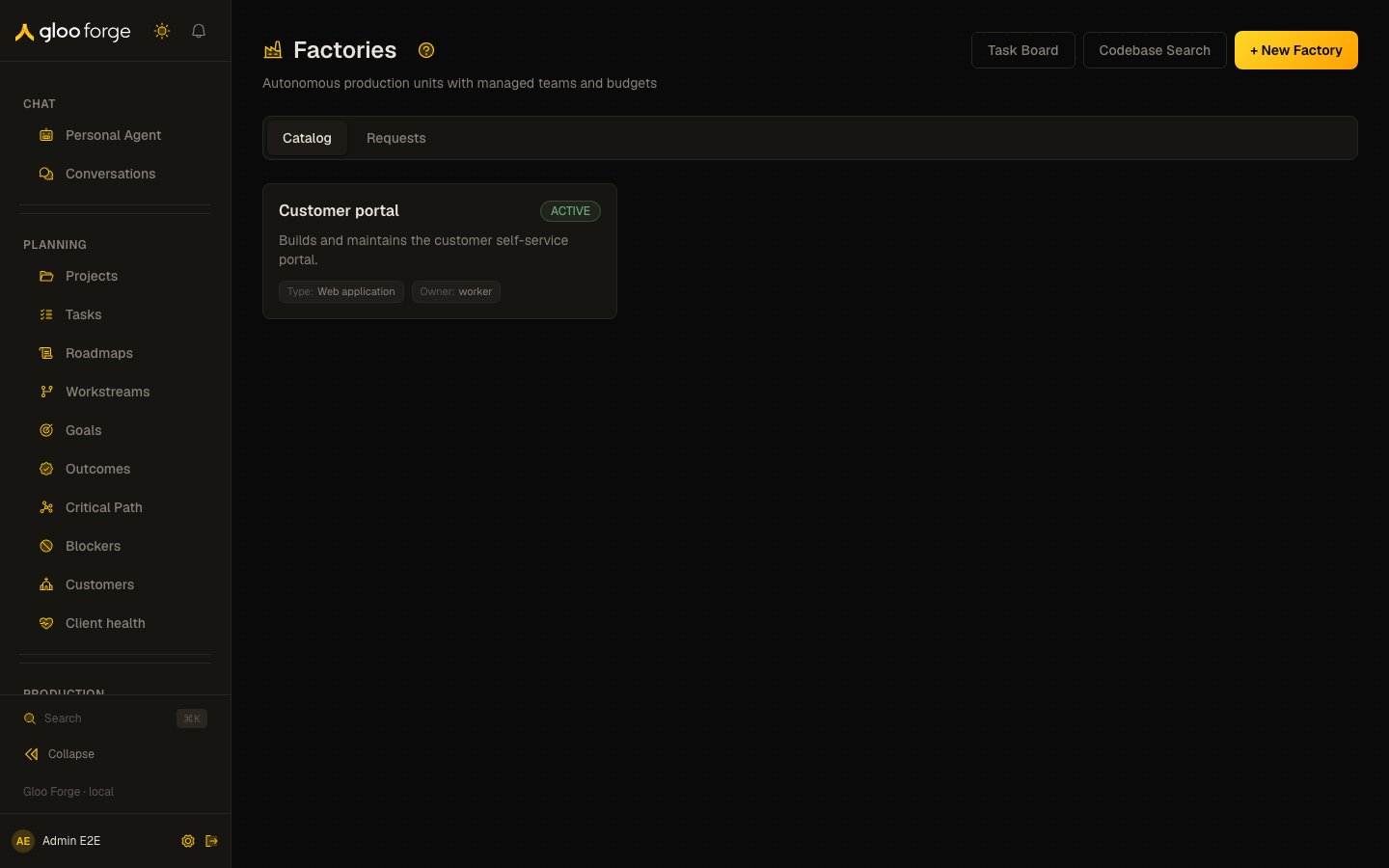
Factories — Forge Console at /production/factories
What you can do
- Spin up a new Factory from a Factory Type. The Manager provisions itself, attaches the budget, opens the channels, and starts accepting work.
- Drill into a Factory to see its properties, team, active assignments, scoped knowledge, and, for a software Factory, linked release milestones. Chat opens the Factory’s channel and session view.
- On a Factory’s Overview tab, the Knowledge card shows what the Factory knows: the number of active entries in its scope (it stops counting at 200 and shows “200+”), its top five cases, and Browse all, which opens the Knowledge Base filtered to the Factory’s scope. It needs
knowledge:read; if you can’t read the Factory’s scope, the card shows no count. - On a software Factory’s Releases tab, see that Factory’s release milestones: the milestones marked as a release in Roadmaps that the Factory’s own tasks, or the tasks of its projects, are linked to. It needs
factories:read, the same permission that opens the Factory. When the Factory has more linked tasks or releases than one read covers, the tab says that not every release is shown. - On Codebase (
/production/factories/codebase), search the deployment’s indexed codebase and list its indexed files with their chunk counts. The file list loads 500 indexed chunks at a time: Load more brings the next ones, and a file whose chunks span two loads is shown once with every chunk counted. The file list needsfactories:readat the platform scope; a unit-scoped grant sees no files, because an indexed file belongs to no unit. - Pause, resume or archive a Factory from its kill switch; see Emergency controls.
- Open Task Board for Factory tasks or Codebase Search for the deployment’s indexed codebase. Archiving from the Factory’s kill switch is the Console’s permanent retirement action; the Console does not run a separate decommission-and-settlement wizard.
Key state to watch
- Factory status —
PROVISIONING/ACTIVE/PAUSED/ARCHIVED. Status changes are governed events. - Owner and type — each catalog card names the owner scope and Factory type; expand the card for its description and manager identifier.
- Assignments and team — the Overview separates current workers from active assignments. An empty section means no rows were returned; it is not a health verdict.
Emergency controls
A Factory’s detail page has a Kill Switch panel with Pause Factory, Resume Factory and Archive Factory. You see it only withswitches:use, and each action needs switches:use at the Factory’s home org unit and a reason of at least 8 characters, which the audit event records.
- Pause blocks new dispatch through the Factory; in-flight steps finish normally. It is enabled only while the Factory is active: a Factory still provisioning cannot be paused, because its setup finishes only from provisioning.
- Resume restores the status the Factory had when it was paused. It is enabled only while the Factory is paused.
- Archive is permanent: an archived Factory cannot be paused, resumed or reactivated. You confirm it by typing the Factory’s name.