

/platform/commands/audit) shows the Tier 3 free-form runInSandbox invocations that Trust Fabric captured, and the patterns among them that are candidates for promotion into the typed command catalog. It is the Audit tab of the Commands sidebar entry, after Catalog. Open it to see what agents ran outside the catalog and which of those commands deserve a catalog entry.
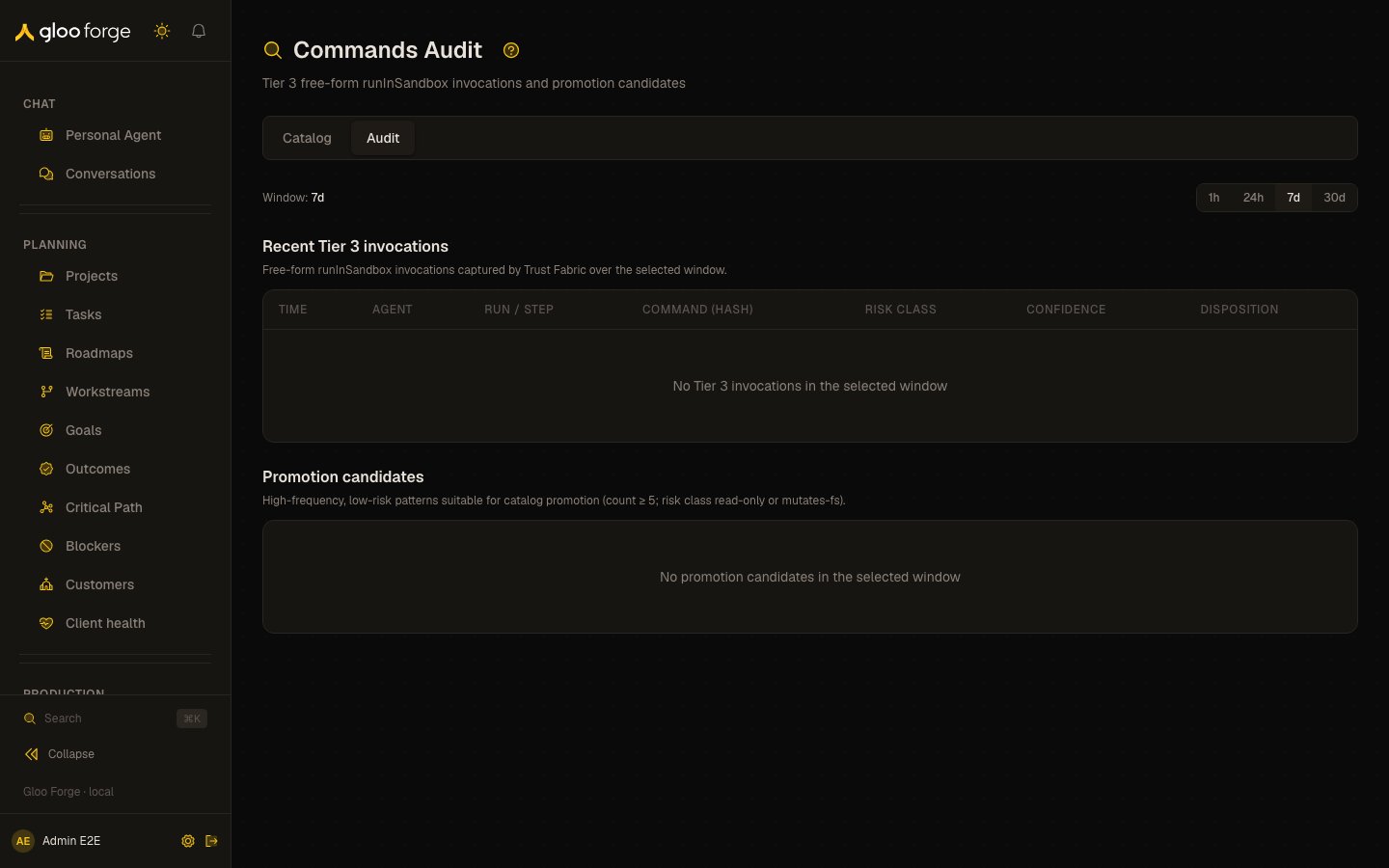
Commands audit — Forge Console at /platform/commands/audit
What you can do
- Pick a window with the 1h, 24h, 7d, or 30d chips. 7d is the default; both sections follow the window.
- In Recent Tier 3 invocations, follow a run link to open that run.
- In Promotion candidates, Open issue opens a pre-filled issue in a new tab carrying the pattern’s hash, risk class, count, and sample command, to track promoting it to a Tier 1 catalog command.
Recent Tier 3 invocations
held covers both hold and hold-for-approval dispositions. The table shows up to 200 invocations.
Promotion candidates
A candidate is a command pattern seen at least five times in the window with a risk class ofread-only or mutates-fs. Each card shows the hash prefix, risk class, the sample command (or “Sample command unavailable” when the execution log row cannot be joined), Count, and Last seen.
Who can act
The page requiresaudit:read.
Key state to watch
destructiveorprivilegedrisk class in the invocations table: an agent ran a high-risk command outside the catalog. Open the run and check the disposition.blockdispositions: Trust Fabric stopped the command; confirm the agent recovered or the run failed cleanly.helddispositions: the command was held rather than run; check the approvals queue for the matching run.- A candidate with a high Count and recent Last seen: agents keep improvising the same command; promote it with Open issue.
- “No Tier 3 invocations in the selected window”: widen the window before concluding nothing ran.