

/knowledge/quality) to evaluate whether retrieval finds the artifacts a representative question should return. Viewing requires knowledge:read; creating, editing, archiving, and running golden sets requires knowledge:manage.
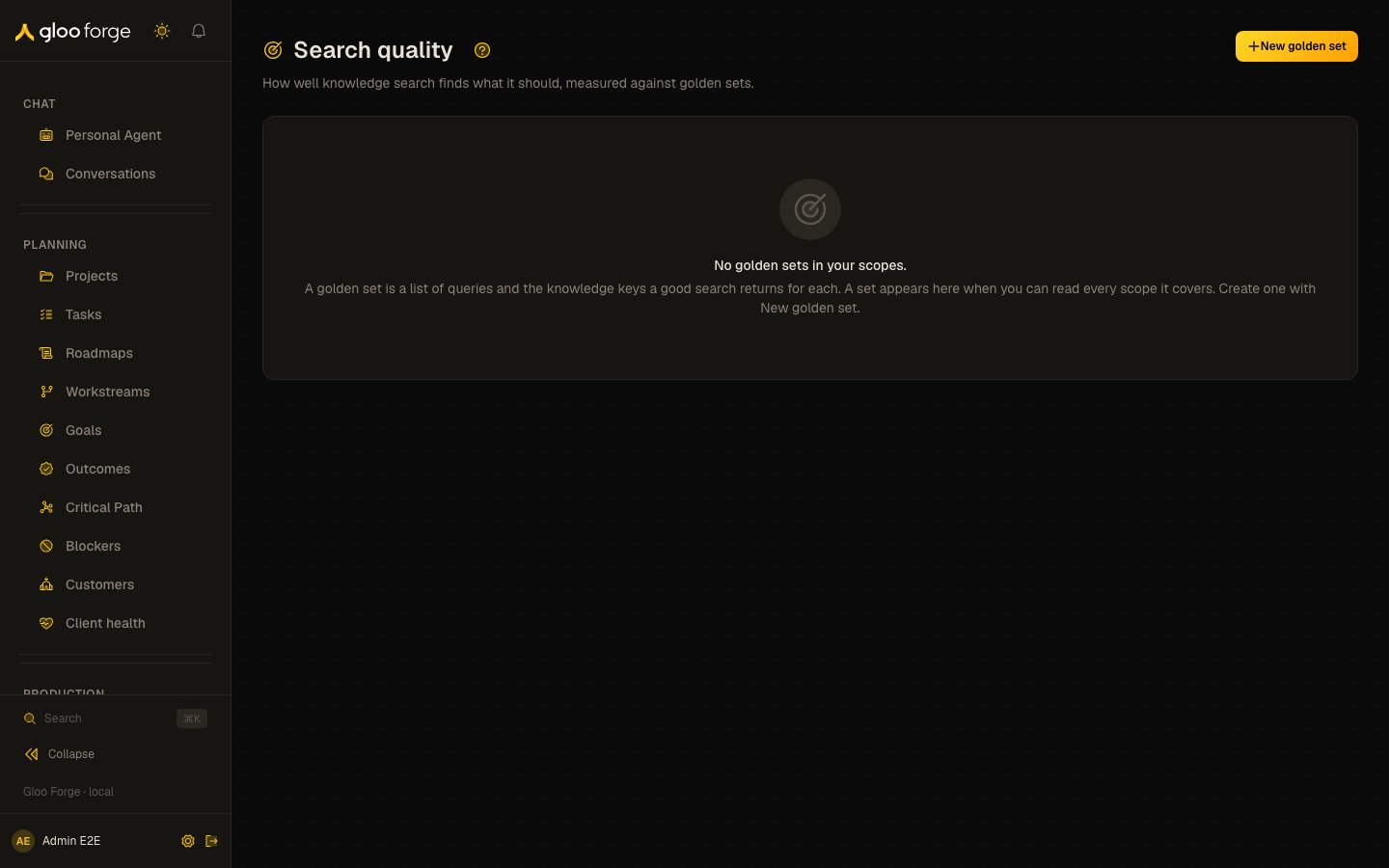
Search quality — Forge Console at /knowledge/quality
What you can do
- Create a golden set and run it. See Run a useful evaluation.
- Read each set’s recall@k and MRR against its baseline, and its trend. See Read scores and history.
- Find the questions retrieval did not fully answer. See Interpret the metrics.
Run a useful evaluation
- Choose New golden set and name the behavior you want to measure, such as “Finance policy retrieval.”
- Choose the scopes the test searches. Add representative questions and the knowledge keys each should retrieve.
- Save the set, select it, and choose Run now.
- Wait for a completed run. Run scheduled confirms scheduling, not a successful evaluation.
- Open Show trend, inspect the score and failing questions, and compare with the baseline for the same retrieval configuration.
Read scores and history
Search quality (/knowledge/quality) answers “is retrieval any good?” It measures knowledge search
against golden sets: lists of questions, each with the knowledge keys a good search returns for
it. You see a golden set only when you can read every scope it searches, because a run shows
which keys came back from those scopes. Archived golden sets are listed too, marked archived, so
their past runs stay available. Viewing requires knowledge:read.
Each golden set is a card showing:
- its scope and the namespaces it searches;
- the newest run’s recall@k and MRR, and how they compare with the baseline for the same embedding model, chunker version, k and ranking version;
- Regressed when the newest run fell below that baseline, Invalid when it measured nothing, Baseline when the newest run is its configuration’s baseline, and OK otherwise. A set with no runs says “No runs yet” and shows no score.
- for the first run under a new chunker version, which becomes the baseline for its configuration, a separately labelled comparison with the previous chunker’s baseline (same embedding model and k), and whether recall@k or MRR fell after the chunker change.
?set=):
- a line chart of recall@k and MRR over time for one retrieval configuration (embedding model, chunker version, k and ranking version): the newest valid run’s. Baseline runs are labelled. Runs under another configuration are counted, not plotted, because each configuration has its own baseline. Invalid runs are listed under the chart, not plotted.
- the golden queries the newest valid run did not fully answer, worst first: the expected keys, the
keys that came back (best first), recall and reciprocal rank. Each key opens the Knowledge Base
searched for that key (a case key or a source ID). A key of the form
entry:<id>, for an entry with neither, opens that entry.
Authoring golden sets
Withknowledge:manage you can also author golden sets and run them:
- New golden set opens the editor: a name, one or more scopes you can read (Add scope, up to 50), and golden queries, each with its expected keys as a comma list (Add query, up to 100). The editor lists what to fix before it saves.
- Edit on the selected set opens the same editor. A set with runs opens read-only except for its name and Archive, because its runs stay comparable only while its scopes and queries do. Archived sets keep their history; create a new set to change what is measured.
- Run now schedules one run of the selected active set. It is refused for a minute after a run or an earlier Run now, even while that run is still queued. The button stays disabled for a minute after a run, and shows “Run scheduled” once the run is queued. The run records its embedding model, chunker version, k and ranking version, and is compared with that configuration’s baseline.
Interpret the metrics
Recall@k measures how many expected keys appear among the first k results. MRR rewards the first relevant result appearing early. A high aggregate score can still hide an important failing question; inspect the failing-query table before changing production configuration.Recover from a problem
Key state to watch
- Regressed — the newest run fell below the baseline for the same retrieval configuration.
- Invalid — the run measured nothing; it is not a zero-quality verdict.
- Run scheduled — the run is queued, not finished.
- A changed configuration — a new embedding model, chunker version, k or ranking version starts its own baseline.