

/platform/external-apps) is the registry of inbound OAuth2 clients. An External App is a partner application that exchanges a client_id + client_secret at POST /oauth/token for a short-lived Forge JWT, then calls the OpenAI-compatible inference surface (/api/inference/v1/*) and/or the Forge Platform API (/api/v3/*, or the /api/v2/* compatibility surface).
External Apps is the first tab of Developers, the sidebar entry labeled “Developers” that opens
/platform/external-apps. Developers groups the pages where you operate Forge as a developer:
External Apps, Personal keys, Forge MCP and Webhooks. Organization administration (feature flags,
members, identity, chat, email, fiscal calendars and secrets) stays under
Settings.
An External App is not just an API key. It is a first-class principal — the tenant boundary that keys Trust Fabric governance, per-app and per-end-user budgets, agent/memory/knowledge isolation, cost attribution, and webhook subscriptions. Everything an app does is attributable to it, and deactivating it cascades.
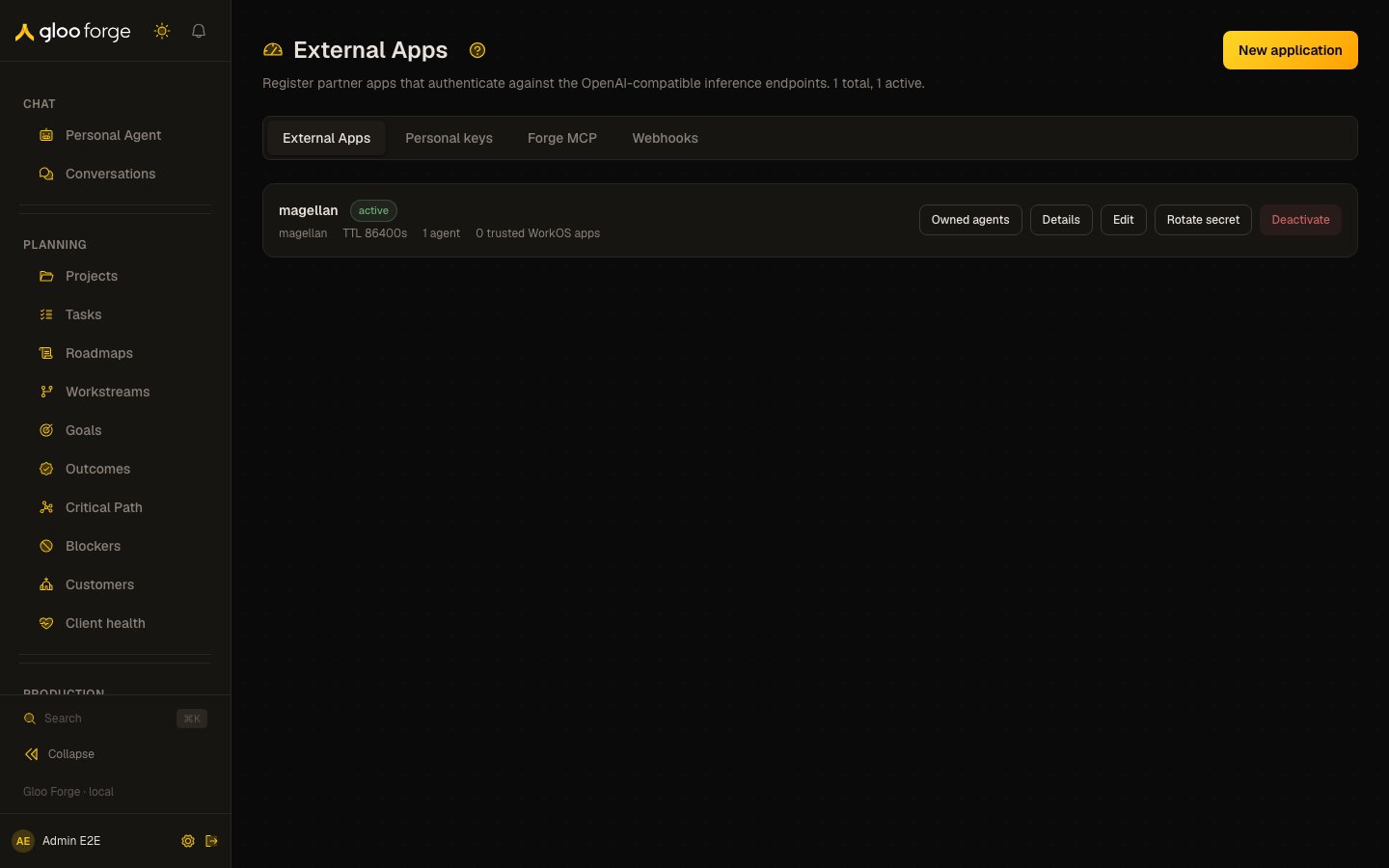
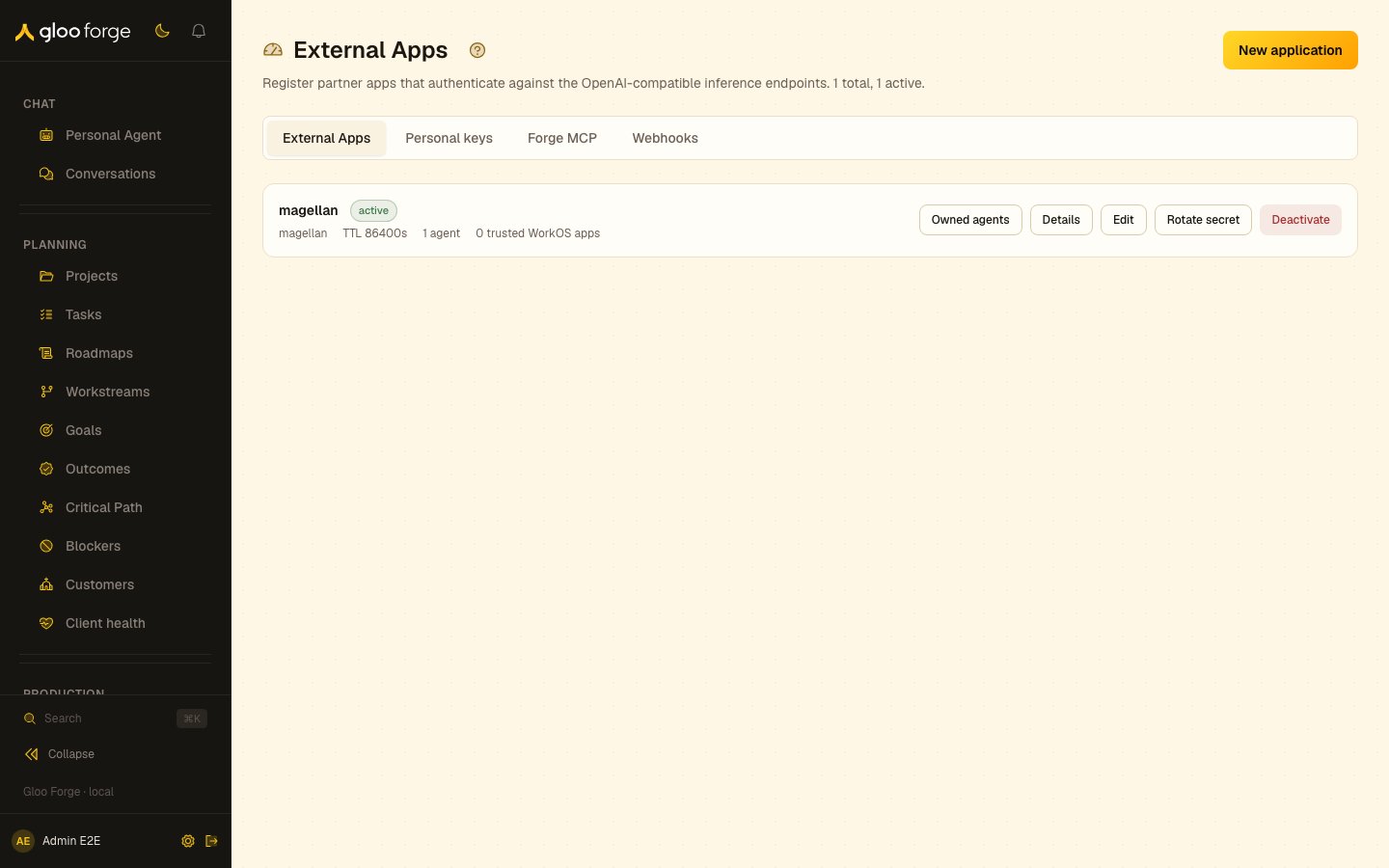
External Apps — Forge Console at /platform/external-apps
What you can do
- Register an app — name it, pick its owner scope (user / factory / project / org unit) and set budgets. The
client_secretis shown exactly once on create. A new app holds no roles. - Give and revoke roles — an app’s authority is its role grants, managed on its Overview tab with
grants:manage(see below). - Set budgets — a monthly token ceiling for the app and a daily token cap per end user, with a
blockorwarnenforcement posture. - List trusted WorkOS applications — the Applications whose user JWTs this app may present for token exchange, so a partner can act as a specific end user.
- Restrict agent access — allow every agent in scope, or an explicit
allowedAgentIdsallowlist, with an optional default agent. - Manage webhooks per app, on the app’s own Webhooks tab: create, edit, send a test delivery, rotate the signing secret, revoke.
- Read the delivery log for that app’s subscriptions on the Delivery Log tab.
- Rotate the client secret — mints a new secret and revokes the old one, shown once.
- Rotate the callback signing secret — a different key, used to sign workflow dispatch callbacks. See below.
- Deactivate the app — a soft status change plus a purge cascade (see below).
Registering an app
1
Create the app
Name it and choose the owner — a user, factory, project, or org unit. The owner is not decoration: tier-5 of the credential resolver walks the owner’s scope chain, so ownership determines which credentials the app’s dispatches can reach.
2
Capture the client secret
The
client_secret appears once, on the create result. Copy it into the partner’s secret store before dismissing the dialog. Forge stores only a salted SHA-256 hash on a companion API-key row — it cannot recover the plaintext. If it is lost, use Rotate secret.3
Give the app the minimum roles
Default-deny: a new app holds no roles, so it can mint a token but every route rejects it. Open the app, and under Roles choose Manage roles. Give a role holding
inference:use for the inference surface, and only roles carrying the permissions the integration actually calls.4
Set a budget before going live
An app with no
monthlyTokenBudget is uncapped. Set the ceiling and the per-user daily cap, and choose block (reject at the cap with HTTP 429) over warn for anything customer-facing.5
Verify the token flow
Have the partner mint a token and make one real call. A
403 names the missing permission in error.requiredPermission: either the app’s roles lack it, or the token did not ask for the scope that narrows to it. A 401 with wrong_scope from the inference surface means the token was minted without inference:app.Roles and scopes
An External App is an actor, like a person: what it may do is the role grants it holds. Roles are given and revoked on the app’s Overview tab, in the Roles card, by someone holdinggrants:manage; without grants:read the card shows nothing. Give a role at platform scope, or at the organization the app’s requests act in. For an app owned by an org unit, that is the top organization of the owner’s chain, and Manage roles labels it. A role given only at an organization below it never reaches the app’s requests, so the dialog does not offer one. An app owned by a user, factory or project acts at the deployment root: give its roles at platform scope.
A scope grants nothing. The scopes a token asks for at POST /oauth/token only narrow what the app’s roles allow. See Permissions and scopes for the full scope-to-permission catalog.
Below the Roles card, the Overview tab shows what the app’s roles let it do, split into inference access and management permissions. This is the app’s allowedScopes as the API returns it: the catalog permissions its role grants hold, computed, read-only, and not a grant. Each permission reads as its label, in words, and a set that is exactly a preset (such as Governance reader: grants:read, policies:read and audit:read) is shown by the preset’s name. Technical details gives the Token scope: inference:app when the app has inference access, then those catalog permissions, space-separated, ready to send as a token request’s scope value. The create and edit forms no longer offer a scope picker, and the API refuses a write of allowedScopes with allowed_scopes_removed.
Each active app that held scopes before roles decided authority was given a compatibility role,
compat_external_app:<id>, holding exactly the permissions their old scopes mapped to (minus any never-held permission). It shows under Roles and can be revoked, but not given again.Webhooks (per app)
The app detail page’s Webhooks tab manages that app’s subscriptions. App-scoped delivery is initiator-only: an app receives events for the runs it started, never anyone else’s.
App-scoped subscriptions may carry only the five initiator-attributable events (
approval.requested, approval.sla_breached, approval.resolved, workflow.started, workflow.completed) — and no * wildcard, because a wildcard would promise more than initiator-only delivery can honor. Admin-owned subscriptions on Platform → Webhooks carry the full platform event registry plus *.
Destination URLs are validated on create and update: HTTPS only, no CR/LF, no embedded credentials, and no loopback / link-local / private / cloud-metadata hosts.
Replay is admin-only today; use Platform → Webhooks for it.
Key state to watch
- Status —
activeordeactivated. A deactivated app’s tokens are rejected and it cannot mint new ones. - Client secret prefix — the first characters of the live secret. Use it to confirm which secret a partner is holding without revealing it.
- Consecutive failures on each webhook subscription. At 10 the subscription auto-pauses and an
event.delivery.failednotification fires. Recurring auto-pauses mean the downstream is unhealthy — page its owner rather than resuming on a loop. - Budget burn against
monthlyTokenBudget. Inwarnmode an exceeded budget records a platform event and lets the call through; inblockmode the call gets HTTP 429. - Trusted WorkOS applications — validated on write to live in the same WorkOS environment as Forge, so a cross-account Application cannot be added.
- MCP server status (Forge MCP tab) — when it is off, every incoming MCP connection is refused.
- Webhook delivery health (Webhooks tab) — each configured target shows its recent delivery success rate.
Rotating the client secret
Rotate mints a new secret, returns it once, and revokes the previous one. There is no overlap window: the old secret stops working when the new one is issued, so coordinate the cutover with the partner. Rotate is rejected with409 on a deactivated app — reactivating by rotation is not a supported path; re-create the app instead.
Callback signing secret
An app has a second, independent key: the callback signing secret. Rotating one has no effect on the other, and confusing them is the most common support ticket on this surface.
A dispatch callback is what a partner gets when it passes
callback: { url } to POST /api/v3/workflows/dispatch: exactly one signed POST when the run reaches a terminal state, carrying the v2 event envelope. Only External App callers may ask for one — there is no key to sign with otherwise, and Forge refuses to deliver a callback unsigned.
- The secret is minted lazily, on the app’s first callback. An app that has never used a callback has no callback secret, and that is not a misconfiguration.
- It is shown once, on rotate. Forge stores only an encrypted form.
- Rotation is immediate and total — no overlap window. Update the partner’s receiver before rotating, or verification fails on the next delivery.
- Rotate is rejected with
409on a deactivated app, same posture as the client secret.
Deactivation cascade
Deactivating is a soft status change plus a purge cascade. It is not a delete: the row, its audit trail, and its cost attribution survive. On deactivate the platform:- Marks the app
deactivatedand stampsdeactivatedAt. - Revokes the companion API-key row, so token minting stops immediately.
- Schedules seven purge jobs, each scoped to this app: agents (archived), skills (archived through the version FSM), workflows (retired), channel memory (deleted), long-term memory (marked forgotten), knowledge entries (deleted: the entries the app added and the cases its agents recorded or last rewrote), and files (blob + row deleted for files the app uploaded).
The Developers tabs
The tabs run from what calls in to what goes out. Each keeps its own URL.- External Apps (
/platform/external-apps) — the registry of inbound OAuth2 clients: software that must keep working after the person who set it up leaves. This page. - Personal keys (
/platform/personal-keys) — every person’s Personal keys and MCP host sign-ins, with revoke, for administrators. Shown to people who holdapikeys:read. Full operator guide: Personal keys (all people). - Forge MCP (
/platform/forge-mcp) — one page with three sections: Status turns the MCP server on or off and shows the endpoint hosts connect to; Access turns tool groups on or off, explains listing jobs, and holds the Global Instructions every session is sent; What agents see lists each listing job’s tools and their size. Forge MCP holds no credentials of its own. Full operator guide: Forge MCP. - Webhooks (
/platform/webhooks) — outbound webhook configuration for platform events: targets, signing secrets and event filters. Full operator guide: Webhooks.
Your own connection
Connecting your own AI host is a personal task, so it lives in your own settings, not here:- Settings → Connect an agent (
/settings/connect-agent) — the endpoint and the setup for each supported host, sign-in first. - Settings → Personal keys (
/settings/personal-keys) — your own keys and host sign-ins, and the scopes each one has.
Moved pages
These URLs redirect, so stored links and bookmarks keep working:Related surfaces
- Personal keys — a person’s own key, and how to choose between the two
- Webhooks (operator guide) — signature verification, retries, the failure budget, retention
- External Apps HTTP API — programmatic registration and rotation
- Workflows HTTP API — dispatch callbacks — what the callback signing secret signs, and receiver-side verification
- Signed workflow ingress — the inbound counterpart for senders that cannot hold a credential
- Webhooks HTTP API — the app’s own self-service subscription management
- Inference carve-out — the OpenAI-compatible surface these apps call
- Trust Fabric in production — the gates every app dispatch passes
- Budgets and cost — how per-app ceilings are enforced and attributed
- Connect an External Service — the OUTBOUND primitive this page is often confused with