

/platform/personal-keys) is the Developers tab for inspecting Personal keys
and MCP host sign-ins across the platform. A person manages their own keys at Settings → Personal
keys. Access here is permission-based rather than implied by the page’s Platform placement.
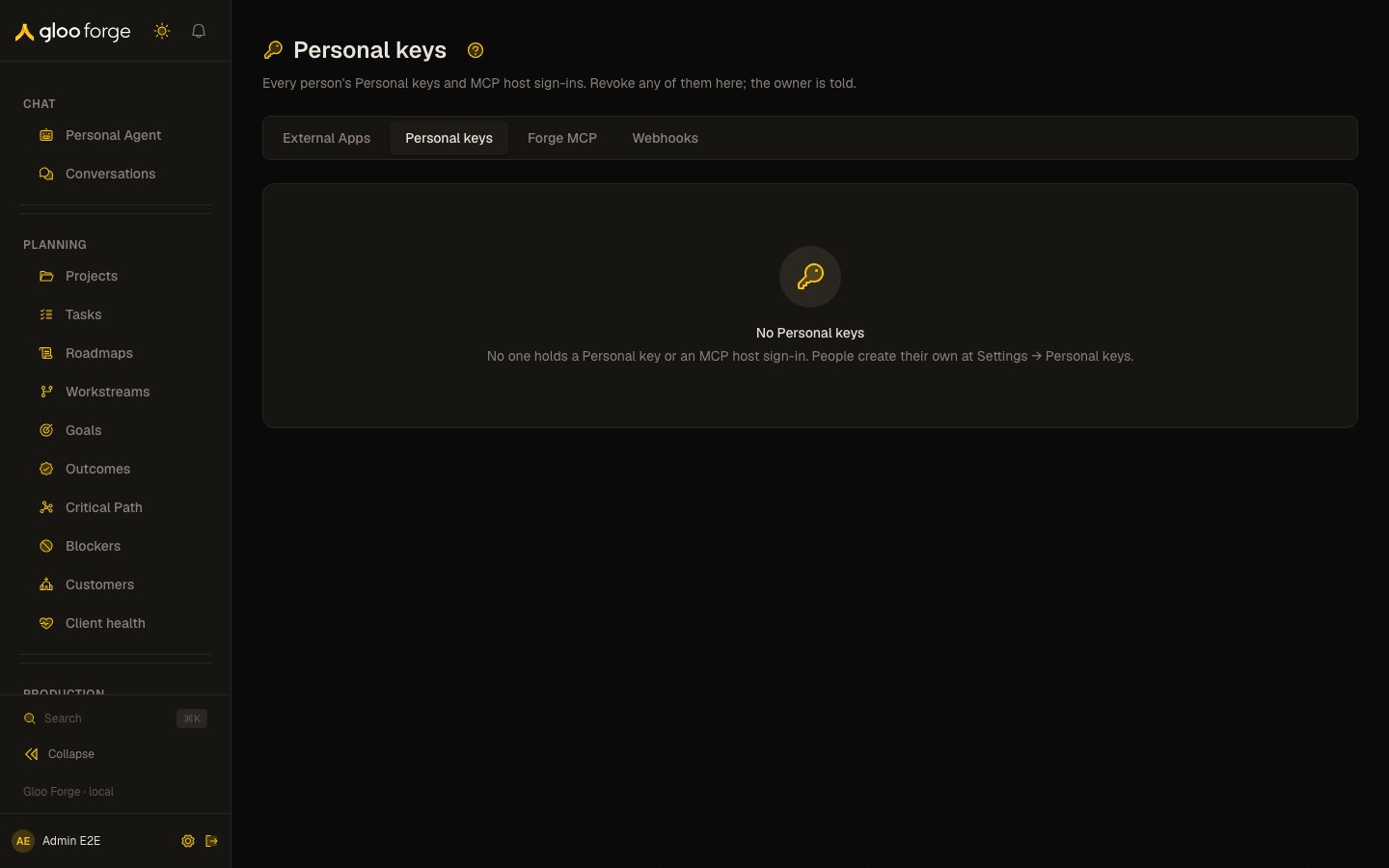
Personal keys (all people) — Forge Console at /platform/personal-keys
What you can do
- List every person’s keys: static Personal keys and MCP host sign-ins, with owner, expiry and last use.
- Revoke someone’s key, for example one that leaked or belongs to someone who should no longer have one.
Who can use it
- See the list —
apikeys:readat the platform. A grant scoped to an org unit does not show this page’s data. - Revoke a key —
apikeys:manageat the platform.
What each row shows
- Owner — the person’s name and email, or Unknown person when Forge has no person record for them. The Console never shows a sign-in subject in its place.
- Key — the label and
fmcp_…prefix of a static key, or the client id of a host sign-in. - Expiry — when a static key expires, or, for a host sign-in, the date it lapses if it goes unused for 90 days. A revoked key shows Revoked instead.
- Last used — when the key last authenticated a request.
Revoke someone’s key
Use Revoke on an active row — for example for a key that leaked or belongs to someone who should no longer have one.- The key stops at its next request. Revoking cannot be undone.
- Forge records you as the person who revoked it (a
securityaudit event,mcp_key.revoked). - The owner is told on their notification bell and by email (when Forge has a person record for them). They can delete the revoked entry at Settings → Personal keys and create a replacement; a revoked host sign-in must be deleted before that host can sign in again.
Key state to watch
- Unknown person. Forge has no person record for the owner, so the owner is not notified when you revoke.
- Expiry. A host sign-in lapses after 90 days unused.
- A truncated list. The list shows up to 1,000 keys and says so when more exist.
Related surfaces
- Settings → Personal keys — a person’s own keys, expiry and host sign-ins
- External Apps — credentials for software that outlives the people who set it up
- Emergency stops — the API keys door