

/platform/fallback-chains) holds named, ordered model lists. An agent assigned an active chain dispatches from the chain, not from its default model, even when the default model is healthy: Forge tries the chain’s models in priority order and moves to the next one on a temporary provider failure (a rate limit, timeout, conflict, server error or failed connection) or a credential refusal (401 or 403). Other errors, such as a rejected request, fail the call. Forge uses the agent’s default model only when the chain is missing, inactive or has no usable model, or when a call names a model explicitly. It is the Fallback Chains tab of the Models sidebar entry, after Catalog and Providers. Open it to add a backup model, reorder a chain, or find out why a chain has a disabled model in it.
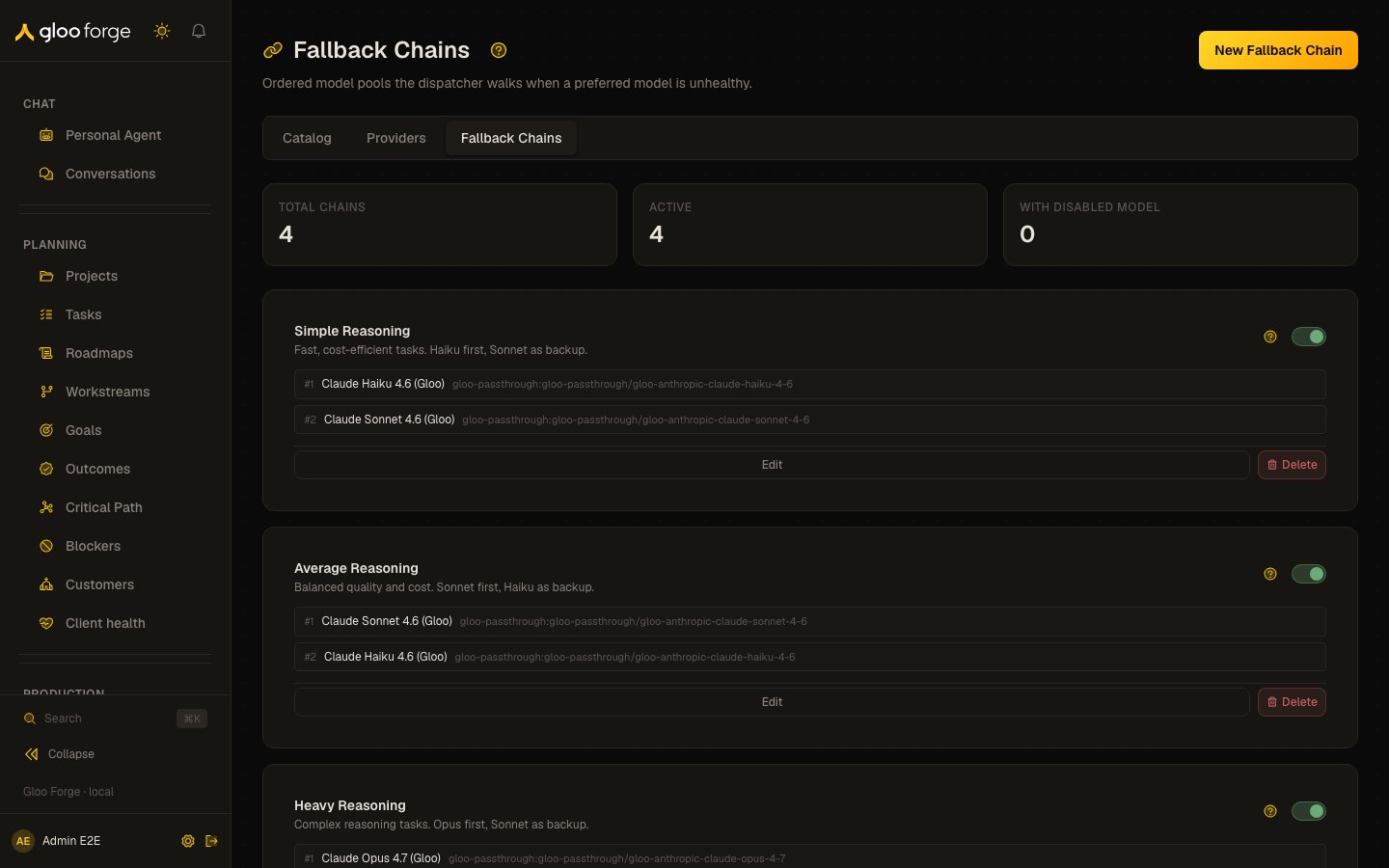
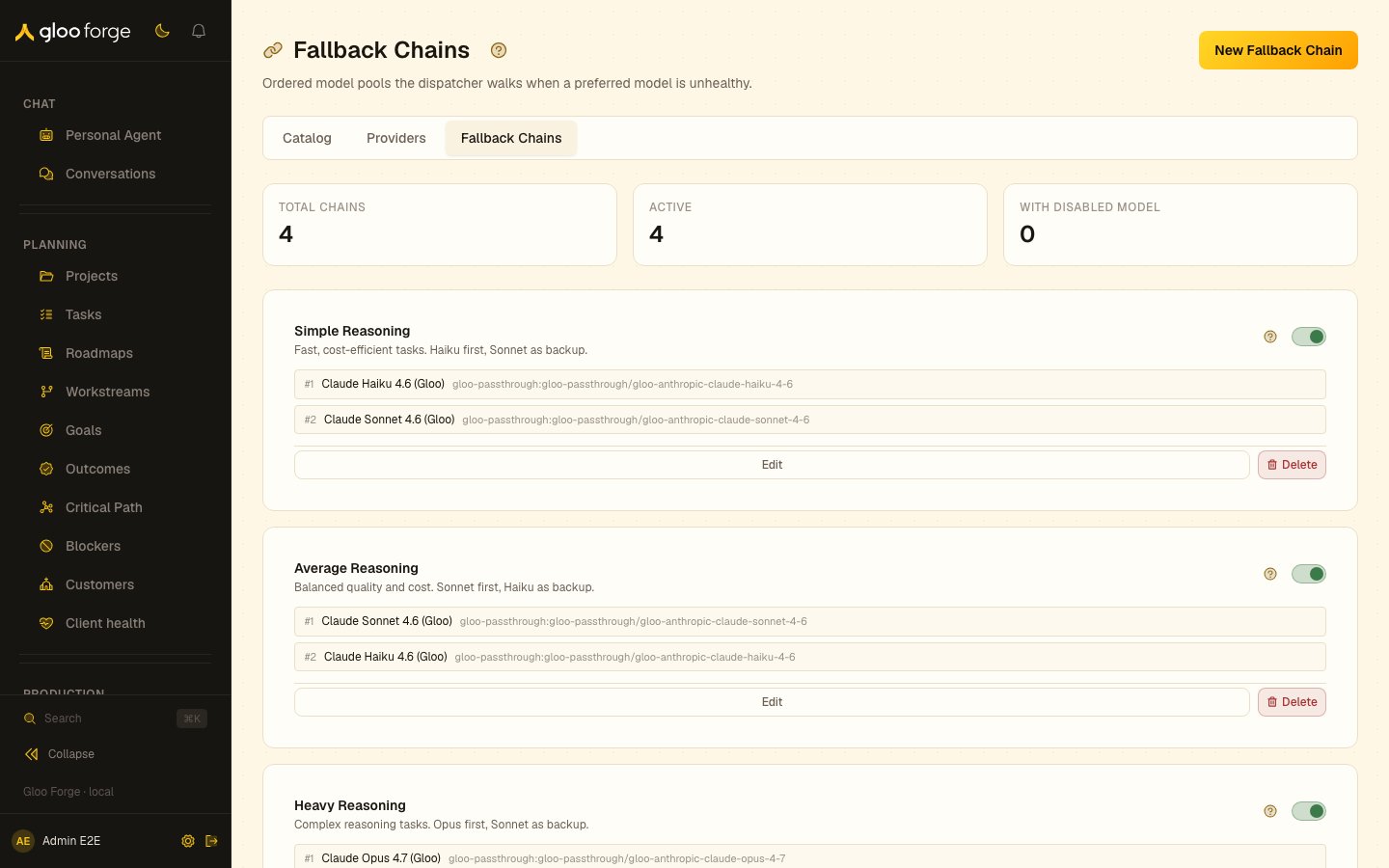
Fallback chains — Forge Console at /platform/fallback-chains
What you can do
- New Fallback Chain opens a drawer with Name, Description, and an ordered model list. Pick a model and click Add; set a weight per model; use the up and down arrows to reorder; remove a model with its remove control. The first entry is the highest priority. Save with Create chain or Save changes.
- Toggle a chain card’s switch to activate or deactivate the chain.
- Edit reopens the drawer for that chain.
- Delete removes the chain after a browser confirmation (“This cannot be undone.”).
Chain cards
Each card lists the chain’s models in priority order as#<priority>, the model’s display name, and its provider:modelId. The stat cards count Total Chains, Active chains, and chains With Disabled Model.
Who can act
Seeing the chains requiresagents:read. New Fallback Chain, the toggle, Edit, and Delete are enabled only for admins, and the server requires gateway:manage for every write.
Key state to watch
- With Disabled Model above zero: at least one chain carries a model the dispatcher cannot use. Open each flagged card and fix or remove the badged model.
- A chain whose first entry is badged: its highest-priority model is unusable, so fix that entry first.
- Active lower than Total Chains: some chains are switched off; confirm that is intended.
- An empty page (“No fallback chains yet”): no agent can be assigned a chain, so every agent dispatches from its default model.