

/platform/skills) is the catalog of first-class skills. Each skill is a packaged SKILL.md plus a forge.yaml (allowed tools, activation mode, content addressing). At dispatch time the platform intersects the agent’s permitted skills with the node’s requested skills, then composes the agent prompt.
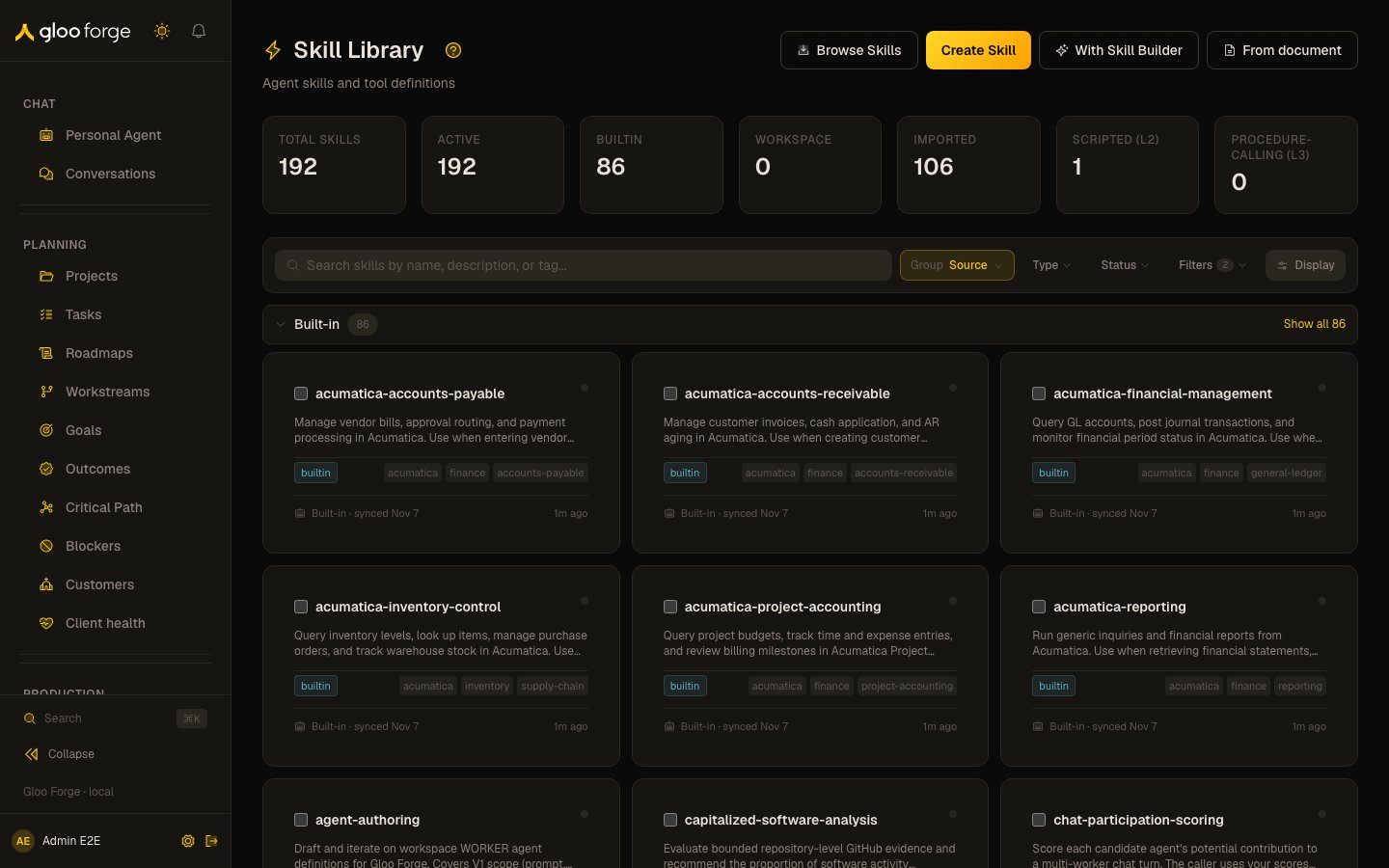
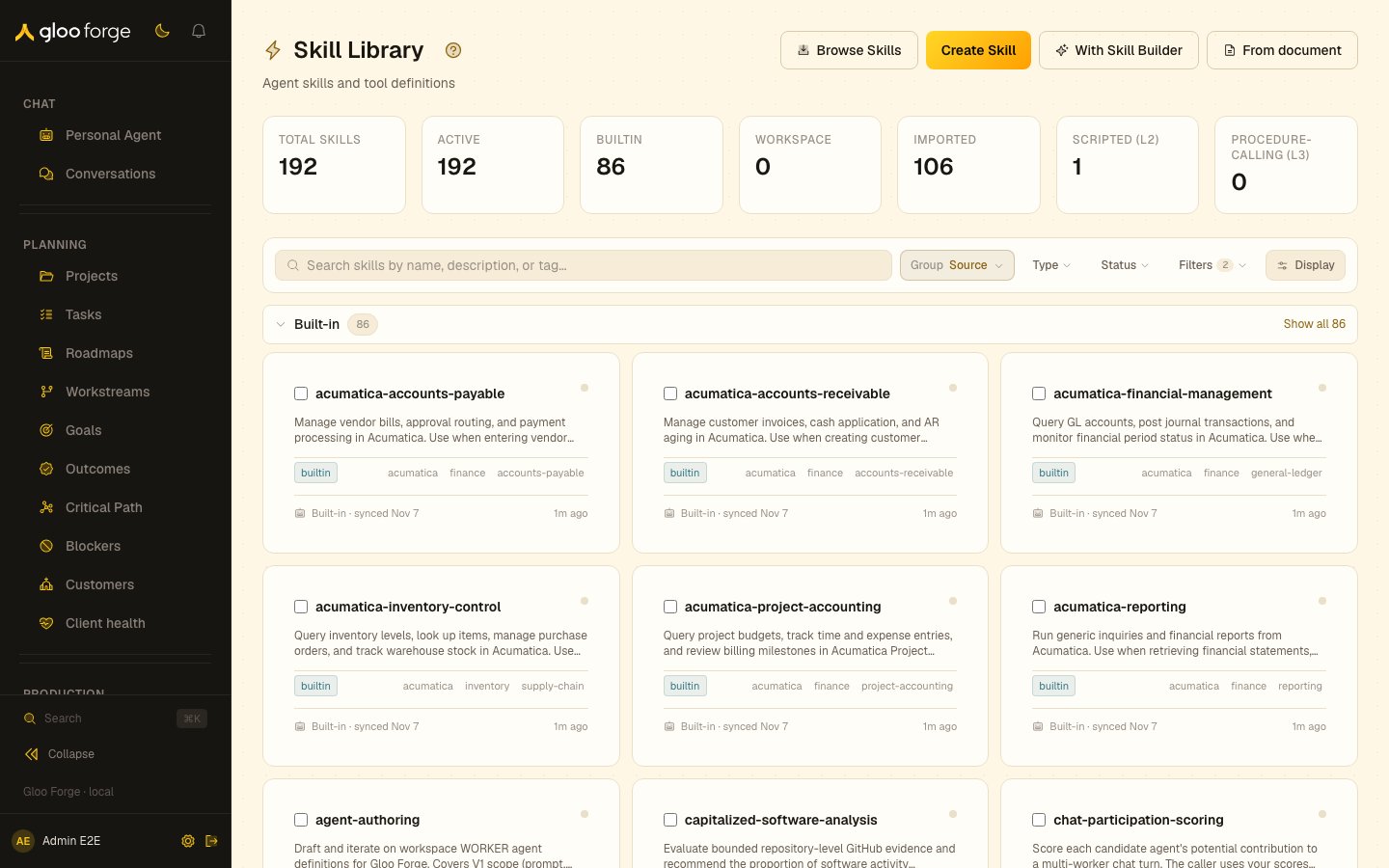
Skills — Forge Console at /platform/skills
What you can do
- Browse the catalog by source (
builtin/workspace/marketplace/clawhub/anthropic) and by activation mode (always/on_demand). Ananthropicskill comes from a plugin repository Anthropic publishes; it arrives with the platform, like abuiltinskill, and is read-only. - Start a new skill conversationally with the With Skill Builder header button.
- Author a new workspace skill via the editor; review pipelines run on submit.
- Refine a workspace skill in place with the Refine with Skill Builder button on the detail page.
- Clone a
marketplaceorclawhubskill into the workspace with Clone to workspace to get an editable copy. - Import a skill from clawhub or an external marketplace.
- Review skill quality scores — every skill gets an automated review verdict from a Judge agent.
Creating and refining with the Skill Builder
Skills are authored the same way as Procedures and Agents — through a builder agent in a right-side conversational drawer.- Create from scratch. The catalog header carries a With Skill Builder button that starts a fresh builder conversation in the authoring drawer.
- Refine an existing skill. Every skill detail page carries a Refine with Skill Builder button. It is always present, but enablement reflects the source: a
workspaceskill is editable in place, while abuiltin/marketplace/clawhub/anthropicskill renders the button disabled with the tooltip “Built-in and marketplace skills can’t be edited. Clone to a workspace copy to refine.” This is the same affordance and rule used on Procedures and Agents. - What the Skill Builder may touch. A builder conversation acts only on the skill it was opened for, and the same holds for the Agent Builder and its agent. While that skill is still a draft, the Builder’s reads and edits run without asking you, and finalizing still waits for approval. When you refine a live skill in place, every Builder edit waits for your approval, one call at a time. A request that names any other skill is refused.
Organizing the catalog
The catalog uses the shared collection grammar (Search · Group · Sort · Filter · Layout).- Group by — Source (the default: Built-in, Workspace and Imported, where Imported holds every
marketplace,clawhubandanthropicskill) or Type (technique / pattern / reference). Grouping now stays on while a filter is active — it previously switched off whenever a source filter was applied. - Sort by (in the Display popover) — Name within every group by default; Updated, Created and Most used are one click away.
- Filter — by status, by tag, and by determinism level (
L1/L2/L3— see below). - Layout — card (the default) or list.
The determinism ladder on the skill pages
Every skill sits on the Determinism Ladder — the platform’s throughline that work enters agentic and leaves deterministic. The skill pages make the rung visible and derive it automatically (there is no field to set):- L1 · Guided — a prose-only skill (the quiet default; no chip).
- L2 · Scripted — the skill ships an executable
script-role file, materialized into the agent sandbox. - L3 · Procedure-calling — the skill’s instructions call one or more Procedures as agent tools.
- The Determinism rail section names the level, its signals (Scripts / Requires sandbox / Calls procedures), and the activation mode.
- Package Files rows expand to a read-only content viewer — the D8 review can be performed in place — and state where each file materializes (
/capabilities/skills/⟨skillId⟩/⟨path⟩). A caveat marks the current gap: scripts materialize on workflow nodes & factory workers only — not chat/PA. - Script execution (7d) shows sandbox-run volume as explicit progress toward the promotion thresholds (25 invocations across 5 distinct dispatches). Crossing them makes the script a Procedure-promotion candidate — the analyst proposes it on its next daily pass (nothing auto-promotes). An open proposal links to the Attention surface to accept; once lifted, a permanent lineage row links the resulting Procedure.
- The Procedures section resolves the skill’s procedure-tool references to linked Procedures and flags grant gaps — any assigned agent that lacks a grant the skill’s instructions assume (a latent runtime failure), with a link to the agent page to remediate.
Exemplars
The Exemplars section on a skill’s detail page lists the cases an improved version of the skill must still pass. Each exemplar is an input and its expected output, with optional notes; JSON values are shown pretty-printed. When an improvement starts, it freezes the current list and checks the new version against every frozen exemplar before the version is offered for approval. Editing the list later never changes an improvement that is already running.- Add an exemplar with an input and an expected output. Text that starts with
{or[must be valid JSON and is stored as that value; anything else is stored as text. - Retire an exemplar to remove it from the list.
- Save exemplars sends the whole list. A skill keeps between two and five exemplars.
skills:manage permission and a workspace skill. Catalog skills mirror their source, so their exemplars are read-only; clone the skill to your workspace to edit them.
Key state to watch
- Activation mode —
alwaysskills land in the prompt every dispatch;on_demandskills surface as a load_skill menu entry. - Review status —
approved/provisional/needs-changes/failed. Failed skills don’t compose. - Source provenance — clones track their parent; the page shows the divergence.
Related surfaces
- Skill Sets: bundle skills to grant together.
- Procedures: the code a skill can call.
- Agents: grant a skill to an agent.