

/platform/judges) is the operator surface for every SYSTEM/JUDGE agent the
platform ships. Judges evaluate primitives (skills, agents, procedures) and workflow outcomes
against versioned rubrics. This page shows their calibration health, surfaces active drift alerts,
and exposes the tier-lifecycle controls that decide whether a Judge’s verdicts can block actions
or are advisory only.
The Judges entry has two tabs: Catalog, this page, and
Admissions (/platform/judges/admissions). The Catalog
tab is admin-only.
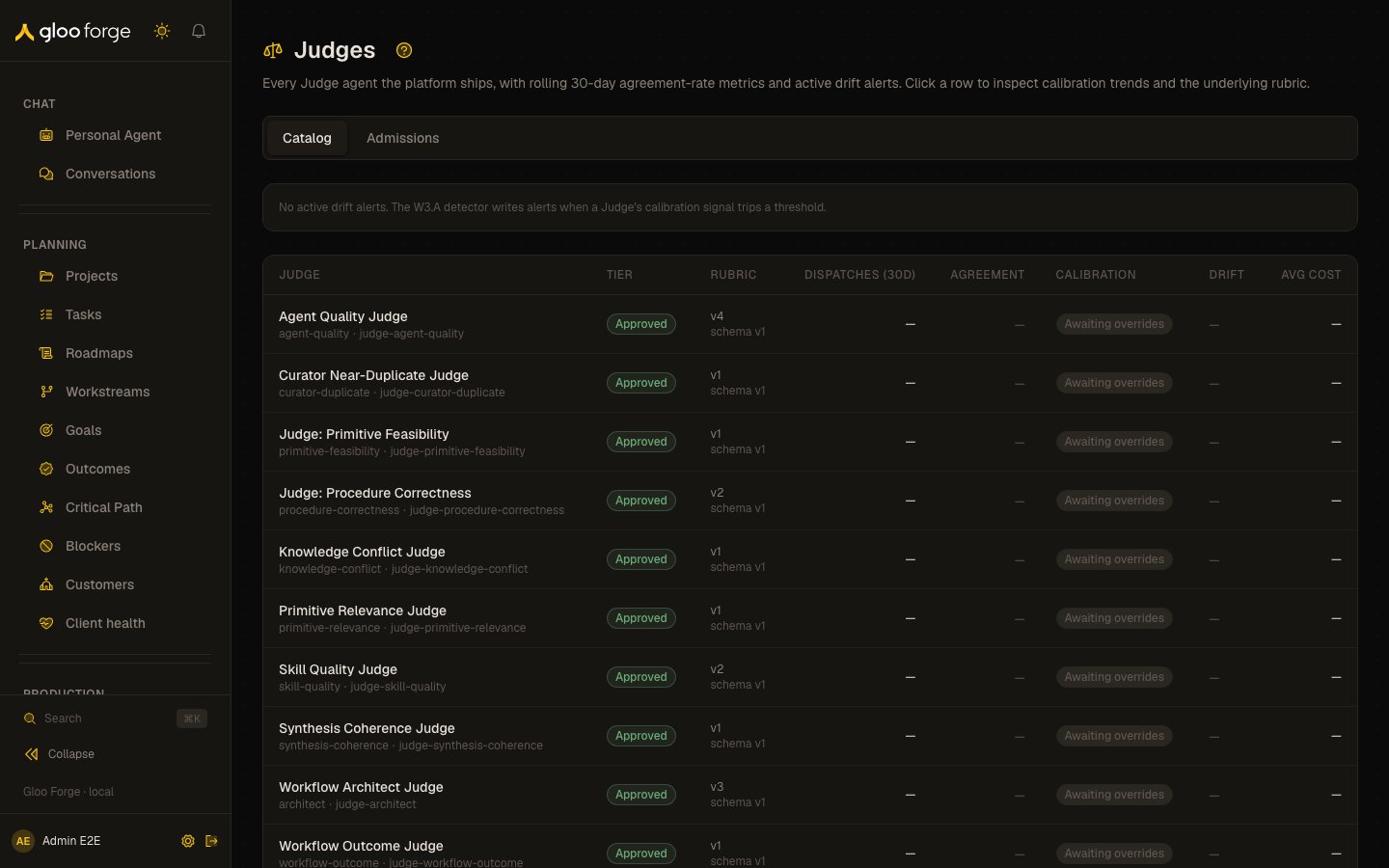
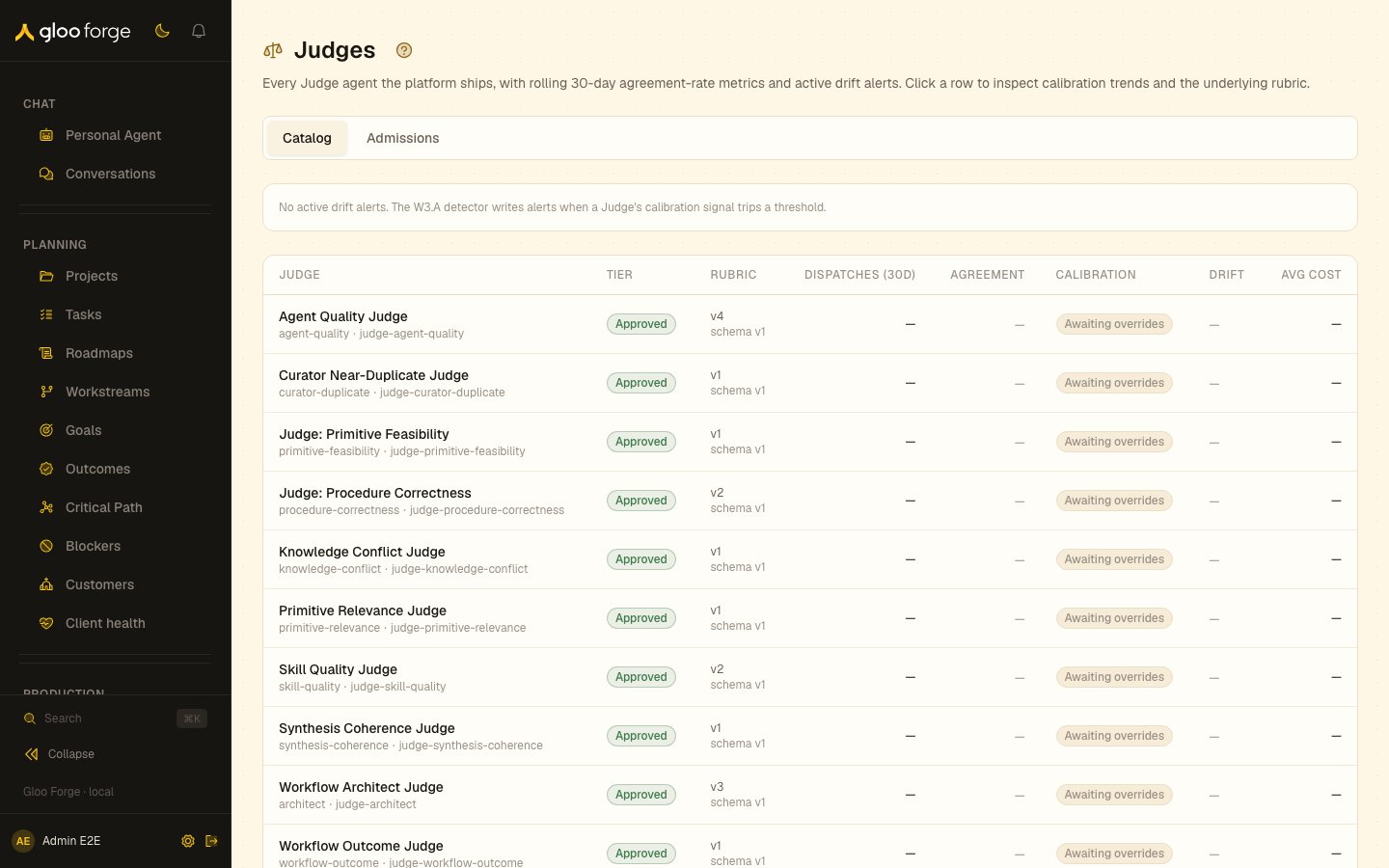
Judges → Catalog — Forge Console at /platform/judges
What you can do
- Check each Judge’s health. The list shows tier, agreement rate, calibration band, active drift and cost.
- Open a Judge. See its calibration windows, verdict distribution, drift alerts, recent verdicts and rubric.
- Disagree with a verdict. Record an override from the recent-verdicts table; overrides feed the Judge’s agreement rate.
- Promote or demote a Judge. Move it between
provisional,approvedanddeprecatedfrom its detail page. - Rate an outcome. Give a workflow outcome a star rating, recorded against the outcome Judge’s verdict when one ran.
Why this exists
Judges replace ad-hoc inline LLM evaluations with first-class, named agents that emit a standardized verdict. Standardization unlocks three things:- Calibration. Operators can disagree with any Judge from any verdict-surfacing page; those overrides feed a per-Judge agreement-rate metric that a daily aggregator computes over rolling 7d, 30d, and 90d windows.
- Promotion gates. Provisional Judges return verdicts but those verdicts are advisory only — caller code does not treat them as authoritative until the Judge is promoted. Promotion requires at least 100 dispatches and an agreement rate of 0.85 or higher over the last 30 days.
- Drift defense. When a Judge’s agreement rate or verdict distribution tracks outside the configured thresholds, Forge raises a drift alert. The list page surfaces the highest- severity active alert per Judge; the per-Judge detail page shows the full history.
List page
The list page (/platform/judges) shows one row per Judge agent.
Clicking a row opens the per-Judge detail page.
The page also renders an Active drift alerts banner at the top when the drift detector has
written any active alerts. The banner shows the most-recent five with their severity and message.
Per-Judge detail page
/platform/judges/[judgeId] is the inspection surface for a single Judge.
Calibration windows
Three side-by-side cards show the most-recent metrics row for the 7-day, 30-day, and 90-day rolling windows. Each card displays: total dispatches, agreement rate, average verdict score, and average evaluation cost. Cards show an empty state when the aggregator hasn’t written a row for that window yet.Tier lifecycle controls
The Tier lifecycle card exposes two admin actions:- Promote to approved. Enabled only when the Judge is currently
provisionaland the 30-day thresholds are met (100+ dispatches, agreement rate at or above 0.85). When the precondition isn’t met, the button shows the blocker inline (“Needs 32 more 30d dispatches” or “Needs agreement rate ≥85% (currently 79.3%)”). - Demote…. Always available. Expands a form: choose target tier (
provisionalordeprecated) and supply a reason (20+ characters). Demotion is also how auto-demote works — when the daily drift detector observes agreement rate below 0.60, the platform service calls this mutation under its own identity with a generated reason.
Verdict distribution
A horizontal segmented bar shows the pass / needs_work / fail mix over the 30-day window with per-segment counts and percentages.Drift alerts
Active drift alerts for this Judge are listed below the distribution chart. Each alert shows: severity, signal name, measured value, threshold, fired-at timestamp, and the message authored by the detector. The detector writes alerts when any of these signals trip:agreement_rate_warning(under 0.75 over 30d)agreement_rate_critical(under 0.60 — also triggers auto-demote)verdict_distribution_skew(no fails recorded for an extended period suggests the Judge isn’t catching failures)cost_regression(per-evaluation cost climbed beyond the budget)zero_dispatches(no traffic over a configured window — possible wiring breakage)
Recent verdicts
The recent-verdicts table shows the last 25 calibration rows for this Judge — newest first. Each row surfaces the verdict label, aggregate score, confidence, authoritative-vs-advisory band, and override status. Rows without an override get an inline Disagree button.Disagreeing with a verdict
Clicking Disagree opens the override modal. The form asks:- Override type. One of Disagree, Partial agreement, Disagree with modification, or Actually, I agree. The last option exists so operators can record alignment — agreement signal matters as much as disagreement signal for calibration.
- Per-criterion adjustments (optional). If the verdict came with per-criterion scores, sliders let you re-score any criterion. Unchanged sliders are not recorded.
- Rationale (required). A one-sentence explanation, minimum 20 characters (the same floor the Judge’s own rationale field uses).
Rubric viewer
The rubric viewer surfaces the Judge’s structured rubric — criterion ids, names, weights, description, and scoring guidance — followed by an optional SKILL.md prose drawer that exposes the full markdown source the Judge consumes as a granted skill on every dispatch. When the rubric skill has no structuredrubric payload (older Judges authored before structured
rubrics), only the SKILL.md prose is shown.
Rate an outcome
Operators withworkflows:use who own the workflow (or are a Platform admin) can rate a
materialized outcome: 5 stars plus optional notes, from Rate outcome in the run header or from
the outcome’s dossier. Every rating is stored on the outcome and shown on its dossier. When
judge-workflow-outcome evaluated that attempt, the rating is also recorded as an
operator override on the Judge’s calibration row, and the Judge’s verdict and criterion rationale
are shown above the stars so the operator can agree or override with full context. When no outcome
Judge ran, the rating stands alone as the operator’s outcome signal.
Verdict strip on artifact detail pages
Every primitive detail page surfaces its latest Judge verdict inline via a compact verdict strip. The strip lives at the top of the page (just under the page header) and shows the disposition (Pass / Needs work / Fail), the headline score, and the count of findings the Judge flagged. Clicking the strip opens a verdict drawer with the full breakdown. Strip mount points:
States the strip can render:
- Loading — first paint, queries haven’t resolved yet.
- Judging… — a judge dispatch is live against this artifact right now. The strip reads the platform’s dispatch-state record (one row per judge dispatch, opened before the model call and closed on verdict or failure), so lifecycle actions like promoting a procedure can never leave the chip stuck on “Judging…” after a verdict has landed. A dispatch that dies without closing its record clears from the chip on its own once the dispatch’s retry budget is exhausted.
- Judge failed — the most recent dispatch ended in failure and no verdict has ever landed. Hover the pill for the error kind and message. Self-clears on the next successful evaluation.
- Re-judge failed (amber pill beside the score) — a verdict exists, but the most recent re-evaluation attempt failed, so the score shown predates that failure.
- Not yet judged — the artifact has never been evaluated by this Judge.
- Disposition + score + finding count + sparkline — the standard ready state.
Verdict drawer
The drawer renders:- Per-criterion sub-scores with horizontal bars (one per rubric criterion).
- Findings list with severity icons. Findings that carry a
suggestedActionrender a one-click deep-link button that navigates to the corresponding remediation page — e.g. “Open node 4 in graph editor” jumps to the workflow editor at the flagged node. - Rationale, collapsible — the Judge’s reasoning summary.
- Trajectory — a sparkline of recent verdicts for this artifact, so operators can see whether scores are trending up or down across edits.
- Rubric link to the Judge’s rubric skill.
Key state to watch
- Agreement. Red means the 30-day agreement rate is below 0.75; a gray calibration band means too few overrides to judge.
- Active drift alerts. The banner and the Drift column show the most severe active alert; a critical agreement rate also demotes the Judge.
- Promotion blockers. Promote to approved names what is missing, such as dispatches or agreement rate.
Related
- Admissions for synthesized primitives a Judge panel has scored.
- Platform Synthesis at
/platform/synthesisfor provisional primitives awaiting operator review. - Agent Performance for the broader agent leaderboard.
- Approvals and My Work for work currently waiting on a person.