

/platform/synthesis.
The older application route /platform/synthesis-queue redirects here; this guide keeps its
published documentation URL for compatibility. The queue lists in-flight capability synthesis
requests and provides review actions for operators with the required authority.
The page opens with platform:read; its decision controls, Claim and Take over included, appear only when you hold synthesis:approve.
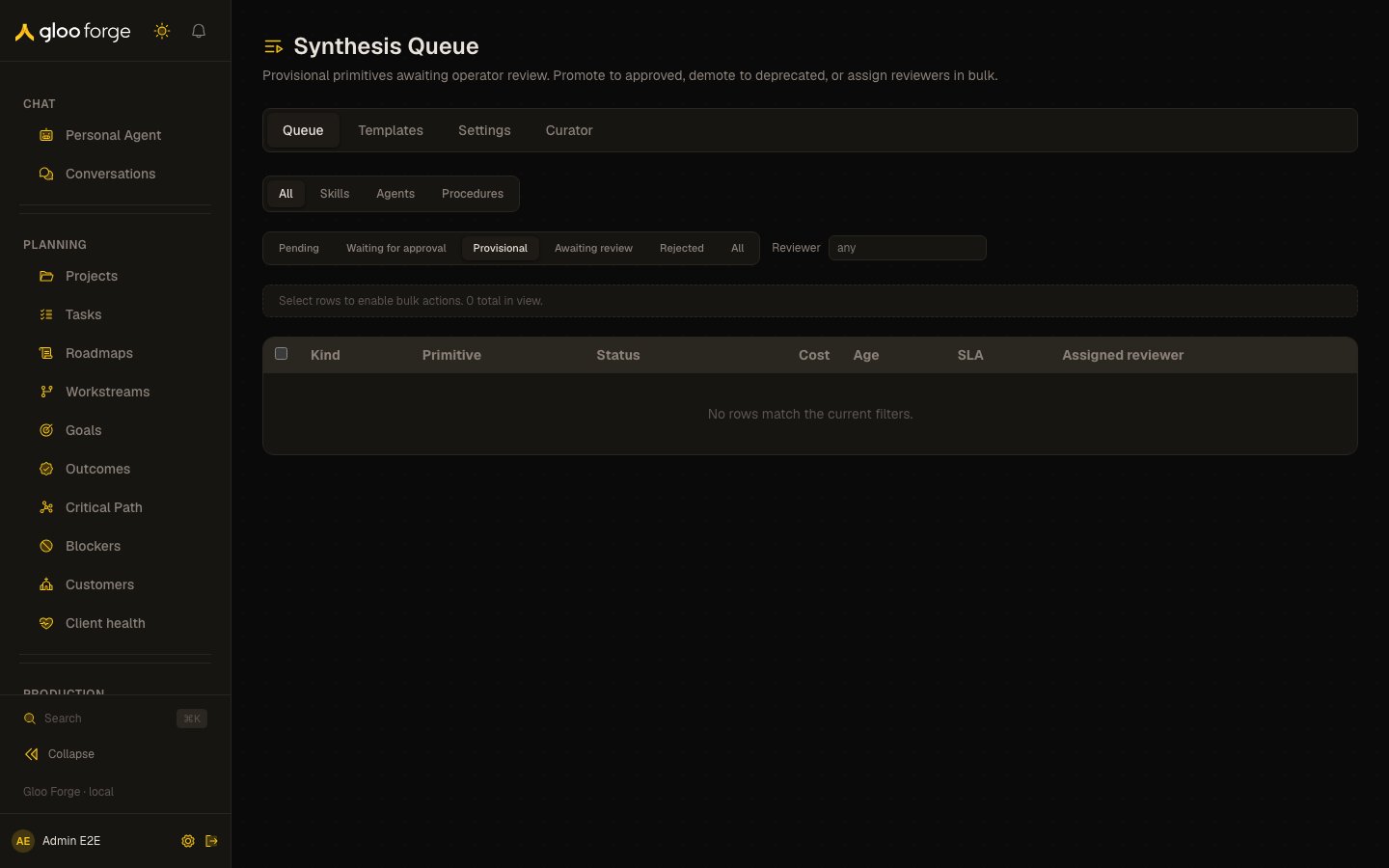
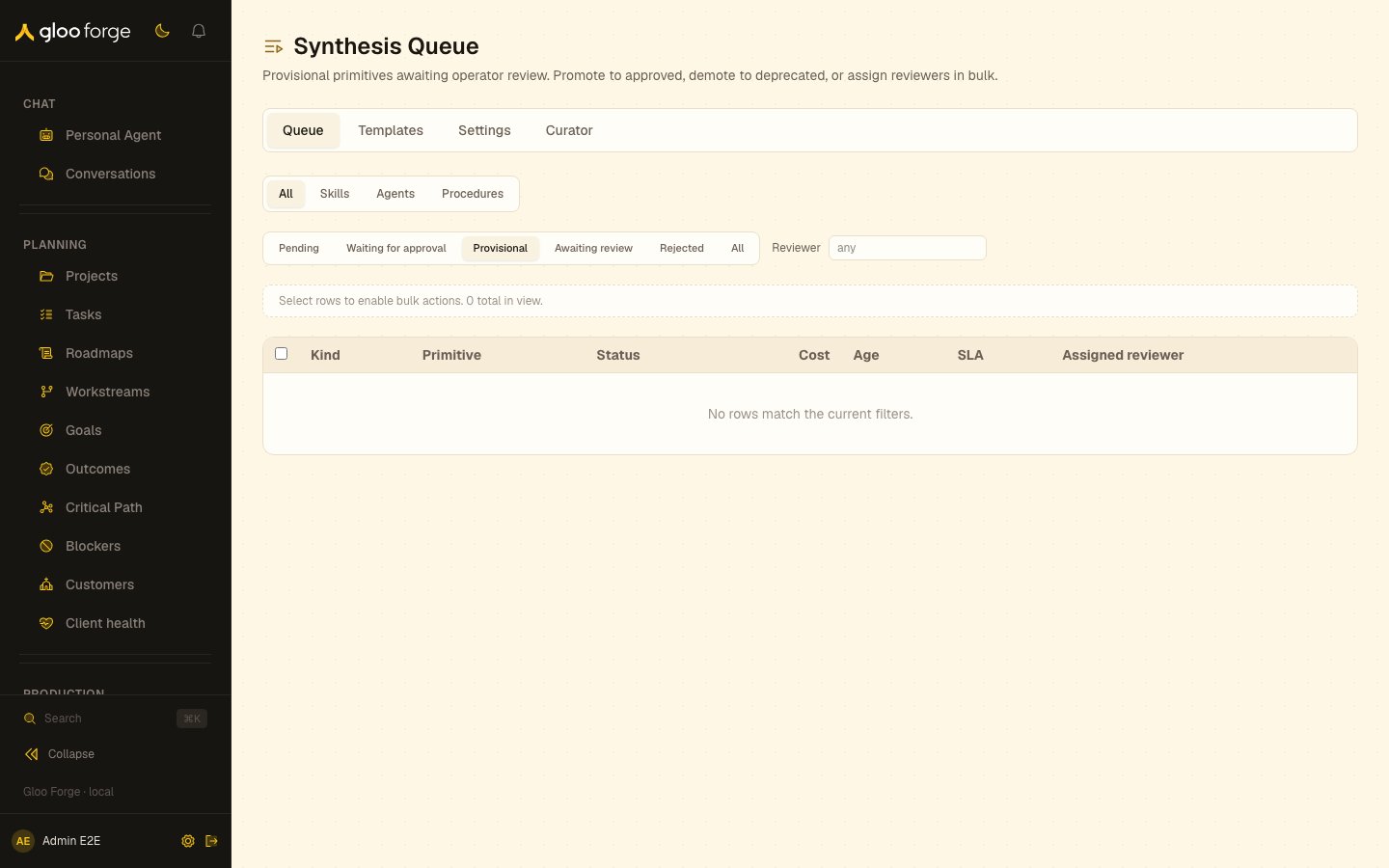
Synthesis — Forge Console at /platform/synthesis
What you can do
- Filter by kind (Skills / Agents / Procedures), status (in progress, pending, provisional, awaiting review, rejected), and reviewer subject.
- Inspect each row’s shape signature — for procedures, the
(inputs) → (outputs)contract is shown inline; for skills and agents, a ≤100-char purpose preview. - Spot possible duplicates before promoting. Awaiting-review rows that share a spec fingerprint with a completed sibling, or whose input/output signature collides with an active
procedureDefinitionsrow, render a “Possible duplicate of<name>” pill on the row. - Scan architect batches — when the architect dispatches multiple synthesis requests in a single planning turn, the queue groups them above the table by
(workspace, agent, dispatch site, workflow)within a 5-minute window. - Trace each row back to its originating workflow draft via the per-row “From
<workflow>via<agent>” line. - Bulk promote selected rows to the approved catalog. Promote applies only to
provisionalrows — when the selection includes anawaiting_reviewrow, Promote is disabled with a visible reason (use Accept instead) rather than silently doing nothing. - Accept despite verdict — when a synthesis request lands at
awaiting_reviewbecause the judge did not pass it, an operator can override the verdict and move it forward. Accept transitions the requestawaiting_review → provisional, promotes the underlying primitive to the provisional tier, and writes asynthesis_queue_accept_overrideaudit event capturing the actor and the overridden verdict score/label. The action is available both as a bulk action (when awaiting-review rows are selected) and as a button in the row detail panel. - Bulk demote with a reason; the reason is written to
synthesisRejectionsso the same spec fingerprint short-circuits future synthesis attempts. - Reject at review — select
awaiting_reviewrows and Reject them with a reason. The request becomesrejectedwith the fixed failure reasonoperator_rejected_at_review, and the rejection is recorded the same way as a demotion. Reject is not offered on a provisional row; demote it instead. - Bulk assign a reviewer (or clear assignment) so reviews don’t collide across operators.
- Bulk delete (procedures only) — hard-delete provisional procedure rows with zero references and zero dispatches. Active or approved rows must be deprecated through their detail page first.
- Open any row’s detail panel to see the full spec, provenance, validation verdict, and the Builder conversation that produced it.
- See builds waiting for approval on the Waiting for approval tab (
?status=awaiting_approval) — a Procedure Builder turn whose tool call was held (for examplerunSandboxValidation, which runs live tests through the connection’s Credential, orfinalizeDraft) parks its request atawaiting_approvalinstead of failing. The person who asked for the build gets a bell notification that links to the held call in Approvals → Commands. Approving every held call resumes the same build where it stopped; rejecting one — even while the turn is still running — fails the build withBUILDER_TOOL_APPROVAL_REJECTED. A parked build waits only as long as its held approvals: an approval nobody decides is canceled at its final due date, which fails the build withapproval_canceled. The Workflow Architect reports the same state and does not retry the build. - Resolve Builder drafts awaiting review — a panel on the Awaiting review tab lists interactive Procedure Builder refine drafts that failed
finalizeDraftand have no synthesis request (so they never appear as ledger rows). Each links to the procedure detail page, where an operator can Approve (force-promote to provisional), send it back to the Builder, or reject it. See Procedures → Operator actions.
Improvement requests
An improvement request refines an existing skill, agent or procedure instead of creating a new one. The queue marks these rows with an Improvement badge beside the kind. Their detail panel adds an Improvement request section above the raw spec, which answers “what must a new version still pass?”:- Target — the primitive being improved, linked to its detail page, plus the version when the request recorded one.
- Evidence — the gap description that motivated the improvement, a link to the failed run, the verdict id, and the acceptance case the new version must satisfy.
- Frozen exemplars — the target’s exemplars, copied into the request when the improvement started. Editing the target’s exemplars later doesn’t change an in-flight request. Procedure improvements freeze no exemplars; their gate runs the procedure’s own test cases.
- Gate result — the regression gate’s recorded outcome: its mode (Warn or Enforce), whether it let the build through or blocked it, the attempt it ran under, and each gated exemplar’s label with Passed or Failed. In warn mode a build can be promoted with a failed exemplar, and the list still shows it failed. A request that records no gate result says so. The section also states what the request’s status records: whether the build was promoted and whether an operator has approved it. A build promoted on its first attempt says so directly. When a build was sent back, the section lists the re-spec history: the non-passing verdicts recorded on earlier attempts, with any regression-gate findings.
Improvements from proven cases
A weekly knowledge sweep looks for proven company and global cases that share a pattern. When the cases in one cluster mostly used the same skill, the sweep proposes an improvement to that skill, and the request itself is the proposal. It makes at most three such requests per run. These rows carry a From proven cases badge next to Improvement. Under Evidence, the improvement section adds a Proven cases block that answers “why is the system proposing this change?”:- One sentence names how many proven cases share the pattern, their scope and the target skill.
- Each case you can read shows its title (or case key), grade and success count, and links to it in Knowledge.
- Cases outside your knowledge scopes appear only as a count, for example “1 case outside your scopes”. Their titles and contents are never shown.
- A case you can read that has since been archived or deleted shows only its id and status.
synthesis:approve approves it.
The block needs knowledge:read. Without it, the section says only that the request came from proven cases. The data comes from knowledgeDistillations.getForRequest.
Review items are human tasks
Each request awaiting review or provisional is a group human task. It asks everyone who holdssynthesis:approve at the platform scope now and is an active person with an email, and it is listed in
their My Work. Each row shows its task state: Claim takes the
item so nobody else decides it meanwhile, Release gives it back, and Take over (with a reason)
moves someone else’s claim to you when you also hold approvals:approve at the platform scope. Promote,
Demote, Reject and Accept decide the item through its task, so a row someone else claimed is refused.
The Assigned reviewer column is a display field; the claim is what decides who is working on it.
Nothing is sent when an item opens. A daily digest reports items that have waited 7 days, and items
past their 14-day due date also to administrators; an item stays open until someone decides it. The
watchdog’s overdue Slack alerts and the synthesis.review_overdue and synthesis.promotion_overdue
webhooks no longer fire.
How it fits together
- Each synthesis request is a row in a durable ledger, updated by the synthesis lifecycle as the build moves through
pending → dispatched → building → provisional → awaiting_review → completed | rejected | failed. A build whose tool call is held movesbuilding → awaiting_approvaland returns tobuildingwhen the held calls are approved. - The queue lists the ledger rows a page at a time. Builder drafts held for operator review have no ledger row, so the Awaiting review tab lists them separately under Builder drafts awaiting review.
- Workflow names and possible-duplicate hits load after the table, so they never hold back its first paint.
- Promote, demote, accept and reviewer assignment all need the
synthesis:approvepermission, and each one writes an audit event. Accept moves the request through the same lifecycle checks and follow-on steps as a judge pass.
Key state to watch
- SLA age — awaiting-review rows past 30 days drift toward the 60-day auto-deprecate deadline (urgent at 53+ days).
- Awaiting-review duplicates — a Possible-duplicate pill almost always means the request should be demoted in favor of the existing primitive; consider that path before promote.
- Batch density — large architect-induced batches (>5 items in 5 minutes) usually indicate the architect was working through a planful drafting pass; review them as a unit.
Related
- Procedures catalog — the approved-state catalog that synthesis requests graduate into.
- Judges — the verdict layer that gates synthesis promotion.