

/platform/skill-sets) holds named groups of skills that can be granted to agents, roles, and positions. It has no sidebar entry and no tab bar. Open it from the command palette (⌘K / Ctrl+K, then search “Skill Sets”) or by its URL; these docs list it under Skills. Open it to grant an agent a curated group of skills in one step instead of one skill at a time.
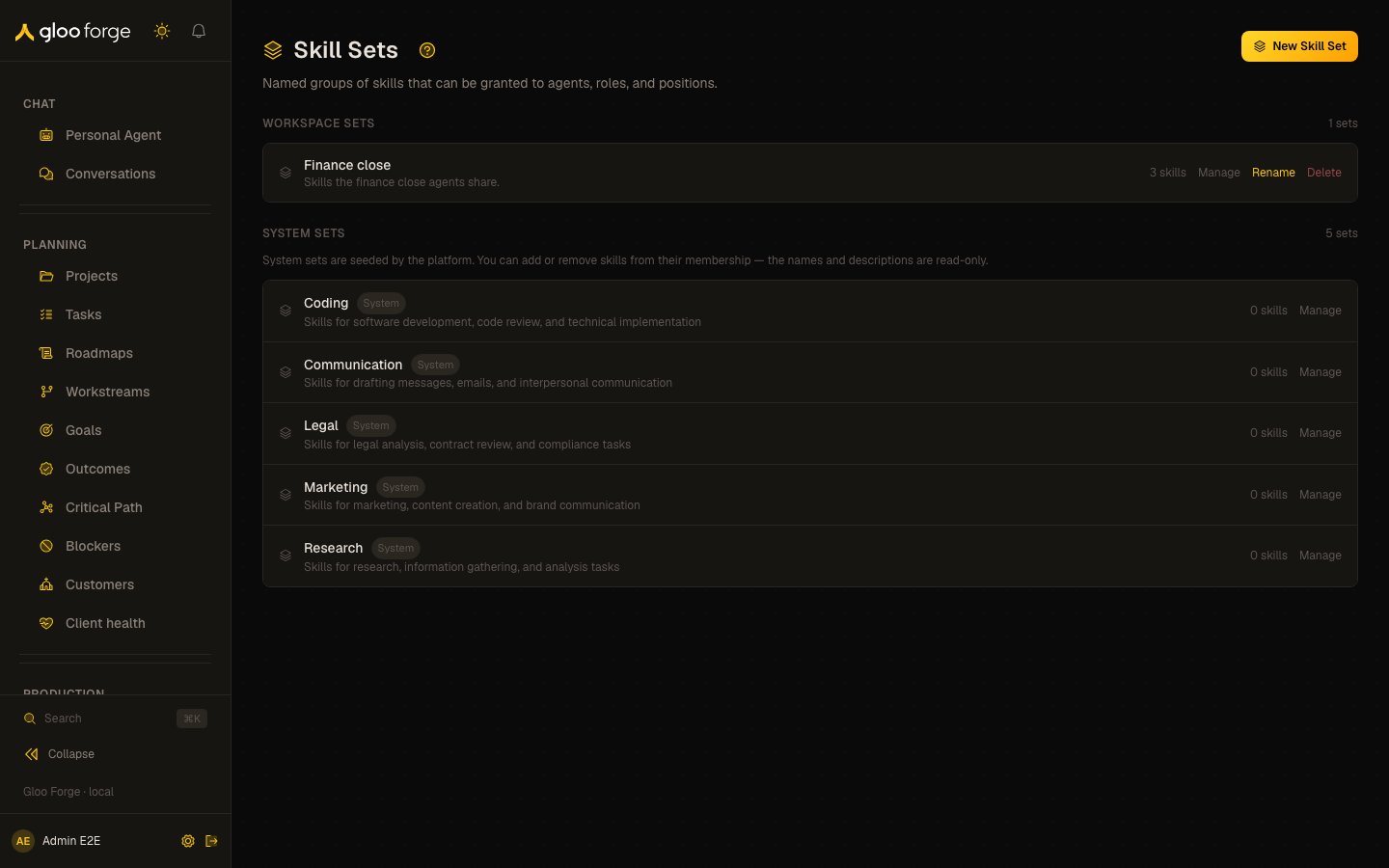
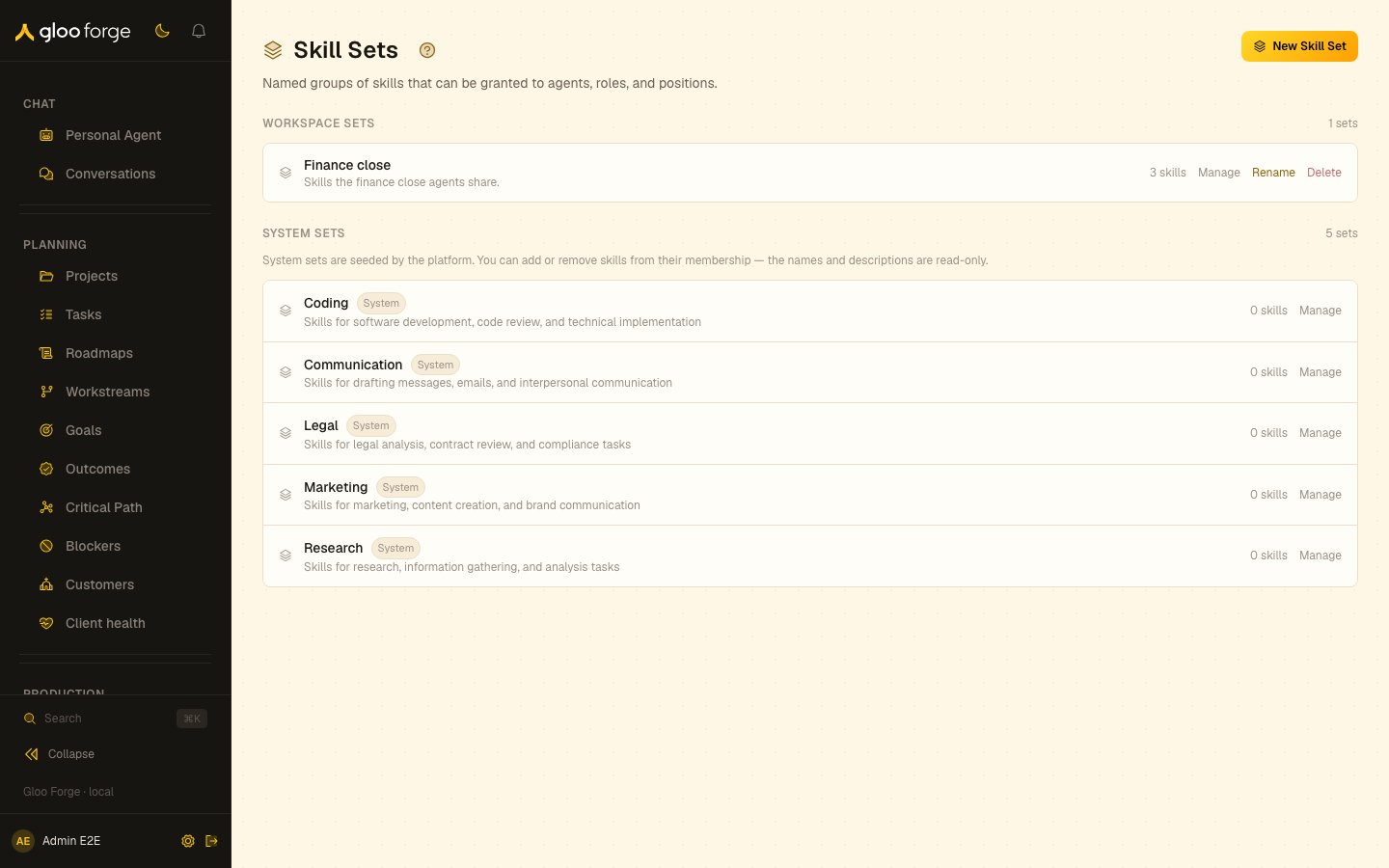
Skill sets — Forge Console at /platform/skill-sets
Sections
Each card shows the set’s name, description, and
{n} skills.
What you can do
- New Skill Set opens a drawer with a name, an optional description, and a skill picker. Save with Create Set. A set needs a name (“Name is required”).
- Manage expands a card to show its skills. Remove a skill with its remove control, or search “Search skills to add…” and add one. Collapse closes it. This works on both workspace and system sets.
- Rename (workspace sets only) reopens the drawer as Edit Skill Set; save with Save Changes.
- Delete (workspace sets only) removes the set after a browser confirmation (“This cannot be undone.”).
Editing a system set’s membership changes what every agent, role, or position granted that set can use. Check who holds a system set before removing a skill from it.
Who can act
The page has no client-side gate. Reading the sets requiresskills:read on the server, and creating, renaming, deleting, and changing membership require skills:manage.
Key state to watch
- “No workspace skill sets yet.” means every grant uses system sets or individual skills.
- “All active skills are already in this set” in the add picker: there is nothing left to add.
- A set’s
{n} skillscount dropping unexpectedly: someone removed members; expand it with Manage to see what remains. - “No system skill sets found.” means no platform-seeded sets are present.