

/platform/synthesis/templates) holds per-workspace constraints layered on top of the Spec Linter at Builder dispatch time. It is the Templates tab of the Synthesis sidebar entry, after Queue. Open it to require that synthesized skills, agents, or procedures meet your workspace’s rules before the Builder dispatches them.
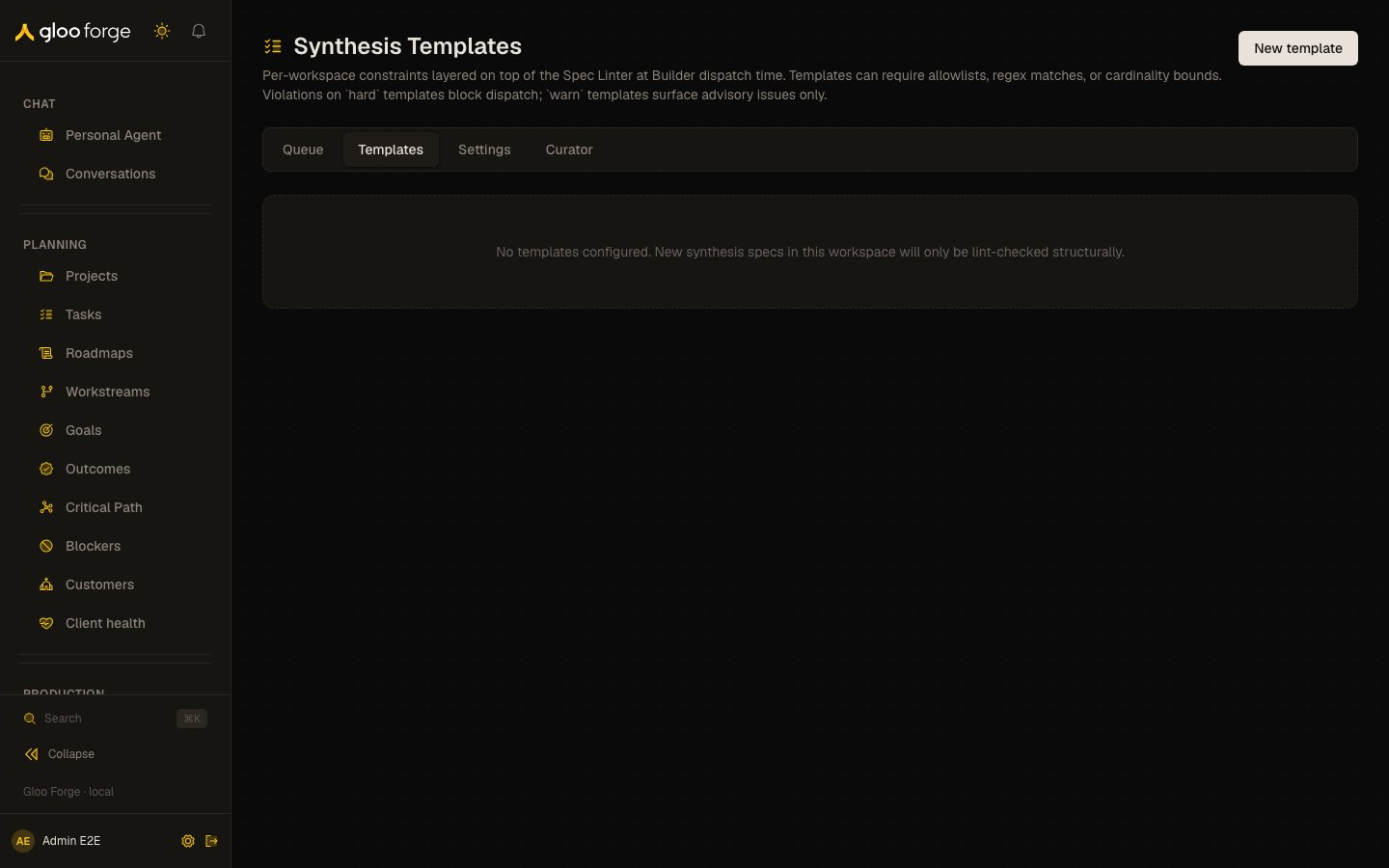
Synthesis templates — Forge Console at /platform/synthesis/templates
What you can do
- New template opens the editor. Set Name, Description, Applies to (
skill,agent, orprocedure), Enforcement (hardorwarn), and Status (active,disabled, ordraft). Save with Create. - Add constraint adds a row with Path (for example
requiredToolSetIds), Evaluator, a value, and Message (optional). Remove deletes a row. - Edit reopens a template; save with Save changes.
- Delete asks for confirmation. Specs in flight are not affected, but new dispatches are no longer checked against the template.
Evaluators
Columns
Who can act
The page is admin-only. Non-admins see the page header and an access notice instead of the table.Key state to watch
- A
hardtemplate with a broad constraint: every violating spec is blocked at dispatch. Check the synthesis queue for blocked specs after adding one. - A template left in
draftordisabled: it is not the active rule; confirm that is intended. - “No templates configured.”: new synthesis specs in this workspace are only lint-checked structurally.