

/platform/synthesis/settings) sets the workspace default for synthesis and the monthly budget that caps it. It is the Settings tab of the Synthesis sidebar entry, between Templates and Curator. Open it to turn synthesis on for new Architect sessions or to raise, lower, or inspect the synthesis spend cap.
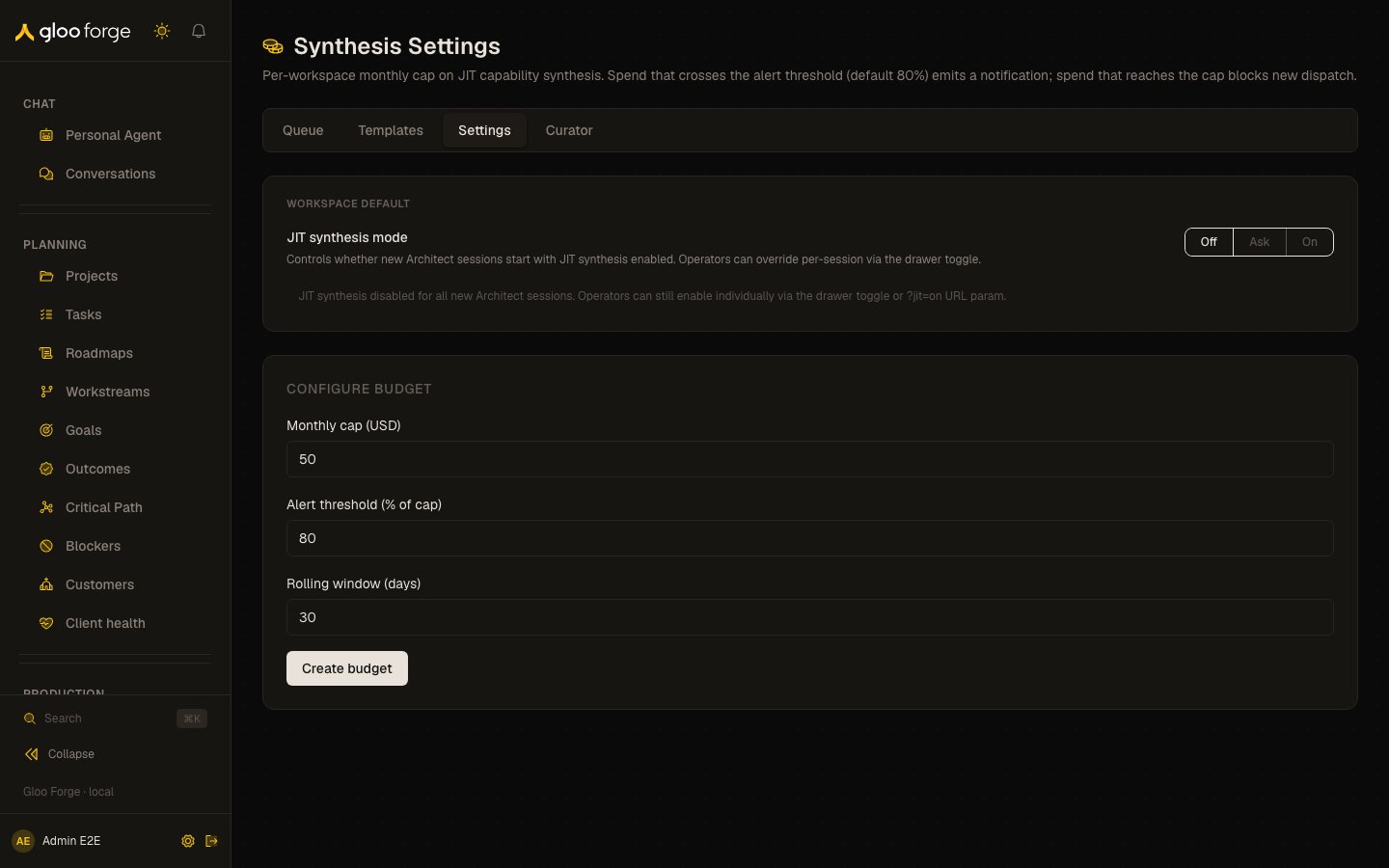
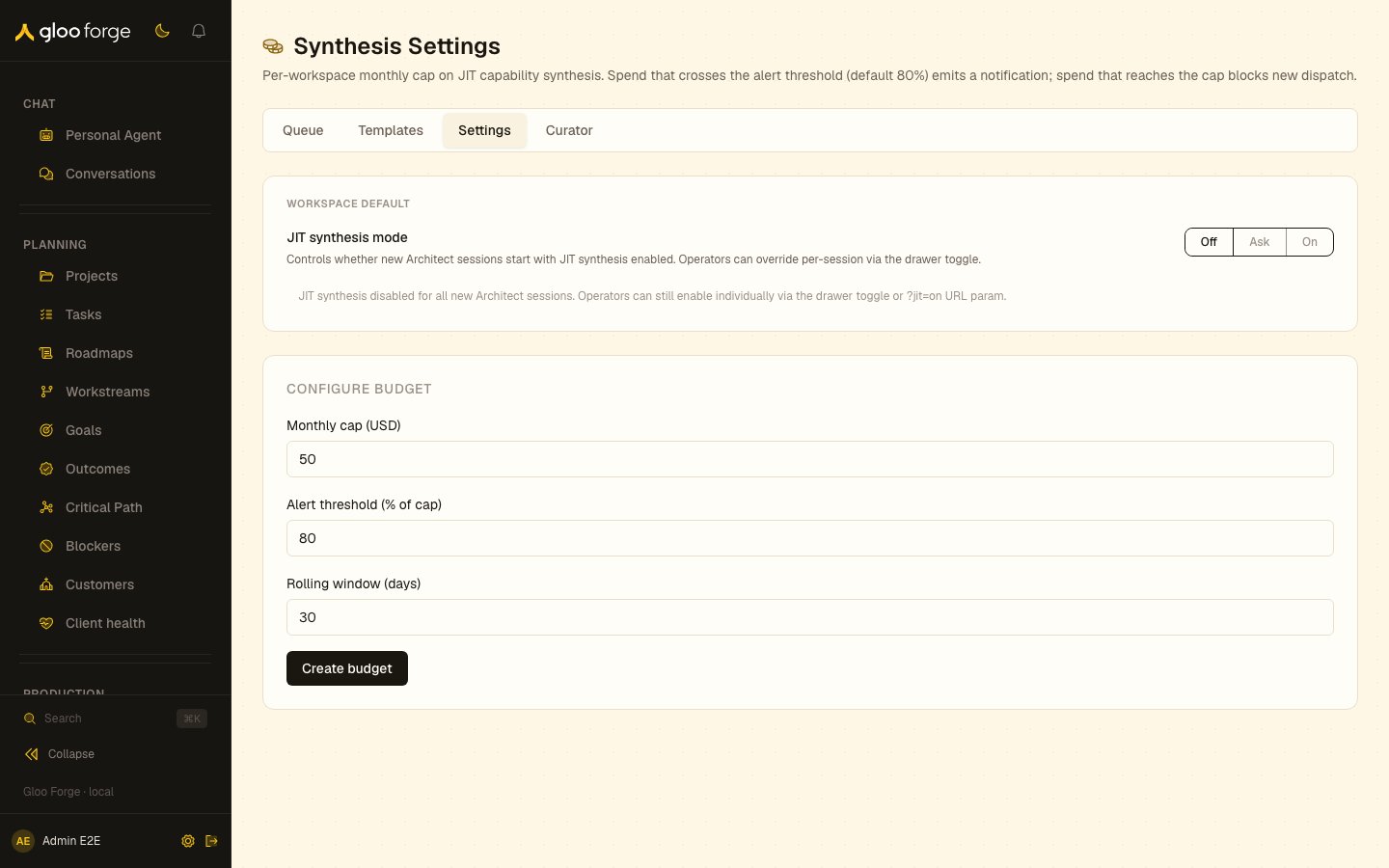
Synthesis settings — Forge Console at /platform/synthesis/settings
What you can do
- Under Workspace default, set the synthesis mode to Off, Ask, or On. It controls whether new Architect sessions start with synthesis enabled. Operators can still override it per session with the drawer toggle (or the
?jit=onURL parameter when the default is Off). - Under Configure budget, set Monthly cap (USD), Alert threshold (% of cap), and Rolling window (days), then click Create budget (first time) or Update budget.
Budget rules
- The cap must be a positive dollar amount, the threshold between 1 and 99, and the window between 1 and 365 days.
- Spend that crosses the alert threshold (default 80%) emits a notification. Spend that reaches the cap blocks new dispatch.
- Current rolling window shows spend against the cap and the utilization percentage. The bar is green below the threshold, amber at or above it, and red at 100%.
Who can act
The page is admin-only. Non-admins see the page header and an access notice.Key state to watch
- An amber bar: spend has crossed the alert threshold. Decide whether to raise the cap before it blocks dispatch.
- A red bar at 100%: new synthesis dispatch is blocked until the window rolls over or the cap is raised.
- “Alert fired at …”: the threshold alert has already been sent for this window and is debounced until rollover, so no new notification will arrive.
- Ask selected: it currently behaves like Off; choose On if sessions need synthesis.