

/platform/tools) is the workspace tool registry. Every tool the platform can grant to an agent is registered here with its schema, its governance flags, and its credential requirements. Tools are bundled into TOOL_SETS; agents permit tool sets, not individual tools.
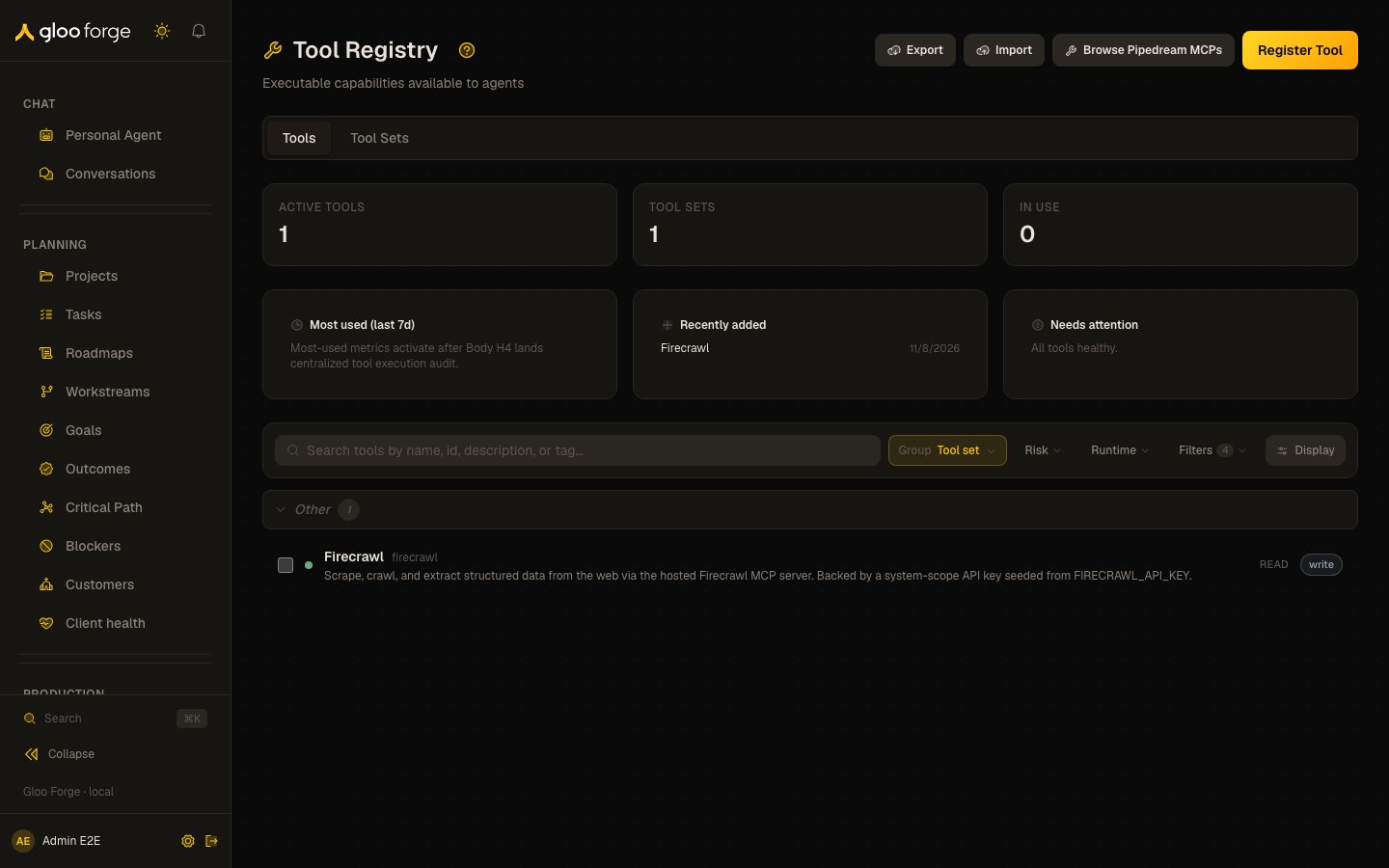
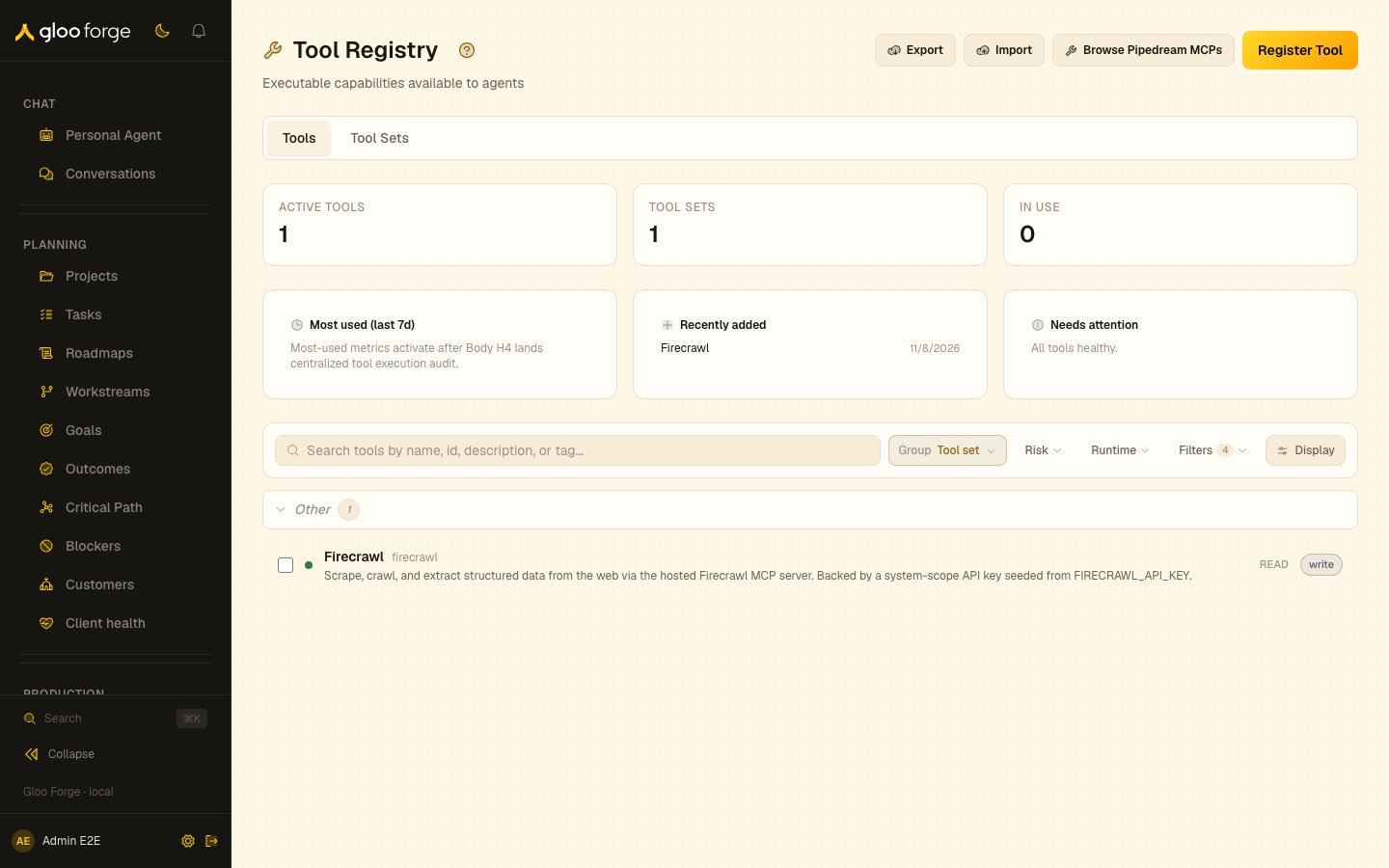
Tools — Forge Console at /platform/tools
What you can do
- Browse tools, tool sets, and system credentials across three tabs.
- Author a new tool registration; declare the schema, the credential requirement, the governance flags.
- Compose a tool set — pick the tools, name the set, scope its visibility.
- Bind a system credential to a tool; the credential is fetched at dispatch time from the bound vault.
- Audit recent tool calls — which agent, on which run, with which inputs and outputs.
tools:read). Without it, neither
tab appears in the navigation, and opening either page directly says access is restricted.
Organizing the registry
Tools use the shared collection grammar (Search · Group · Sort · Filter · Layout) — with the widest filter set of any Forge collection.- Group by — Tool set (the default); tools outside any set land in an Other bucket that renders last.
- Sort by (in the Display popover) — Name within every group by default; Updated and Most used are one click away.
- Filter — six multi-select facets: risk, runtime, source, status (defaults to active), sandbox, and tag. When the facet chips overflow the toolbar they collapse into a Filters (N) chip that opens the full set.
- Layout — list (the default here) or card.
Declaration
Each tool displays a three-part declaration: whether it reads, computes, or writes; whether it sends content outside Forge; and whether it handles sensitive data. Missing declarations appear as Undeclared and are treated as the strictest case. Tool authors can raise a declaration withtools:write; lowering any dimension requires tools:manage and is recorded in the audit history.
Version history
A tool’s History tab lists the tool’s versions, newest first, above its audit history. The version list requires the Tools read permission (tools:read); people without it don’t see the version-history panel and see only the audit history. Reinstating a deprecated version stays an admin action.
Key state to watch
- Tool-set membership — when a tool moves into or out of a set, every agent permitting the set sees the change next dispatch.
- Credential freshness — credentials older than rotation window flagged.
- High-risk-tool calls — tools tagged
high-riskare surfaced separately so operators can review them more aggressively.