

/platform/tool-sets) holds named groups of tools that can be granted to agents, roles, and positions. It is the Tool Sets tab of the Tools sidebar entry. Open it to bundle tools for a grant, or to check the highest risk level a set carries before you grant it.
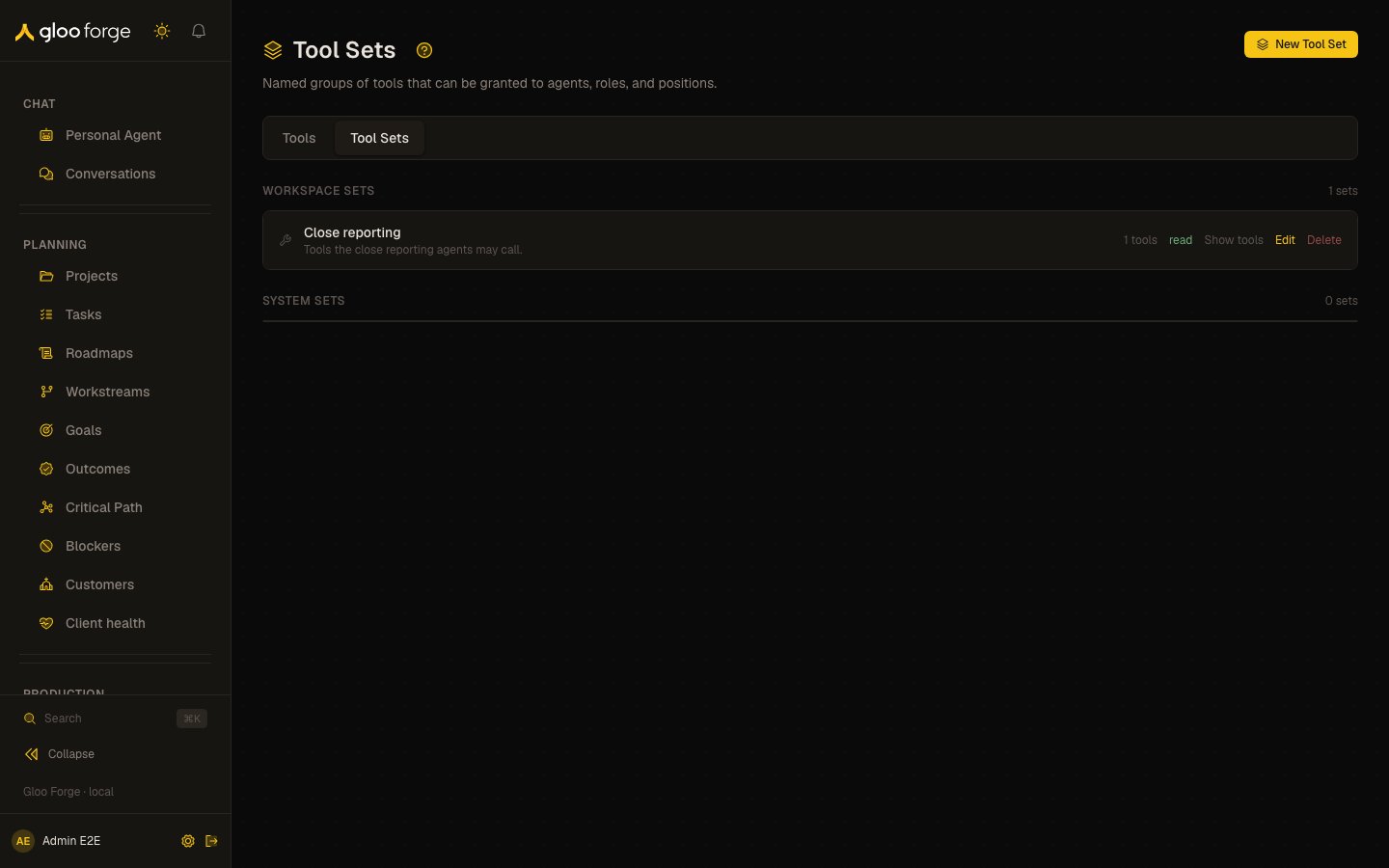
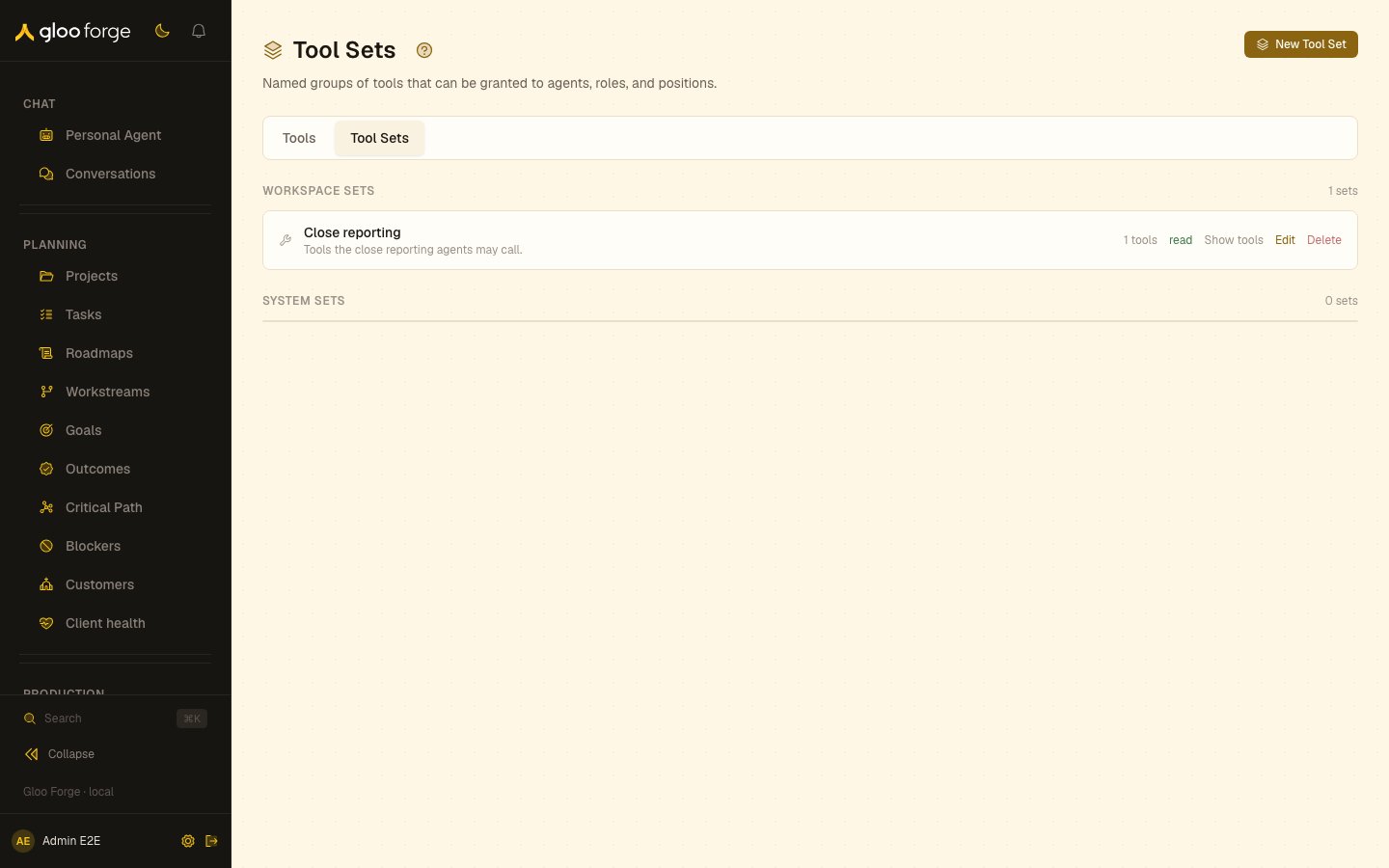
Tool sets — Forge Console at /platform/tool-sets
Sections
Each row shows the set’s name, description,
{n} tools, and its highest risk level: read, write, financial, or destructive.
What you can do
- New Tool Set opens a drawer with Name, a description, and a tool search (“Search tools…”). Save with Create Tool Set. A set needs a name and at least one tool (“Name is required.” / “Select at least one tool.”).
- Show tools lists the tool names in a set; Hide tools collapses the list.
- Edit (workspace sets only) reopens the drawer as Edit Tool Set; save with Save Changes.
- Delete (workspace sets only) removes the set after a browser confirmation (“This cannot be undone.”).
Who can act
The page requirestools:read. Creating, editing, and deleting workspace sets require tools:manage on the server.
Key state to watch
- A
financialordestructiverisk level on a set you plan to grant: every holder can call the riskiest tool in the set. Open Show tools and confirm each tool belongs there. - A workspace set whose risk level rises after an edit: an added tool carries a higher risk than the rest.
- “No workspace tool sets yet.” means grants rely on system sets or individual tools.