

/workforce/agents/config) sits beside Registry, Sessions and Templates in the Agents tab group. The tab shows the Agents page header and the text Coming soon; it has no shared agent-configuration editor, and additional permissions do not make controls appear. Agent configuration is changed on the surfaces listed below.
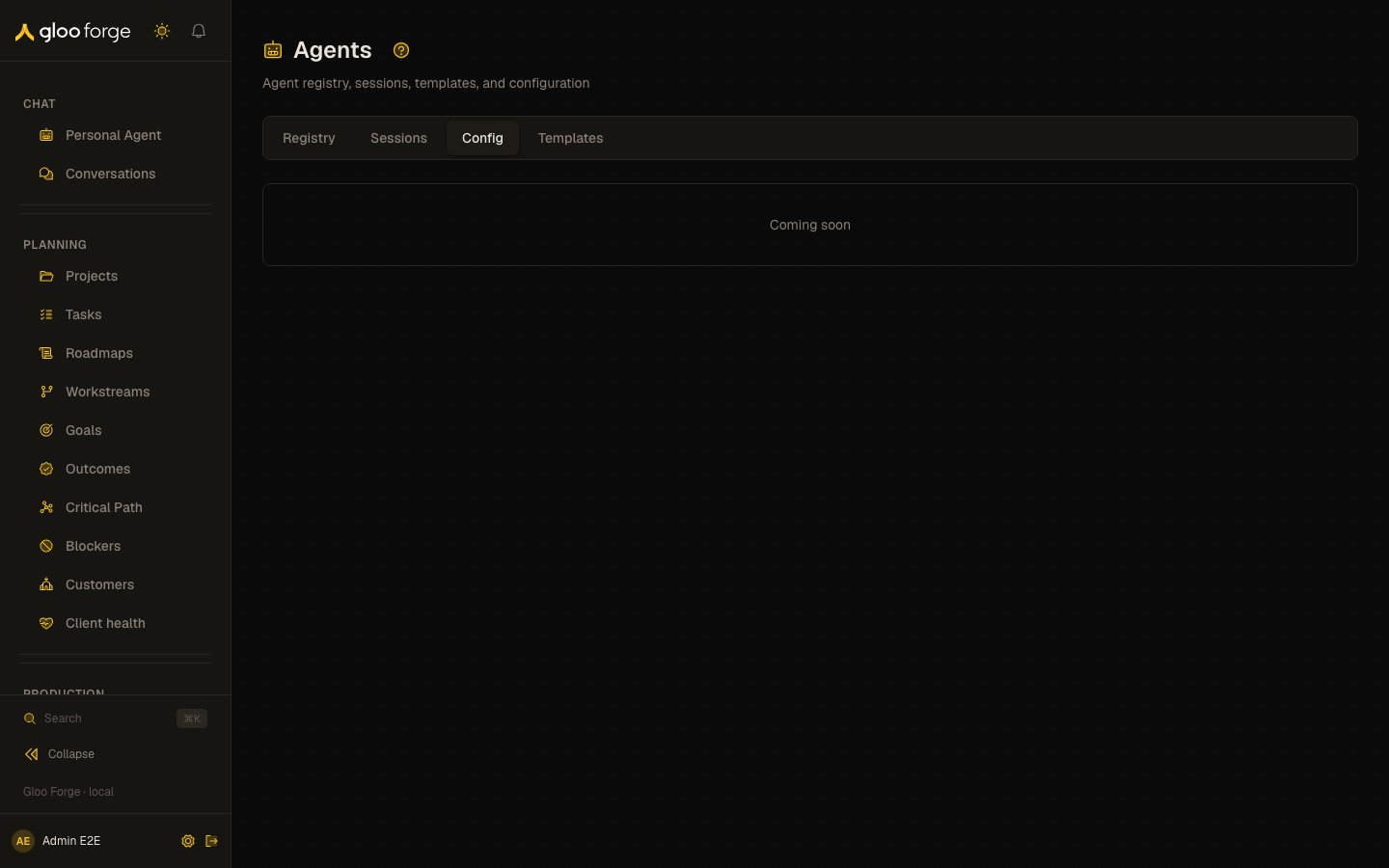
Agent configuration — Forge Console at /workforce/agents/config
What you can do
Use the surface that owns the change:Key state to watch
- Persisted values — after changing an agent on its detail page, reopen it and check the saved values.
- Readiness — check the agent’s Ready to run checklist before dispatching work.
Related surfaces
- Agents — the registry and each agent’s detail tabs.
- Agent templates — reusable agent definitions.
- Agent sessions — the agents’ conversations.
- Trust Fabric — authorization and governance policy.