

/knowledge/settings) to inspect learning policy, the active embedding configuration, and inherited memory defaults. Each region loads and authorizes independently; one refused read does not mean every region is unavailable.
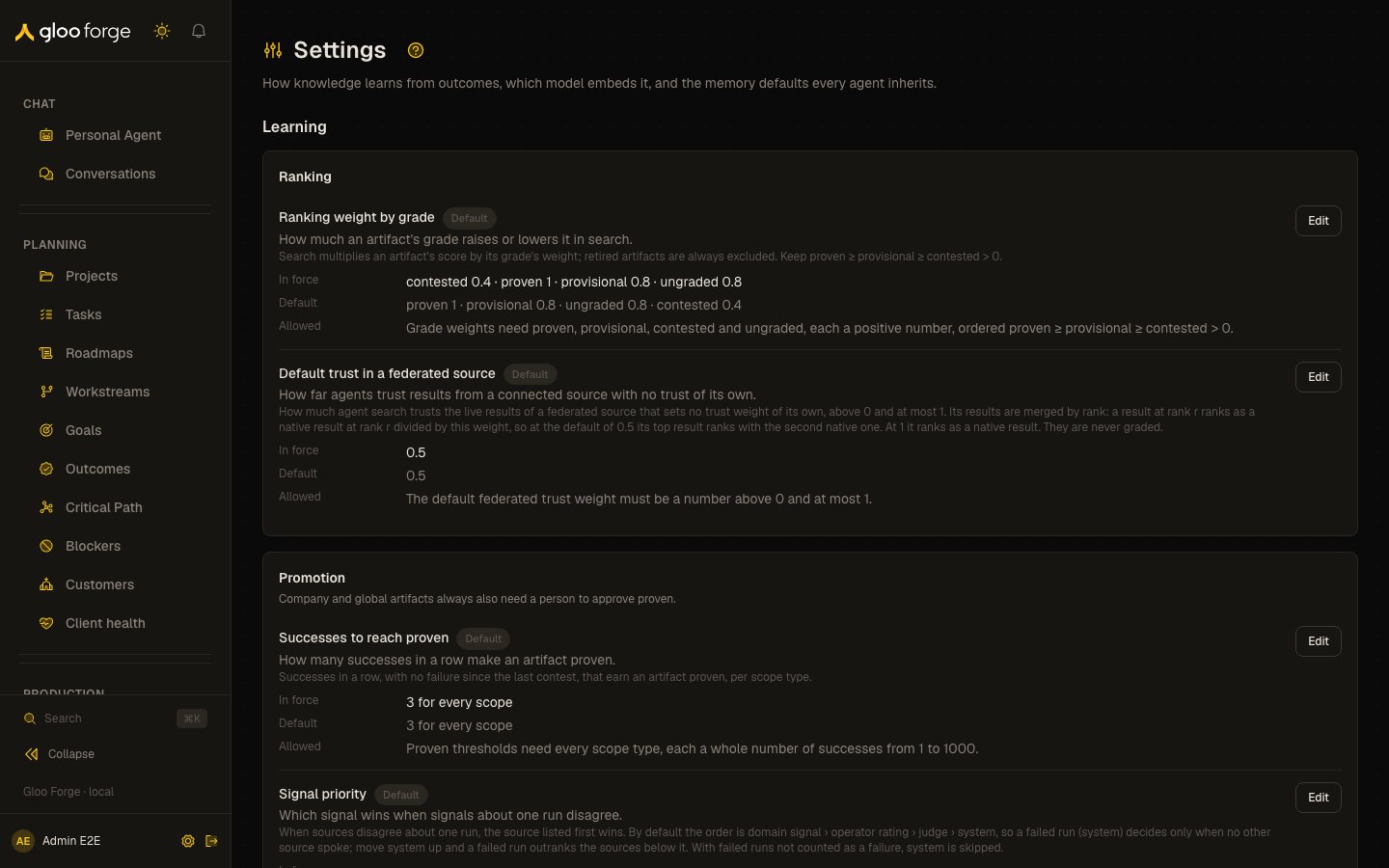
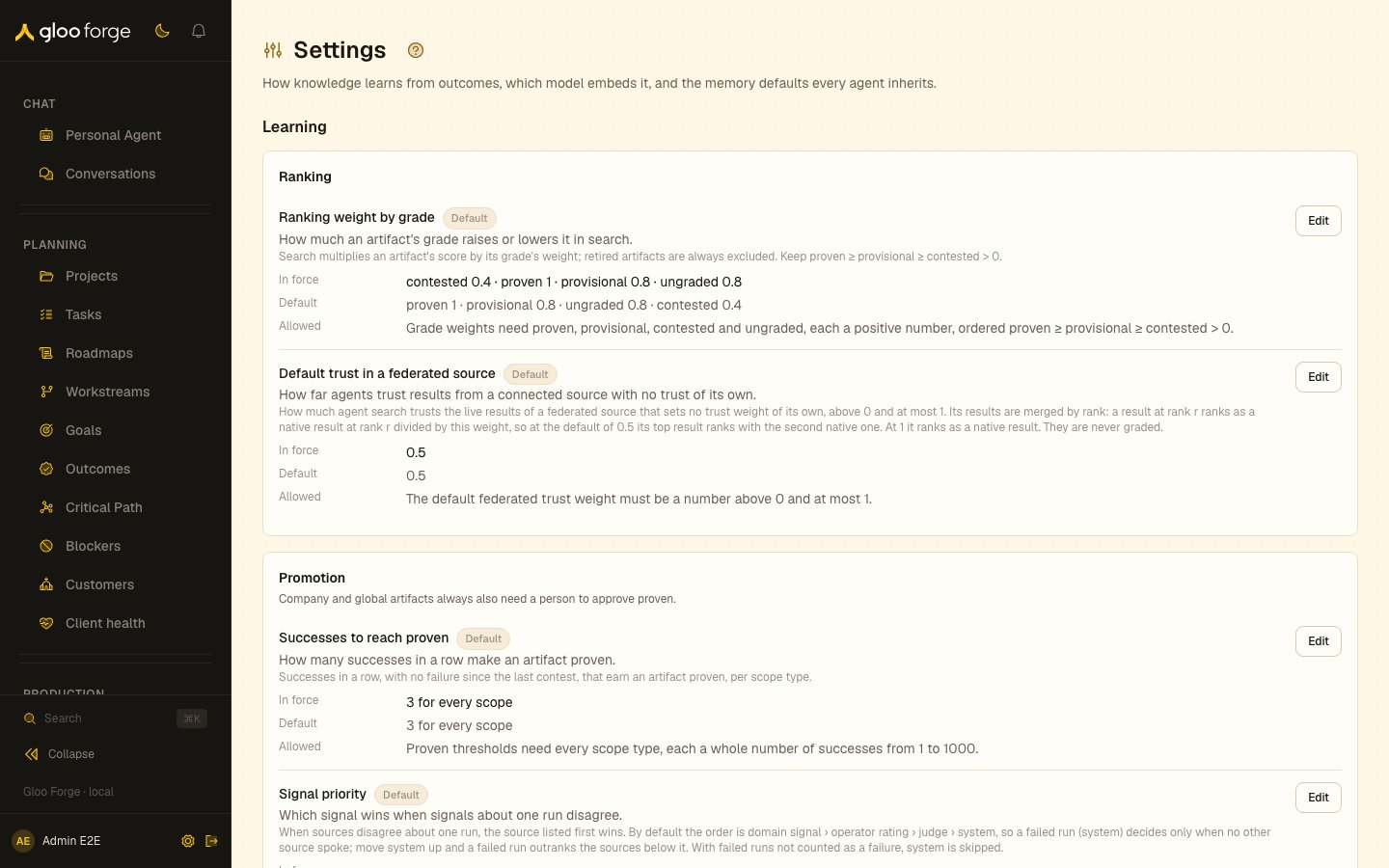
Knowledge settings — Forge Console at /knowledge/settings
What you can do
- Read the learning policy. Every learning setting shows what it does, the value in force, its default, its allowed range and when it last changed.
- Change a setting. With
platform:manage, edit a value within its rule and save it. - Check the embeddings model. See the active provider, model and vector dimensions, and where to change them.
- Read the memory defaults. See the values an agent inherits when it sets none of its own.
Change learning policy
- Record the current value in force and the outcome you want to change.
- Choose Edit for the relevant setting. Editing requires
platform:manage. - Check the displayed rule and allowed range, enter the new value, then choose Save.
- Confirm the persisted value in force. A rejected value does not become active.
- Inspect resulting knowledge state and Search quality before making a second related change.
Learning
The Learning area needsknowledge:read. It shows every knowledge learning setting with a one-line
plain summary of what it does, the value in force, its default, the range a new value must fall in,
whether a stored value overrides it, and when it last changed. A stored value that breaks its
setting’s rule is classified by that setting’s own resolver: “Partly applied” when the
resolver still keeps part of it, naming the dropped parts (a distillation list of company and team
keeps company, and team is ignored), or “Stored value ignored” when it keeps none. The value in
force is always shown. Without
knowledge:read it names
the permission it needs. The settings are platform-wide and grouped:
- Ranking: the ranking weight of each grade (proven, provisional, contested, ungraded). Search multiplies a case’s score by its grade’s weight; retired cases are always excluded.
- Promotion: the successes a case needs to become proven, per scope type; the signal priority when sources disagree about one run (the first source in the order that gave a signal wins; by default a workflow’s domain outcome outranks an operator’s rating, which outranks the Judge, and a failed run decides only when nothing else spoke, and moving system up changes that); the star rating bands; whether a failed run counts as a failure; the retrievals a long-term memory needs before it may become a provisional case (a run that recalled it must also have succeeded); and the chat message → long-term memory threshold, which moved here from Platform › Chat. Company and global cases always also need a human to approve proven.
- Curation: how many recent evidence items each case keeps for display (1 to 200), and how many days an unused, unrewritten case waits before the weekly curator flags it stale for a steward (7 to 3650).
- Distillation: how many proven cases must share a pattern before a skill improvement is proposed (at least 3), the similarity at which two proven cases count as the same pattern (above 0, at most 1), and the scope types whose cases may be distilled. Only company and global are offered or accepted: a skill is read across the workspace, so no narrower scope’s cases are distilled. Choosing no scope turns distillation off.
platform:manage, Edit opens an inline editor and Save stores the value. A value the setting’s rule would ignore is refused before
it is sent, with the rule shown, and the server checks it again and refuses it as
invalid_setting. Without platform:manage each setting says so and cannot be edited. Changing the
proven thresholds, signal priority, rating bands or failed-run setting re-derives every case’s
outcome state under the new value. Every change is written to the audit log as platform_setting_set, with
the value before and after, whether it was saved here or through the
Knowledge API.
Embeddings
- Embeddings model shows the active embeddings provider, model and vector dimensions, and
whether embeddings are enabled. Viewing it requires
grants:read,policies:readandaudit:read; when the server refuses the read, the card names the permission it needs. The model is not editable here: change it on the Embeddings capability page, which requiresplatform:manage. The providers are OpenAI (the default) and Gloo AI. Gloo AI authenticates with the access token the Gloo AI inference provider refreshes, so that inference provider must stay enabled with its credential. It embeds withgloo-openai-text-embedding-3-small. Switching providers clears a stored model the new provider does not serve and starts a re-embed.
Memory defaults
The Memory defaults group (/knowledge/settings#memory) shows, read-only, the values agent
context assembly applies when an agent sets none of its own: session summary tokens, channel summary
tokens and the context budget fraction. They are fixed platform values, not settings, so this group
has nothing to edit. An agent overrides them on its Memory tab in Workforce. The
former Memory page is retired: /knowledge/memory, /resources/memory and /workforce/memory
(and any path under them) redirect here.
Key state to watch
The settings report drift between what is stored and what is in force:
Source change review is configured in each source’s drawer, not as a global Learning setting. See Sources.
Related surfaces
- Search quality: check retrieval after a policy change.
- Health: follow a re-embed after a model change.
- Sources: per-source change review.
- Capabilities: change the embeddings model.