

/platform/capabilities/providers) lists the external services that implement Forge’s capabilities. It is the Providers tab of the Capabilities sidebar entry, after Capabilities. Open it to find which service backs a capability, or to reach a provider’s credential state and options.
This page is about capability providers. LLM inference providers are on LLM providers under Models.
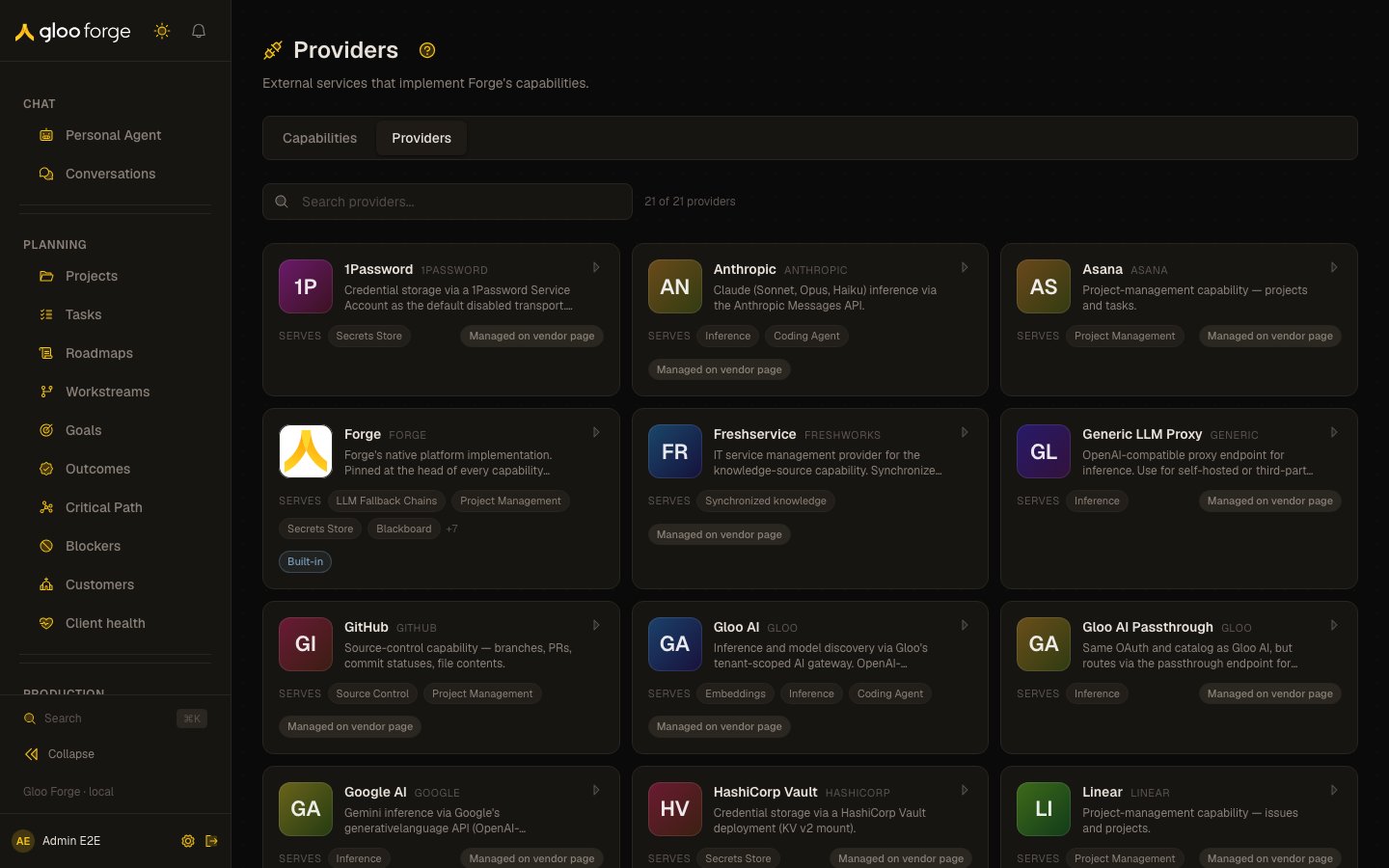
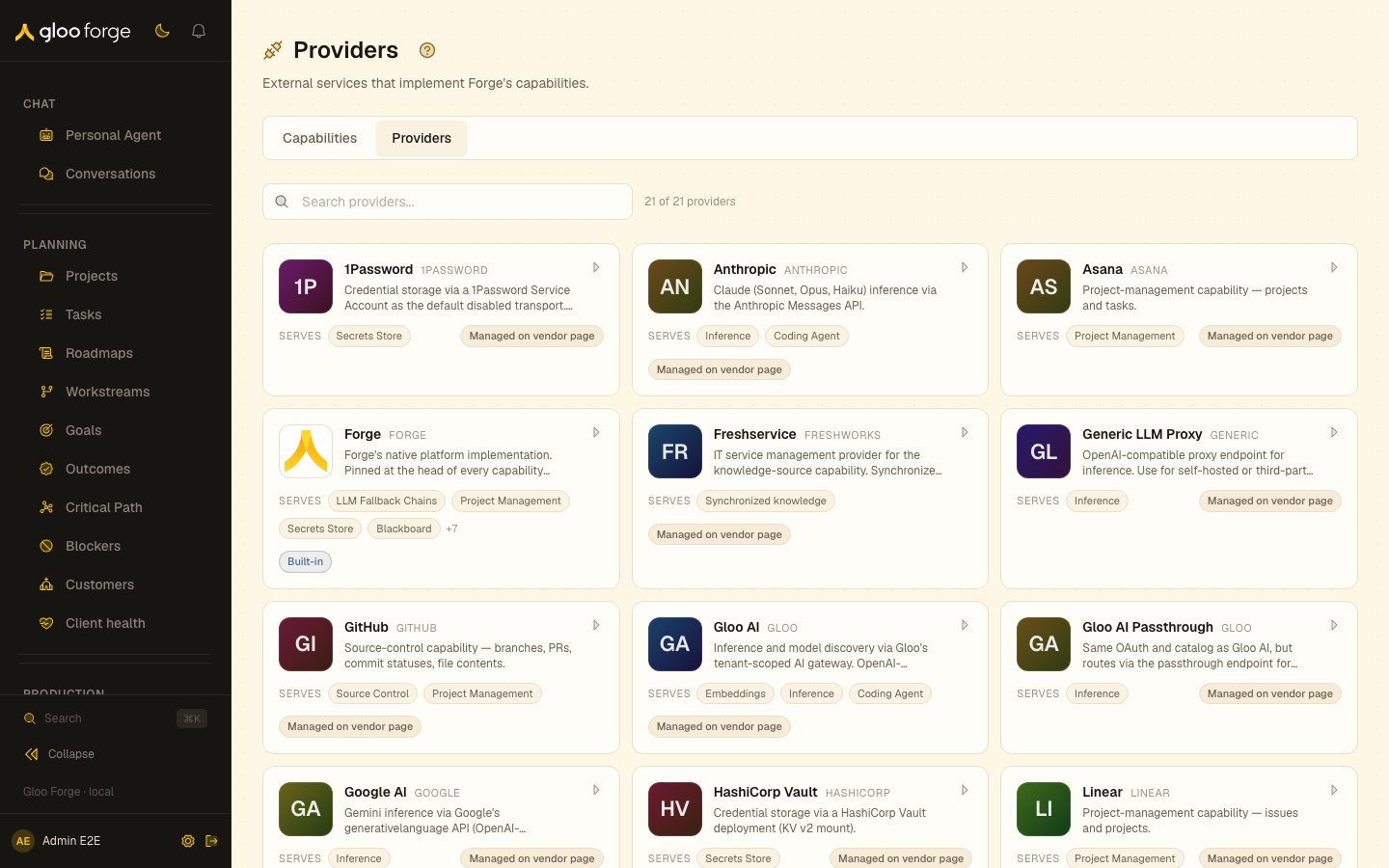
Capability providers — Forge Console at /platform/capabilities/providers
What you can do
- Search with “Search providers…” to filter by provider name, key, vendor, description, or capability. The search is kept in the URL as
?search=, and a counter shows how many providers match. - Click a card to open the provider’s detail page at
/platform/capabilities/providers/{key}.
Provider cards
Each card shows the provider’s brand mark, name, vendor, and description, then:- Serves followed by up to four capability labels, with
+{n}for the rest. A provider serving nothing shows Not registered. - A credential badge: Built-in for Forge-native providers, or Managed on vendor page for providers whose credentials live with the vendor.
Provider detail
The detail page has Capabilities, Credentials, Global options, and Recent activity sections. Changing a provider’s settings there requiresplatform:manage.
Key state to watch
- Not registered on a provider you expect to use: no capability routes through it yet.
- Managed on vendor page: credentials are not set here. Check the provider’s vendor and its connections before assuming the provider is usable.
- “No providers match your search”: clear the search field to see every catalogued provider.