

/platform/identity/unmapped) lists inbound external users, such as Slack message authors and OAuth callbacks, that Forge could not resolve to a Forge worker. It is the Identity tab of the Settings sidebar entry under Platform. Open it when someone reports that Forge ignored their Slack message or sign-in, or to repair duplicate people.
This page does not configure an identity provider. The Console has no OIDC, SAML, or identity-provider settings; this page only resolves individual inbound identities that failed to map.
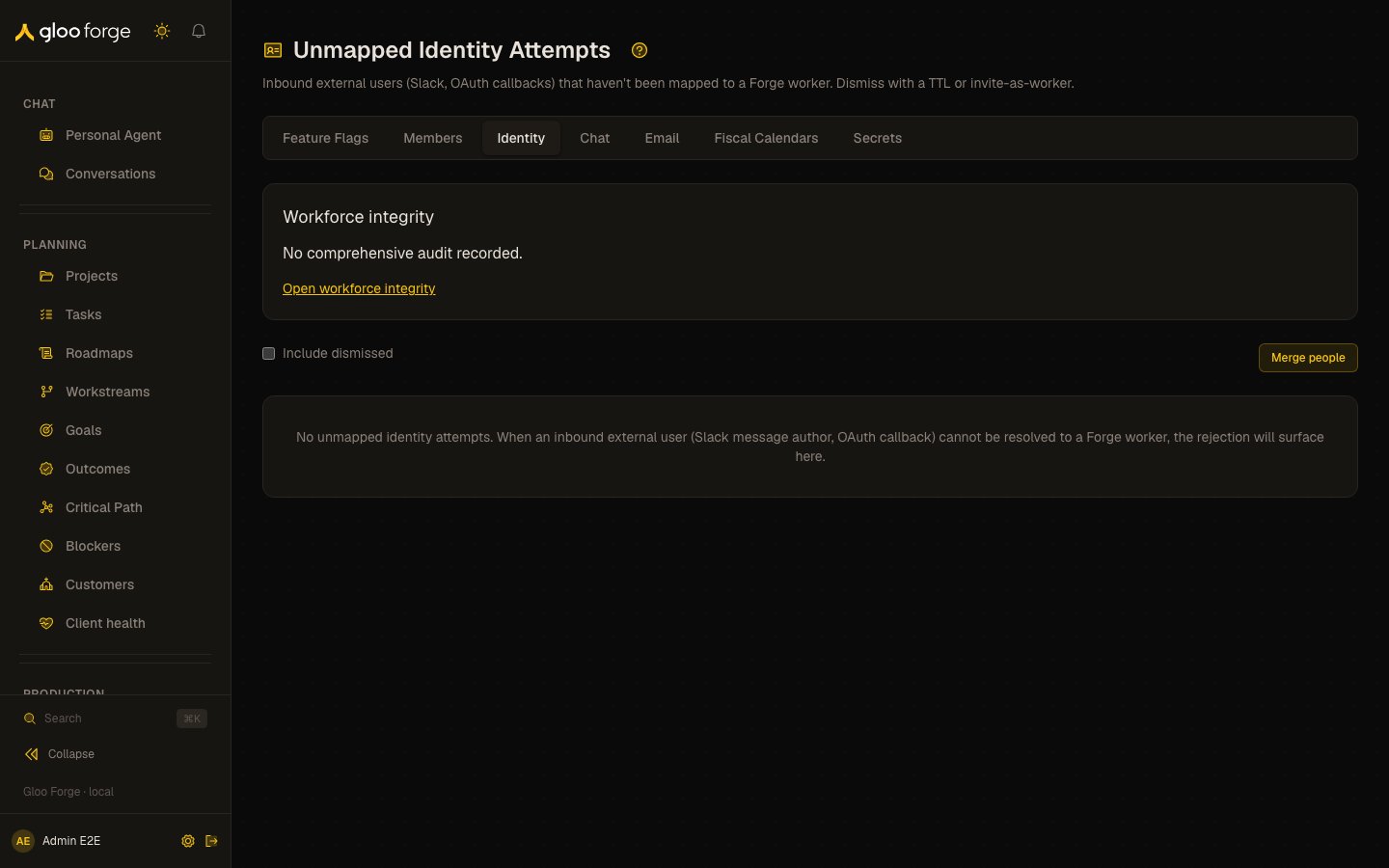
Unmapped identity attempts — Forge Console at /platform/identity/unmapped
What you can do
- Link connects an attempt to a canonical person. It is disabled when the attempt has no email; its tooltip then reads “An email is required”. Pick the person in the dialog; success shows “Linked to ”.
- Dismiss asks for a reason (for example “bot account” or “not a real user”) and hides the attempt from the default list. A dismissal from this page lasts 90 days.
- Include dismissed adds dismissed attempts back into the table.
- Merge people merges two canonical people. Choose the winning person and the losing person, enter a Reason for merge, and click Review merge to see a preview. Merge people permanently completes it and opens the winner’s person page.
Columns
Person integrity
When you holdworkforce:read, a Person integrity card sits above the table. It counts Duplicate active seats, Unlinked active seats, Person and seat type mismatches, Terminated people still active, Terminated people Slack-reachable, and Active employed people without a seat, and states Healthy, Outstanding issues, Unknown, Stale (last complete measurement older than 36 hours), or Blocked. Open workforce integrity goes to the full report.
Who can act
Listing attempts, Link, Dismiss, and Merge people all requireworkforce:manage.
Key state to watch
- Pending rows that recur with a recent Last Attempt: a real person keeps trying and is being rejected. Link them.
- A disabled Link button (“An email is required”): the attempt has no email to match; resolve the person from People instead.
- Outstanding issues, Stale, or Blocked on the integrity card: open the workforce integrity report.