

/platform/email) shows the senders, the SendGrid inbound token, the routes, and the inbound and outbound logs for forge.gloo.com. It is the Email tab of the Settings sidebar entry under Platform. Open it to start a workflow from inbound mail, to rotate the inbound URL, or to find out why a message was not routed or delivered.
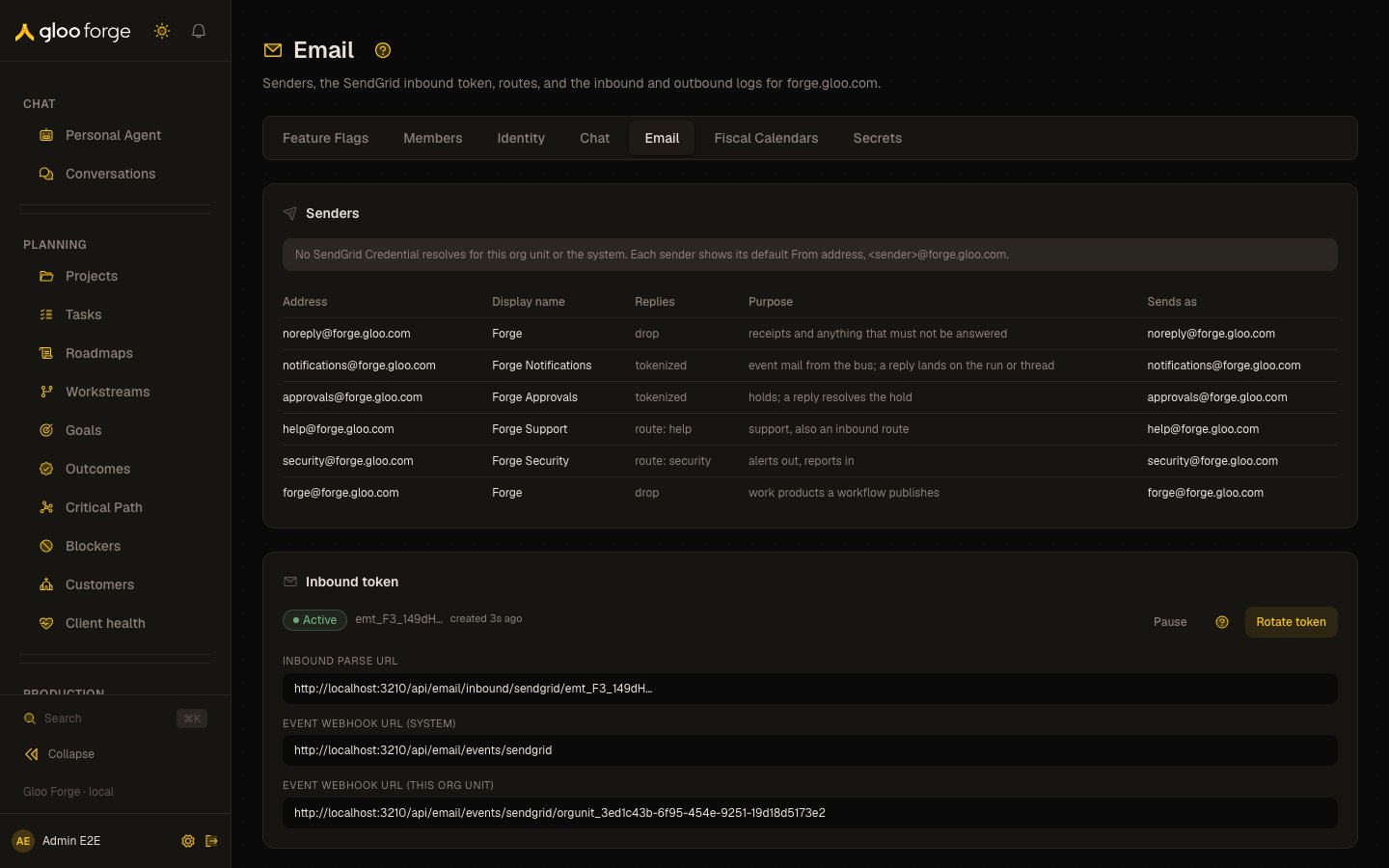
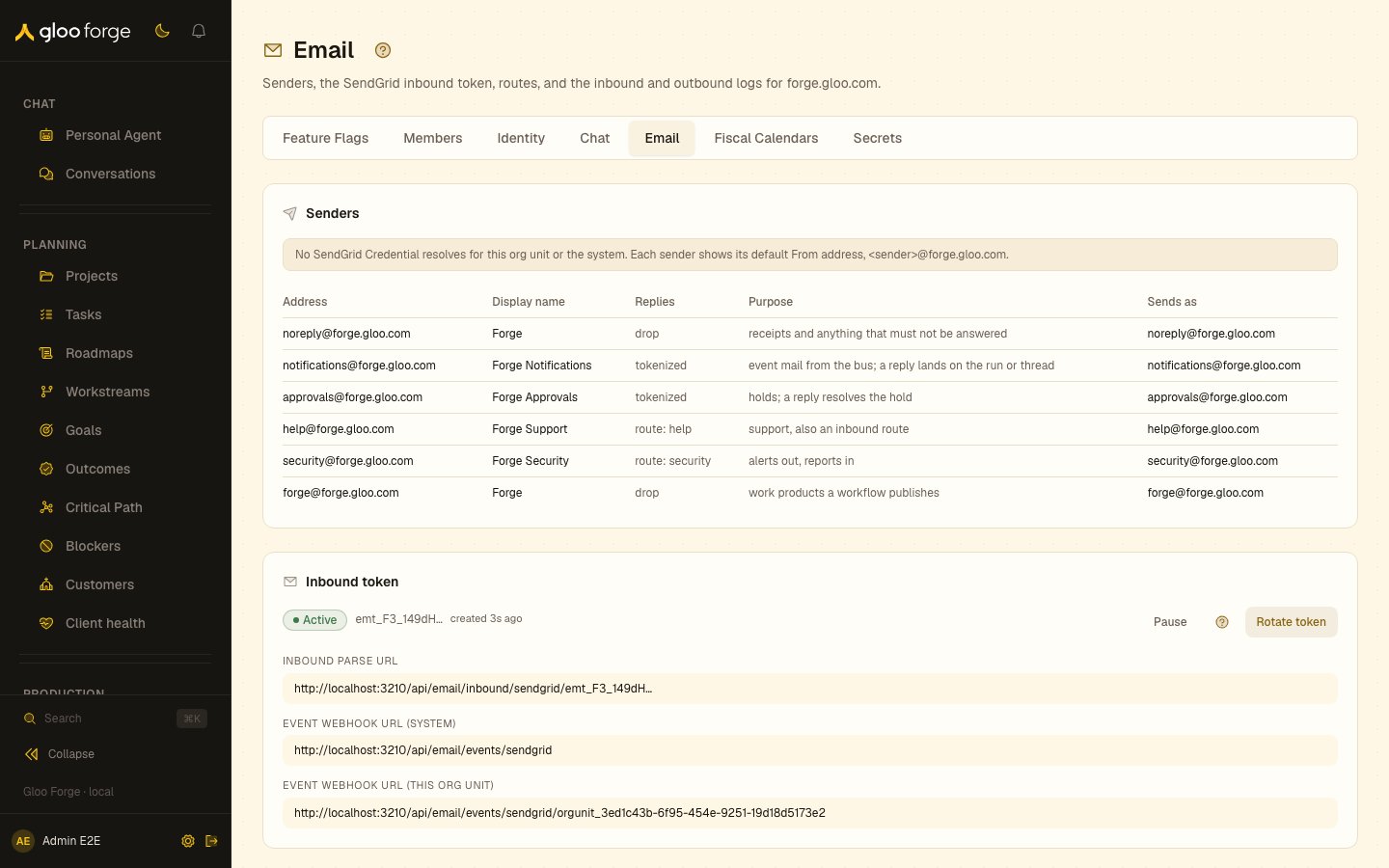
Email — Forge Console at /platform/email
Sections
- Senders: each sender’s Address, Display name, Replies, Purpose, and Sends as, with a note on which SendGrid Credential sets the From address.
- Inbound token: its Active or Paused state, the Inbound Parse URL, and the Event Webhook URL for the system and for this org unit.
- Routes: columns Address, Kind, Workflow, Sender policy, Rate/min, Status (Enabled or Disabled), and Actions.
- Inbound log: Received, From, To, Subject, Disposition, Reason, Target, Attachments, with Load more.
- Deliveries: Created, Sender, To, Subject, Status, Retries, Last error, SendGrid message, with Load more.
What you can do
- Create inbound token (when none exists) or Rotate token (after confirming “Rotate the inbound email token?”; Keep current URL cancels) shows the Inbound Parse URL once. Copy it with Copy URL and paste it into SendGrid Inbound Parse; Forge stores only a hash and cannot show it again. Done closes the dialog.
- Pause makes the Inbound Parse URL answer 410 so SendGrid retries; Resume restores the same URL.
- Create route opens New email route: Local part, Kind (
workflow: start a runordrop: accept and discard), Workflow, Sender policy (any,dkim_pass, orknown_person, the default), Rate per minute (1 to 600), and Enabled. Save with Create route or Save route. - Per route: Edit, Disable / Enable, and Delete, which asks Keep or Delete route.
Statuses
Who can act
Viewing the senders, inbound token, routes, inbound log and deliveries requireswebhooks:read. Managing the token and routes requires webhooks:manage. Picking a workflow for a route requires workflows:read. A workflow route needs an owner; if your sign-in has no worker identity in Forge, you can create only a drop route.
Key state to watch
unroutedin the inbound log: mail arrived for an address with no route. Add a route if it should start a workflow.rejectedorfaileddispositions: read Reason, then check the route’s Sender policy.- An inbound token stuck on Paused: SendGrid keeps retrying and mail is not processed.
bounced,dropped,spam, orfaileddeliveries: read Last error and check the recipient address.- Retries climbing on
retryingdeliveries: delivery attempts keep failing; read Last error.