

/platform/fiscal-calendars) holds the fiscal-year definitions used by workflow input expressions. It is the Fiscal Calendars tab of the Settings sidebar entry under Platform. Open it to add a calendar a close workflow can reference, or to check how a calendar encodes a given month.
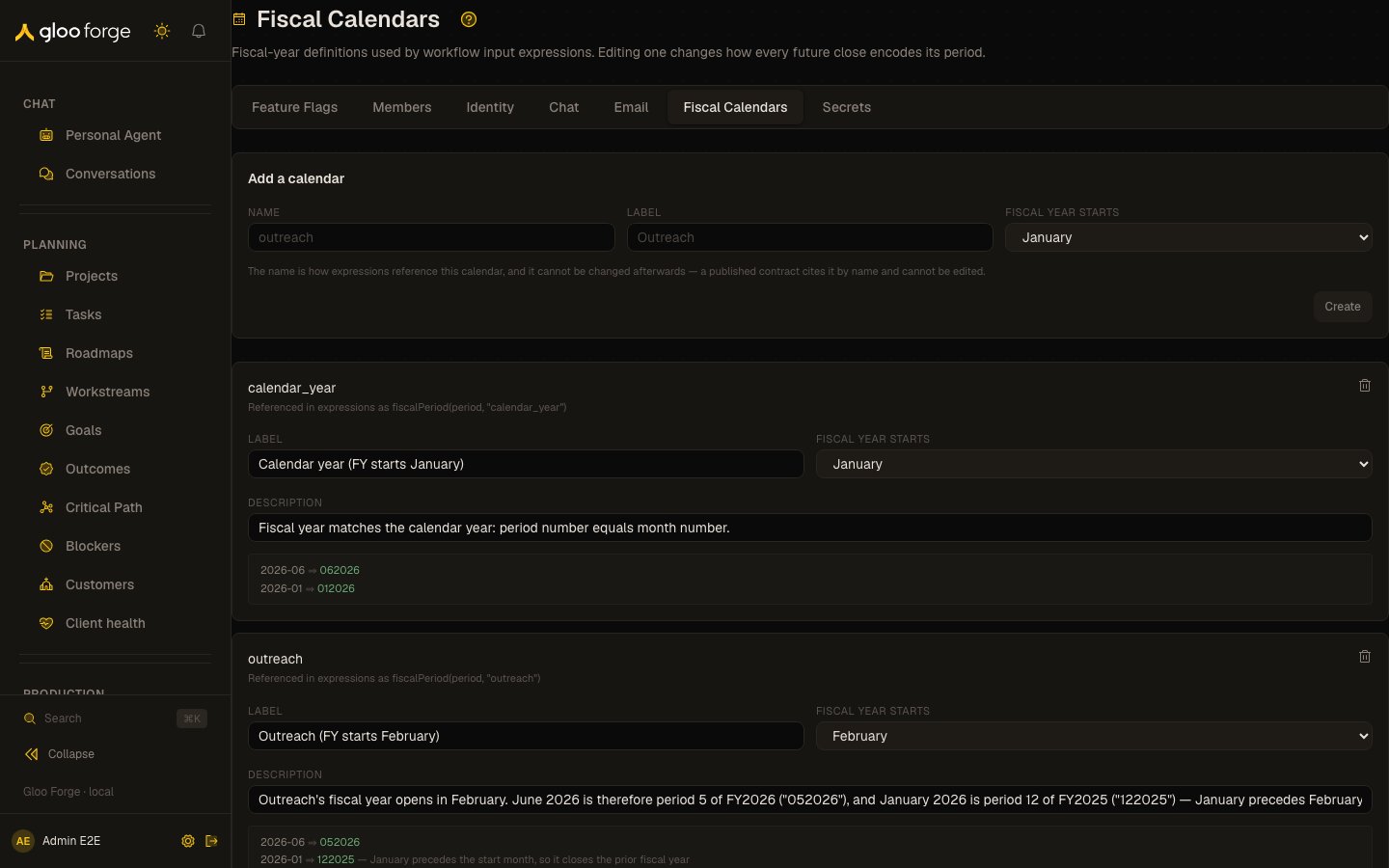
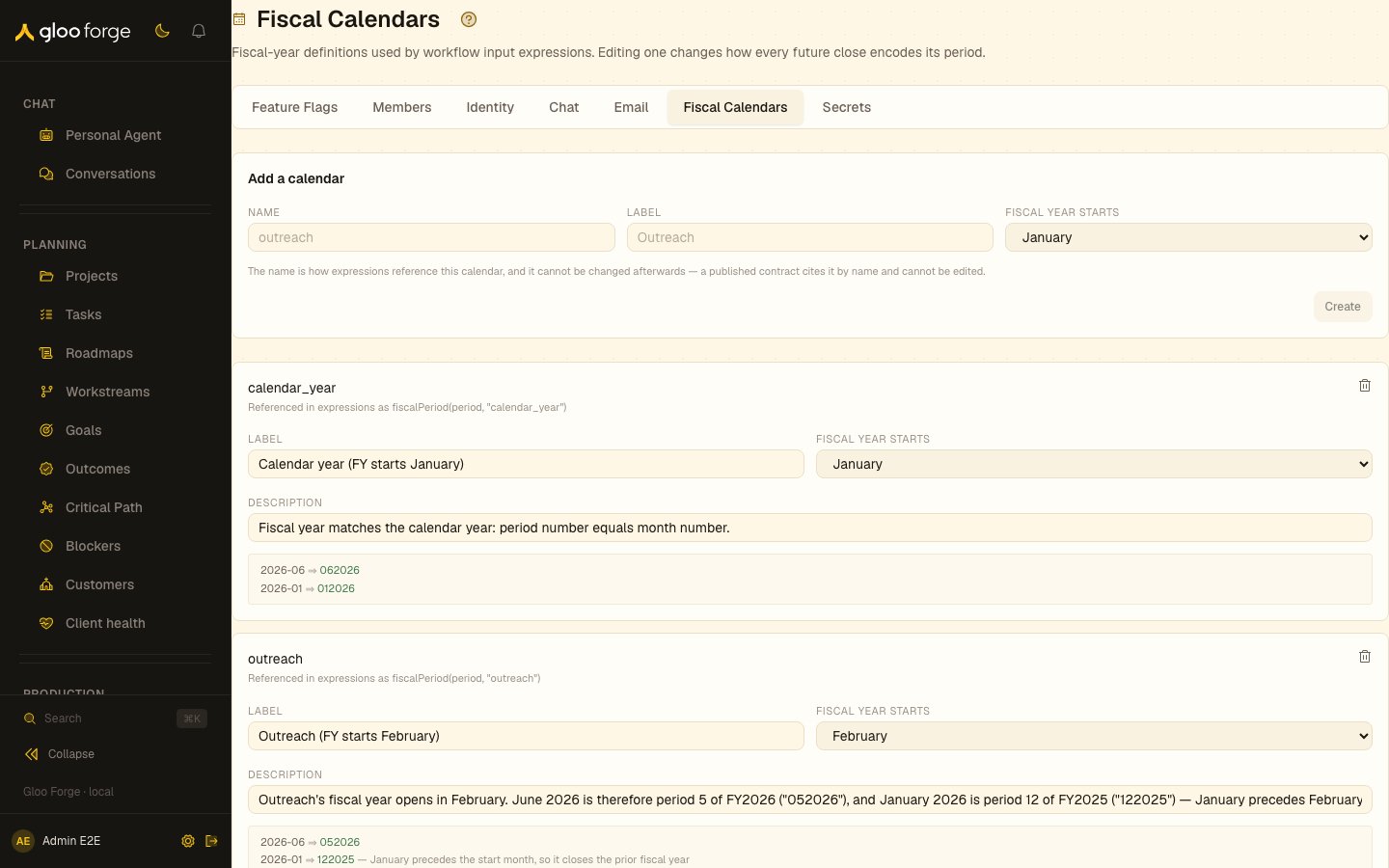
Fiscal calendars — Forge Console at /platform/fiscal-calendars
What you can do
- Add a calendar: enter Name, Label, and Fiscal year starts (a month), then Create. The name is how expressions reference the calendar, and it cannot be changed afterwards: a published contract cites it by name.
- Edit a calendar’s Label, Fiscal year starts, and Description in place. Save changes appears once something differs from the stored row.
- Delete a calendar with the trash button on its row.
Reading a calendar row
Each row shows the calendar name and how to reference it in an expression, for examplefiscalPeriod(period, "outreach"). Below the fields, a worked example encodes 2026-06 and 2026-01 as a two-digit fiscal period followed by the fiscal year. For a calendar whose year starts in February, 2026-06 encodes as 052026, and 2026-01 encodes as 122025 because January precedes the start month and closes the prior fiscal year.
Who can act
Reading calendars requiresworkflows:read. Creating, editing, and deleting require workflows:manage.
Key state to watch
- A changed Fiscal year starts on a calendar in use: every later run that encodes a period with it gets a different value. Check the worked example before you save.
- “No fiscal calendars yet.”:
fiscalPeriod()has no calendar to resolve against in a workflow input expression. - An error banner after Create, Save changes, or delete: the change was refused; read the message, since nothing was saved.