

/trust-fabric/access/check) is the fourth tab of Access. Ask whether a
person or agent holds a permission at a scope, and see why. It needs See access (grants:read).
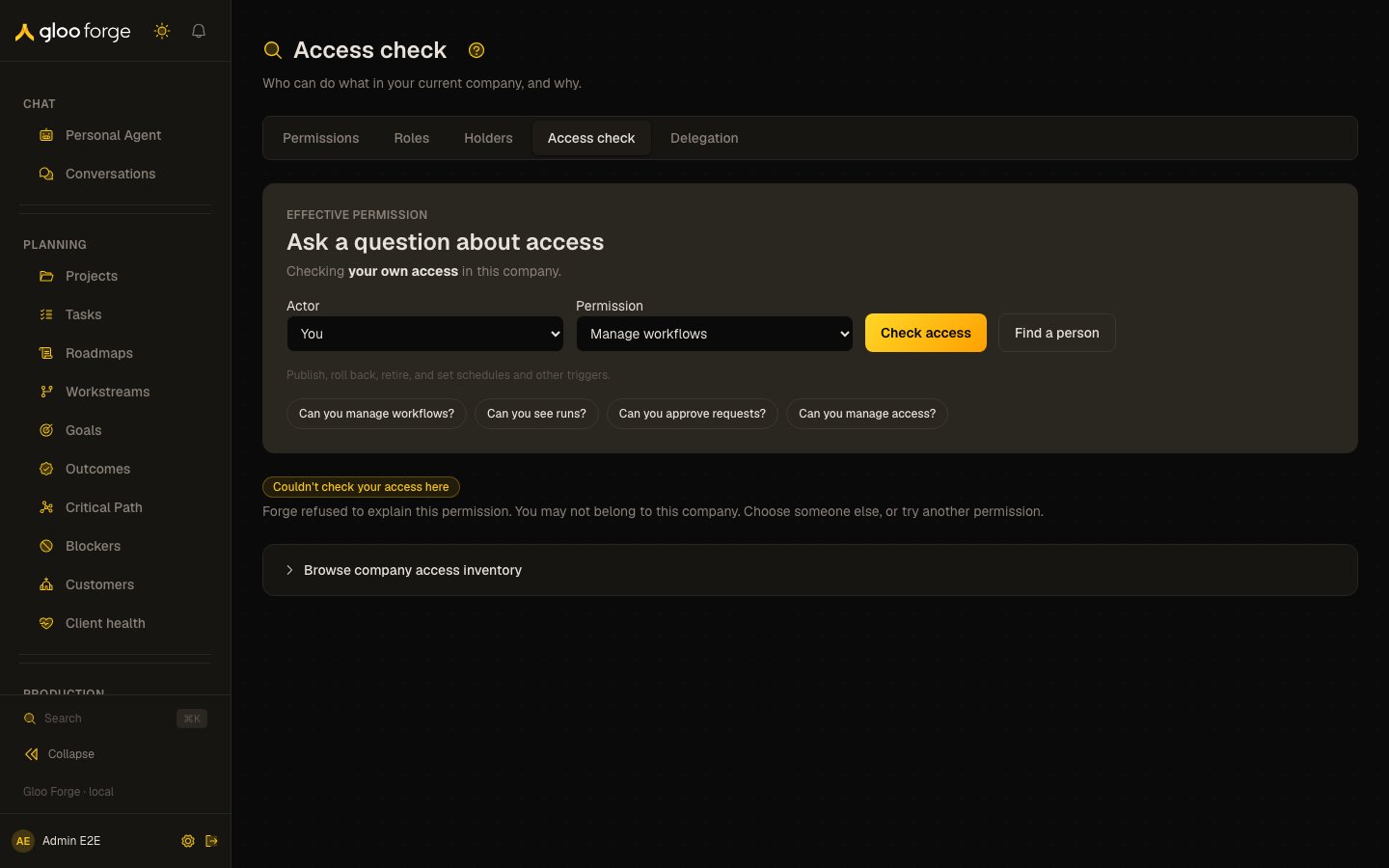
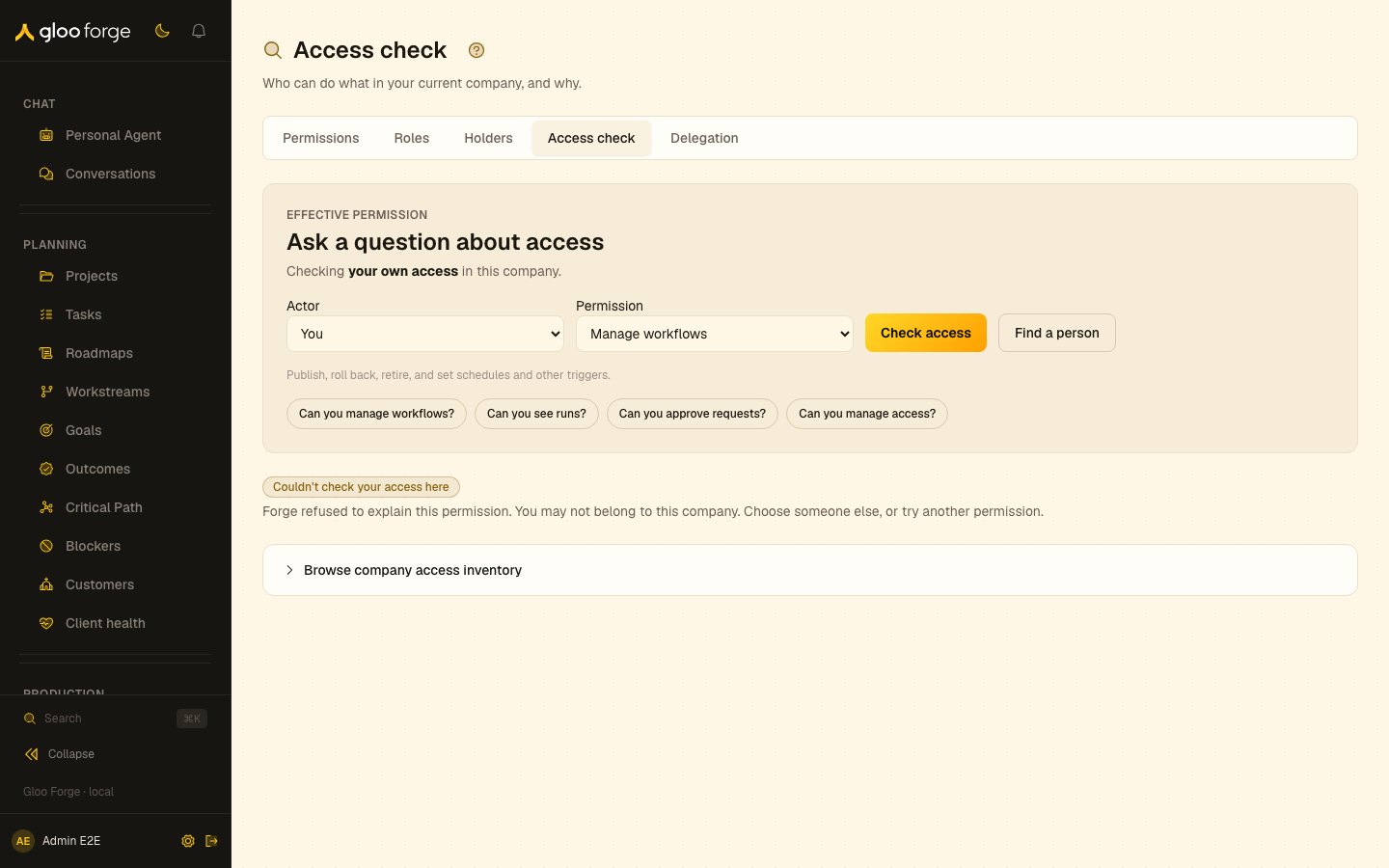
Access → Access check — Forge Console at /trust-fabric/access/check
What you can do
- Ask a question. Choose the actor and the permission, then Check access.
- Ask a common question. The common questions are phrased for the actor and ask in one click.
- Read the answer. See the verdict, Forge’s reason, and where Forge looked.
- Browse the company’s access. Browse company access inventory opens the full inventory.
Ask a question
At/trust-fabric/access/check, Ask a question about access comes first: choose the Actor
(you, or a person or agent holding a role in the company; Find a person searches everyone) and
the Permission, then Check access. The page opens on a worked answer for you and the
first common question; the common questions are phrased for the actor (“Can you manage
workflows?”) and ask in one click. With no organization selected, or no worker linked to your
sign-in, it shows the questions and asks you to choose who to check, and asks nothing.
The answer shows:
- the verdict card: Permission effective at the company (green edge), Not effective at it (red edge), or Cannot determine when the scope can’t be resolved or the resolver reached its limit (never a denial);
- Forge’s reason, quoted exactly as the server words it, and a line naming the roles the actor holds and whether they include the permission;
- Where Forge looked: the covering scopes from the platform down to the company on a rail, the scope you asked about marked, each role grant pinned to its scope and marked as including the permission or not.
workforce:read; audit:read is not required. Legacy Investigation and Decisions access-tab
links preserve their parameters and redirect before the audit gate.
Key state to watch
- Cannot determine. The scope can’t be resolved or the resolver reached its limit. It is never a denial.
- Other layers. Policy, approval, autonomy holds and the stops are checked separately; the answer covers role access only.
- Unsupported actors. A link naming an API key or app says it isn’t supported and never falls back to you.
Related
- Permissions: every permission, and the roles that include it.
- Holders: who holds a role at a scope.
- Decisions: why a request was allowed, blocked or held.