

/trust-fabric/access/delegation) is the fifth tab of Access. Review the
published workflow versions authorized to use a company’s credentials, and revoke a grant. It needs
See access (grants:read).
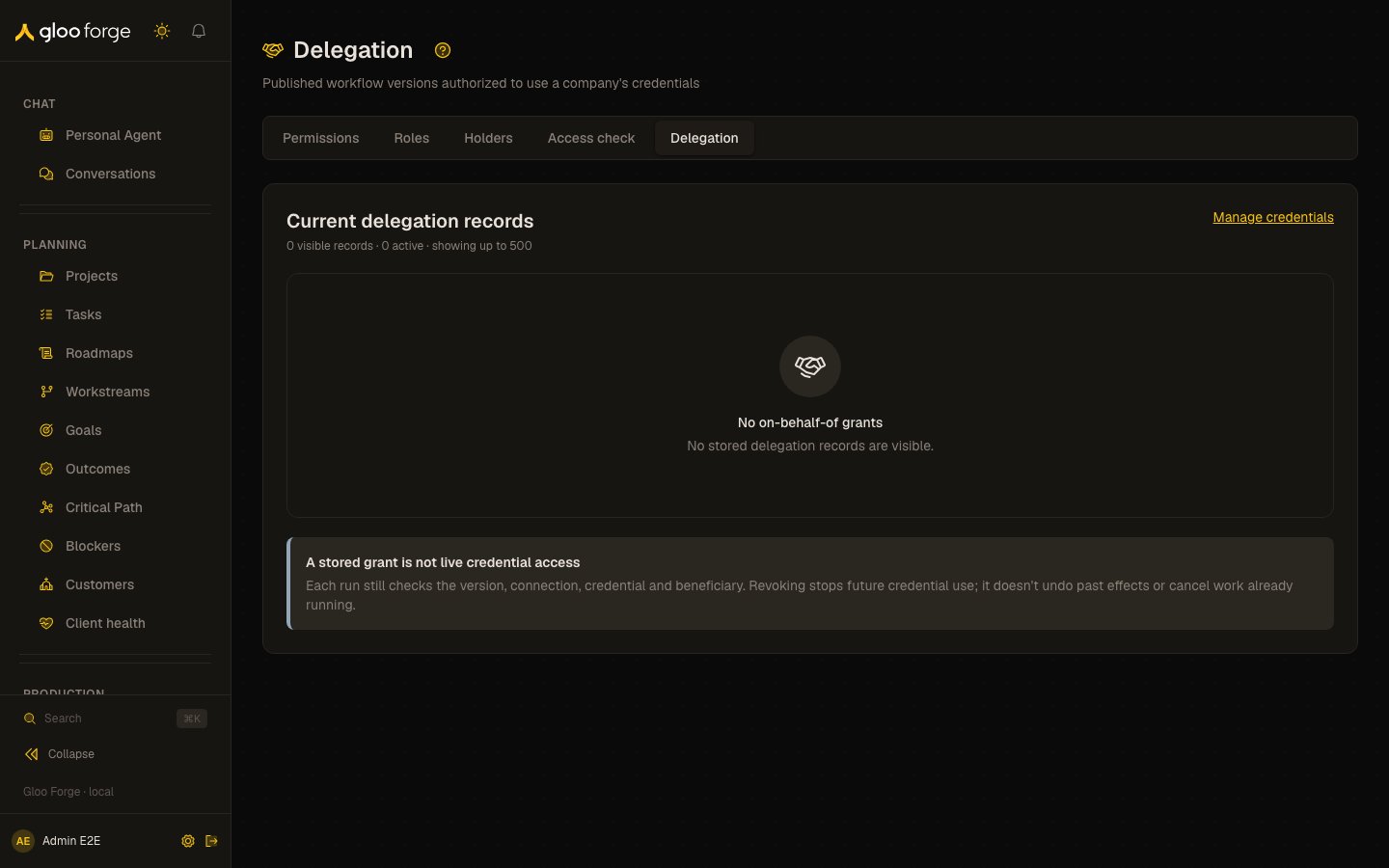
Access → Delegation — Forge Console at /trust-fabric/access/delegation
What you can do
- Review grants. See each published workflow version, its connection and the company it acts for.
- Open a workflow. Review opens the workflow’s page.
- Revoke a grant. With
grants:manage, Revoke… ends one exact grant after a confirmation.
Review and revoke grants
At/trust-fabric/access/delegation, review published workflow versions authorized to use a
company’s credentials. The Console offers review and exact-grant confirmed revocation, with no
creation form. Existing governed backend writers and enforcement remain unchanged.
Current delegation records says how many records are visible and how many are active, showing
up to 500; the counts are only of returned records, with no cursor or complete total. A grant still
stored active past its expiry reads Expired and isn’t counted as active. A stored grant is not live credential access: each run still checks the version,
connection, credential and beneficiary. Expired and revoked rows remain visible. Missing company
labels read Unknown company without an extra directory read.
Each grant is one lane: the published workflow and its version, its connection, and the company it
acts for (Company only or Includes child units), then its status, who granted it and
when, its expiry, Review (the workflow’s page) and Revoke…. A revoked grant is drawn
quieter and can’t be revoked again.
Revocation needs grants:manage. The confirmation names the exact version, connection and company,
waits for the result and disables a second submit. It is withdrawn if that grant stops being active
in the list. A failed revoke reads as unconfirmed and is never retried automatically: check the
grant in the list before trying again. Reactive data supplies
the resulting state. Revocation affects future credential resolution and cannot undo effects or
rewrite history. Manage credentials links to the Platform registry. /platform/on-behalf-of and
/trust-fabric/on-behalf-of redirect here.
Key state to watch
- Expired. A grant still stored active past its expiry reads Expired and isn’t counted as active.
- Unconfirmed revoke. A failed revoke is never retried automatically; check the grant in the list before trying again.
- Counts. They cover only the records returned, up to 500.
Related
- Permissions: every permission, and the roles that include it.
- Credentials: the credentials a grant lets a workflow use.
- Bind node credentials: how a workflow node names a company’s credential.