

/workforce/groups) lists cross-cutting groups: task forces, tiger teams, committees and other groups that span the org-chart hierarchy. A group gathers workers and positions from anywhere in the organization without changing anyone’s position or reporting line. Reading the page needs workforce:read; creating a group and changing its members needs org:manage.
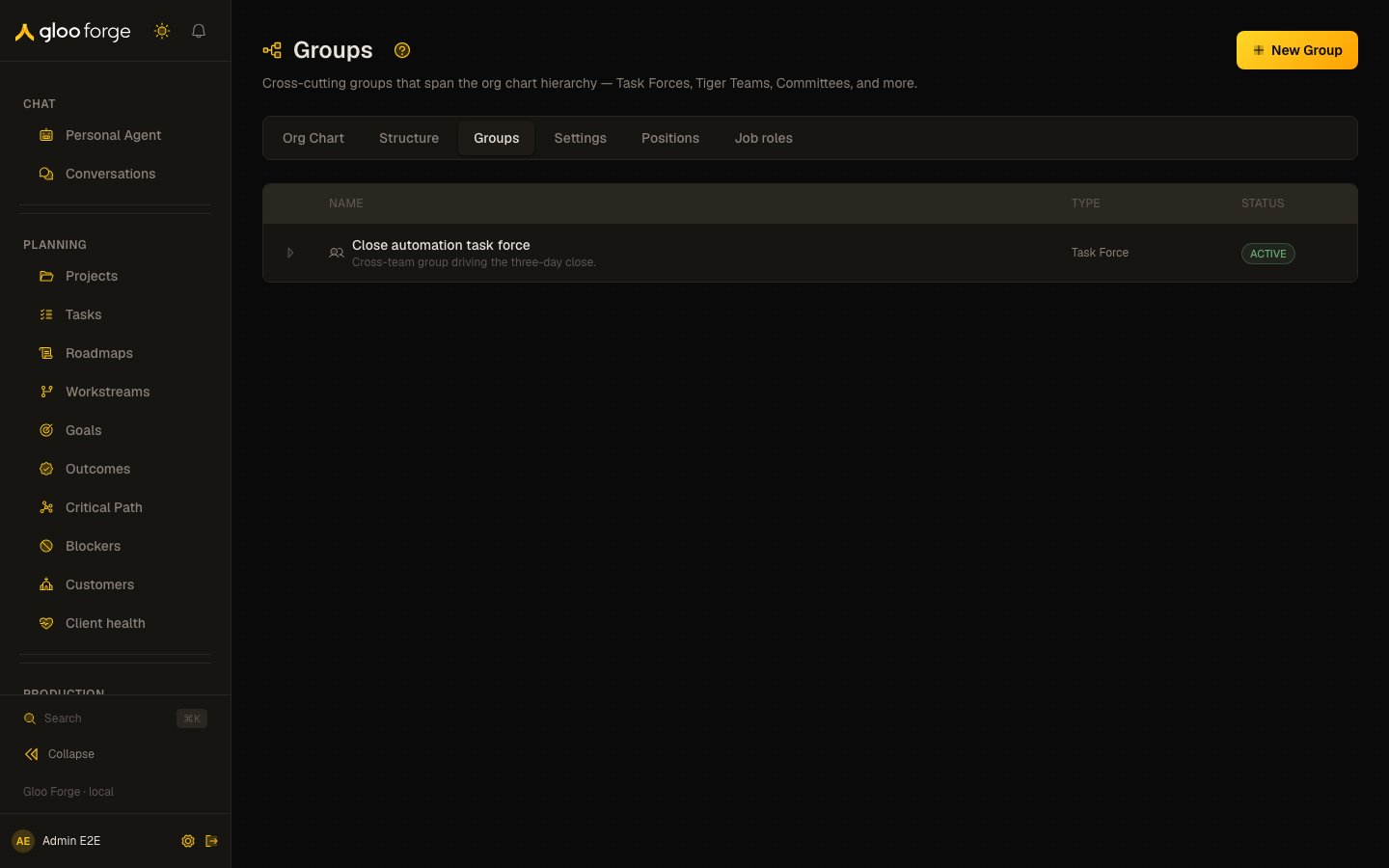
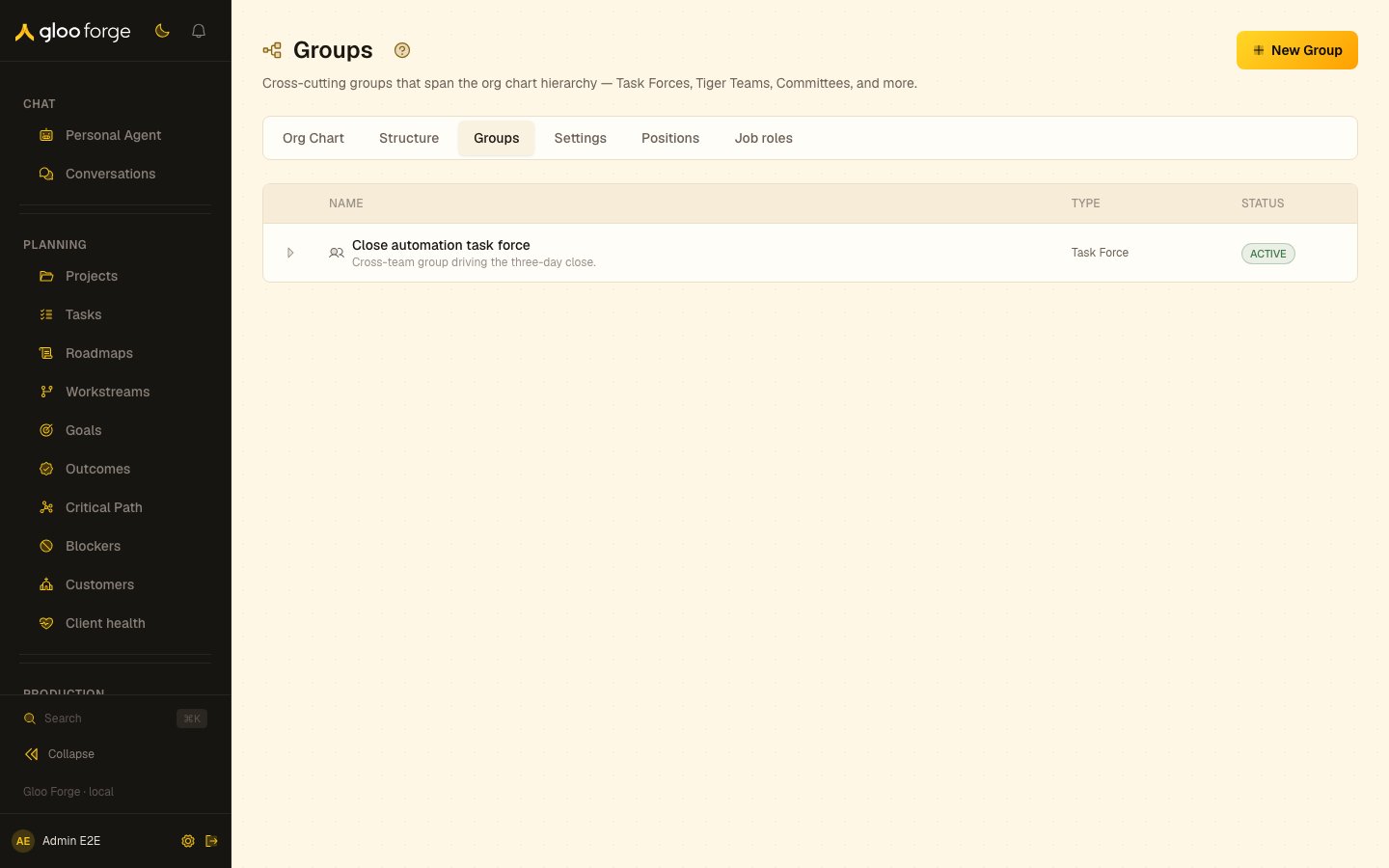
Groups — Forge Console at /workforce/groups
What you can do
- Read every active group with its Name, description, Type and Status.
- Expand a group to see its Members, each marked as a worker or a position, with an optional role.
- Create a group with New Group.
- Add a worker or a position to a group, or remove one.
Creating a group
- Choose New Group.
- In Create Cross-Cutting Group, enter a Name, choose a Type, and optionally add a Description.
- Create the group. It appears in the list.
Managing members
Expand a group to open its member list. Members (N) counts them.- Add Member opens a dialog: pick the Member Type (Worker or Position), choose the worker or position, and optionally give a Role such as Chair, Member or Advisor.
- Remove member on a row removes that membership. If the server refuses, the reason is shown above the list.
Key state to watch
- Groups with no members — an empty group coordinates nothing.
Related surfaces
- Settings — the cross-cutting group types a group is created from.
- Organization structure — the hierarchy groups cut across.
- Positions — the positions you can add as members.
- People — the workers you can add as members.