

/workforce/roles) is the catalog of jobs your workers fill: each job role holds the description, responsibilities and system prompt a position shares, and the skills and tools workers in that role are granted or denied. A job role is not a Trust Fabric access role; it grants no platform permission to a person. Creating, editing and deleting job roles, and saving their grants, needs roles:manage; starting a Role Architect session also needs org:manage.
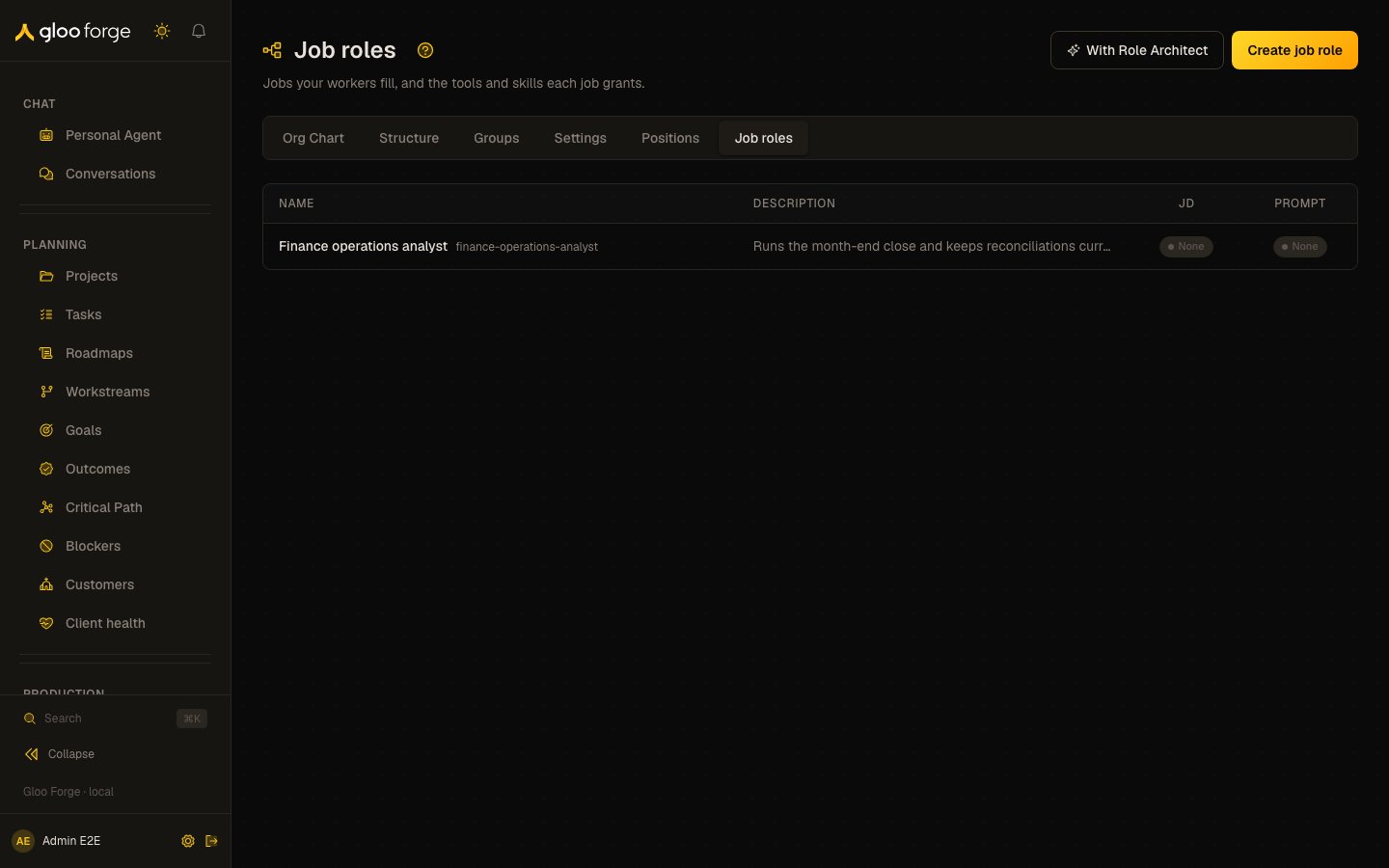
Job roles — Forge Console at /workforce/roles
What you can do
- Read every job role with its Name and id, Description, and whether its job description (JD) and Prompt are set.
- Create a job role with Create job role, or start an assisted session with With Role Architect.
- Open a job role to edit its fields, its grants, or delete it.
The catalog
Each row shows the job role’s name and its id, its description, and two badges: JD and Prompt, each Set or None. Select a row to open the job role. With no job roles, the page shows No job roles yet.Creating a job role
- Create job role opens a drawer that asks for a name (for example Research Analyst), an id (for example
research-analyst), a description, and whether to Mark as template. - With Role Architect starts a Role Architect session in a drawer. Describe the job; the Architect drafts the role and shows a preview card with its data access, write access, environments, maximum spend and maximum duration. Creating it shows Job role created ✓.
Editing a job role
The job role drawer has five tabs:
On Job Description and System Prompt, Generate (or Improve, when the field has content) drafts the text with AI and shows it as Proposed beside the Current text; accepting it saves the field. Responsibilities is edited by hand. Each field saves with Save.
On Tools, change grants and denies, then Save, or Cancel to return to the saved grants. Delete removes the job role after a second Confirm delete.
Key state to watch
- JD and Prompt showing None — positions attached to the role carry no shared job description or instructions.
- Denied tools and skills on Tools — a deny applies to every worker in the role.
- A worker who still cannot act — check Your access or Trust Fabric; a job role does not grant platform permissions.